
Bubuka
The Colgate 360 Optic White Battery Powered Sonic Toothbrush combines the familiarity of a manual toothbrush head with the cleaning power of sonic technology. This toothbrush is designed to provide a comprehensive clean for your teeth, cheeks, tongue, and gums, contributing to a brighter, whiter smile.
Émbaran Kasalametan
Battery choke hazard. Do not charge or put in fire. May explode or leak causing injury.
Disetél
1. Ngabongkar sareng Pasang Batré
Your Colgate 360 Optic White Sonic Toothbrush comes with one AAA battery included. To install or replace the battery:
- Gently twist and pull off the bottom cap of the toothbrush handle.
- Insert one fresh AAA battery, ensuring the positive (+) and negative (-) terminals are aligned correctly as indicated inside the compartment.
- Replace the bottom cap, twisting it securely until it clicks into place.

Figure 1: Colgate 360 Optic White Battery Powered Sonic Toothbrush in its original packaging.
2. Pamakéan awal
Before first use, rinse the brush head thoroughly under running water. Apply a small amount of toothpaste to the bristles.
Video 1: Hiji leuwihview of the Colgate 360 Optic White Sonic Toothbrush, highlighting its features and deep cleaning power.
Parentah Operasi
1. Hurungkeun / Pareum
To activate the sonic vibrations, press the larger button located on the handle. To turn off the toothbrush, press the smaller button.
2. Téhnik Brushing
Dentists and hygienists recommend brushing your teeth for 2 minutes, twice a day. The Colgate 360 Optic White Sonic Toothbrush features soft Floss Tip bristles designed to clean effectively between teeth. The powerful sonic technology delivers 20,000 strokes per minute for a thorough clean.
- Hold the toothbrush at a slight angle towards your gum line.
- Gently move the brush in small circular motions, allowing the sonic vibrations to do the work.
- Brush all surfaces of your teeth: outer, inner, and chewing surfaces.

Figure 2: The soft Floss Tip bristles are designed to reach between teeth for a comprehensive clean.

Figure 3: The vibrating bristles are powered by sonic technology for effective cleaning.
3. Tongue and Cheek Cleaning
For a healthier whole mouth clean, the toothbrush also features a textured pad on the back of the brush head for cleaning your tongue and cheeks. This helps remove bacteria that can cause bad breath.

Figure 4: The textured back of the brush head serves as a cheek and tongue cleaner.
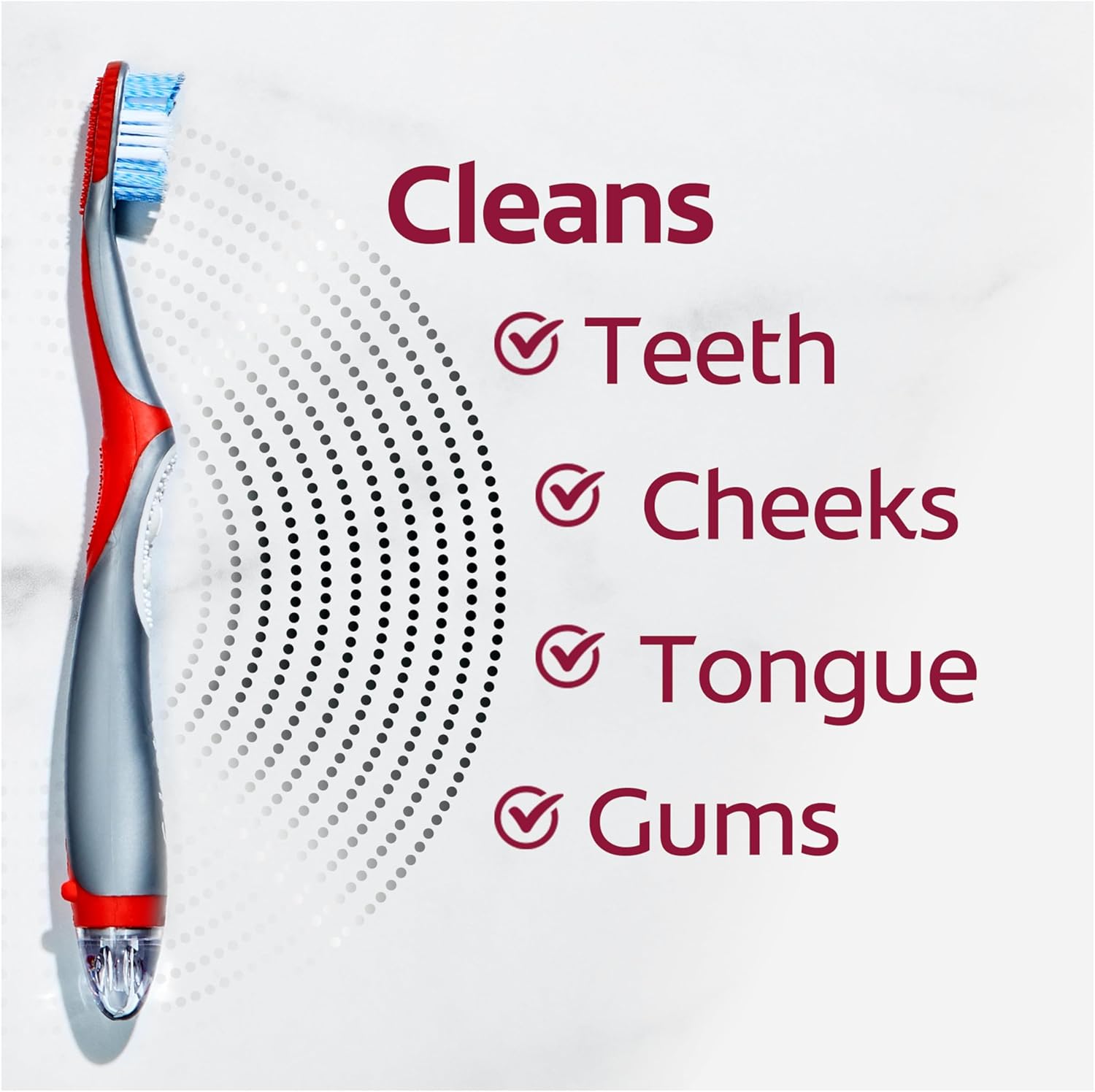
Figure 5: This toothbrush is designed to clean the entire mouth, including teeth, cheeks, tongue, and gums.
Video 2: A short demonstration of the Colgate 360 Optic White toothbrush in action, highlighting its whitening capabilities and ease of use.
Pangropéa
1. Replacing the Brush Head
Dentists and hygienists recommend replacing your toothbrush every 3 months, or sooner if the bristles are frayed. The brush head is designed to be easily replaceable.
2. Ngaganti Batré
The toothbrush operates on one AAA battery. When the vibrations weaken, it's time to replace the battery. Follow the battery installation steps in the Setup section.

Figure 6: The bottom cap can be twisted off to access the battery compartment for replacement.
3. Ngabersihan sikat huntu
After each use, rinse the brush head thoroughly under running water to remove any toothpaste residue and debris. Wipe the handle with a damp lawon sakumaha diperlukeun.
Pamérésan masalah
If your toothbrush is not vibrating or performing as expected:
- Pariksa batréna: Ensure the AAA battery is correctly installed and not depleted. Replace with a fresh battery if necessary.
- Secure the cap: Make sure the bottom cap is twisted on tightly to ensure proper contact for the battery.
- Inspect the brush head: Pastikeun sirah sikat geus aman napel kana gagang.
spésifikasi
| Fitur | Rincian |
|---|---|
| Dimensi produk | 1.97 x 9.02 x 0.98 inci |
| Nomer Modél Item | CN05776A |
| Batré | 1 batré AAA diperlukeun (kaasup) |
| Produsén | Colgate-Palmolive Co |
| Rentang Umur (Deskripsi) | Dewasa |
| Fitur husus | Vibrating brush head |
| Sumber Daya | Batré Powered |
| Kateguhan barang Pedaran | Lemes |
Émbaran penting
Indikasi
Dentists and hygienists recommend replacing your toothbrush every 3 months.
Pitunjuk
Dentists & Hygienists recommend replacing your toothbrush every 3 months.
Bantahan Hukum
Pernyataan ngeunaan suplemén dietary teu acan dievaluasi ku FDA sareng henteu dimaksudkeun pikeun ngadiagnosa, ngubaran, ngubaran, atanapi nyegah panyakit atanapi kaayaan kaséhatan.