
Bubuka
This manual provides instructions for the setup, operation, maintenance, and troubleshooting of your new replacement remote control for Optoma projectors. This remote is designed to be compatible with a wide range of Optoma projector models, offering a convenient and reliable control solution.
Compatible Optoma Projector Models:
- HD26, X412, HD26B, HD26BR, UHD300X
- GT1080, GT1080E, GT1080DARBEE, GT1070X, VDGTGZBZ, GT1070Xe
- HD141X, HD143X, H181X, DH1008, DH1009
- HD37, UHD60, HDF536, HDF537ST, HD200D
- HD39DARBEE, VDHDNBDSE, UHD65, HD27, HD27E, HD27HDR, HD29DARBEE
- EH200ST, EH412ST, GT5600, VDHDNL, HD142X, HD144X, HD152X
- UHD550X, HD28HDR, HD28DSE, UHD40, UHD50, UHZ65, VDUHDLZ, ZH403, HD39HDR, UHD35
Please verify that your original remote control is identical to this replacement model for full functionality. If your original remote differs, some functions may not be fully compatible.
Disetél
Pamasangan batré
The remote control requires two (2) AA batteries for operation. Batteries are not included with the remote control.
- Panggihan kompartemen batré dina tonggong kadali jauh.
- Geser panutup kompartemen batré ka handap atawa pencét kancing jeung angkat pikeun muka.
- Selapkeun dua batré AA, mastikeun terminal positif (+) jeung négatip (-) align bener jeung markings jero kompartemen nu.
- Ganti panutup kompartemen batré ku cara ngageser deui kana tempatna nepi ka klik aman.

The remote control's rear panel, with the battery cover removed, revealing the battery compartment and regulatory markings.

The remote control's front, highlighting the requirement for two AA batteries for operation.
Operasi
Fungsi Dasar
Point the remote control directly at the infrared receiver on your Optoma projector. The maximum effective range is approximately 10 meters (33 feet).
A jelas view of the remote control's front face, displaying all functional buttons including power, menu, volume, and source selection.
- ON/OFF: Press the 'ON' button to power on the projector. Press the 'OFF' button to power off the projector.
- Menu: Access the projector's on-screen display (OSD) menu.
- Tombol Navigasi (Luhur, Handap, Kénca, Katuhu, Lebet): Use these buttons to navigate through menu options and confirm selections.
- Volume +/-: Saluyukeun tingkat kaluaran audio.
- Sumber: Cycle through available input sources (e.g., HDMI1, HDMI2, VGA1, VGA2, Video, YPbPr).
- Jempé: Jempekeun atanapi aktipkeun deui audiona.
- Caang: Adjust the projector's brightness setting.
- Kontras: Adjust the projector's contrast setting.
- Batu konci: Access keystone correction settings to adjust image geometry.
- Rasio Aspék: Change the image aspect ratio.
- Mode: Select different display modes.
- 3D: Activate or deactivate 3D mode (if supported by projector).
- Timer Saré: Set a timer for the projector to automatically power off.
- Re-sync: Re-synchronize the input signal.
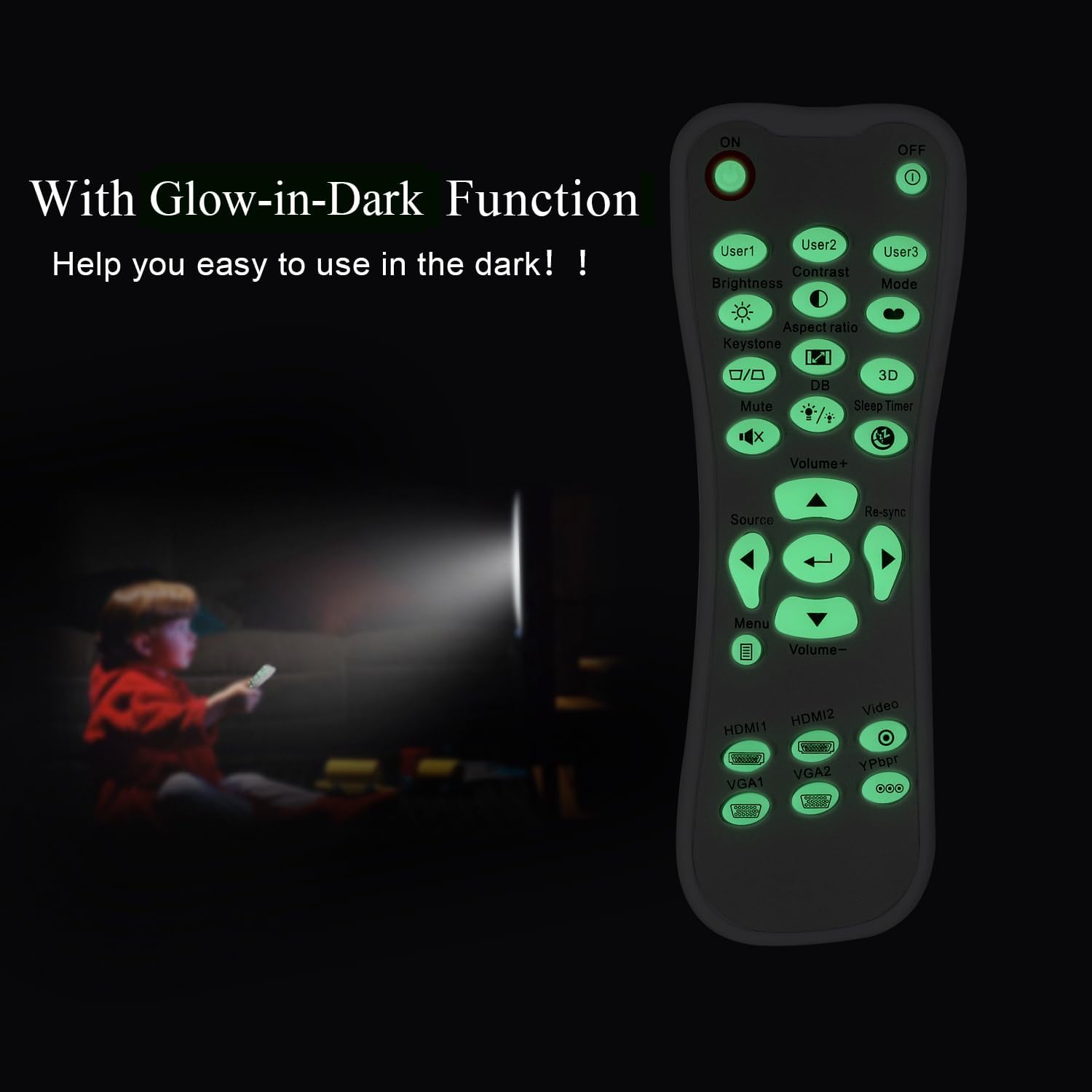
Glow-in-Dark Function
Certain buttons on this remote control are designed to glow in the dark, enhancing visibility and ease of use in low-light conditions. For optimal luminous effect, expose the remote control to bright light for a period before use in the dark.

The remote control features glow-in-the-dark buttons, making it visible and easy to use in low-light environments, such as a darkened room during projector use.
Rentang Operasi
The remote control operates using infrared (IR) technology. Ensure a clear line of sight between the remote control and the projector's IR receiver. The effective operating distance is up to 10 meters (approximately 33 feet).
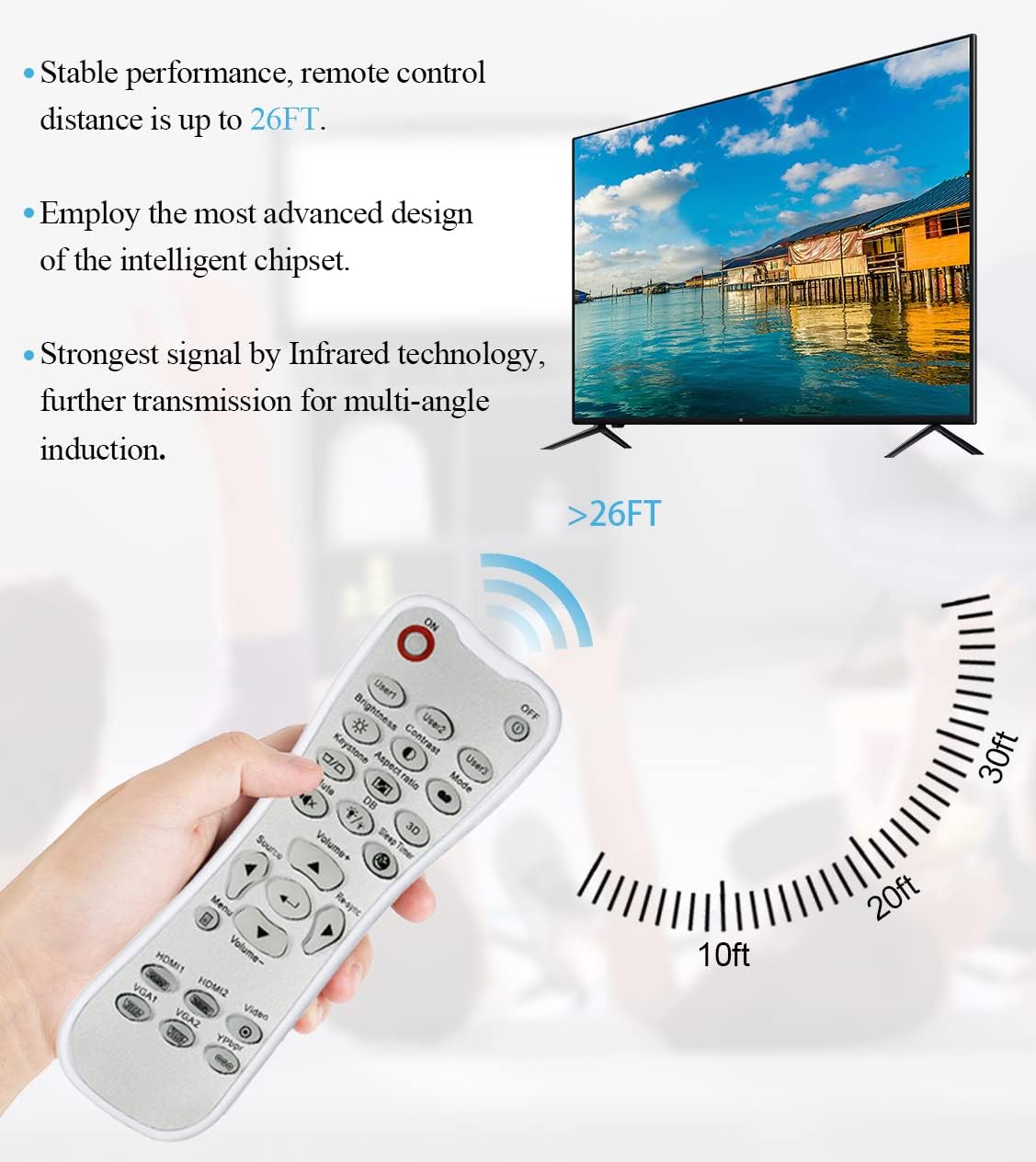
The remote control utilizes infrared technology for signal transmission, offering a reliable operating range of up to 26 feet (approximately 8 meters) for controlling your projector.
Pangropéa
beberesih
To clean the remote control, use a soft, dry cloth. Do not use liquid cleaners, abrasive pads, or chemical solvents, as these may damage the surface or internal components.
Ngagantian batré
Replace batteries when the remote control's response becomes sluggish or stops working. Always replace both batteries at the same time with new AA batteries. Do not mix old and new batteries, or different types of batteries.
Panyimpenan
Simpen remot kontrol di tempat anu tiis, garing, sareng jauh tina sinar panonpoé langsung sareng suhu anu ekstrim. Upami remot henteu dianggo kanggo waktos anu lami, disarankeun pikeun nyabut batréna pikeun nyegah bocor.
Pamérésan masalah
- Jauh teu ngabales:
- Pastikeun batréna dipasang kalayan leres sareng polaritas anu leres.
- Ganti batré heubeul ku nu anyar.
- Check for any obstructions between the remote control and the projector's IR receiver.
- Ensure you are within the effective operating range (up to 10 meters).
- Buttons are stiff or unresponsive:
- Ensure the remote control is clean and free from debris that might impede button movement.
- If buttons are consistently stiff, this may indicate a manufacturing issue.
- Glow-in-dark function is weak:
- Expose the remote control to bright light for a longer duration to charge the luminous material.
spésifikasi
| Fitur | Spésifikasi |
|---|---|
| Ngaran modél | L-27-5KEY |
| Brand kasaluyuan | Optoma Projectors |
| Fitur husus | Universal Replacement, Glow-in-Dark Buttons |
| Warna | Bodas |
| Téhnologi konektipitas | Infrabeureum (IR) |
| Kuantitas Tombol | 5 (referring to the main function keys, though more buttons are present) |
| Tipe Controller | Tombol Control |
| Rentang maksimum | 10 Méter (kira-kira 33 kaki) |
| Jenis Batré | 2 x Batré AA (teu kalebet) |
| Bahan | palastik |
| Ukuran barang (L x W x H) | 14.9 cm (5.9 inci) x 5.3 cm (2.1 inci) x 2.5 cm (1 inci) |

A dimensional diagram illustrating the compact size of the remote control, measuring approximately 14.9 cm (5.9 inches) in length, 5.3 cm (2.1 inches) in width, and 2.5 cm (1 inch) in thickness.
Garansi sareng Rojongan
For any issues not covered in this manual, or for warranty inquiries, please contact the seller or manufacturer directly through your purchase platform. Keep your purchase receipt as proof of purchase.