Bubuka
Thank you for choosing the Celly Pantone Qi Wireless Charger. This device provides convenient and efficient wireless charging for your compatible smartphones and other Qi-enabled devices. Its compact design makes it ideal for use at home or in the office. Please read this manual carefully before use to ensure proper operation and to maximize the product's lifespan.
Eusi pakét
- Celly Pantone Qi Wireless Charger (Model PTWC001N)
- Kabel Daya Micro USB

Image: Celly Pantone Qi Wireless Charger in its retail packaging, showing the charger and included USB cable.
Produk Leuwihview
The Celly Pantone Qi Wireless Charger is a sleek and compact charging pad designed for ease of use. It features a circular design with a central charging area and an integrated LED indicator to show charging status. The charger supports up to 10W wireless charging, with optimized 7.5W output for compatible Apple iPhone models.
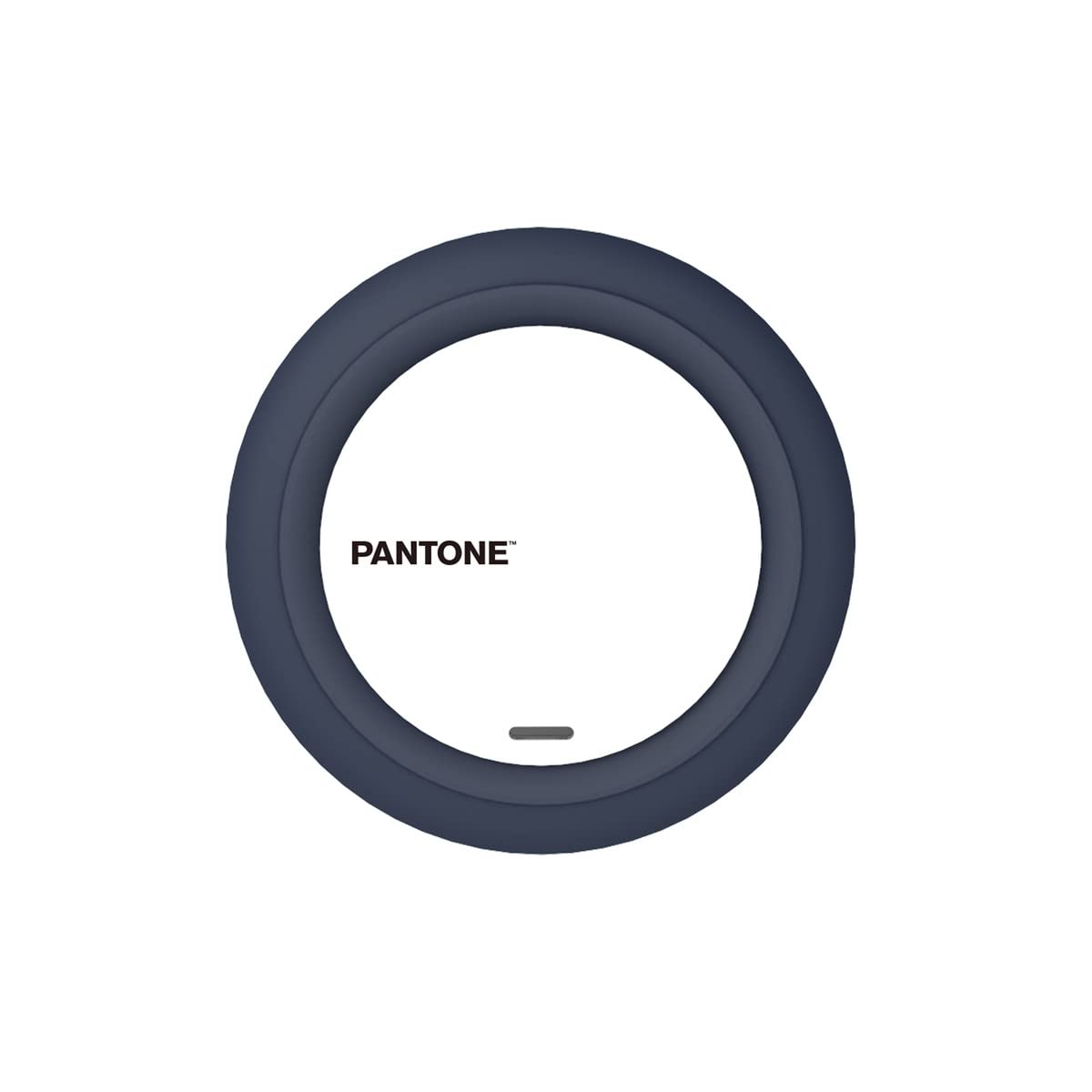
Gambar: Top view of the Celly Pantone Qi Wireless Charger, highlighting its circular design and central charging area.
Disetél
- Connect the Micro USB end of the provided cable into the charging port on the Celly Pantone Qi Wireless Charger.
- Connect the standard USB-A end of the cable into a compatible USB power adapter (not included). A Quick Charge 2.0/3.0 adapter or a 5V/2A adapter is recommended for optimal performance.
- Place the wireless charger on a stable, flat surface.
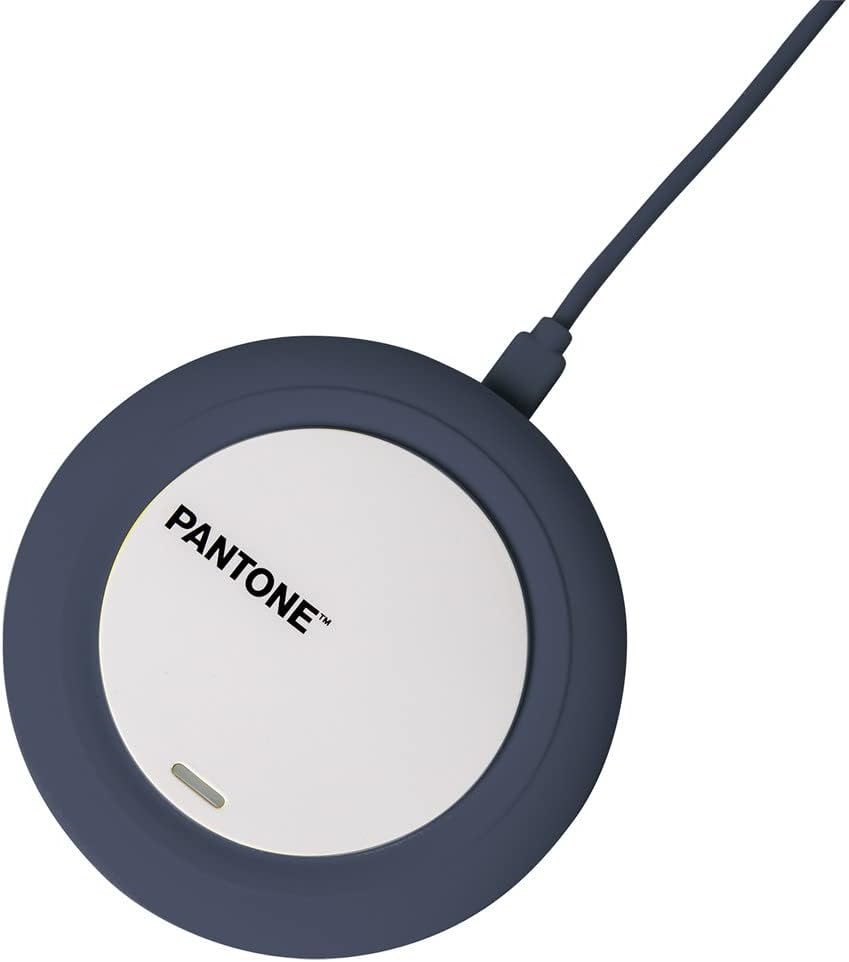
Image: The Celly Pantone Qi Wireless Charger with its Micro USB cable connected, ready for power.
Parentah Operasi
Pikeun ngeusi batre alat anjeun:
- Ensure the Celly Pantone Qi Wireless Charger is properly connected to a power source. The LED indicator may briefly light up to confirm power.
- Place your Qi-compatible smartphone or device directly onto the center of the charging pad.
- The integrated LED indicator on the charger will illuminate to confirm that charging has begun. If the LED does not light up, adjust the position of your device on the pad.
- Saatos alat anjeun dicas pinuh, cabut tina pad ngecas.
Kasaluyuan
This charger is compatible with all devices featuring Qi wireless charging technology. This includes various models from brands such as Apple (iPhone 8 and newer), Samsung, Motorola, Xiaomi, OPPO, Huawei, TCL, Alcatel, Vivo, Realme, Honor, as well as compatible smartwatches and MP3 players.
Pangropéa
- beberesih: Disconnect the charger from the power source before cleaning. Use a soft, dry cloth to wipe the surface. Do not use liquid cleaners or aerosols.
- Panyimpenan: Simpen carjer dina tempat anu tiis sareng garing upami henteu dianggo.
- Penanganan: Avoid dropping the charger or subjecting it to strong impacts. Do not disassemble the device, as this will void any warranty and may cause damage.
Pamérésan masalah
- Alat teu ngecas:
- Ensure the Micro USB cable is securely connected to both the charger and the power adapter.
- Verify that the power adapter is plugged into a working electrical outlet.
- Pastikeun alat anjeun cocog sareng Qi.
- Adjust the position of your device on the charging pad to ensure proper alignment with the charging coil.
- Cabut wadah telepon kandel anu tiasa ngaganggu ngecas nirkabel.
- Ngecasna laun:
- Ensure you are using a compatible power adapter (e.g., Quick Charge 2.0/3.0 or 5V/2A). Lower power adapters may result in slower charging.
- Check for proper alignment of your device on the charging pad.
- Avoid charging in excessively hot environments.
- LED indicator is not lighting up:
- Verify that the charger is receiving power from the wall outlet.
- Pastikeun alat disimpen leres dina pad ngecas.
spésifikasi
| Modél | PTWC001N |
| Diménsi | 9.8 x 1.3 x 9.8 cm |
| Beurat | 50 g |
| Masukan Voltage | 100 volt |
| Ampumur | 2 Ampenya |
| Kaluaran Wattage | Up to 10W (7.5W for compatible Apple iPhones) |
| Tipe Panyambung | Wireless (Qi standard) |
| Alat nu cocog | Qi-enabled smartphones, smartwatches, MP3 players |
| Fitur tambahan | Indikator muatan |
| Komponén Kaasup | Kabel Micro USB |
Garansi sareng Rojongan
For warranty information or technical support, please refer to the documentation provided with your purchase or contact the retailer/manufacturer directly. Keep your proof of purchase for any warranty claims.


