
1. Bubuka
The Poly Studio is an all-in-one USB video and audio conferencing system designed for home offices and small meeting rooms. It integrates a 4K camera, smart microphones, and a speaker into a single, sleek bar, offering a plug-and-play solution for enhanced virtual meetings.

Image: Poly Studio Premium USB Video & Audio Conferencing System, showcasing desain kompak na.
Fitur konci:
- Solusi Sadaya-dina-Hiji: Combines a 4K camera, smart microphone, and speaker into a single bar, ideal for small meeting rooms and home offices.
- Konéktivitas USB Colokkeun-sareng-Maénkeun: No software required for basic functionality. Connect via USB to instantly elevate your Zoom, Teams, Skype, and Google Meet experience.
- Exceptional Audio Clarity: Features Polycom noise-blocking technology and beamforming microphones for crystal-clear sound.
- Smart Camera Framing: Automatically adjusts framing and tracking based on speaker movement and participants in the room.
2. Setélan
Follow these steps to set up your Poly Studio conferencing system:
- Buka bungkus Alat: Carefully remove the Poly Studio bar and all accessories from the packaging.
- Pilih Pilihan Pasang: The Poly Studio can be mounted on a tabletop, wall, or tripod.
- Tabletop Gunung: Teundeun alat dina permukaan anu stabil.
- Tembok Gunung: Use the provided wall mount bracket and hardware to securely attach the device to a wall, typically above or below your display.
- Tripod Gunung: Attach the device to a standard tripod using the integrated tripod thread.
- Sambungkeun Kakuatan: Plug the power cable into the Poly Studio and then into a power outlet.
- Nyambung ka Komputer: Connect the USB cable from the Poly Studio to an available USB port on your laptop or PC.
- Pangakuan Parangkat Lunak: Your computer should automatically recognize the device as a USB camera, microphone, and speaker.

Image: Poly Studio connected to a display, highlighting its compatibility with various video conferencing applications.
3. Parentah Operasi
The Poly Studio is designed for ease of use with popular video conferencing platforms.
- Select Device in Application: In your preferred video conferencing application (e.g., Zoom, Microsoft Teams, Skype, Google Meet), navigate to the audio and video settings. Select "Poly Studio" as your camera, microphone, and speaker.
- Utilize Smart Camera Features: The device's smart camera framing and speaker tracking features will automatically adjust the view to keep participants in frame and focus on the active speaker.
- Experience Clear Audio: Polycom's noise-blocking and beamforming technologies work automatically to ensure clear audio transmission and reception.
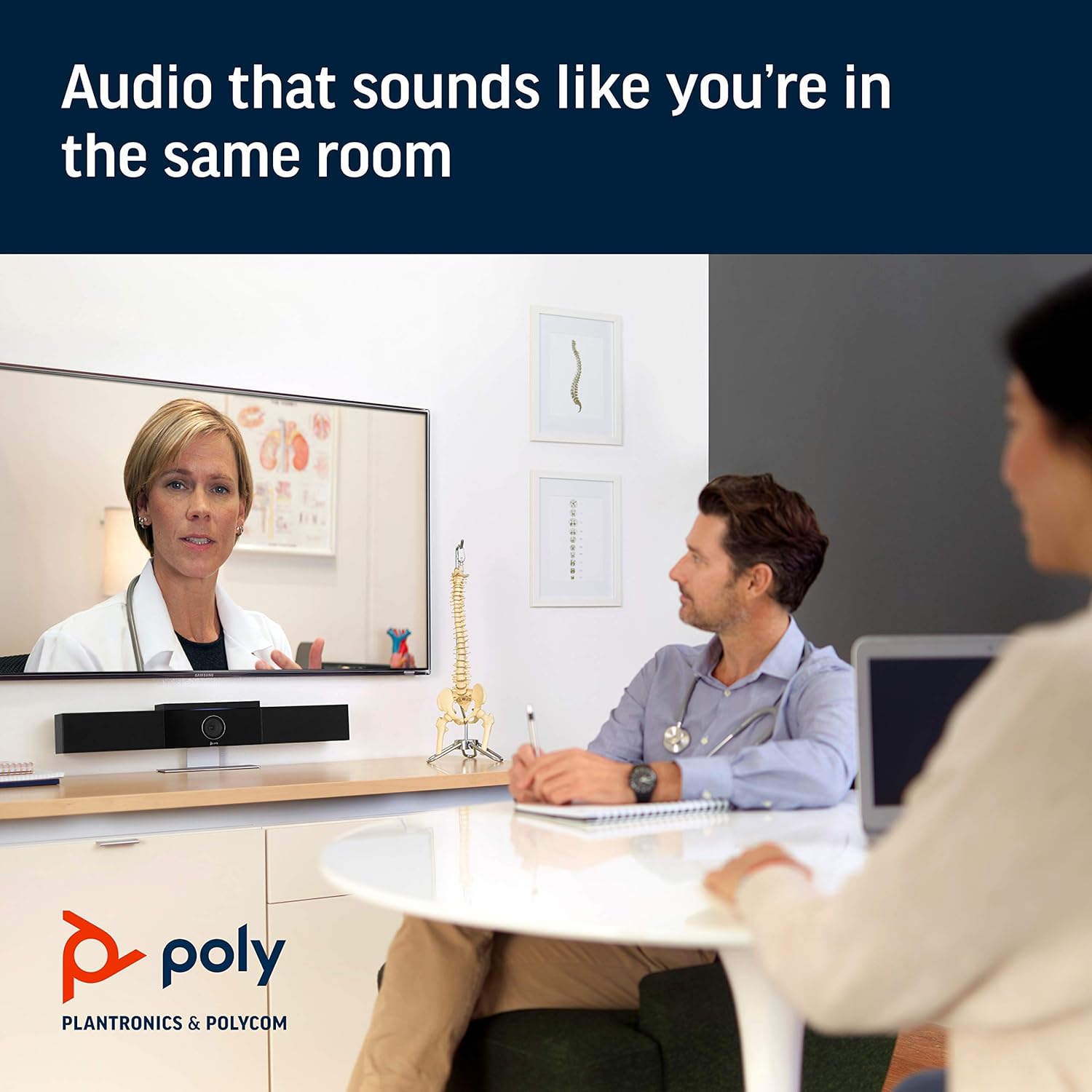
Image: Poly Studio in a meeting room, illustrating its capability to deliver clear audio for all participants.

Image: Poly Studio capturing vivid details and facial expressions of meeting participants.
4. Pangropéa
To ensure optimal performance and longevity of your Poly Studio, regular maintenance is recommended:
- beberesih: Gently wipe the device with a soft, dry cloth. Avoid using harsh chemicals or abrasive materials.
- Apdet parangkat lunak: Regularly check for and install software updates. These updates often include performance improvements, new features, and bug fixes. Poly Lens remote device management software can assist with this.
- Manajemén Kabel: Pastikeun sadaya kabel disusun rapih sareng henteu kakeunaan tegangan supados henteu ruksak.
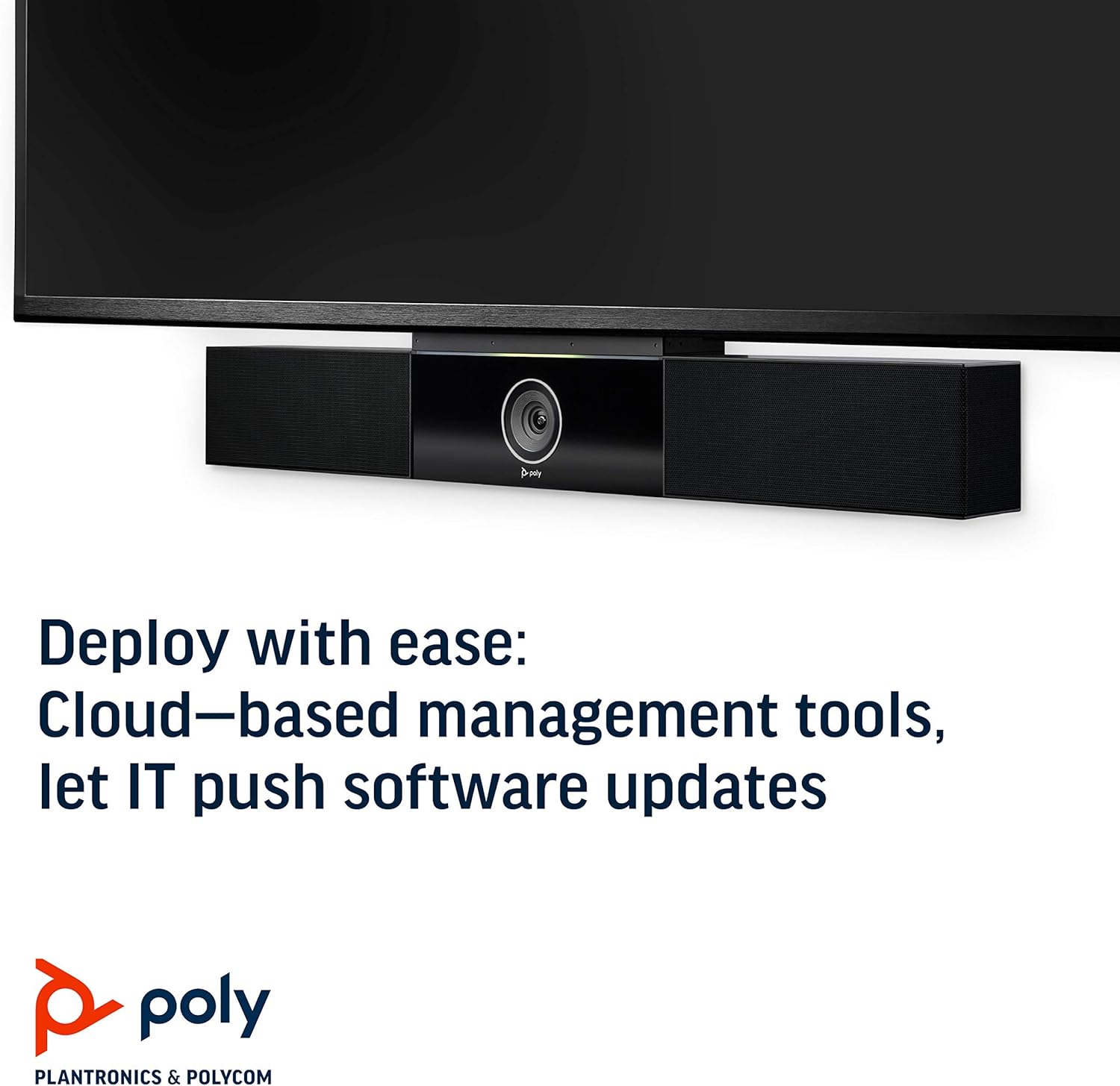
Image: Poly Studio, illustrating its compatibility with cloud-based management tools for easy software updates.
5. Cara ngungkulan
If you encounter issues with your Poly Studio, try the following troubleshooting steps:
- Henteu aya kakuatan: Ensure the power cable is securely connected to both the device and the power outlet. Try a different outlet if necessary.
- Henteu aya Pidéo/Audio: Verify that the USB cable is securely connected to both the Poly Studio and your computer. Check your video conferencing application settings to ensure the Poly Studio is selected as the active camera, microphone, and speaker.
- Kualitas Audio goréng: Ensure the device is placed in a central location in the room. Check for any physical obstructions blocking the microphones or speakers. Update the device firmware via the Poly Lens app.
- Camera Not Tracking: Ensure the room is adequately lit. Check the Poly Lens app settings for camera tracking modes and adjust as needed.
- Alat Teu Dipikawanoh: Try connecting the USB cable to a different USB port on your computer. Restart your computer.
6. Spésifikasi
| Fitur | Rincian |
|---|---|
| Tipe Pamasangan | Tabletop Gunung |
| Ngaran modél | 649661882596 |
| Tipe Speaker | Stereo |
| Fitur husus | Cahaya Lemah |
| Dianjurkeun Mangpaat Pikeun Produk | video conferencing in home offices and small conference rooms |
| Alat nu cocog | Laptop |
| Konfigurasi Saluran Sakuliling Sora | 2.0 |
| Warna | Hideung |
| Komponén Kaasup | camera, stereo speakers, microphones, control unit |
| Nyaéta Waterproof | PALSU |
| Jenis Garansi | kawates |
| Jumlah Item | 1 |
| Métode kontrol | Sora |
| Téknologi Komunikasi Nirkabel | Teu aya Téhnologi Komunikasi Nirkabel |
| Ukuran Speaker | 21.59 séntiméter |
| Sumber Daya | Kabel Listrik |
| Tingkat Résistansi Cai | Henteu Tahan Cai |
| Tipe Supir Audio | Supir dinamis |
| Téhnologi Konéktipitas Subwoofer | Dikabel |
| Mangpaat husus Pikeun Produk | Home office, Small conference rooms, Video conferencing with Zoom and Microsoft Teams |
| UPC | 649661882596 |
| Pamakéan jero rohangan / outdoor | jero rohangan |
| Produsén | Polycom Nyarita. |
| Wangun | prisma segi empat |
| Dimensi produk | 30 x 6 x 4 inci |
| Item Beurat | 10.58 pon |
| ASIN | B091YCFF84 |
| Nomer modél barang | 649661882596 |
| Tanggal Kahiji Sadia | 7 April 2021 |
| merek | POLI |
| Speaker Maksimum Kaluaran Power | 40 Watt |
| Réspon Frékuénsi | 120 KHz |
| Téhnologi konektipitas | USB |
| Mode Kaluaran Audio | Stereo |
7. Garansi jeung Rojongan
Your Poly Studio Premium USB Video & Audio Conferencing System comes with a Garansi kawates. For specific details regarding the warranty period and coverage, please refer to the official Poly documentation or contact Poly support.
This product is also eligible for a 90-dinten ngabalikeun duit / ngagantian policy under the Amazon Renewed Guarantee, as it is a renewed product. For support or to claim warranty/return, please contact the seller or refer to the product's official support channels.