
1. Bubuka
This manual provides essential information for setting up, operating, and maintaining your TECLAST T60Pro 12-inch 2K Tablet. The T60Pro features a 12-inch 2K IPS display, powered by a MediaTek Helio G99 Octa-Core processor, running Android 15. It includes 20GB RAM (8GB physical + 12GB virtual expansion) and 128GB internal storage, expandable up to 1TB via Micro SD. The tablet is equipped with four stereo speakers, a 13MP rear camera, an 8MP front camera, and an 8000mAh battery with 18W fast charging.

The TECLAST T60Pro features a slim 7.9mm metal body, weighing 553g, designed for portability and comfortable handling.
2. Naon dina Box
Pastikeun yén sadaya item aya dina bungkusan:
- TECLAST T60Pro Tablet (x1)
- carjer (x1)
- Kabel USB-C (x1)
- SIM Ejector Tool (x1)
- Buku Panduan Pamaké (x1)
This video demonstrates the unboxing process of the TECLAST T60Pro tablet and its included accessories.
3. Setélan
3.1 Tata Tata Alat
The image displays the side profile of the tablet, highlighting the SIM/TF Card slot, speaker grilles, and the Type-C port for charging and data transfer.
3.2 Ngecas Tablet
Before first use, fully charge the tablet using the provided USB-C cable and charger. Connect the USB-C cable to the tablet's Type-C port and the charger to a power outlet. The battery indicator on the screen will show charging status.
3.3 Daya Hurung/Pareuman
- Pikeun ngahurungkeun: Pencét terus tombol Daya dugi ka logo TECLAST némbongan.
- Pikeun mareuman: Pencét jeung tahan tombol Daya, teras pilih 'Pareuman' tina pilihan dina layar.
- Pikeun ngamimitian deui: Pencét terus tahan tombol Daya, teras pilih 'Mulai deui' tina pilihan.
3.4 Pamasangan Kartu SIM/TF
To install a SIM card for cellular connectivity or a TF (Micro SD) card for expanded storage:
- Tangtukeun lokasi baki kartu SIM/TF di sisi tablet.
- Insert the provided SIM ejector tool into the small hole next to the tray and press gently until the tray pops out.
- Place your Nano-SIM card(s) and/or Micro SD card into the designated slots on the tray, ensuring correct orientation.
- Dorong baki deui kana tablet kalayan ati-ati dugi ka ngaklik kana tempatna.

The tablet supports up to 1TB Micro SD card expansion for additional storage.
3.5 Setelan Android Awal
Upon first power-on, follow the on-screen prompts to complete the initial setup, which includes selecting your language, connecting to Wi-Fi, setting up your Google account, and configuring security options.
4. Parentah Operasi
4.1 Tampilan sareng Visual
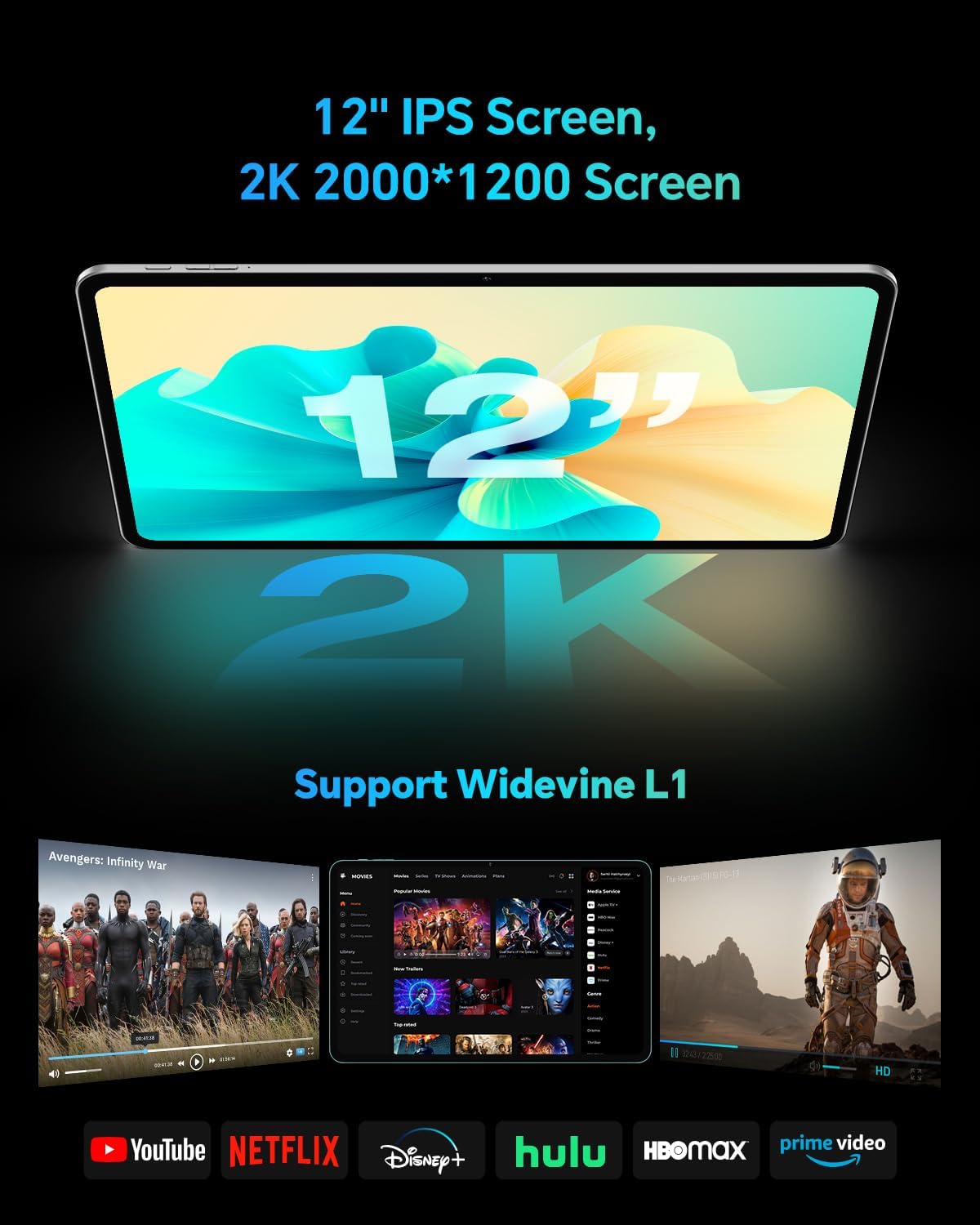
The TECLAST T60Pro features a 12-inch 2K (2000x1200) IPS TDDI full-lamination screen. It includes built-in blue light filtering for eye protection. The display supports Widevine L1 for high-definition streaming content.

Experience crisp visuals and support for HD streaming with the 12-inch 2K IPS display and Widevine L1 certification.
4.2 Audio
The tablet is equipped with four high-fidelity stereo speakers, providing an immersive audio experience for media consumption and video calls.
4.3 Fungsi kaméra
The T60Pro includes a 13MP rear camera and an 8MP front camera. The rear camera is designed for clear shooting, even in low-light conditions. Utilize the camera for photos, videos, and video calls.

The tablet features a 13MP rear camera and an 8MP front camera, supporting features like Google Lens and Face Recognition.
4.4 Konéktipitas
- Wifi: Supports 2.4/5GHz dual-band Wi-Fi (802.11a/b/g/n/ac) for stable internet connection.
- Bluetooth: Fitur Bluetooth 5.2 pikeun nyambungkeun asesoris nirkabel.
- sélular: Supports 4G cellular connectivity with a compatible SIM card.
- GPS: Integrated A-GPS/GPS/BeiDou/GLONASS/Galileo multi-navigation system for accurate location services.

The tablet includes built-in GPS with support for multiple satellite positioning systems for reliable navigation.
4.5 Manajemén Panyimpenan
The tablet comes with 128GB of internal storage. This can be expanded up to 1TB using a Micro SD card (sold separately).
4.6 Pangwanoh raray
For convenient and secure unlocking, the tablet supports face recognition. Simply hold your face in front of the front camera. If face recognition fails, use your registered password or adjust ambient lighting for better recognition.

Unlock your tablet quickly and securely using the face recognition feature.
4.7 Proyéksi Wireless
Mirror your tablet's display to a larger screen, such as a TV, for an enhanced viewing experience. Refer to your TV's manual for specific wireless projection setup instructions.
4.8 Parental Controls and Kids Mode
The Android 15 system includes built-in parental controls to manage screen time and app access for children. Utilize these features to create a safe and controlled environment for younger users.
5. Pangropéa
5.1 Ngabersihan Alat
Use a soft, lint-free cloth to clean the tablet's screen and body. Avoid using harsh chemicals or abrasive materials that could damage the surfaces.
5.2 Perawatan Batré
Pikeun manjangkeun umur batre:
- Hindarkeun suhu anu ekstrim.
- Ulah ngantep batré lengkep solokan remen.
- Anggo carjer anu disayogikeun pikeun ngecas anu optimal.
5.3 Apdet parangkat lunak
Regularly check for and install system updates to ensure optimal performance, security, and access to the latest features. Navigate to Setélan > Sistem > Apdet sistem pikeun mariksa apdet sadia.
5.4 Protéksi Layar
The tablet comes with a pre-applied tempered glass screen protector. A protective film for shipping is also applied, which should be removed after opening the package.

The tablet includes a pre-applied screen protector for immediate use and protection.
6. Cara ngungkulan
6.1 Alat Teu Dihurungkeun
- Ensure the battery is charged. Connect the tablet to the charger for at least 30 minutes before attempting to power on.
- Pencét jeung tahan tombol Daya salila 10-15 detik pikeun ngalakukeun balikan deui paksa.
6.2 Masalah Konéktivitas (Wi-Fi/Bluetooth)
- Toggle Wi-Fi or Bluetooth off and on in the Settings menu.
- Balikan deui router atanapi alat Bluetooth anjeun.
- Poho jaringan / alat sareng sambungkeun deui.
6.3 Low Audio Volume
- Adjust the volume using the physical Volume buttons on the tablet.
- Check media volume settings in Setelan > Sora & geter.
- Ensure no external audio devices are connected via Bluetooth or Type-C that might be overriding the internal speakers.
6.4 Aplikasi ngadat atanapi katirisan
- Tutup sareng buka deui aplikasina.
- Hapus cache sareng data aplikasi dina Setélan > Aplikasi > [Ngaran Aplikasi] > Panyimpenan > Hapus cache/Hapus data.
- Pastikeun aplikasi parantos diropéa kana vérsi pangénggalna ti Google Play Store.
7. Spésifikasi
| Fitur | Spésifikasi |
|---|---|
| merek | TECLAST |
| Ngaran modél | T60pro |
| Sistem operasi | Android 15 |
| Ukuran layar | 12 inci |
| Resolusi tampilan | 2000x1200 piksel (2K) |
| Prosesor | MediaTek Helio G99 Octa-Core (2.2 GHz) |
| Mémori RAM | 20 GB (8GB fisik + 12GB virtual) |
| Kapasitas Panyimpenan | 128 GB |
| Panyimpenan Expandable | Up to 1 TB (Micro SD) |
| Grafik Coprocessor | Mali-G57 MC2 |
| Kapasitas batré | 8000 mAh |
| Ngecas | 18W USB-PD Fast Charging |
| Kaméra tukang | 13 MP |
| Kaméra hareup | 8 MP |
| Téhnologi nirkabel | Wi-Fi (2.4/5GHz), Bluetooth 5.2, 4G Cellular |
| Fungsi GPS | GPS/BEIDOU/GLONASS/GALILEO |
| Headphone Jack | Tipe-C |
| Ukuran (L x W x H) | 10.97" x 6.85" x 0.31" |
| Warna | kulawu poék |
8. Garansi jeung Rojongan
8.1 Garansi Produsén
The TECLAST T60Pro tablet comes with a 1-taun jaminan produsén urang. Garansi ieu nyertakeun cacad dina bahan sareng pagawean dina panggunaan normal. Punten tahan bukti pameseran anjeun pikeun klaim garansi.
8.2 Rojongan Palanggan
For technical assistance, troubleshooting, or warranty inquiries, please contact TECLAST customer support. Most questions are answered within 24 hours. Refer to the official TECLAST websitus atanapi platform pameseran anjeun kanggo detil kontak khusus.
Online resources and FAQs may also be available on the TECLAST support page.