
Bubuka
Hatur nuhun pikeun meuliasing the PHIXERO Portable SSD. This manual provides essential information for the proper setup, operation, and maintenance of your device. Please read these instructions carefully before use to ensure optimal performance and longevity of your SSD.
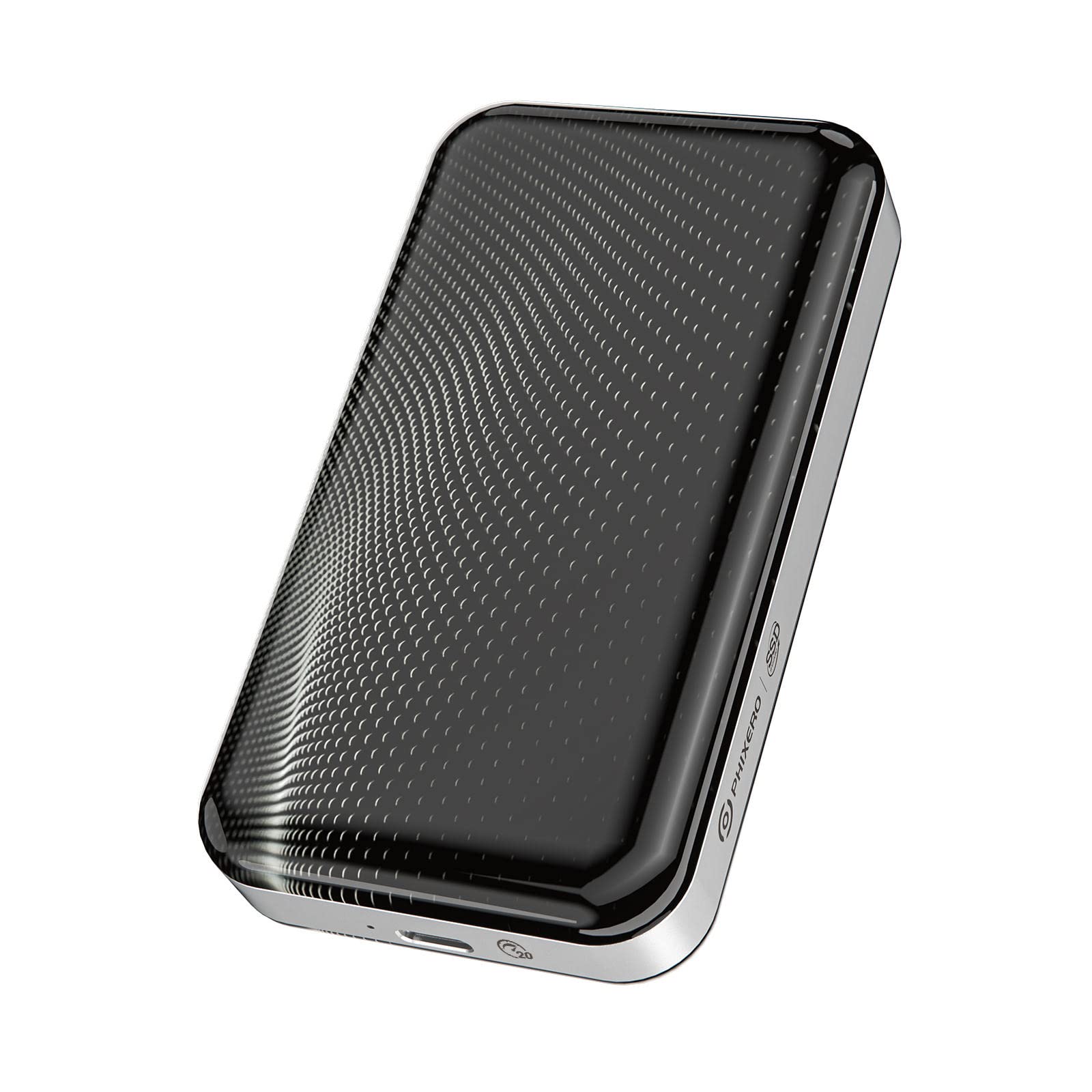
Image: The PHIXERO Portable SSD, featuring a compact design with a black textured surface and silver trim.
Eusi pakét
Pastikeun yén sadaya item anu didaptarkeun di handap kalebet kana pakét anjeun:
- PHIXERO Portable SSD (512GB)
- 0.3m 2-in-1 Data Cable (USB Type-C to Type-C and Type-A)
- Instruksi Manual
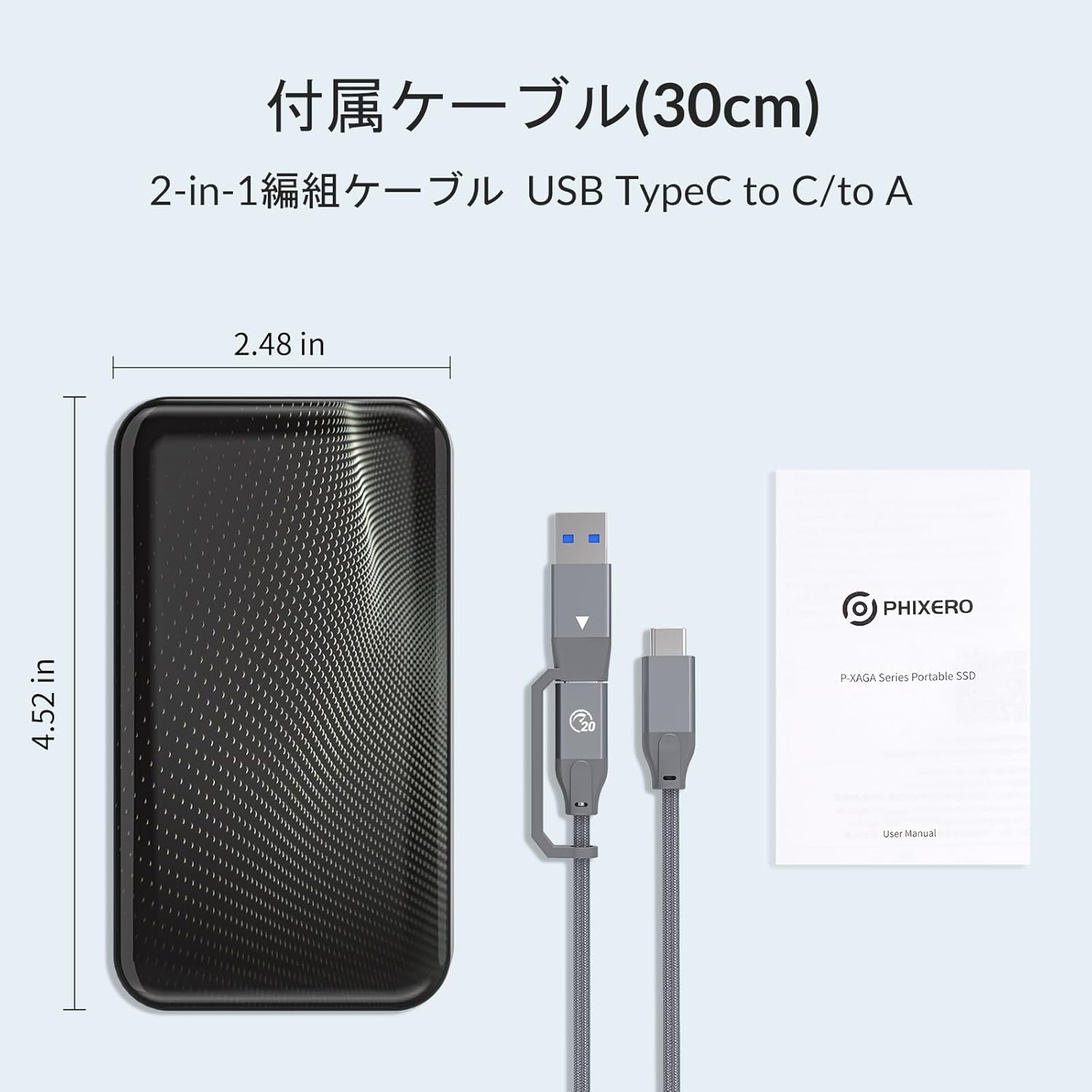
Image: The PHIXERO Portable SSD, its included 2-in-1 USB Type-C to Type-C/Type-A cable, and the user manual. The SSD dimensions are approximately 4.52 inches by 2.48 inches.
Disetél
Connecting the SSD
- Connect one end of the provided 2-in-1 USB cable to the USB-C port on the PHIXERO Portable SSD.
- Connect the other end of the cable to an available USB port on your computer or compatible device. Use the USB-C connector for USB 3.2 Gen2x2 ports to achieve maximum transfer speeds.
- The SSD is plug-and-play for most modern operating systems.
Initial Formatting (Windows Example)
For new SSDs or if you encounter issues, formatting may be required. The following steps outline the process for Windows:
- Connect the SSD to your computer.
- Open Disk Management. You can usually find this by right-clicking the Start button and selecting 'Disk Management'.
- Locate the PHIXERO Portable SSD (it may appear as 'Unallocated Space').
- Right-click on the unallocated space and select 'New Simple Volume'.
- Follow the 'New Simple Volume Wizard' prompts to assign a drive letter and format the drive. For broad compatibility, consider using the exFAT file sistem.
- Once formatting is complete, the SSD will be ready for use.

Image: A visual guide demonstrating six steps to format the PHIXERO Portable SSD using Windows Disk Management, from initializing the disk to creating a new simple volume.
Parentah Operasi
Mindahkeun Data
The PHIXERO Portable SSD supports USB 3.1 Gen2x2 protocol with UASP acceleration, enabling high-speed data transfers. When connected to a compatible USB 3.2 Gen2x2 port using the USB-C to USB-C cable, it can achieve read speeds up to 2060MB/s and write speeds up to 1850MB/s. This allows for rapid processing of high-resolution photos and videos.

Image: The PHIXERO Portable SSD connected to a laptop via a USB-C cable, with visual indicators of high-speed data transfer, highlighting read speeds up to 2060MB/s and write speeds up to 1850MB/s.
Kasaluyuan
The SSD is designed for broad compatibility across various operating systems and devices:
- Sistem Operasi: Windows, Mac OS, Linux, Android
- Paranti: XBOX consoles, PCs, Notebooks, Smartphones, Routers, iPads, Cameras, TVs
This versatility makes it suitable for expanding storage for home entertainment, office data transfer, backups during travel, and saving media files.
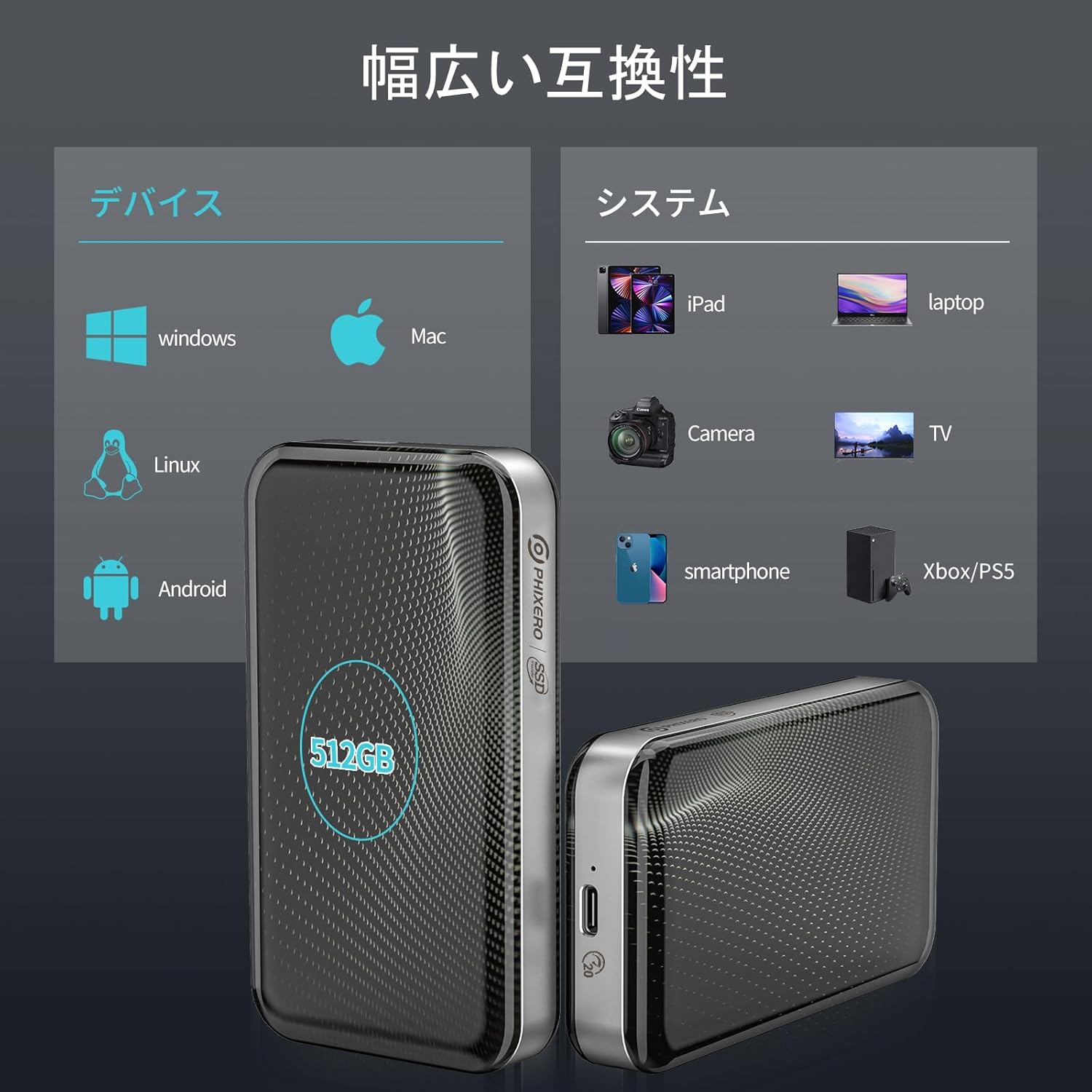
Image: A graphic illustrating the wide compatibility of the PHIXERO Portable SSD, showing connections to Windows, Mac, Linux, Android, iPad, laptop, camera, TV, smartphone, and Xbox/PS5.
Pangropéa
Konstruksi awét
The PHIXERO Portable SSD utilizes an automotive-grade IML (In-Mold Labeling) process for its exterior, providing excellent scratch resistance, corrosion resistance, and a long lifespan. The pattern is printed on the underside of the surface to prevent wear. The combination of a high-gloss plastic shell and a zinc alloy middle frame contributes to stable data transfer and helps prevent overheating during operation.

Image: An exploded diagram of the PHIXERO Portable SSD, highlighting its internal structure including the automotive IML premium material casing, aluminum heat sink, thermal silicone, LED indicator light, and aluminum frame, all contributing to high quality and stability.
Kinerja stabil
The SSD features an improved data access method to prevent speed degradation during continuous large data writes. An internal cooling fan ensures the device remains cool even during extended use, promoting stable data transfer and extending the SSD's operational life.
Safe Disconnection
Always safely eject or unmount the SSD from your operating system before physically disconnecting it to prevent data corruption. For Mac users, especially when using APFS encrypted formats, manually unmounting the drive before the system sleeps is recommended to avoid unexpected disconnections.
Pamérésan masalah
Kecepatan Transfer Leungit
- Pariksa sambungan: Ensure the SSD is connected directly to a USB 3.2 Gen2x2 port on your computer. Using a USB hub or an older USB port (e.g., USB 2.0 or USB 3.0/3.1 Gen1) will limit transfer speeds.
- Kabel: Verify you are using the provided high-speed USB-C to USB-C cable for optimal performance.
- Sumberdaya Sistim: Close unnecessary applications that might be consuming system resources during transfer.
- File Sistim: Mastikeun SSD diformat ku cocok file system (e.g., exFAT or NTFS for Windows, APFS or HFS+ for Mac) for your operating system and usage.
SSD Disconnects Unexpectedly (Mac Users)
Some users, particularly with macOS and APFS encrypted formats, may experience unexpected disconnections during system sleep. To mitigate this:
- Manually unmount the SSD before your Mac enters sleep mode.
- Ensure your macOS is up to date.
- Check for any available firmware updates for the SSD (contact support if needed).
SSD Not Recognized
- Pariksa kabel: Cobi port atanapi kabel USB anu béda pikeun nyingkahan masalah sambungan.
- Manajemén Disk (Windows): Check Disk Management to see if the drive is detected but uninitialized or unformatted. Follow the 'Initial Formatting' steps if necessary.
- Disk Utility (Mac): Check Disk Utility to see if the drive is detected. You may need to initialize or format it.
- kakuatan: Ensure your device provides sufficient power to the SSD.
spésifikasi
| merek | PHIXERO |
| Nomer modél | P-XAGA-20G-512G-BK-JP |
| Kapasitas Panyimpenan Digital | 512 GB |
| Interface hard disk | Nagara Padet |
| Téhnologi konektipitas | USB (USB 3.1 Gen2x2) |
| Max Baca Speed | Nepi ka 2060 MB/s |
| Max Tulis Speed | Nepi ka 1850 MB/s |
| Alat nu cocog | Smartphones, Desktops, Laptops, XBOX, PS5, Routers, Cameras, TVs |
| Rojongan System Operasi | Windows, Mac OS, Linux, Android |
| Warna | Hideung |
| Produsén | SHENZHEN ORICO TECHNOLOGIESCO., LTD |
| Negara asal | Cina |
Garansi sareng Rojongan
Émbaran jaminan
The PHIXERO Portable SSD comes with a 36-garansi sasih from the date of purchase. This warranty covers manufacturing defects and ensures reliable operation under normal use conditions.
Rojongan Palanggan
Should you require any assistance or encounter issues with your product, please do not hesitate to contact our customer support team. We aim to respond to all inquiries within 24 jam.
For support, please refer to the contact information provided on the product packaging or the official PHIXERO websitus.