
1. Bubuka
Thank you for choosing the Soundcore by Anker Space Q45 Adaptive Active Noise Cancelling Headphones. These headphones are designed to provide an immersive audio experience with advanced noise cancellation, high-resolution sound, and extended battery life. This manual will guide you through the setup, operation, and maintenance of your new headphones.
2. Naon dina Box
- Soundcore Space Q45 Noise Cancelling Headphones
- Kabel USB-C
- 3.5mm kabel AUX
- Kasus Travel

3. Produk Langkungview
The Soundcore Space Q45 headphones feature a foldable design for portability and intuitive controls for ease of use. Key components include:
- Tombol Daya: Located on the right earcup, used for turning the headphones on/off.
- Tombol NC: Located on the left earcup, cycles through Noise Cancellation, Normal, and Transparency modes.
- Tombol Luhur / Turun: Saluyukeun volume audio.
- Tombol Puter/Reureuh: Ngontrol pamuteran média sareng manajemen telepon.
- Port ngecas USB-C: Pikeun ngecas headphone.
- Port AUX 3.5mm: Pikeun sambungan audio kabel.

Video demonstrating the operation and functions of the Soundcore Space Q45 headphones, including button usage and features.
4. Setélan
4.1. Powering on / Pareum
- Pikeun Ngahurungkeun: Pencét terus tahan tombol Daya salami 3 detik. Indikator LED bakal hurung.
- Pikeun mareuman: Pencét jeung tahan tombol Daya salila 3 detik. Indikator LED bakal pareum.
4.2. Papasangan Bluetooth
- With the headphones powered off, press and hold the Power button for 5 seconds until the LED indicator flashes blue. This indicates pairing mode.
- On your device (smartphone, tablet, laptop), enable Bluetooth and search for "Soundcore Space Q45".
- Pilih headphone tina daptar anu bade disambungkeun. Sakali disambungkeun, indikator LED bakal robah jadi biru polos.
- The headphones support multipoint connection, allowing simultaneous connection to two devices. To connect a second device, repeat the pairing process.

4.3. Pamasangan Aplikasi Soundcore
Download the Soundcore app from your device's app store to unlock full features, customize settings, and update firmware.
- Milarian pikeun "Soundcore" in the App Store (iOS) or Google Play Store (Android).
- Install the app and follow the on-screen instructions to connect your Space Q45 headphones.
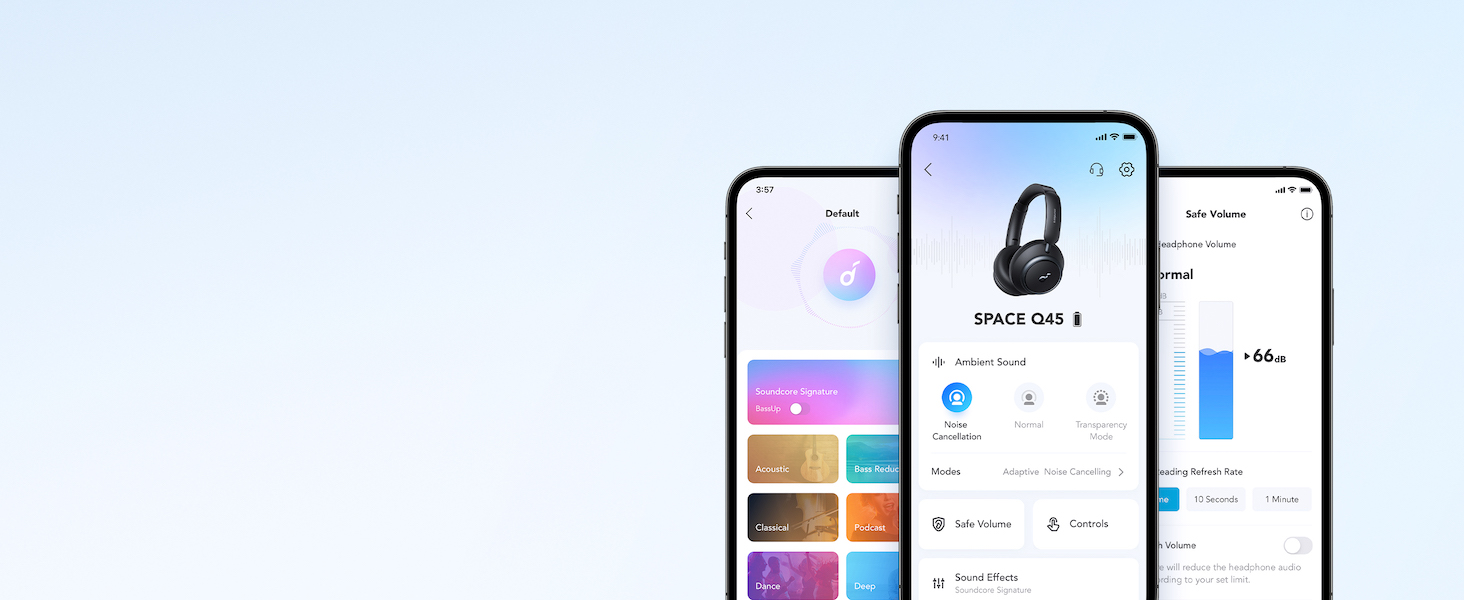
Tayangan videocasing the features and listening controls available through the Soundcore app for the Space Q45 headphones.
5. Parentah Operasi
5.1. Kadali dasar
- Volume Kaluhur/Turun: Pencét tombol '+' atawa '-'.
- Puter / Reureuh: Pencét tombol Play / Reureuh sakali.
- Lagu salajengna: Pencét terus tahan tombol '+' salami 2 detik.
- Lagu Sateuacanna: Pencét terus tahan tombol '-' salami 2 detik.
5.2. Manajemén nelepon
- Ngajawab / mungkas Telepon: Pencét tombol Play / Reureuh sakali.
- Nolak Telepon: Pencét jeung tahan tombol Play/Reureuh salila 2 detik.
5.3. Switching Noise Cancellation Modes
Press the NC button on the left earcup to cycle through the following modes:
- Pembatalan Noise: Ngahalangan bising di sabudeureun.
- Normal: Putereun audio standar tanpa pembatalan bising aktif atanapi transparansi.
- Transparansi: Ngidinan anjeun ngadangu sakuliling anjeun bari ngadangukeun audio.
6. Adaptive Noise Cancellation
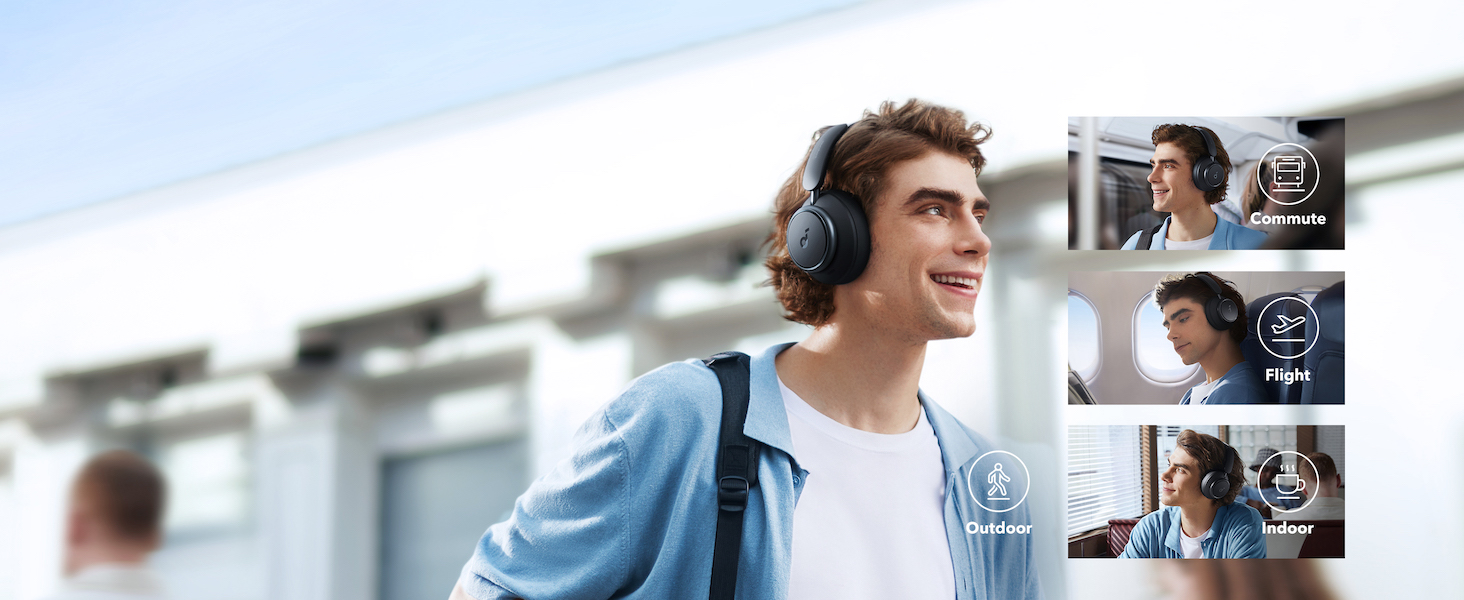
The Space Q45 headphones feature an advanced noise-cancelling system that reduces up to 98% of ambient noise. The adaptive noise cancellation automatically selects a suitable level based on your environment, whether you are indoors, outdoors, commuting, or on a flight. You can also manually select from 5 noise-cancelling levels via the Soundcore app.

7. Kualitas Audio
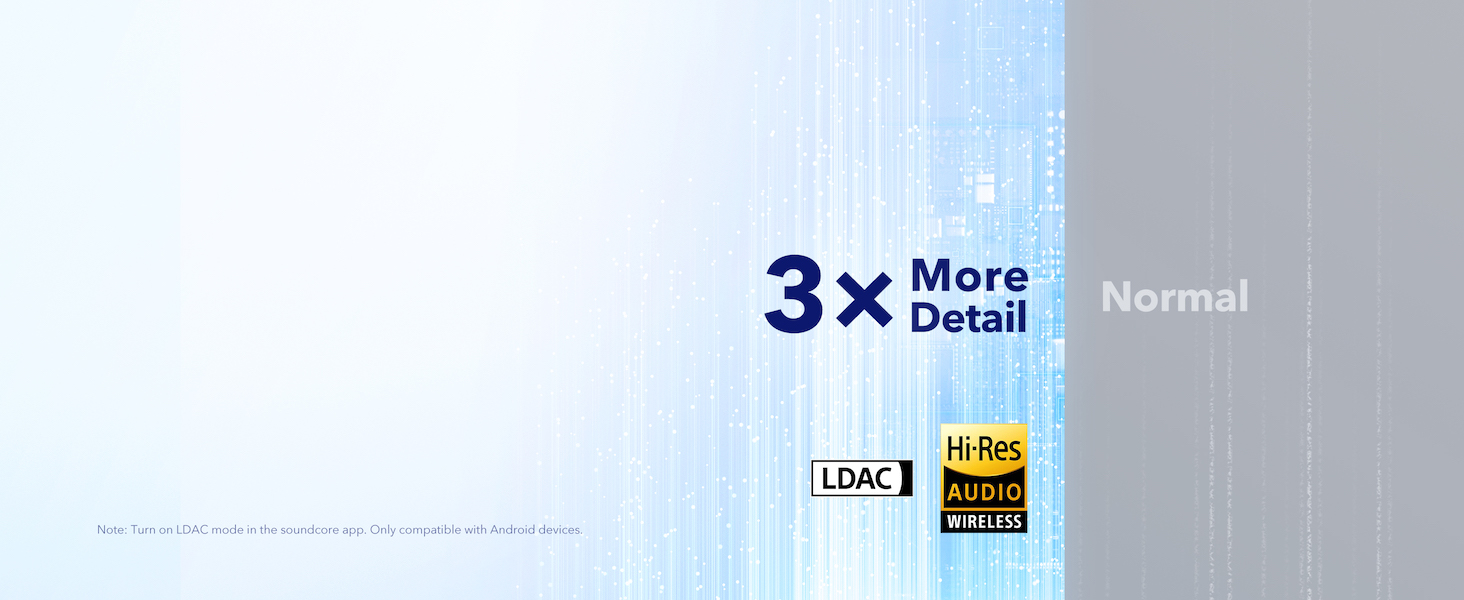
The Space Q45 headphones are equipped with 40mm double-layer diaphragm drivers, crafted from silk and ceramic materials. This innovative design produces sound with intense bass and crisp treble, ensuring every detail of your audio is heard. The headphones also support LDAC for Hi-Res Audio Wireless sound, delivering 3 times more detail than standard Bluetooth codecs.

8. Kahirupan Batré sareng Ngecas
The Space Q45 headphones offer impressive battery performance:
- Up to 50 hours of playtime with Noise Cancellation mode activated.
- Up to 65 hours of playtime in Normal mode.
- Ngecas gancang: Ngecas salami 5 menit nyayogikeun sakitar 4 jam waktos maén.
- Waktu Ngecas Pinuh: Kurang leuwih 2 jam.

9. Pangropéa
9.1. beberesih
- Use a soft, dry cloth to clean the earcups and headband.
- Hindarkeun ngagunakeun bahan kimia anu kasar atanapi bahan abrasive.
- Ulah neuleumkeun headphone dina cai.
9.2. Panyimpenan
- When not in use, store the headphones in their protective travel case to prevent damage.
- Hindarkeun nyimpen dina suhu ekstrim atanapi kalembaban anu luhur.
10. Cara ngungkulan
If you encounter any issues with your Soundcore Space Q45 headphones, please refer to the following common solutions:
- Henteu aya kakuatan: Pastikeun headphone dicas pinuh. Sambungkeunana ka sumber listrik nganggo kabel USB-C.
- Henteu aya sora: Check the volume levels on both the headphones and your connected device. Ensure the headphones are properly paired via Bluetooth or the 3.5mm AUX cable is securely connected.
- Masalah pasangan: Turn off Bluetooth on all other devices, then try re-pairing the headphones with your desired device. If issues persist, reset the headphones (refer to the Soundcore app or online support for specific reset instructions).
- Noise Cancellation Teu Gawé: Ensure the Noise Cancellation mode is activated. Adjust the noise cancellation levels via the Soundcore app.
For further assistance, consult the Soundcore app or visit the official Soundcore support websitus.
11. Spésifikasi
| Ngaran modél | A3040 |
| Kontrol bising | Adaptif Active Noise Cancellation |
| Téhnologi konektipitas | Nirkabel (Bluetooth 5.3) |
| Rentang Bluetooth | 10 méter |
| Ukuran Supir Audio | 40 milimeter |
| Kahirupan Batré (ANC Hurung) | 50 Jam |
| Battery Life (Normal Mode) | 65 Jam |
| Waktu Ngecas | 2 Jam |
| Item Beurat | 295 Gram (10.4 ons) |
| Dimensi produk | 6.34 x 3.46 x 7.44 inci |
| Headphone Jack | 3.5 mm Jack |
| Métode kontrol | App, Media Control Buttons |
12. Garansi jeung Rojongan
Soundcore products are backed by a limited warranty. For detailed warranty information, frequently asked questions, and customer support, please visit the official Soundcore website or contact their customer service team. You can also find support resources within the Soundcore app.
Websitus: www.soundcore.com
Surélék: service@soundcore.com