
DEERC AU4-SQN-022-YW
DEERC RC Plane User Manual
Model: AU4-SQN-022-YW
2.4GHZ Remote Control Airplane with 6-axis Gyro Stabilizer
1. Bubuka
Hatur nuhun pikeun meuliasing the DEERC RC Plane. This remote control airplane is designed for ease of use, making it ideal for beginners and experienced pilots alike. Featuring a 6-axis gyroscope for stable flight and durable EPP material for resilience, this model provides an enjoyable flying experience. Please read this manual thoroughly before operation to ensure safe and proper use.

Image: The DEERC RC Plane is designed for easy learning and fun for young pilots.
2. Pedoman Kasalametan
Pikeun nyegah cilaka atanapi karusakan, perhatikeun pancegahan kaamanan di handap ieu:
- Pangawasan Dewasa: Recommended for pilots under 14 years of age.
- Lingkungan hiber: Fly in open, clear areas away from people, buildings, trees, and power lines. Avoid flying in strong winds or adverse weather conditions.
- Pariksa Pra-Hiber: Always ensure the aircraft and remote control batteries are fully charged and properly installed. Verify all parts are securely attached.
- Kasalametan Baling-baling: Jauhkeun leungeun, beungeut, jeung pakean anu leupas tina baling-baling anu muter.
- Kasalametan batré: Use only the specified batteries and chargers. Do not overcharge, short-circuit, or puncture batteries. Dispose of batteries responsibly.
- Paparan cai: Do not expose the aircraft or remote control to water or moisture.
3. Eusi Paket
Mangga parios pakét pikeun mastikeun yén sadaya barang aya:
- DEERC RC Plane (1)
- Kadali Jarak Jauh 2.4GHz (1)
- 3.7V 185mAh LiPo Batteries (3)
- Kabel Ngecas USB (2)
- Spare Propellers (2 pairs)
- Landing Gear (1 set)
- Obeng (1)
- Manual pamaké (1)

Image: The complete package contents of the DEERC RC Plane, including the aircraft, remote, batteries, and accessories.
4. Produk Langkungview
Familiarize yourself with the main components of your DEERC RC Plane:
- Awak pesawat: Made from durable EPP foam, designed to withstand impacts.
- Baling-baling: Located on the top of the wings, providing thrust.
- Kompartemen batré: Perenahna di handapeun pesawat.
- Lampu LED: Colorful LED strip for visibility and aesthetic appeal.
- Pendaratan Gear: Removable for ground take-off and landing.
- Kadali jauh: 2.4GHz system for stable and responsive control.

Image: Key features of the DEERC RC Plane, highlighting its durable construction and advanced flight systems.

Image: The colorful LED strip on the DEERC RC Plane, enhancing visibility and visual appeal.
5. Setélan
5.1 Ngecas Batré
The aircraft comes with three 3.7V 185mAh LiPo batteries. Each battery provides up to 8 minutes of flight time, totaling up to 24 minutes with all three.
- Connect the LiPo battery to the USB charging cable.
- Plug the USB charging cable into a USB power source (e.g., computer USB port, USB wall adapter).
- The indicator light on the USB cable will show charging status (refer to charger instructions for specific light behavior).
- Charging typically takes approximately 30-40 minutes per battery. Do not leave batteries unattended while charging.
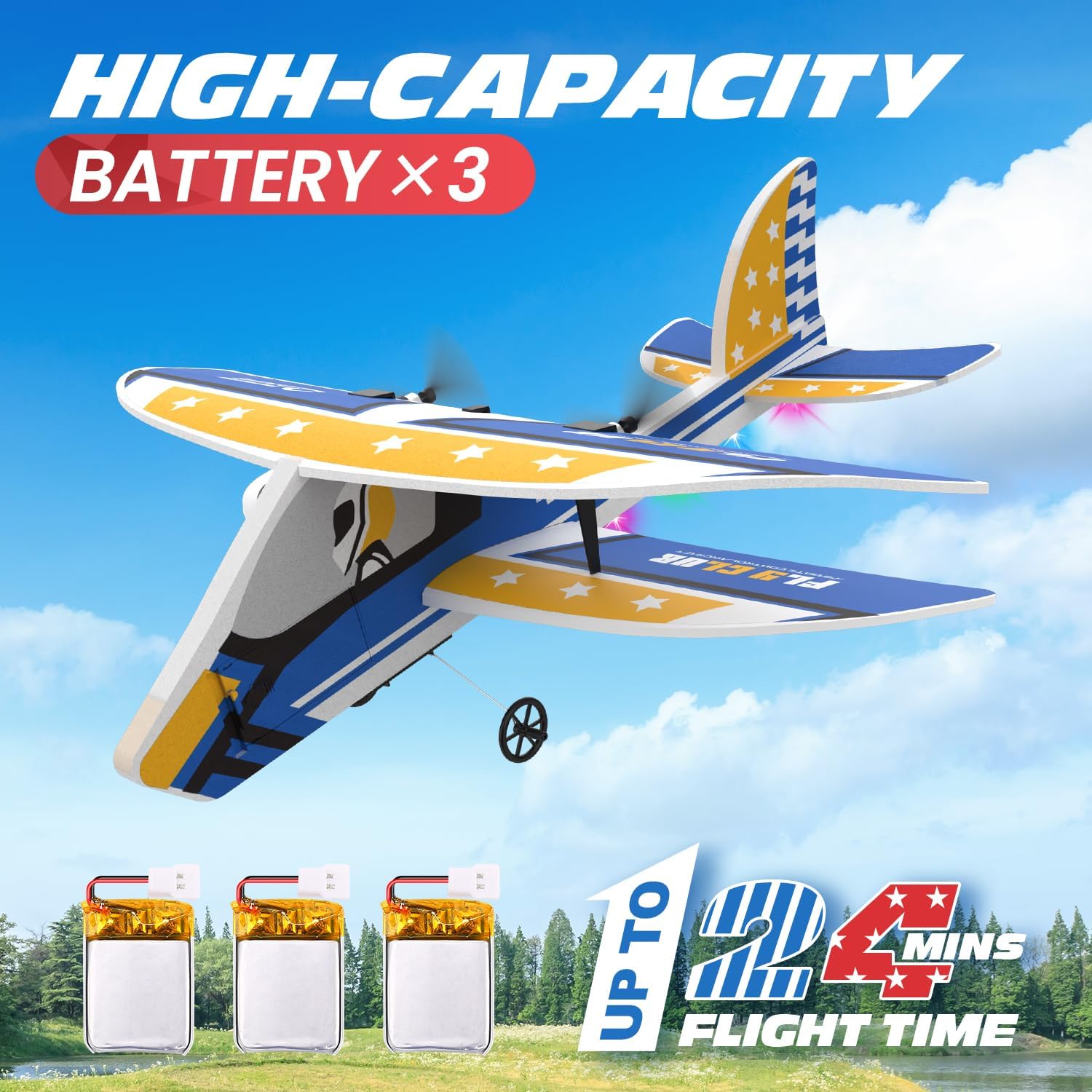
Image: The three included high-capacity batteries provide extended flight time.
5.2 Installing Aircraft Battery
- Panggihan kompartemen batréna di handapeun pesawat.
- Carefully insert a fully charged LiPo battery into the compartment.
- Connect the battery plug to the aircraft's power port. Ensure the connection is secure.
- Tutup panutup kompartemen batré.
5.3 Masang Batré Kadali Jarak Jauh
Remote controlna peryogi 3 batré AA (teu kalebet).
- Buka panutup batré dina tonggong kadali jauh.
- Pasangkeun 3 batré AA, perhatikeun polaritasna anu leres (+/-).
- Tutup panutup batre aman.
5.4 Aircraft Assembly
The DEERC RC Plane comes mostly pre-assembled. You may need to attach the landing gear:
- Locate the slots on the underside of the aircraft for the landing gear.
- Gently push the landing gear into the slots until it clicks into place.

Image: The removable landing gear can be easily attached or detached.
5.5 Ngabeungkeut Remote Control
To establish a connection between the aircraft and the remote control:
- Pastikeun batré pesawat parantos nyambung sareng pesawat disimpen dina tempat anu datar.
- Hurungkeun remot kontrol. Lampu indikator dina remot bakal kedip-kedip.
- Dorong gagang gas (gagang kénca) ka luhur, teras ka handap.
- The indicator light on the remote control will become solid, indicating successful binding.
6. Parentah Operasi
6.1 Cék Pra-Hiber
- Confirm all batteries are charged and installed.
- Ensure the aircraft and remote control are bound.
- Check for any visible damage to the aircraft, especially propellers.
- Choose a safe, open area for flight.
6.2 Lepas landas
The DEERC RC Plane supports two take-off methods:

Image: The DEERC RC Plane supports both ground take-off and hand launch methods.
6.2.1 Ground Take-Off
- Place the aircraft on a smooth, flat surface with the landing gear attached.
- Slowly increase the throttle. The plane will gain speed and lift off.
6.2.2 Hand Launch
- Hold the aircraft firmly with one hand, ensuring propellers are clear.
- Increase the throttle to about 70-80%.
- Gently toss the aircraft forward into the wind.
6.3 Kadali hiber
The 2.4GHz remote control system provides a stable connection up to 164 feet (50 meters).
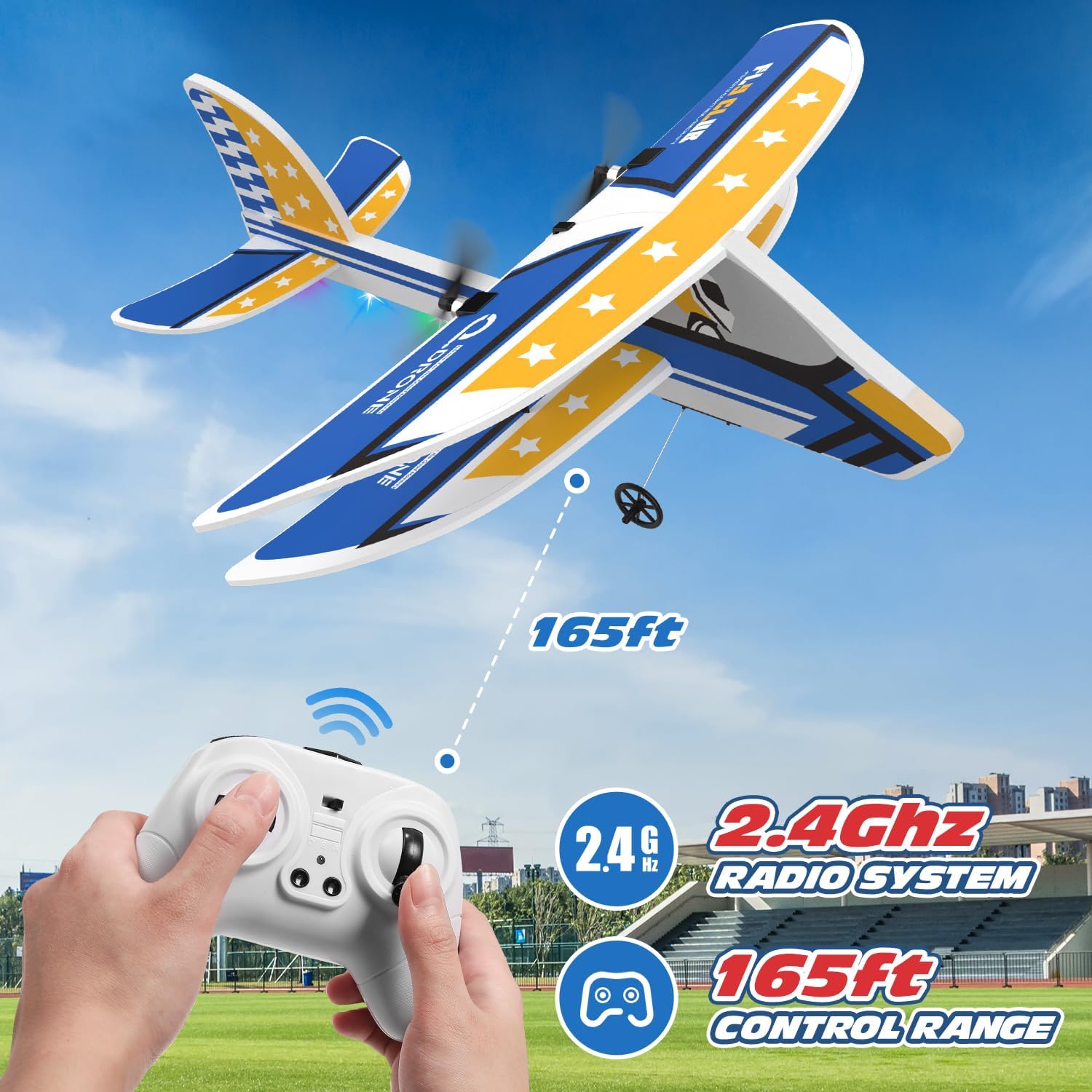
Image: The 2.4GHz radio system provides a control range of up to 165 feet.
- Gas (Tongkat Kénca Luhur/Handap): Controls the speed of the propellers, affecting altitude.
- Arah (Tongkat Katuhu Kénca/Katuhu): Controls the turning of the aircraft.
- 6-Axis Gyro Stabilizer: The built-in gyroscope automatically stabilizes the aircraft, making it easy to control even for beginners. If the plane loses control, release the throttle, and the gyro will help restore balance.

Image: The auto-leveling six-axis flight system ensures stable and balanced flight.

Image: The remote control allows for multi-directional flight control.
6.3.1 Modeu Speed
The aircraft features two speed modes for different flying experiences:
- Modeu Laju Rendah: Ideal for beginners and indoor flying (if space permits).
- Modeu laju luhur: For more experienced pilots and outdoor flying.
Refer to the remote control diagram for the button to switch between speed modes.

Image: The remote control offers two speed modes for varied flight experiences.
6.4 badarat
To land the aircraft safely:
- Reduce the throttle gradually to decrease altitude.
- Guide the aircraft towards an open, clear landing area.
- Continue to reduce throttle until the aircraft gently touches down.
- Once on the ground, fully reduce the throttle to stop the propellers.
7. Pangropéa
7.1 beberesih
Wipe the aircraft body with a soft, dry cloth after each use to remove dirt or debris. Do not use harsh chemicals or water directly on electronic components.
7.2 Ngagantian propeller
If a propeller is damaged, replace it with a spare from the package:
- Carefully remove the damaged propeller.
- Install a new propeller, ensuring it is securely attached and facing the correct direction.
7.3 Kamanusaan sarta Studi Batré
- Always disconnect the battery from the aircraft after use.
- Simpen batré di tempat anu tiis sareng garing jauh tina sinar panonpoé langsung sareng panas.
- Do not store fully charged or completely depleted batteries for extended periods. For long-term storage, charge batteries to approximately 50% capacity.
8. Cara ngungkulan
| Masalah | Mungkin Cukang lantaranana | Solusi |
|---|---|---|
| Pesawat teu ngaréspon kana kadali jauh. | Not bound, low battery, out of range. | Re-bind aircraft and remote. Charge batteries. Fly within range. |
| Aircraft cannot take off or flies weakly. | Low aircraft battery, damaged propellers, motor issue. | Charge aircraft battery. Replace damaged propellers. Contact support if motor issue. |
| Aircraft drifts or is unstable. | Improper calibration, strong wind. | Ensure aircraft is placed on a flat surface during binding. Avoid flying in windy conditions. |
| Remote control indicator light flashes. | Batré remot kontrol lemah. | Replace AA batteries in the remote control. |
9. Spésifikasi
| Fitur | Rincian |
|---|---|
| Nomer modél | AU4-SQN-022-YW |
| Frékuénsi | 2.4 GHz |
| Rentang kontrol | Nepi ka 164 ft (50 méter) |
| Batré Pesawat | 3.7V 185mAh LiPo (x3 included) |
| Waktos hiber | Approx. 8 minutes per battery (up to 24 minutes total) |
| Waktu Ngecas | Approx. 30-40 minutes per battery |
| Batré Kadali Jauh | 3 x batré AA (teu kaasup) |
| Sistim stabilisasi | 6-sumbu Gyroscope |
| Bahan | Busa EPP |
| Dimensi produk | 10.7 x 4.1 x 11 inci |
| Item Beurat | 14.4 ons |
| Disarankeun Umur | 14 taun ka luhur |

Image: Detailed dimensions of the DEERC RC Plane.
10. Garansi jeung Rojongan
DEERC products are manufactured to high quality standards. For warranty information, technical support, or replacement parts, please contact DEERC customer service through the retailer's platform or the official DEERC websitus. Punten tahan bukti pameseran anjeun pikeun klaim garansi.
For further assistance, visit the official DEERC store: DEERC Store on Amazon
Ask a question about this manual
Ask about setup, troubleshooting, compatibility, parts, safety, or missing instructions. Manuals+ will review the question and use this page’s manual context to help answer it.