
1. Produk Langkungview
The Rraycom BW4-N-White-2Pack is a 5MP battery-powered wireless outdoor camera system designed for comprehensive home security. It features advanced AI motion detection, two-way audio, color night vision, and is built to withstand various weather conditions with an IP66 waterproof rating. This manual provides detailed instructions for setting up, operating, and maintaining your Rraycom security cameras.
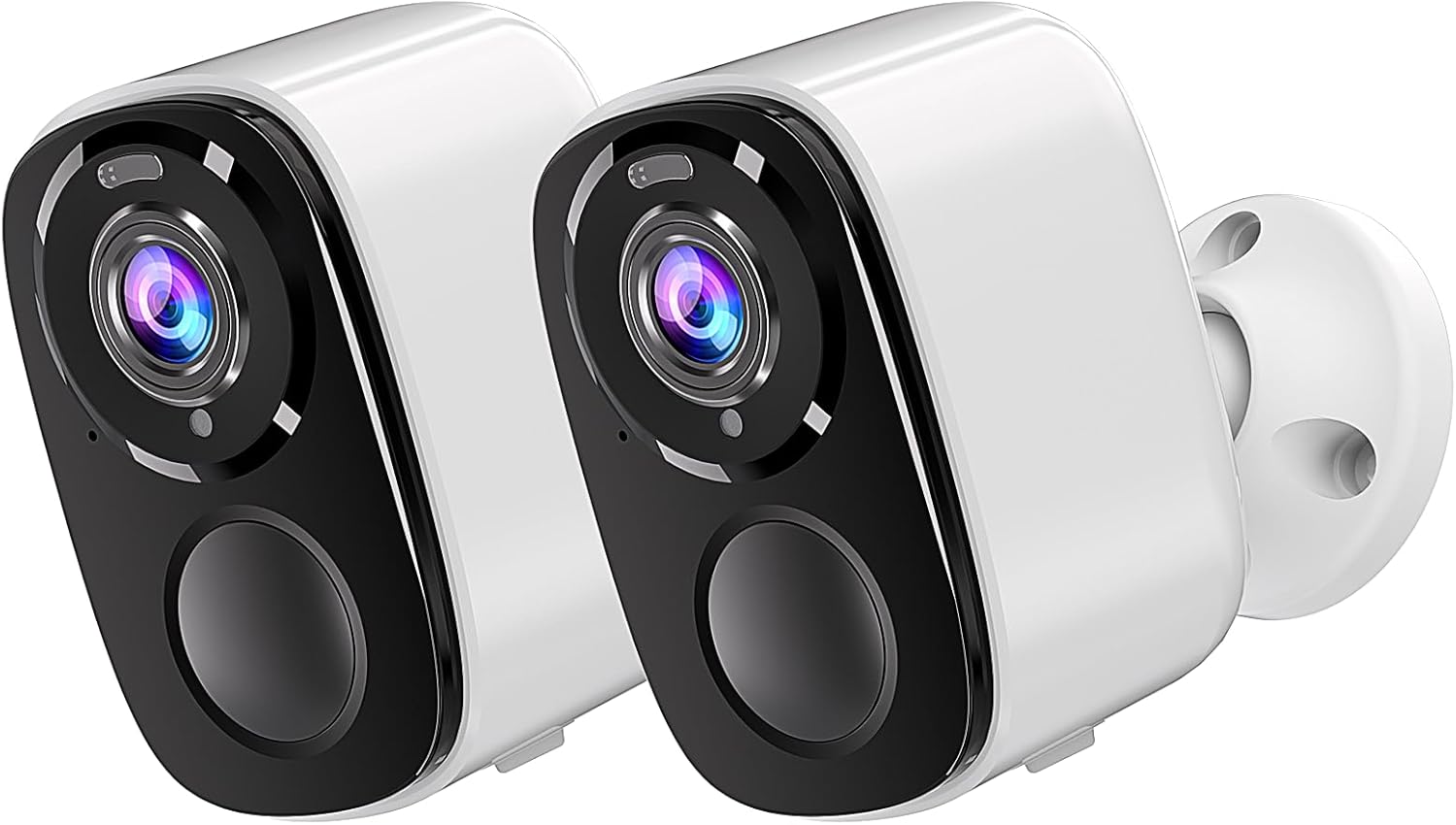
Image: Two Rraycom BW4-N-White-2Pack wireless outdoor cameras, showcasindesainna anu ringkes sareng warna bodasna.
2. Naon dina Box
Punten parios yén sadaya komponén aya dina pakét anjeun:
- Rraycom BW4-N-White-2Pack Wireless Outdoor Cameras (2 units)
- Pamasangan screws
- Siren (integrated)
- Rechargeable Batteries (pre-installed or included)
- Manual pamaké
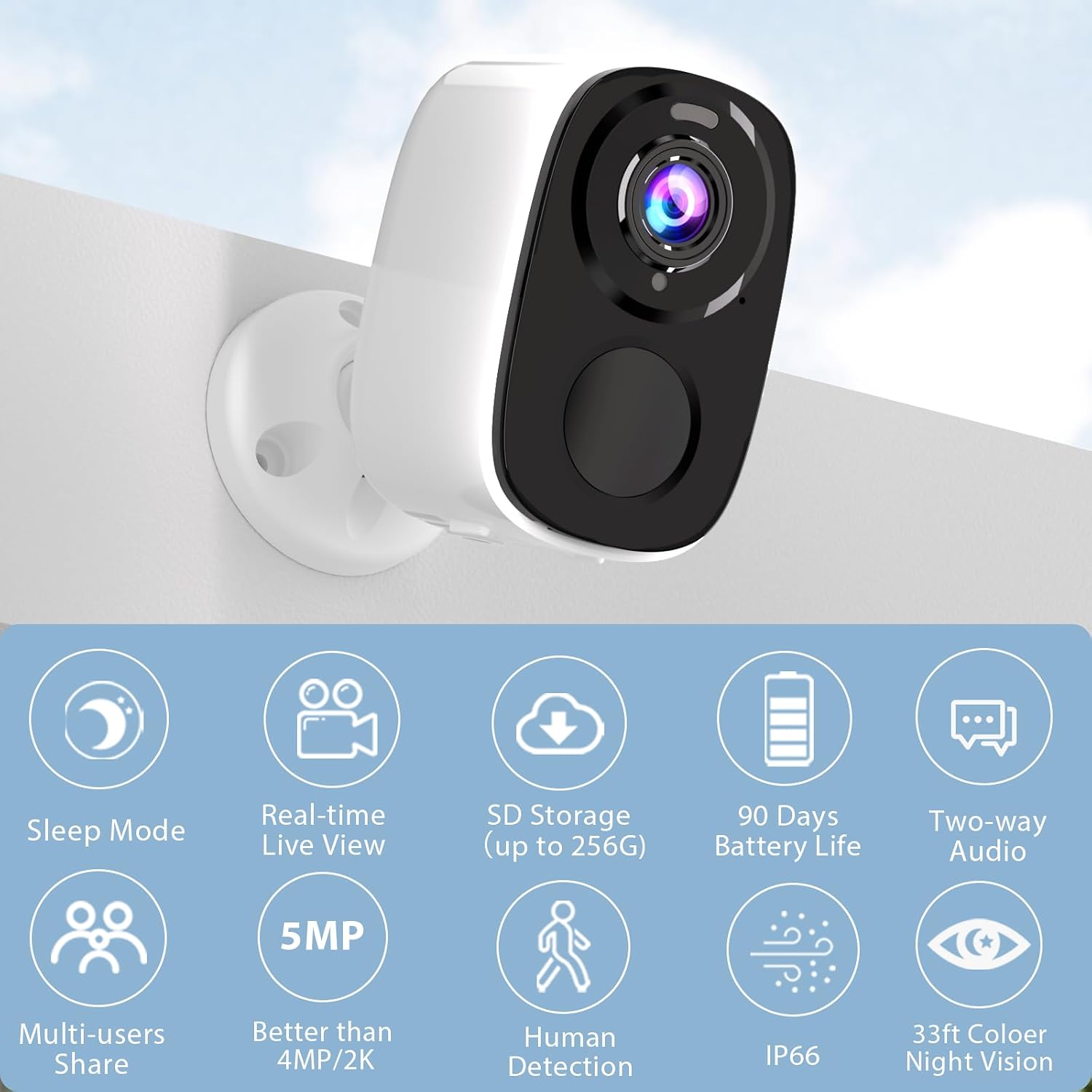
Image: A single Rraycom camera mounted on a wall, surrounded by icons illustrating its key features such as sleep mode, real-time live view, SD storage, 90-day battery life, two-way audio, multi-user sharing, 5MP resolution, human detection, IP66 weather resistance, and 33ft color night vision.
3. Fitur konci
- Deteksi Gerakan PIR & Pangakuan AI: Utilizes infrared sensor technology and cloud image analysis for real-time motion detection, sending instant alerts. Customizable detection zones reduce unwanted notifications.
- Wireless & Rechargeable Battery: Cordless operation with a 5200mAh battery, offering 1 to 6 months of operation on a full charge depending on usage.
- 5MP 2.7K Resolution & Color Night Vision: Delivers 2560*1920P clear image quality. Features full-color night vision and infrared night vision up to 33ft.
- Easy Installation & IP66 Waterproof: Designed for quick setup in various outdoor and indoor locations. IP66 rating ensures resistance to harsh weather. Operates only with 2.4GHz WiFi.
- SD & FREE Cloud Storage: Supports micro SD card (up to 256GB, not included) and offers free 1-day rolling cloud storage for life without subscription.
- Audio Dua Arah: Allows for clear conversations through the camera, enabling communication with visitors or deterring intruders.

Image: Visual comparison demonstrating the superior clarity of 5MP resolution over 3MP, and an illustration of the camera's spotlight feature for enhanced night vision.
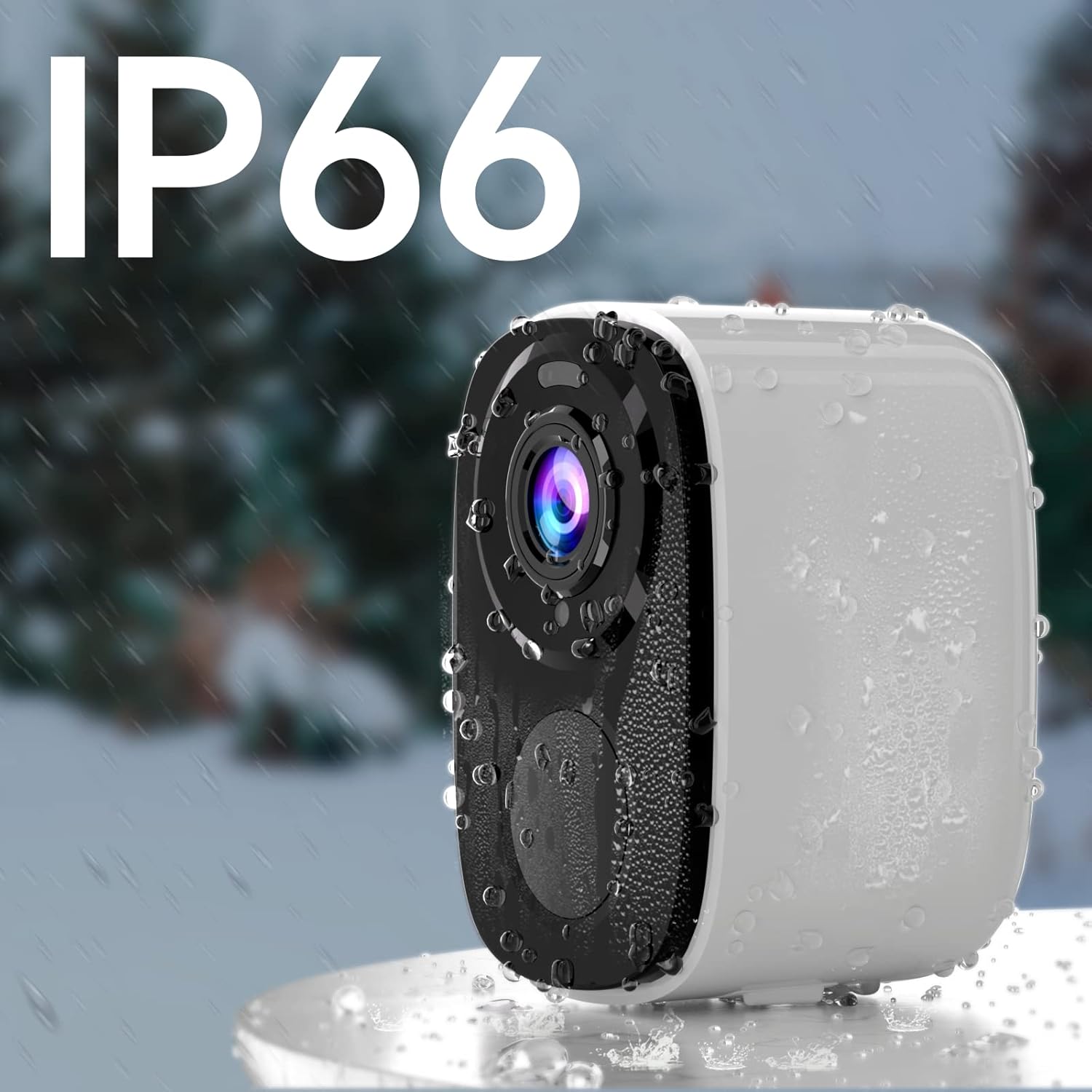
Image: A Rraycom camera with water droplets on its surface, highlighting its IP66 waterproof and weather-resistant design.
4. Setup Guide
- Ngecas kaméra: Before first use, fully charge the camera's battery using the provided USB cable. A full charge can take several hours.
- Download the O-KAM App: Milarian pikeun "O-KAM" in the App Store (iOS) or Google Play Store (Android) and install it on your smartphone.
- Ngadaptarkeun Akun: Open the O-KAM app and follow the on-screen instructions to create a new account.
- Tambahkeun Alat: Tap the "+" icon in the app to add a new device. Select your camera model and follow the pairing instructions. Ensure your Wi-Fi network is 2.4GHz.
- Pasang kaméra: Choose a suitable location for installation. Use the included screws and bracket to securely mount the camera. Ensure the camera has a clear field of view and is within range of your 2.4GHz Wi-Fi network.

Image: A person easily installing a Rraycom camera on a ceiling, highlighting the simple installation process.
5. Parentah Operasi
5.1 Hirup View sareng Playback
- Open the O-KAM app and select your camera to view eupan hirup.
- Access recorded videos from the cloud storage or inserted SD card for playback.
5.2 Audio Dua Arah
Ketok ikon mikropon dina live view to speak through the camera. Tap the speaker icon to listen to audio from the camera's location.

Image: A delivery person speaking to someone through the Rraycom camera's two-way audio feature, with the mobile app interface visible on a smartphone.
5.3 Deteksi Gerak sareng Siaga
- Configure motion detection sensitivity and set up specific detection zones within the app to minimize false alerts.
- Receive instant push notifications on your smartphone when motion is detected.

Image: A Rraycom camera overseeing a detection zone in a driveway, with a smartphone showing real-time alerts for detected motion and persons.
5.4 Modeu Visi Peuting
The camera supports both full-color night vision and infrared night vision. You can switch between modes in the app settings based on your preference and lighting conditions.

Gambar: Layar pamisah view on a smartphone demonstrating the difference between 5MP color night vision and infrared night vision modes, capturing details in low light.
5.5 Siren and Spotlights
Activate the integrated siren and spotlights via the app to deter intruders or alert others to suspicious activity.

Image: A Rraycom camera emitting a siren and spotlight, with a smartphone displaying a motion detection alert and options to activate the siren or spotlights, illustrating its deterrent capabilities.
5.6 Démonstrasi Pidéo
Video: Hiji leuwihview of the Rraycom camera's features and basic operation, demonstrating its ease of use and key functionalities.
Video: A demonstration of the camera's AI motion detection and alert system, showing how it identifies and notifies users of activity.
Video: A visual guide to setting up and customizing detection zones within the O-KAM app for optimized security monitoring.
6. Pangropéa
- Ngeusi batre: Recharge the camera battery when the app indicates low power. Battery life varies based on usage and environmental factors.
- beberesih: Usap lénsa sareng awak kaméra sacara berkala ku kaén anu lemes,amp lawon pikeun miceun lebu sareng kokotor. Entong nganggo bahan kimia anu keras.
- Pembaruan firmware: Keep the camera firmware updated through the O-KAM app to ensure optimal performance and access to new features.
- Perlindungan Cuaca: While IP66 rated, avoid direct high-pressure water jets and extreme temperatures to prolong the camera's lifespan.
7. Cara ngungkulan
| Masalah | Mungkin Cukang lantaranana | Solusi |
|---|---|---|
| Kaméra teu tiasa nyambung ka Wi-Fi | Incorrect Wi-Fi password; 5GHz Wi-Fi network; camera too far from router. | Ensure correct 2.4GHz Wi-Fi password; move camera closer to router or use a Wi-Fi extender. |
| Kualitas gambar henteu saé | Lénsa kotor; kaayaan cahaya poék; masalah bandwidth jaringan. | Clean the lens; ensure adequate lighting or use night vision; check network speed. |
| Taya panggeuing deteksi gerak | Detection sensitivity too low; detection zone not set correctly; app notifications disabled. | Adjust sensitivity in app; redefine detection zones; enable app notifications in phone settings. |
| hirup batré pondok | Frequent motion detection; continuous live view; extreme temperatures. | Reduce detection sensitivity; limit live view time; ensure optimal operating temperature. |
| Audio dua arah teu jalan | Microphone/speaker permissions not granted; low volume settings. | Check app permissions for microphone; adjust volume settings in app and on phone. |
If you encounter issues not listed here, please refer to the customer service section for support.
8. Spésifikasi
| Fitur | Rincian |
|---|---|
| Modél | BW4-N-White-2Pack |
| Resolusi Capture Video | 5 MP (2560*1920P) |
| Sumber Daya | Battery Powered (5200 mAh Lithium Ion) |
| Protokol konektipitas | Wi-Fi (2.4GHz wungkul) |
| Wengi Sawangan Sawangan | Up to 33 Feet (Color and Infrared) |
| Widang Of View | 120 darajat |
| Peunteun Protection Internasional | IP66 |
| Pilihan Panyimpenan | Micro SD card (up to 256GB), Cloud Storage |
| Alat nu cocog | Telepon pinter (iOS/Android), Amazon Alexa |
| Tipe Pamasangan | Tembok Gunung |
| Item Beurat | 1.3 pon |
9. Garansi sarta Rojongan Palanggan
Rraycom is committed to providing high-quality products and excellent customer service. For any questions, technical assistance, or warranty inquiries, please contact our support team.
- Rojongan Email: aftersale@rraycom.com
- Sumberdaya Online: Visit the official Rraycom store on Amazon for FAQs and additional product information: Rraycom Store

Image: An illustration depicting a customer service representative, emphasizing available support via email at aftersale@rraycom.com.