
1. Bubuka
This manual provides comprehensive instructions for the safe and effective operation, maintenance, and troubleshooting of your Sofirn HS41 4000 Lumen Rechargeable LED Headlamp. Please read this manual thoroughly before using the product to ensure optimal performance and longevity.
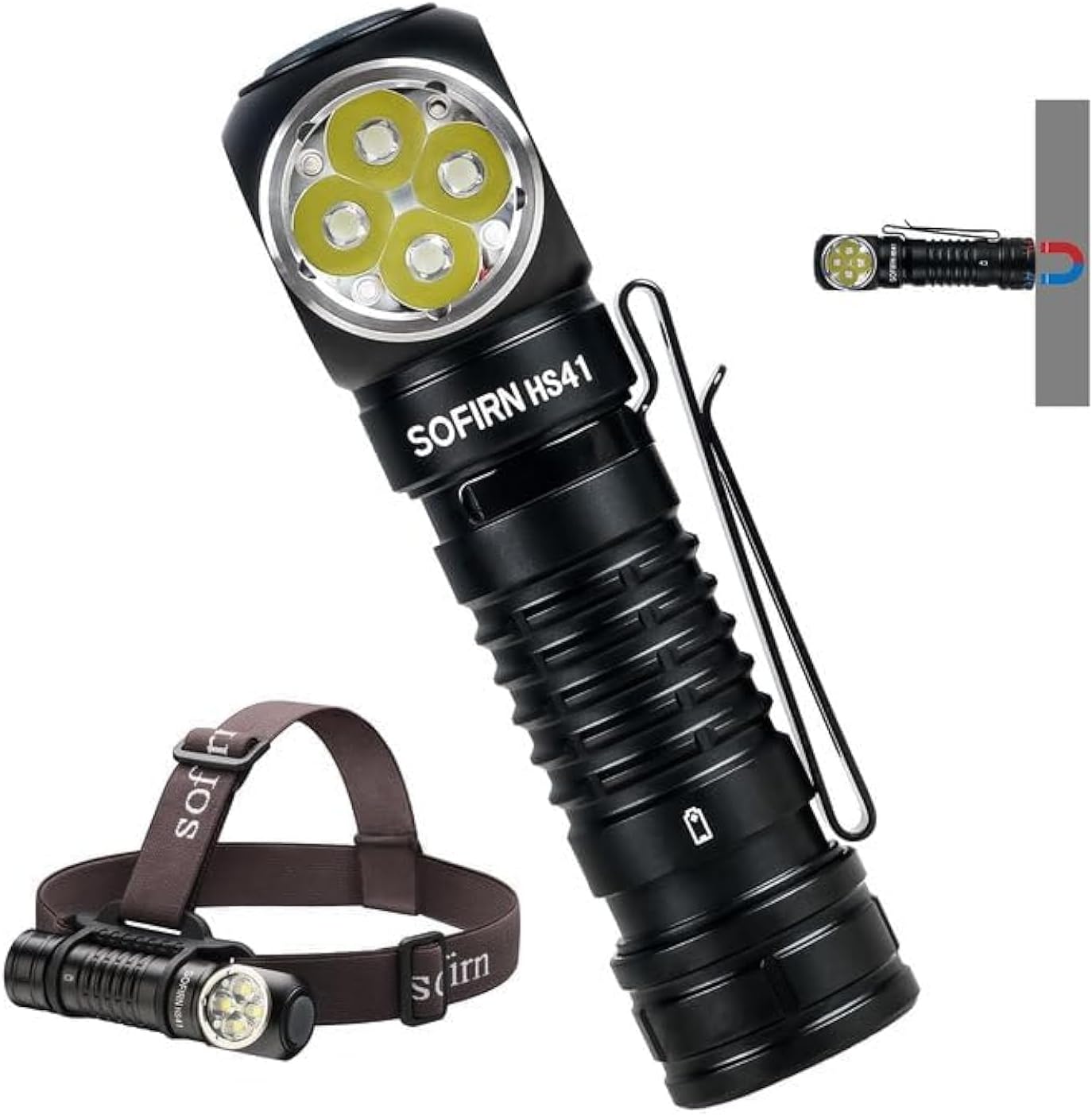
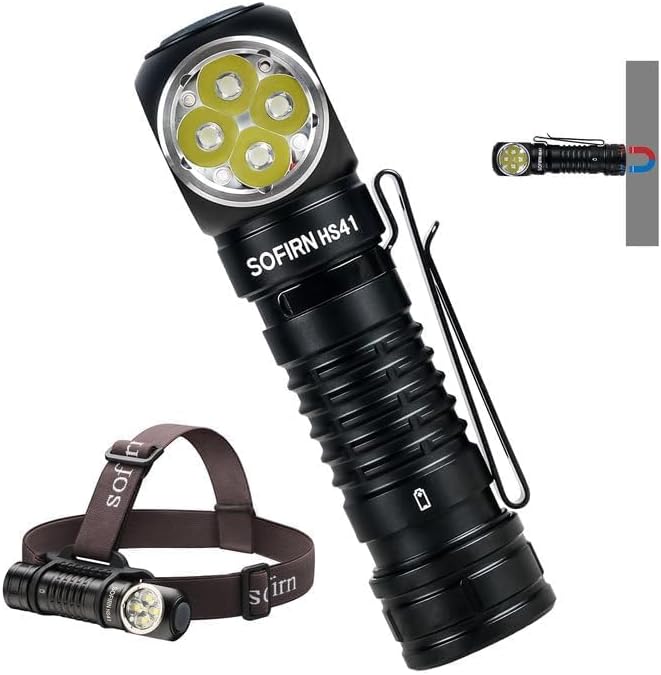
The Sofirn HS41 can be used as a headlamp with the included headband or as a versatile right-angle flashlight, featuring a magnetic base for hands-free operation.
2. Produk Langkungview
Fitur konci
- Kaluaran luhur: Equipped with 4*SST20 LEDs, delivering up to 4000 lumens with a beam distance of 325 meters.
- USB-C ngecas: Built-in Type-C port for convenient and fast charging.
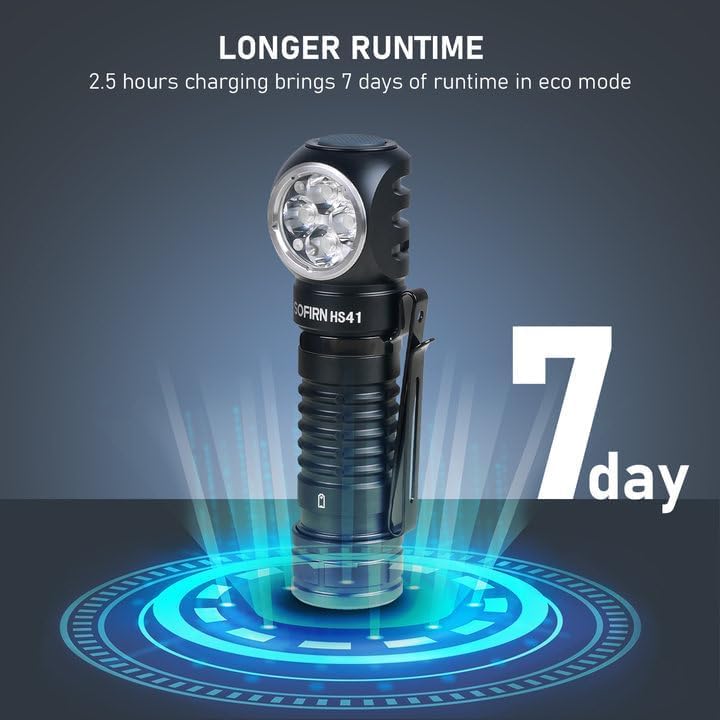
- Ngalegaan Runtime: Up to 29.5 days of usage in Moonlight mode on a single charge.
- Sababaraha Modeu Pencahayaan: 9 modes including Moonlight, Eco, Low, Medium, High, Turbo, Strobe, SOS, and Beacon.
- Desain awét: IPX8 waterproof rating and impact resistance up to 1 meter.
- Pamakéan serbaguna: 90-degree L-shape design allows use as a headlamp or right-angle flashlight with a powerful magnetic tailcap.
- Fitur kaamanan: Advanced Temperature Regulation (ATR) and Low Voltage panyalindungan.

This image highlights the main features of the HS41, such as its multiple lighting modes, extended battery life, convenient USB-C charging, and robust IP68 waterproof design.
Naon dina Box
- Sofirn HS41 Headlamp
- 1x Rechargeable Lithium Polymer Battery
- 1x Sturdy Head Band
- 1x Kabel Ngecas Tipe-C
- 1 x Manual Pamaké
3. Parentah Kasalametan
- Do not shine the light directly into eyes. The high lumen output can cause temporary vision impairment.
- Jauhkeun tina jangkauan barudak.
- Use only the specified battery type. Incorrect battery usage can lead to damage or safety hazards.
- Ulah ngabongkar headlamp, as this may void the warranty and cause damage.
- Ulah ngalaan headlamp ka suhu ekstrim atanapi sinar panonpoé langsung pikeun période anu berkepanjangan.
- Pastikeun panutup port USB-C ditutup pageuh nalika teu ngecas pikeun ngajaga tahan cai.
4. Setélan
Pamasangan batré
- Unscrew the tail cap of the headlamp.
- Insert the included 18650 Lithium Polymer battery with the positive (+) end facing towards the head of the light.
- Screw cap buntut deui pageuh pikeun mastikeun kontak ditangtoskeun jeung tahan cai.
Ngecas
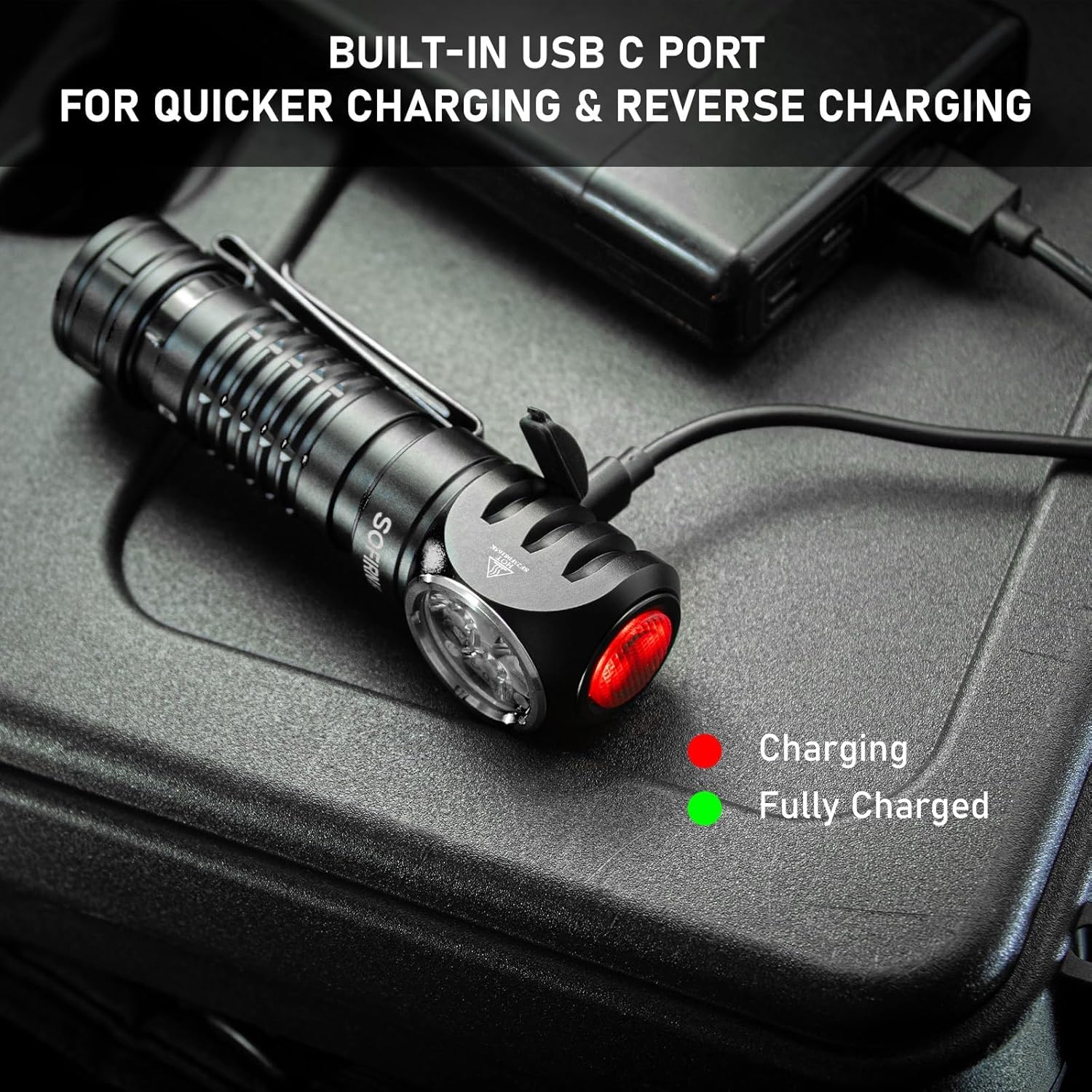
The HS41 features a built-in USB-C charging port.
- Panggihan port ngecas USB-C di sisi headlamp and open its protective cover.
- Sambungkeun kabel ngecas Tipe-C anu disayogikeun ka headlamp and to a USB power source (e.g., wall adapter, power bank, computer).
- Lampu indikator dina headlamp will show the charging status:
- Beureum: Ngecas lumangsung.
- héjo: Dicas pinuh.
- Charging typically takes approximately 2.5 hours for a full charge.
- Once charging is complete, disconnect the cable and securely close the USB-C port cover to maintain water resistance.
Headlétamp features a built-in USB-C port for convenient and fast charging. The indicator light changes color to show charging status.
5. Parentah Operasi
The HS41 is operated via a single side switch.
Operasi Dasar
- Hurungkeun/Pareuman: Single click the switch to turn the light on or off.
- Change Brightness (Ramping): When the light is on, press and hold the switch to cycle through brightness levels (Moonlight, Eco, Low, Medium, High, Turbo). Release the switch at your desired brightness.
- Mémori Mode: Headlétamp will remember the last used brightness level (except for special modes like Strobe, SOS, Beacon).
Modeu Aksés Gancang
- Cahaya bulan: From OFF, press and hold the switch for 1 second to activate Moonlight mode.
- Mode luhur: From OFF, double-click the switch to directly activate High mode.
- Modeu Strobe: From OFF, triple-click the switch to activate Strobe mode.
Headlétamp's single button allows for quick access to frequently used modes: press and hold for Moonlight, double-click for High, and triple-click for Strobe.
Special Modes (Strobe, SOS, Beacon)
- From ON, triple-click the switch to enter Strobe mode.
- While in Strobe mode, double-click to cycle through SOS and Beacon modes.
- Single click to turn off or return to the previous brightness level.

The HS41 delivers a powerful 4000 lumens, providing extensive illumination for outdoor activities. The image shows the light beam and icons representing modes like Moonlight, Eco, Low, Medium, High, Turbo, Strobe, Beacon, and SOS.
Fungsi Lockout
To prevent accidental activation, the HS41 features a lockout mode.
- Aktipkeun Lockout: From OFF, perform four quick clicks of the switch. The LED will blink twice to confirm lockout mode is active.
- Nonaktipkeun Lockout: Perform four quick clicks of the switch. The light will turn on to the last used mode.

Headlétamp features a lockout mode to prevent accidental activation. It is engaged by four quick clicks when the light is off, indicated by two blinks.
Indikator kakuatan
The power indicator displays the battery level for 5 seconds every time the light is turned on.
- héjo: Remaining battery power is good (70% - 100%).
- Beureum: Remaining battery power is poor (30% - 69%).
- Kedip-kedip Beureum: Critical power (less than 30%). Recharge the battery as soon as possible.
The integrated power indicator provides real-time battery status: green (70-100%), red (30-69%), and flashing red (below 30%), prompting timely recharging.
Low Voltage Peringatan
Nalika batréna voltage drops below 3V, the indicator will flash red, and the headlamp will vibrate twice with a 1-minute interval between each vibration. This signals that the battery needs to be recharged immediately.

Nalika batréna voltage pakait handap 3V, headl nuamp's indicator will flash red, and the device will vibrate twice with a one-minute interval, signaling a low voltage kaayaan.
6. Pangropéa
beberesih
- Ngusap sirahamp kalawan lemes, damp lawon pikeun miceun kokotor jeung lebu.
- Ulah nganggo pembersih atanapi pangleyur anu abrasif, sabab éta tiasa ngaruksak lapisan atanapi komponén internal.
- Clean the threads of the tail cap and O-rings periodically. Apply a thin layer of silicone grease to the O-rings to maintain water resistance.
Perawatan batré
- Recharge the battery regularly, especially if the headlamp moal dipaké pikeun période nambahan.
- Simpen batréna di tempat anu tiis sareng garing.
- If storing for a long time, remove the battery from the headlamp to prevent parasitic drain.
Panyimpenan
- Nyimpen headlamp in a dry environment, away from direct sunlight and extreme temperatures.
- Pastikeun headlamp is in lockout mode or the battery is removed during storage to prevent accidental activation.
7. Cara ngungkulan
| Masalah | Mungkin Cukang lantaranana | Solusi |
|---|---|---|
| Lampu teu hurung | Batré béak Battery incorrectly inserted Tail cap loose Headlamp in lockout mode | Ngecas batré Pariksa polaritasna batré Kencangkeun cap buntut Deactivate lockout mode (4 clicks) |
| Lampu kedip-kedip atanapi taram | batré lemah Poor contact between battery and terminals Dirty threads/contacts | Ngecas batré Ensure battery is fully inserted Clean threads and contacts with a cotton swab |
| Ngecas teu jalan | Charging cable faulty USB power source insufficient Charging port dirty | Coba kabel USB-C anu béda Use a reliable USB power adapter Clean the USB-C port gently |
| Headlamp gets hot quickly | Operating in Turbo/High mode for extended periods ATR (Advanced Temperature Regulation) is active | This is normal. The ATR system will automatically reduce brightness to prevent overheating. Reduce brightness manually if desired. |
8. Spésifikasi
| Fitur | Spésifikasi |
|---|---|
| Modél | HS41 |
| Sumber Cahaya | 4*SST20 LEDs |
| Caang maksimum | 4000 Lumén |
| Jarak Beam | 325 méter |
| Sumber Daya | 1x Rechargeable Lithium Polymer Battery (included) |
| Port ngecas | USB Tipe-C |
| Bahan | Aluminium Alloy |
| Tahan cai | IPX8 (submersible up to 2 meters for 30 minutes) |
| Résistansi Dampak | 1 méter |
| Diménsi | 1"D x 1"W x 1"H (approx. 30.1mm x 29mm x 115mm) |
| Beurat | 0.71 Pounds (approx. 11.4 ounces / 79g without battery) |
| Fitur husus | Adjustable Light Modes, Adjustable Strap, Magnetic Base, Low Voltage Warning, Advanced Temperature Regulation |
9. Garansi jeung Rojongan
For warranty information or technical support, please contact the seller, 77 Outdoor Shop, or the manufacturer, Sofirn, directly through their official channels. Please retain your proof of purchase for any warranty claims.