
1. Bubuka
The TECLAST M50 is a 10.1-inch Android 13 tablet designed for versatile use, from entertainment to productivity. It features an Octa-Core processor, 12GB RAM, 128GB internal storage expandable up to 1TB, and supports Dual SIM 4G LTE connectivity. This manual provides essential information for setting up, operating, maintaining, and troubleshooting your device.
2. Naon dina Box
Upon unboxing your TECLAST M50 tablet, please ensure all the following items are present:
- TECLAST M50 Tablet
- Adaptor Daya (Charger)
- Kabel Tipe-C USB
- Alat Ejector SIM
- Manual pamaké
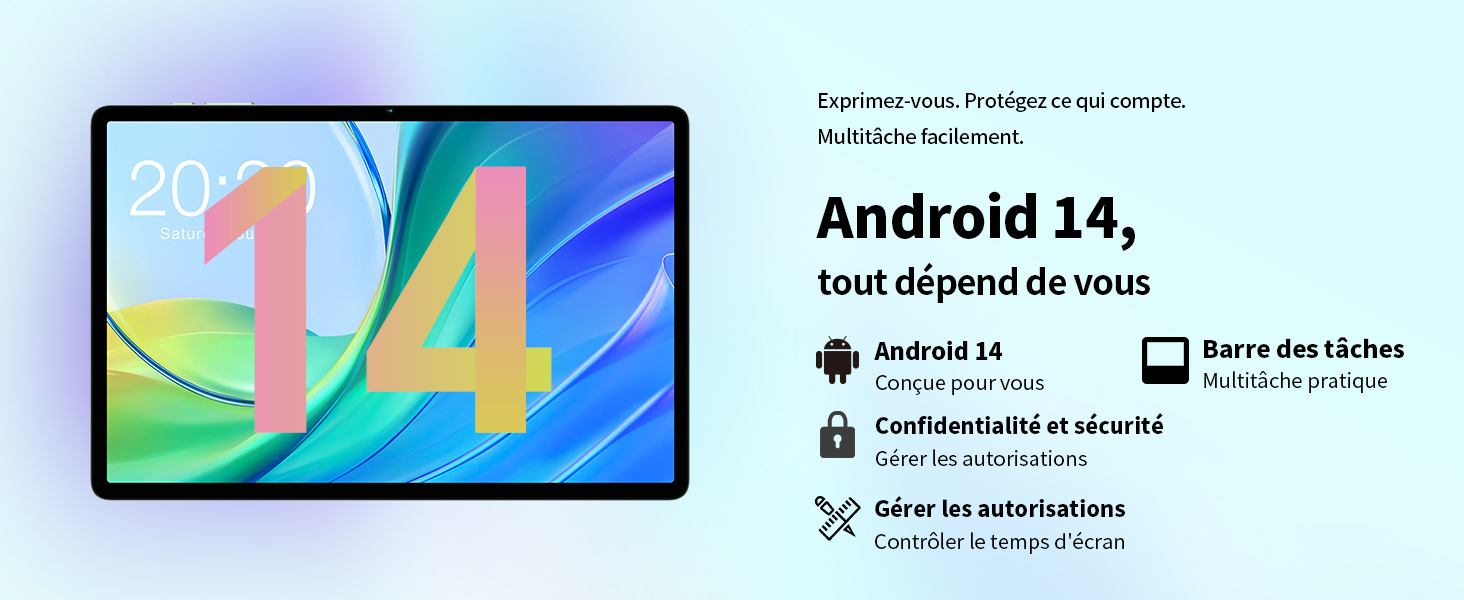
Image: Contents of the TECLAST M50 tablet box, showing the tablet, power adapter, USB cable, SIM ejector tool, and user manual.
3. Produk Langkungview
The TECLAST M50 tablet features a sleek design with a 10.1-inch display and a lightweight build of approximately 460 grams. It measures 23L x 20l x 1Ép centimeters. Familiarize yourself with the tablet's physical components:

Image: TECLAST M50 tablet from various angles, illustrating the location of the power button, volume controls, USB-C port, 3.5mm headphone jack, and speaker grilles.
Komponén konci:
- Tombol Daya: Tempatna di sisi, dipaké pikeun mareuman / mareuman atanapi hudang / bobo alat.
- Tombol Volume: Saluyukeun polumeu audio.
- Port USB Tipe-C: Pikeun ngecas sareng mindahkeun data.
- Jack Headphone 3.5mm: Sambungkeun headphone kabel.
- Speaker Grilles: Four stereo speakers for enhanced audio output.
- Kaméra hareup: 5MP camera for video calls and facial unlock.
- Kaméra tukang: Kaméra 13MP pikeun poto sareng pidéo.
- Slot Kartu SIM/MicroSD: Insert SIM cards for cellular connectivity and a MicroSD card for expanded storage.
4. Setélan
4.1 Ngecas Awal
Before first use, it is recommended to charge the TECLAST M50 tablet for at least 30 minutes. Connect the USB Type-C cable to the tablet's charging port and the power adapter to a wall outlet. The battery icon on the screen will indicate charging status.
4.2 Powering on / Pareum
- Pikeun Ngahurungkeun: Press and hold the Power button until the TECLAST logo appears.
- Pikeun mareuman: Pencét jeung tahan tombol Daya nepi ka menu pilihan daya nembongan, teras pilih 'Pareuman'.
- Pikeun ngamimitian deui: Press and hold the Power button, then select 'Restart'.
4.3 Nyelapkeun Kartu SIM sareng MicroSD
The TECLAST M50 supports dual SIM cards for 4G LTE connectivity and a MicroSD card for storage expansion up to 1TB.
- Tangtukeun lokasi baki kartu SIM/MicroSD di sisi tablet.
- Selapkeun alat SIM ejector kana liang leutik gigireun baki terus pencét gently dugi baki pops kaluar.
- Carefully place your Nano-SIM cards and/or MicroSD card into the designated slots on the tray. Ensure the gold contacts are facing down and the cards are correctly oriented.
- Gently dorong baki deui kana tablet nepi ka ngaklik kana tempatna.

Image: Illustration of inserting SIM cards and a MicroSD card into the tablet's tray.
4.4 Setelan Android Awal
After powering on for the first time, follow the on-screen prompts to complete the initial setup process. This includes selecting your language, connecting to a Wi-Fi network, signing in with your Google account, and setting up security features like facial unlock.
5. Parentah Operasi
5.1 Fitur tampilan
The TECLAST M50 features a 10.1-inch TDDI HD display with a resolution of 1280x800 pixels. The TDDI technology integrates touch sensors directly into the LCD, providing a more responsive touch experience. It also supports Widevine L1, allowing for high-definition streaming from platforms like Disney+ and Amazon Prime Video.

Image: Visual representation of the TECLAST M50's 10.1-inch HD display with 1280x800 resolution and IPS wide viewsudut ing.
5.2 Performance sarta Panyimpenan
Powered by an Octa-Core UNISOC T606 processor and Mali-G57 GPU, the M50 delivers efficient performance. It comes with 6GB of RAM, expandable to 12GB using virtual memory technology, and 128GB of internal storage. Storage can be further expanded up to 1TB via a MicroSD card.

Image: Details of the UNISOC T606 Octa-Core processor and Mali-G57 graphics processor.

Image: Information on RAM and ROM capacity, including expandable storage options.
5.3 Konéktipitas
Stay connected with the TECLAST M50's comprehensive connectivity options:
- Dual SIM 4G LTE: Supports TD-LTE and FDD-LTE networks for mobile data and VoLTE calls.
- Wi-Fi dual-band: Connect to 2.4GHz and 5GHz Wi-Fi networks (802.11ac).
- Bluetooth 5.0: Pikeun nyambungkeun asesoris nirkabel sapertos headphone sareng kibor.
- Napigasi GPS: Supports GPS, BeiDou, GLONASS, and Galileo for accurate positioning.

Gambar: Leuwihview of Wi-Fi, Bluetooth, and 4G LTE capabilities.

Image: Tablet showing GPS navigation in use.
5.4 Kaméra Fungsionalitas
The M50 is equipped with a 13MP rear camera and a 5MP front camera. The rear camera features AI-based auxiliary optimization for improved focus and image results, especially in low-light conditions. The 5MP front camera supports facial unlock for convenient device access.

Image: Details of the tablet's front and rear cameras.
5.5 Sistim Audio
Experience immersive sound with the M50's Momentum III audio system, featuring four stereo speakers and a Smart K amplifier for clear and rich audio output.

Image: Representation of the tablet's 4-speaker audio system.
5.6 Fitur Android 13
The tablet runs on Android 13, offering enhanced privacy controls, a convenient taskbar for multitasking, and improved permission management. It also includes features for parental controls to manage screen time and application access.

Image: Android 13 interface showcasing privacy and multitasking features.

Image: Parental control interface for managing tablet usage.
6. Pangropéa
6.1 Perawatan Batré
The TECLAST M50 is equipped with a 6000mAh battery, providing up to 15 hours of usage. To maximize battery life:
- Hindarkeun suhu anu ekstrim.
- Anggo carjer sareng kabel anu disayogikeun.
- Hindarkeun sering-sering ngosongkeun batré.
- Pikeun panyimpenan jangka panjang, eusian tablet dugi ka sakitar 50% teras pareuman.

Image: Battery capacity and charging method.
6.2 beberesih
Pikeun ngabersihan tablet anjeun, paké kaén anu lemes sareng teu aya serat. Pikeun smudges nekad, rada dampBilas lawon ku cai atanapi pembersih layar anu khusus dirancang pikeun éléktronik. Hindarkeun nganggo bahan kimia anu keras atanapi bahan anu abrasif.
6.3 Apdet parangkat lunak
Periodically check for system updates to ensure your tablet has the latest features and security patches. Navigate to Setélan > Sistem > Apdet sistem pikeun mariksa tur masang apdet sadia.
7. Cara ngungkulan
If you encounter issues with your TECLAST M50 tablet, try the following basic troubleshooting steps:
- Alat teu hurung: Pastikeun batréna geus dieusian. Sambungkeun carjer sareng antosan sababaraha menit sateuacan nyobian hurung deui.
- Layar macet atanapi teu ngaréspon: Pencét jeung tahan tombol Daya salila kira 10-15 detik pikeun maksa balikan deui.
- Masalah konektivitas Wi-Fi/Bluetooth: Try toggling Wi-Fi/Bluetooth off and on. Restart your tablet and/or your router/Bluetooth device.
- Aplikasi nabrak: Hapus cache sareng data pikeun aplikasi anu bermasalah (Setélan > Aplikasi > [Ngaran Aplikasi] > Panyimpenan > Hapus cache/Hapus data). Upami masalahna masih aya, copot teras pasang deui aplikasi éta.
- kinerja slow: Close unnecessary background apps. Clear cached data. Consider performing a factory reset as a last resort (back up your data first).
- Kartu SIM teu kadeteksi: Ensure the SIM card is correctly inserted and activated with your carrier. Restart the tablet.
For more complex issues, refer to the official TECLAST support resources.
8. Spésifikasi
| Fitur | Spésifikasi |
|---|---|
| Ngaran modél | TECLAST M50 |
| Sistem operasi | Android 13 |
| Prosesor | UNISOC T606 Octa-Core (1.6 GHz) |
| Prosesor Grafika | Mali-G57 MP1 |
| Ram | 12 GB (6GB fisik + 6GB ékspansi) |
| Panyimpenan internal | 128 GB |
| Panyimpenan Expandable | MicroSD nepi ka 1 TB |
| Ukuran layar | 10.1 inci |
| Resolusi tampilan | 1280x800 Pixels (TDDI, IPS) |
| Kaméra tukang | 13 MP |
| Kaméra hareup | 5 MP |
| Kapasitas batré | 6000 mAh (22 Wh) |
| Kahirupan Batré (Rata-rata) | 15 jam |
| Konektipitas | 4G LTE (Dual SIM), Wi-Fi (802.11ac), Bluetooth 5.0 |
| Napigasi | GPS, BeiDou, GLONASS, Galileo |
| Audio | 4 Stereo Speakers (Momentum III) |
| Palabuhan | 1x USB Type-C, 1x 3.5mm Headphone Jack |
| Beurat | 460 gram |
| Ukuran (L x W x H) | 23 x 20 x 1 cm |
9. Garansi jeung Rojongan
9.1 Émbaran jaminan
The TECLAST M50 tablet comes with a manufacturer's warranty of 1 taun ti tanggal beuli. Garansi ieu nyertakeun cacad dina bahan sareng pagawean dina panggunaan normal. Punten tahan bukti pameseran anjeun pikeun klaim garansi.
9.2 Rojongan Palanggan
For any questions, technical assistance, or warranty inquiries, please contact TECLAST customer support. Our team provides professional advice and aims to respond to all inquiries within one working day. You can find contact information on the official TECLAST websitus atawa ngaliwatan pangecér Anjeun.
Sumberdaya Online: For additional support and FAQs, please visit the official TECLAST websitus: TECLAST Brand Store