
1. Bubuka
The INSEETECH 4G LTE Tuya Smart Solar Wireless Camera is an advanced outdoor surveillance solution designed for areas without traditional power or Wi-Fi access. This manual provides essential information for setting up, operating, and maintaining your camera to ensure optimal performance and security.

Figure 1.1: INSEETECH 4G LTE Tuya Smart Solar Wireless Camera
2. Fitur Produk
- Wire-Free & Solar Powered: Operates year-round with a 10W solar panel and rechargeable battery, eliminating the need for constant power connection.
- 4G LTE Cellular Connectivity: No Wi-Fi required, ideal for remote locations. Supports Verizon, AT&T, and T-Mobile networks.
- 2K PTZ Camera: Offers 355° horizontal pan and 90° vertical tilt for comprehensive coverage, controllable via the Tuya app.
- IP66 waterproof: Designed to withstand harsh weather conditions including heavy rain, strong winds, and snow.
- Deteksi Gerak Cerdas: PIR motion detection and advanced human detection (33-49 feet range) with real-time alerts to the Tuya app. Human Body Filtering reduces false alarms.
- 2K 98ft Full Color Night Vision: Features a 4MP HD CMOS Sensor, 6 infrared lights, and white light for clear images in pitch-dark environments. Supports both full-color and infrared night vision modes.
- Audio Dua Arah: Komunikasi sareng sémah atanapi cegah panyusup nganggo mikropon sareng spiker anu dipasang di jerona.
- Pilihan Panyimpenan Fleksibel: Supports cloud storage (subscription required) and local storage via a memory card (8-128GB, not included).
- Fungsi Bagikeun Kulawarga: Allows sharing access with up to 50 users while maintaining main user privacy settings.
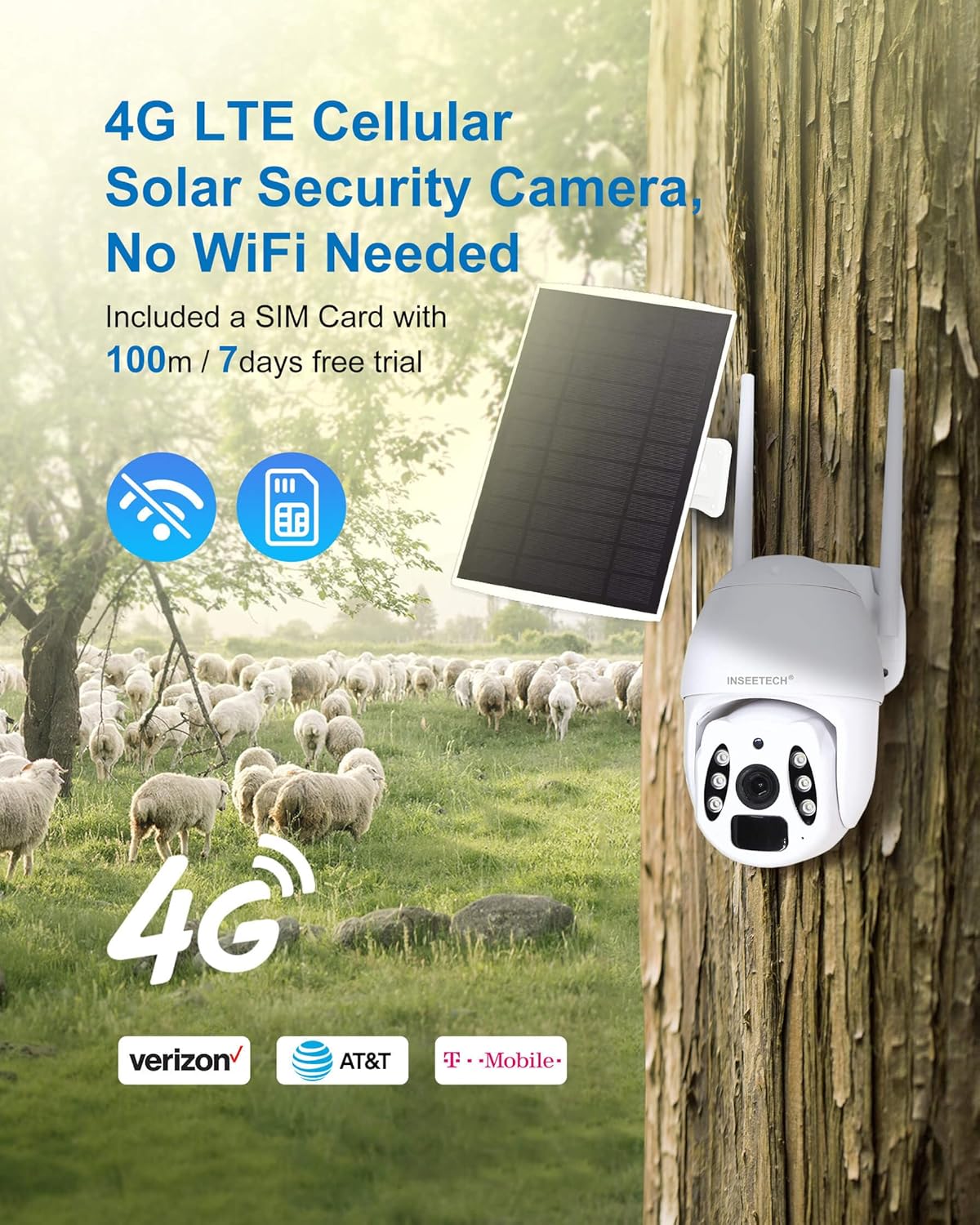
Figure 2.1: 4G LTE Cellular Connectivity

Figure 2.2: 2K HD Image and Night Vision Capabilities
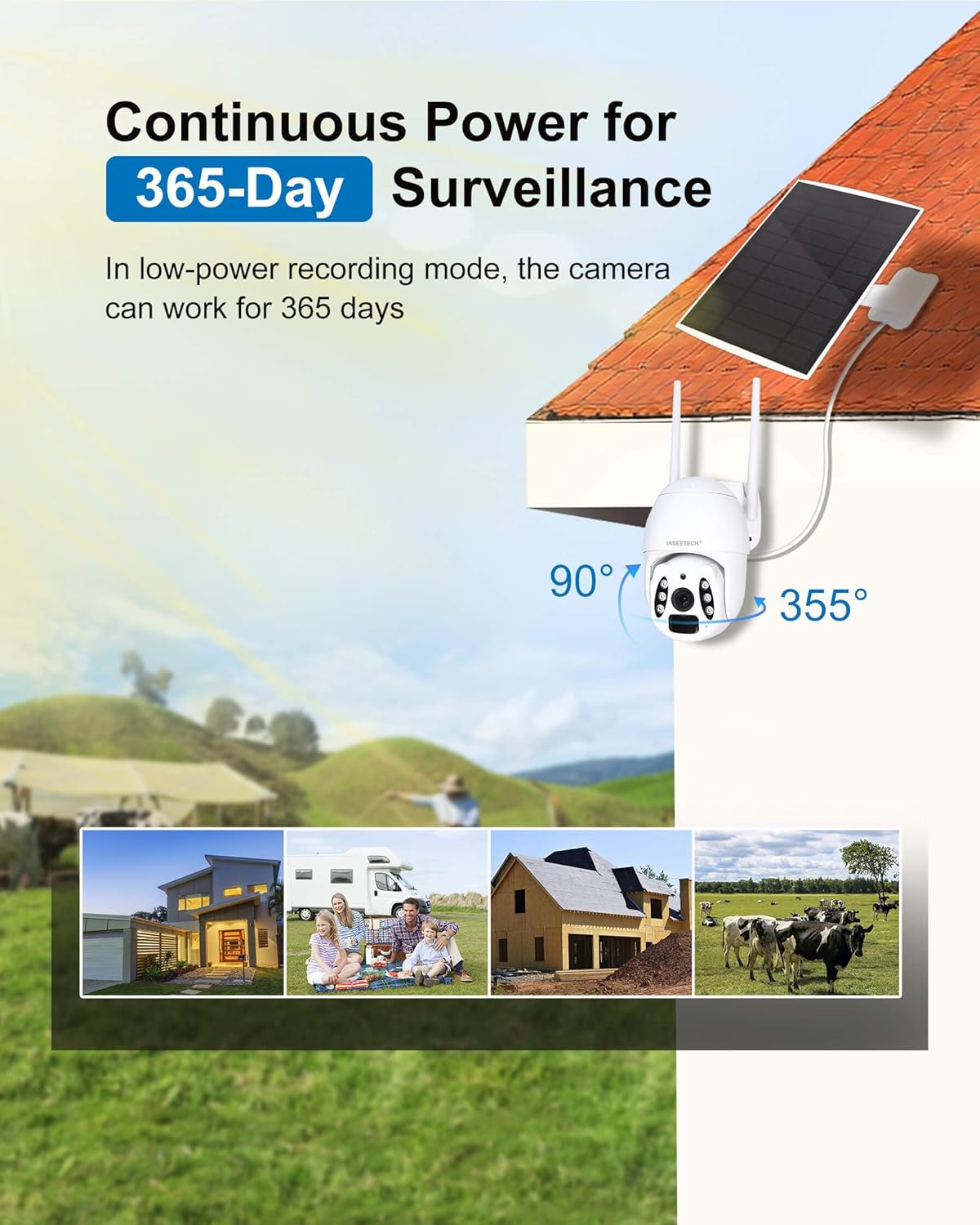
Figure 2.3: Solar Power for Continuous Operation
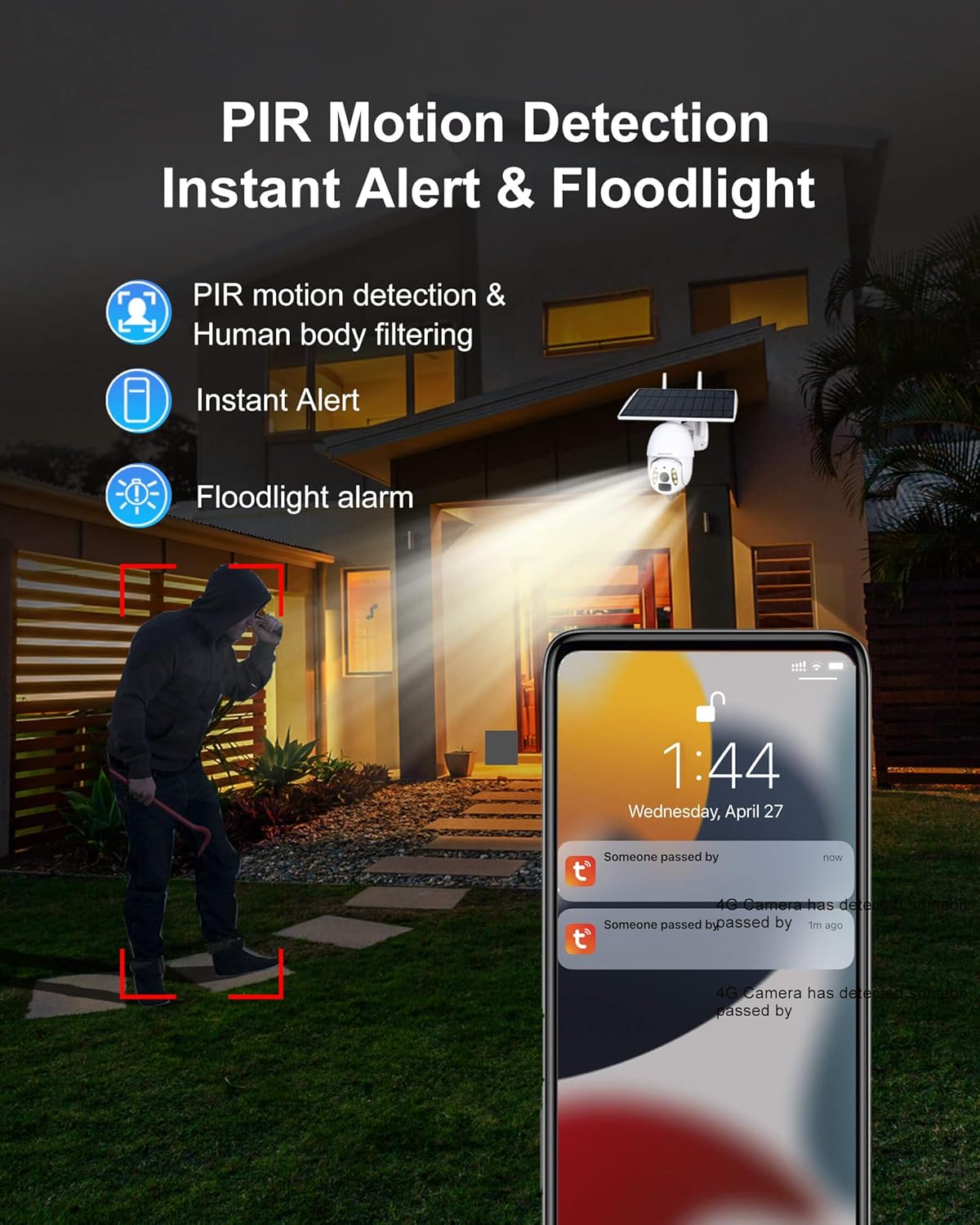
Figure 2.4: Intelligent Motion Detection and Alerts
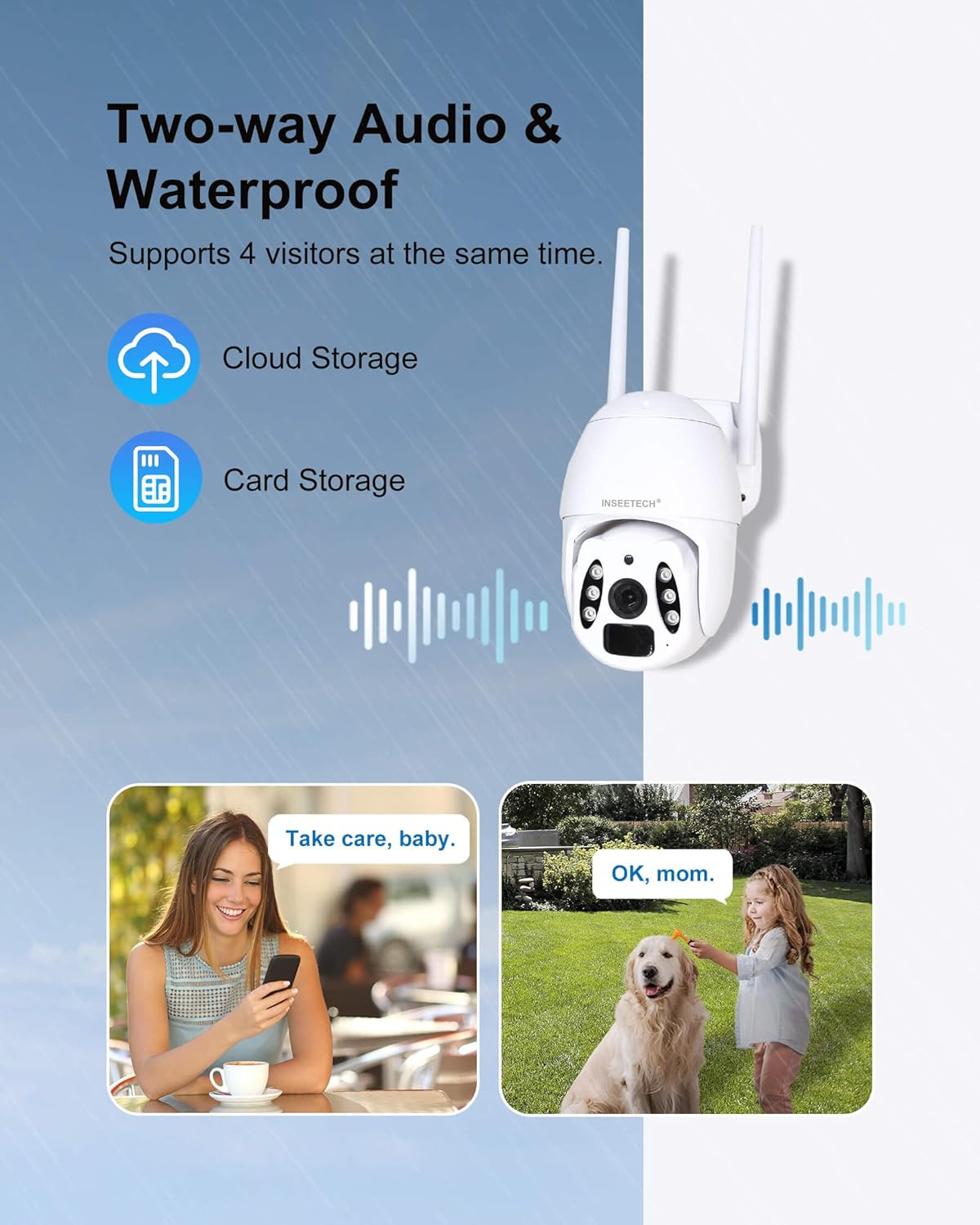
Gambar 2.5: Komunikasi Audio Dua Arah

Figure 2.6: IP66 Waterproof Rating
3. Naon dina Box
Your INSEETECH 4G LTE Tuya Smart Solar Wireless Camera package includes the following components:
- One Camera Unit (with integrated solar panel)
- Mounting Accessories (screws, wall anchors)
- SIM Card (with 100MB/7-day free trial)
- Manual pangguna (dokumén ieu)
Note: A memory card (8-128GB) for local storage is not included and must be purchased separately.
4. Setup Guide
Follow these steps to set up your INSEETECH 4G LTE Tuya Smart Solar Wireless Camera:
4.1 Persiapan Awal
- Ngecas kaméra: Before first use, fully charge the camera's internal battery using the provided power cable. This ensures sufficient power for initial setup and operation.
- Selapkeun Kartu SIM: Locate the SIM card slot on the camera. Carefully insert the included 4G SIM card into the designated slot. Ensure it is correctly oriented.
- Lebetkeun Kartu Mémori (Opsional): If you plan to use local storage, insert a compatible microSD card (8-128GB, not included) into the memory card slot.

Figure 4.1: SIM and Memory Card Insertion
4.2 Pamasangan sareng Sambungan Aplikasi
- Unduh Tuya Smart App: Scan the QR code provided in the quick start guide or search for "Tuya Smart" in your mobile app store (iOS or Android) and download the application.
- Ngadaptar / Asup: Open the Tuya Smart app and register a new account or log in if you already have one.
- Tambahkeun Alat: In the app, tap "Add Device" or the "+" icon. Select "Security & Video Surveillance" and then "Smart Camera (4G)".
- Scan QR Code: Follow the in-app instructions to scan the QR code located on your camera. This will pair the camera with your account.
- Setup lengkep: Once paired, the app will guide you through any remaining setup steps, such as naming your camera.
4.3 Masang kaméra
Choose a suitable location for your camera, ensuring the solar panel receives adequate direct sunlight (at least 2 hours per day for optimal performance). The camera offers flexible installation options:
- Pamasangan terpadu: Mount the camera and solar panel together as a single unit.
- Split Installation: Mount the camera and solar panel separately using the extended cable, allowing you to position the solar panel in a sunnier spot while the camera is in the desired surveillance area.
Use the provided mounting screws and wall anchors to securely attach the camera to a wall, pole, or other stable surface. Ensure the camera is positioned to cover your desired monitoring area.

Figure 4.2: Integrated vs. Split Installation
5. Ngoperasikeun kaméra
5.1 Hirup View jeung Kontrol PTZ
Open the Tuya Smart app and select your camera from the device list. You will see a live feed from the camera. Use the on-screen controls to pan (355° horizontally) and tilt (90° vertically) the camera to adjust its viewsudut ing.
Video 5.1: Leuwihview of INSEETECH 4G LTE Cellular Wireless Solar Camera features, including PTZ control and wire-free operation.

Figure 5.1: Pan and Tilt Capabilities
5.2 Deteksi Gerak sareng Siaga
The camera uses PIR motion detection to identify movement. When motion is detected, you will receive instant alerts on your Tuya Smart app. You can enable Human Body Filtering in the app settings to reduce false alarms from animals or environmental factors.

Figure 5.2: Motion Detection Alerts

Figure 5.3: Human Detection for Reduced False Alarms
5.3 Modeu Visi Peuting
The camera supports two night vision modes:
- Infrabeureum Night Vision: Provides clear black and white images in low-light conditions using infrared LEDs.
- Full Color Night Vision: Utilizes white light to provide full-color video and images even in complete darkness. This mode can also serve as a floodlight.
You can switch between these modes in the Tuya Smart app settings.

Figure 5.4: Infrared vs. Full Color Night Vision
5.4 Audio Dua Arah
Use the two-way audio feature to communicate through the camera. Tap the microphone icon in the live view interface to speak, and listen through the camera's speaker.

Gambar 5.5: Fungsi Audio Dua Arah
5.5 Playback and Multi-Share
Aksés dirékam footage via the "Playback" option in the app. You can review events stored on your memory card or in cloud storage. The camera supports multi-user sharing, allowing up to 50 users to view the live stream and up to 4 users to watch simultaneously.

Figure 5.6: Playback and Multi-User Sharing
Video 5.2: Real footage captured by the INSEETECH 4G SIM Card Solar Camera, demonstrating video quality and motion detection.
6. Pangropéa
- Pembersih Panel Surya: Rutin ngusap panel surya ku lemes, damp cloth to remove dust, dirt, or debris that may reduce charging efficiency.
- Ngabersihan lensa: Bersihkeun lénsa kaméra sacara saksama nganggo lawon microfiber pikeun mastikeun kualitas gambar anu jelas. Hindarkeun bahan anu kasar.
- Pembaruan firmware: Check the Tuya Smart app periodically for firmware updates. Keeping your camera's firmware updated ensures optimal performance, new features, and security enhancements.
- Kaséhatan batré: While solar-powered, extreme weather or prolonged periods without sunlight may affect battery levels. Monitor battery status in the app and manually charge if necessary.
7. Cara ngungkulan
| Masalah | Mungkin Cukang lantaranana | Solusi |
|---|---|---|
| Kaméra teu hurung. | batré lemah; pareum listrik. | Ensure the power switch is ON. Fully charge the camera using the power adapter. Ensure solar panel is clean and receiving direct sunlight. |
| Henteu aya sinyal 4G. | Poor network coverage; SIM card issue. | Relocate the camera to an area with better cellular reception. Check if the SIM card is properly inserted and activated. Contact your SIM card provider if necessary. |
| Motion detection not working or too many false alarms. | Incorrect sensitivity settings; environmental factors. | Adjust motion detection sensitivity in the Tuya app. Enable Human Body Filtering. Ensure camera is not pointed at moving trees or busy roads if not desired. |
| teu tiasa view live feed or playback. | Network issue; app glitch; SD card error. | Check your phone's internet connection. Restart the Tuya app. Reformat or replace the SD card if using local storage. Ensure sufficient data on SIM card. |
| Two-way audio not clear. | Environmental noise; microphone/speaker obstruction. | Reduce background noise. Ensure microphone and speaker are not obstructed. Check app volume settings. |
8. Spésifikasi
| Fitur | Rincian |
|---|---|
| Ngaran modél | WF822-Set |
| Pamakéan jero rohangan / outdoor | Luar |
| Sumber Daya | Solar Powered |
| Téhnologi konektipitas | Wireless (4G LTE Cellular) |
| Resolusi Capture Video | 4MP |
| Kamampuh PTZ | 355 ° Pan, 90 ° Dengdekkeun |
| Wengi Sawangan Sawangan | 98 Feet (Full Color & IR) |
| Tingkat Résistansi Cai | IP66 Waterproof |
| Pilihan Panyimpenan | Cloud Storage, MicroSD Card (8-128GB, not included) |
| Audio Dua Arah | Sumuhun |
| Deteksi gerak | PIR, Human Detection |
| Ukuran (L x W x H) | 7.9 x 7.5 x 4.3 inci |
| Item Beurat | 3.54 pon |
| Batré | 1 Litium Ion (kaasup) |
| Panel Surya Wattage | 10 watt |

Gambar 8.1: Dimensi Produk
9. Garansi jeung Rojongan
INSEETECH provides 24/7 customer service to assist with any issues or questions you may have regarding your 4G LTE Tuya Smart Solar Wireless Camera. Please refer to the product packaging or the official INSEETECH websitus pikeun detil jaminan husus sarta informasi kontak.
Kanggo bantosan salajengna, anjeun tiasa nganjang ka kantor resmi INSEETECH Store on Amazon.