
1. Produk Langkungview
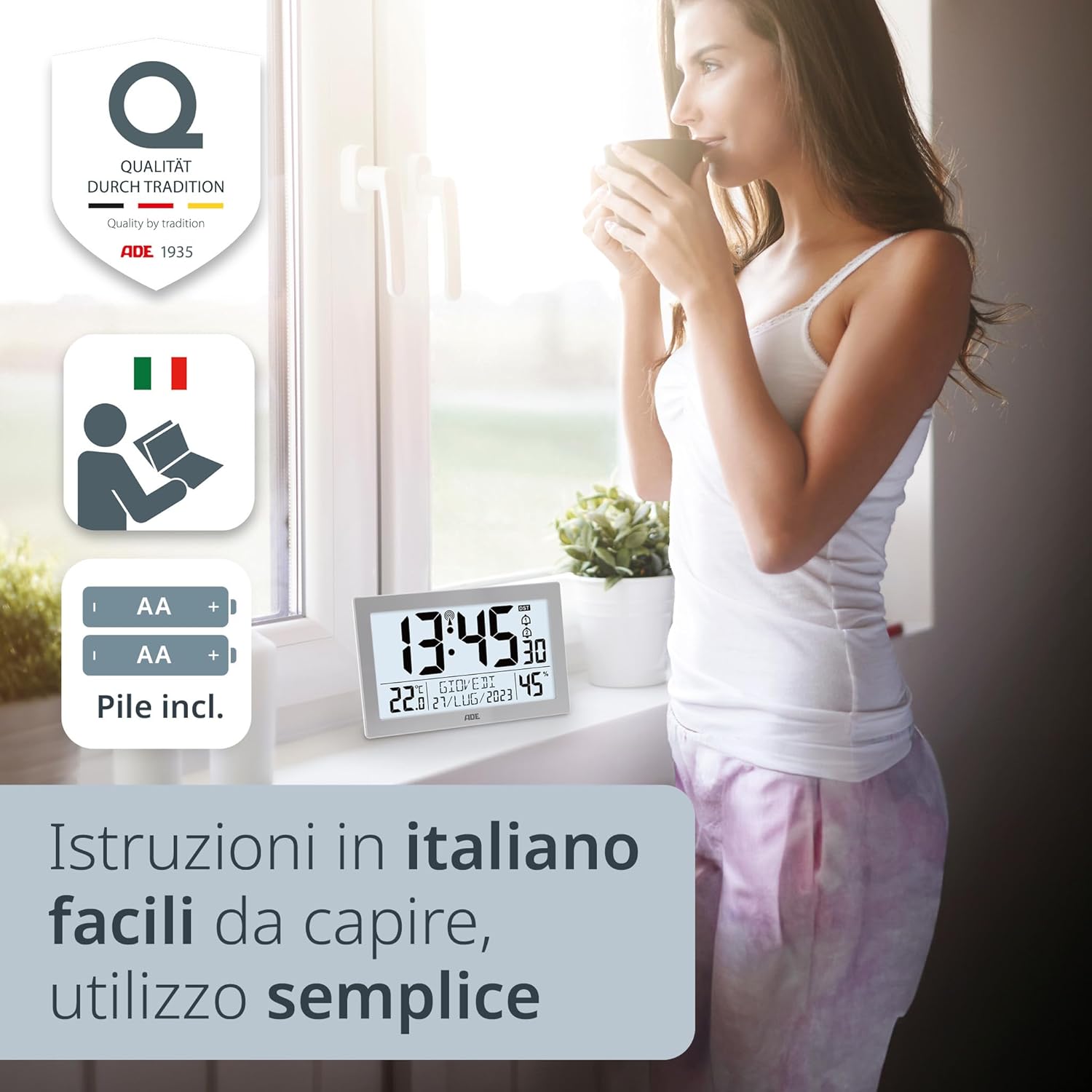
The ADE CK2309 is a versatile radio-controlled digital clock designed for both table and wall mounting. It features a large, clear XL LCD display (19.3 x 10.9 cm) that shows time, indoor temperature, date, day of the week, and humidity. The clock automatically sets and adjusts its time via the DCF radio signal, including automatic summer/winter time changes. It also includes integrated thermometer and hygrometer functions, displaying temperature in °C or °F and humidity in % RH. The high-quality ABS plastic casing with a silver frame makes it a suitable addition to any room.

Image 1.1: The ADE CK2309 digital clock displaying time, temperature, date, day of the week, and humidity on its large XL LCD screen.
2. Eusi Paket
- ADE CK2309 Digital Clock
- Instruksi Manual
- Batteries (AA, quantity as required for operation)
3. Setélan
3.1 Pamasangan batré
- Panggihan kompartemen batré dina tonggong jam.
- Buka panutup kompartemen batré.
- Selapkeun batré AA nu diperlukeun, mastikeun polaritasna bener (+/-).
- Tutup panutup kompartemen batré aman.
Gambar 3.1: Tukangeun view of the ADE CK2309 clock, showing the battery compartment and stand. Batteries are included for immediate use.
3.2 Initial Time Synchronization (Radio Control)
After battery installation, the clock will automatically begin searching for the DCF radio signal to set the time. This process may take several minutes. Ensure the clock is placed in an area with good reception, away from electronic interference.
- A radio signal icon will typically appear on the display during synchronization.
- Once synchronized, the exact time, date, and day of the week will be displayed.
- The clock automatically adjusts for Daylight Saving Time (DST).

Gambar 3.2: Sisi view of the ADE CK2309, highlighting easily accessible buttons for intuitive use, including automatic time change functionality.
3.3 Pilihan panempatan
The ADE CK2309 can be used as a table clock or mounted on a wall.
- Paké Méja: Extend the integrated stand on the back of the clock to place it on any flat surface.
- Pamasangan témbok: Use the keyhole slots on the back of the clock to hang it securely on a wall.

Image 3.3: The ADE CK2309 clock shown both wall-mounted and standing on a surface, demonstrating its versatile placement options.
4. Parentah Operasi
4.1 Fungsi tampilan
The large XL display provides the following information:
- Waktos: Némbongkeun waktos ayeuna dina format 12 jam atanapi 24 jam.
- Suhu: Shows indoor temperature in Celsius (°C) or Fahrenheit (°F).
- Kalembaban: Displays indoor humidity as a percentage (% RH).
- Tanggal: Némbongkeun tanggal ayeuna.
- Poé dina saminggu: Mintonkeun dinten ayeuna dina saminggu.

Image 4.1: The ADE CK2309 display, illustrating its multiple useful functions including temperature, calendar, day of the week, and air humidity.
4.2 Fungsi lampu tukang
To illuminate the display, press the designated backlight button (usually located on the top or side). The backlight will activate for approximately 8 seconds, providing temporary visibility in low-light conditions.
4.3 Setting Time and Date Manually (if needed)
In areas with poor radio signal reception, you may need to set the time and date manually. Refer to the specific buttons on the side of the clock (e.g., MODE, SET, UP, DOWN) for detailed instructions. Typically, you will press a MODE or SET button to enter setting mode, then use UP/DOWN buttons to adjust values, and MODE/SET again to confirm and move to the next setting.
4.4 Fungsi Alarm
The clock features two independent alarm times and a snooze function.
- Setélan Alarm: Use the ALARM button (or similar) to cycle through alarm settings (Alarm 1, Alarm 2). Use UP/DOWN buttons to set the desired alarm time.
- Ngaktipkeun/Nonaktipkeun Alarm: Press the ALARM button to toggle alarms on or off. An alarm icon will appear on the display when active.
- Fungsi Tungkul When an alarm sounds, press the SNOOZE button (often the backlight button) to temporarily silence the alarm. It will sound again after a set interval (e.g., 5-10 minutes).
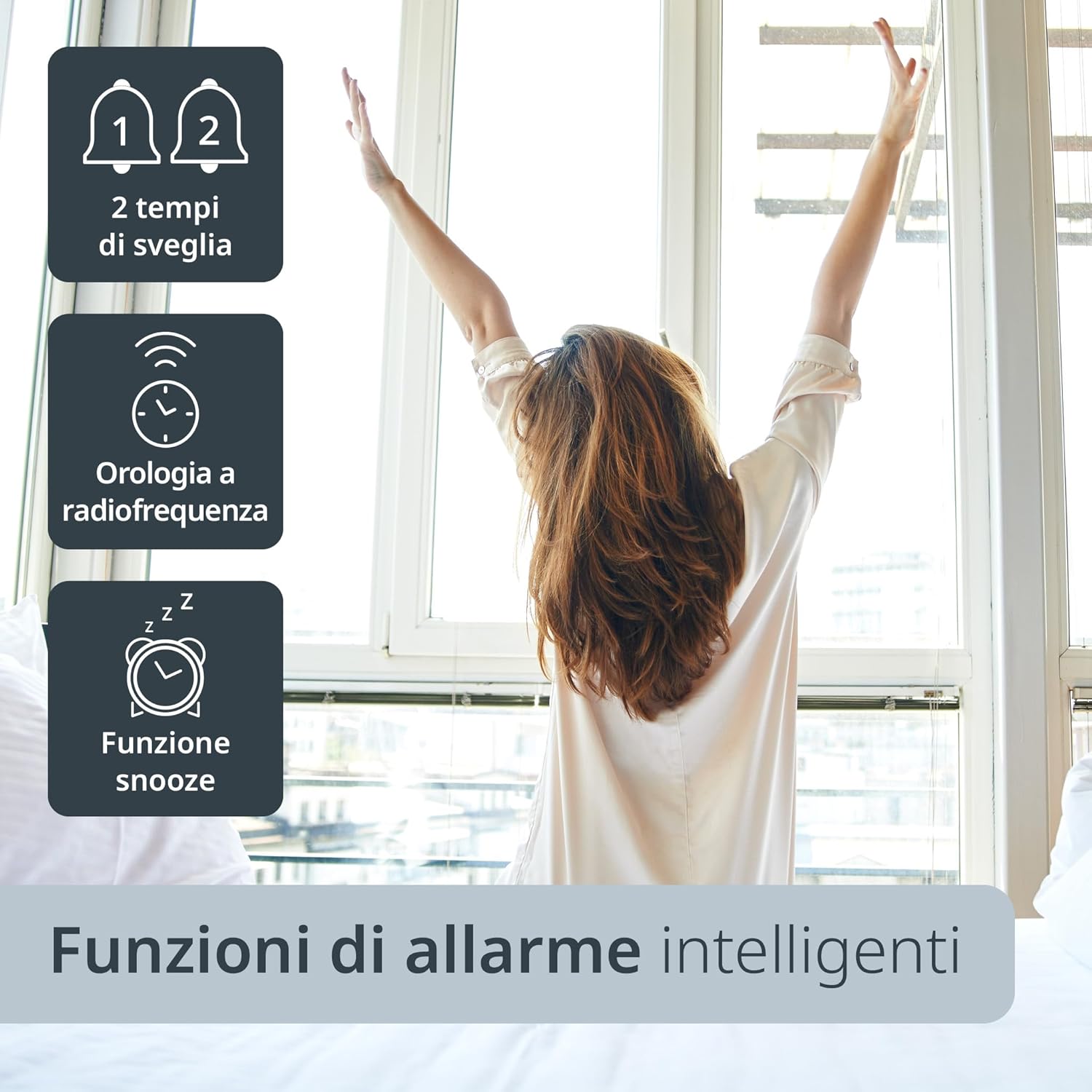
Image 4.2: The ADE CK2309 clock offers smart alarm functions, including two alarm times, radio frequency synchronization, and a snooze feature.
5. Pangropéa
5.1 beberesih
To clean the clock, use a soft, dry cloth. Do not use abrasive cleaners, solvents, or chemical agents, as these may damage the display or casing.
5.2 Ngagantian batré
When the display becomes dim or functions become erratic, it is time to replace the batteries. Follow the battery installation steps (Section 3.1) to replace all batteries with new ones of the same type.
6. Cara ngungkulan
| Masalah | Mungkin Cukang lantaranana | Solusi |
|---|---|---|
| Pintonan kosong atanapi taram. | Batré lemah atawa teu bener dipasang. | Ganti batré ku nu anyar, mastikeun polaritasna bener. |
| Clock does not synchronize time automatically. | Poor DCF radio signal reception due to location or interference. | Move the clock to a different location, preferably near a window and away from other electronic devices. Allow several hours for synchronization. If unsuccessful, set time manually. |
| Incorrect temperature or humidity readings. | Clock is exposed to direct sunlight, drafts, or extreme temperatures. | Place the clock in a stable indoor environment, away from direct heat sources, cold drafts, or direct sunlight. |
| Alarm teu disada. | Alarm teu diaktipkeun atawa volume handap teuing (upami tiasa diatur). | Ensure the alarm is set and activated (check for alarm icon on display). |
7. Spésifikasi
- model: CK2309
- merek: ADE
- warna: pérak
- Bahan: Plastik ABS
- Ukuran produk: 22.5 x 3.81 x 14 cm (Panjang x Rubak x Jangkungna)
- beurat: 420 g
- Jenis tampilan: Digital LCD, XL (19.3 x 10.9 cm)
- Sumber Daya: Battery operated (AA batteries, quantity as specified in manual)
- Kisaran Pangukuran Suhu: 0°C nepi ka 50°C (32°F nepi ka 122°F)
- Fitur husus: Radio-controlled time (DCF signal), Automatic DST adjustment, Backlight, Thermometer, Hygrometer, Calendar, Dual Alarms, Snooze function, Wall mountable / Table stand.

Image 7.1: The ADE CK2309 digital clock, illustrating its XL display and overall dimensions (22.5 cm width, 14.5 cm height).
8. Garansi jeung Rojongan
For warranty information and customer support, please refer to the documentation included with your product or visit the official ADE websitus. Anjeun ogé tiasa ngahubungi pangecér tempat anjeun mésér produk pikeun kéngingkeun bantosan.
- Pabrikan: ADE
- Websitus: www.ade-germany.de (Catetan: Tautan ieu mangrupikeun example and may not be the exact support page. Refer to your product's packaging or included manual for precise contact information.)