
1. Bubuka
Thank you for choosing the AMAFACE C01 Wireless Bluetooth Headphones. These open-ear sports earbuds are designed for comfort, durability, and high-quality audio, featuring Bluetooth 5.3 connectivity, IPX7 waterproofing, and up to 24 hours of total playtime. This manual provides detailed instructions to help you get the most out of your new headphones.
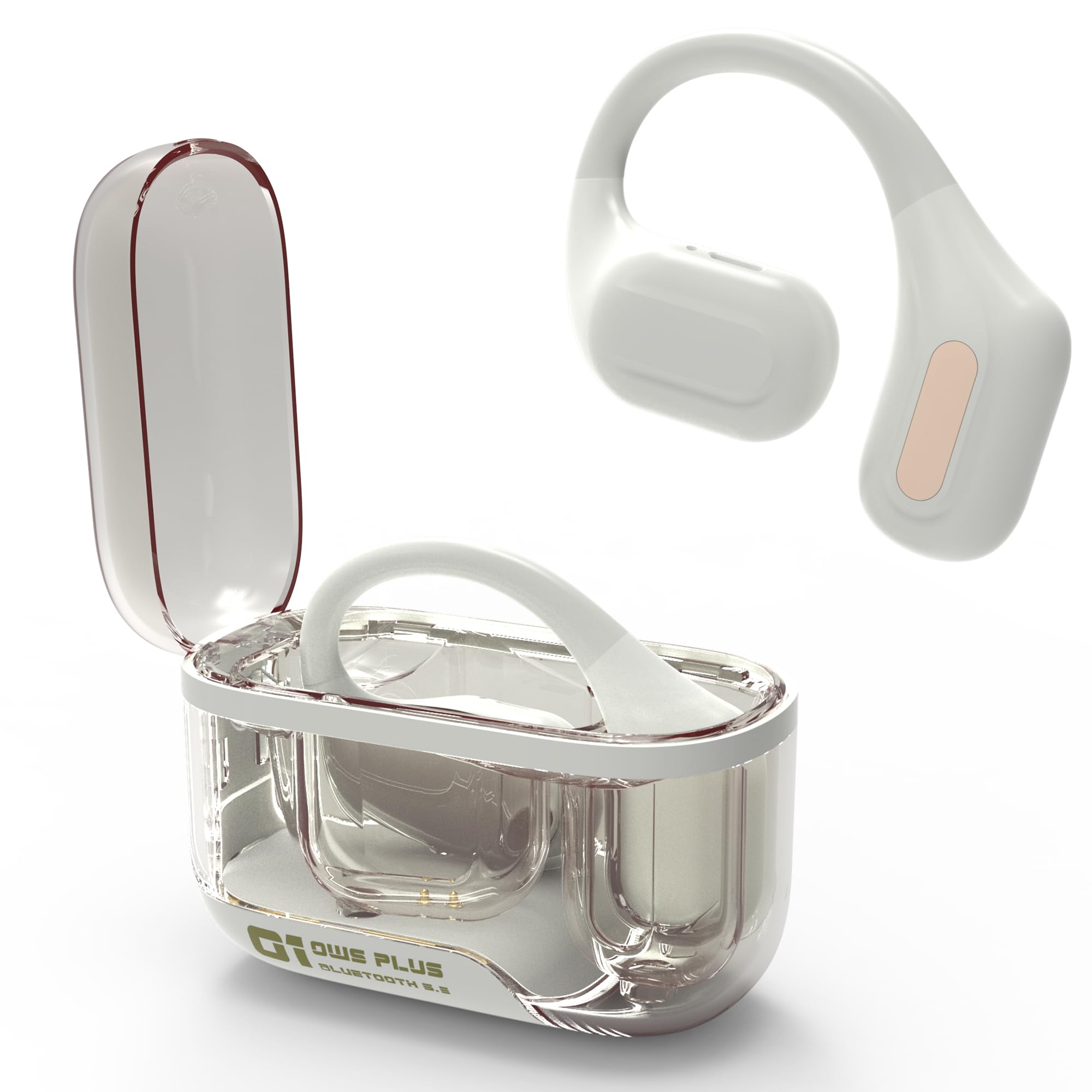
The AMAFACE C01 Wireless Bluetooth Headphones and their transparent charging case.
2. Produk Langkungview
Fitur konci:
- Sora Stereo anu Kuat: Equipped with large 10mm speakers for clear highs and deep bass.
- Bluetooth canggih 5.3: Ensures faster transfer speeds and a stable connection.
- 24 Hours of Long Playback Time: Up to 5 hours on a single charge, plus 20 hours from the charging case.
- Comfortable Design & IPX7 Waterproof: Ergonomically designed ear hooks for a snug fit, protected against sweat and splashes.
- Open Comfort Design: Allows you to hear surrounding sounds for safety, especially outdoors.

The ergonomic design ensures a comfortable and secure fit for sports and active use.
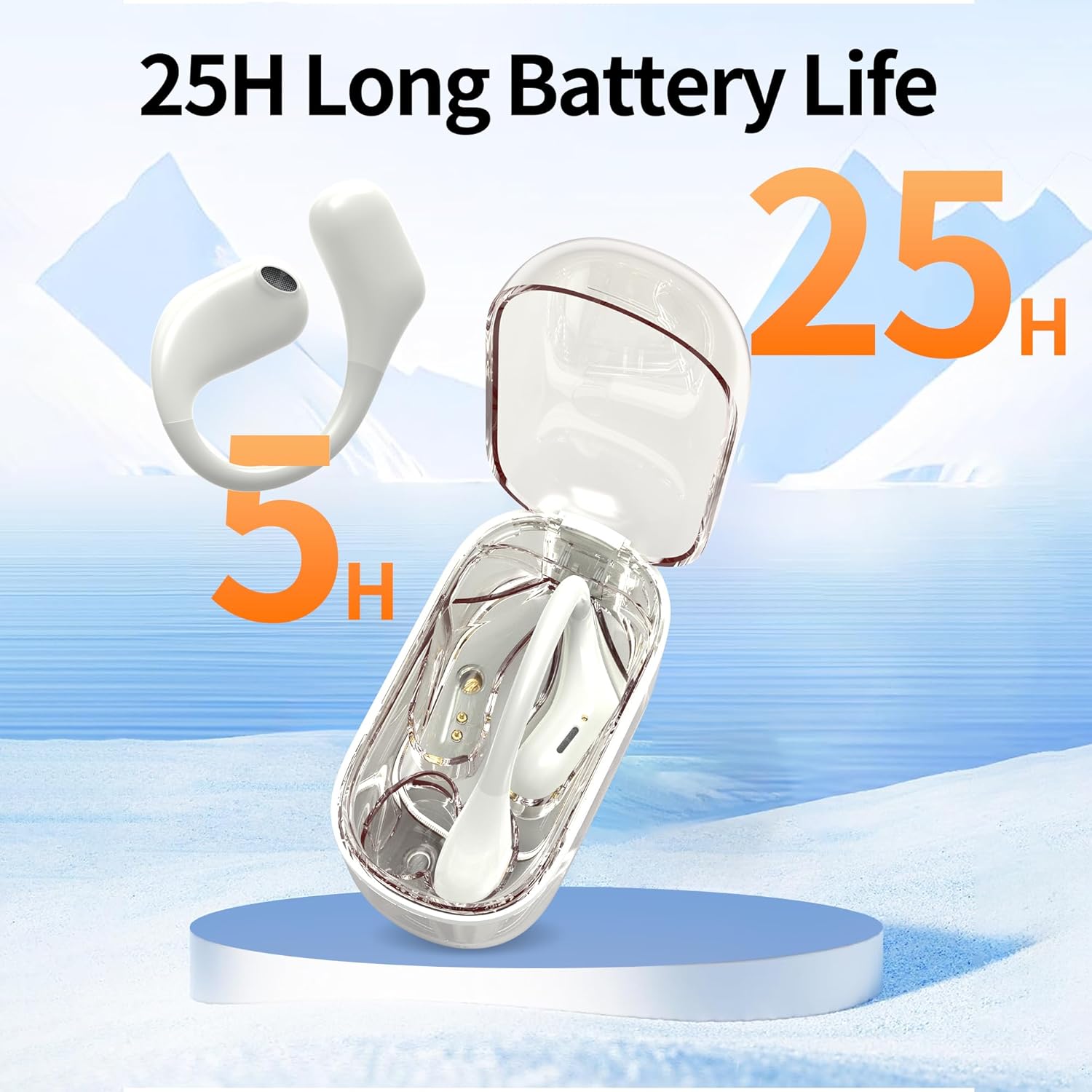
Enjoy extended listening with up to 25 hours of total battery life, including the charging case.

Experience immersive audio with deep and powerful bass for your music and podcasts.
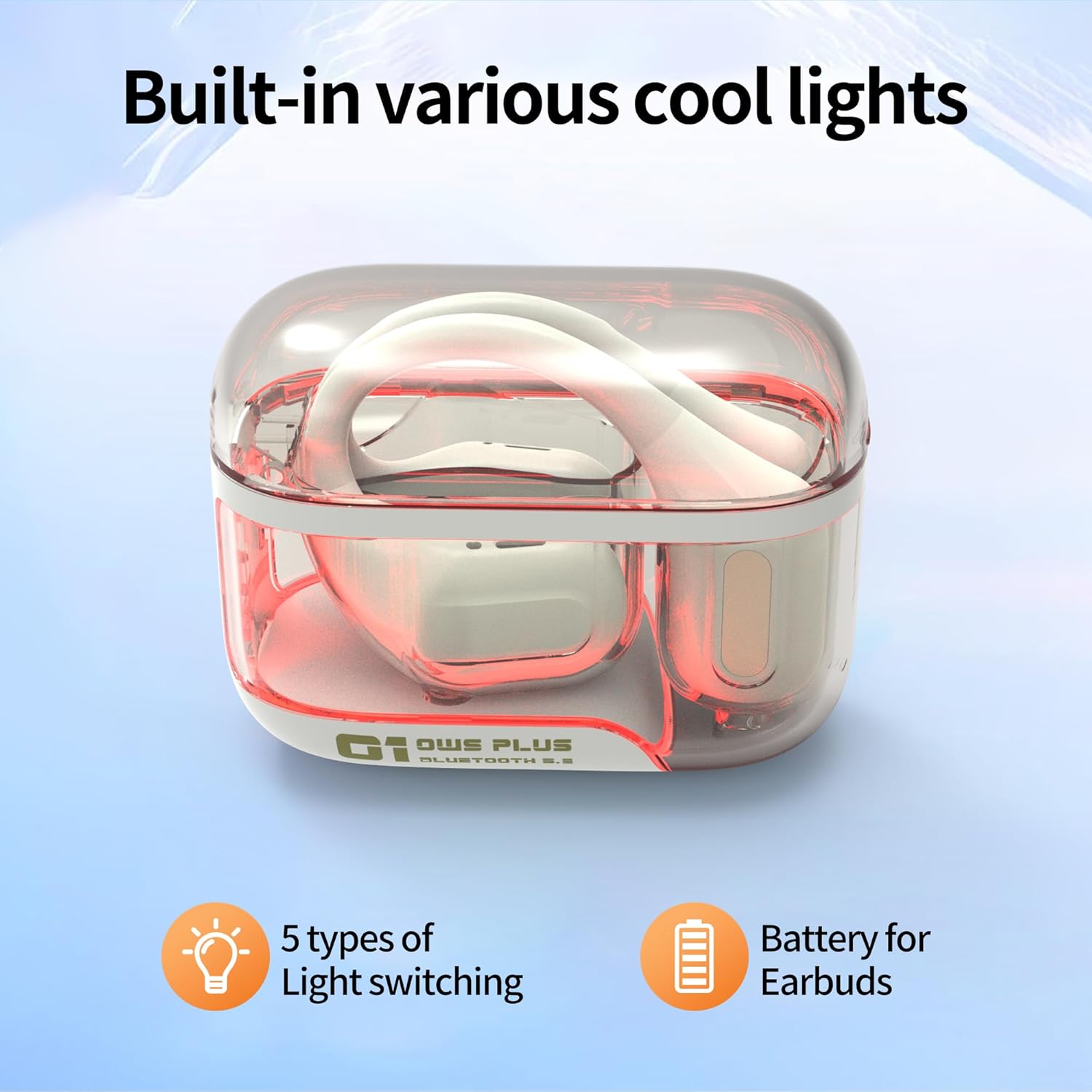
The charging case features built-in lights, indicating charging status and adding a visual flair.
3. Setélan
3.1 Ngecas Headphone sareng Case
Before first use, fully charge your headphones and charging case. Connect the provided USB-C cable to the charging port on the case and to a power source. The charging case takes approximately 2 hours to fully charge. The earbuds will charge automatically when placed inside the case.
3.2 Nyapasangkeun sareng Alat Anjeun
- Pastikeun headphone dicas.
- Open the charging case cover. The headphones will automatically enter pairing mode.
- Dina alat Anjeun (smartphone, tablet, jsb), buka setélan Bluetooth.
- Milarian pikeun available devices and select "C01" from the list to connect.
- Saatos nyambung, anjeun bakal ngadangu pesen audio, sareng lampu indikator dina earbud bakal robih.

The headphones offer one-step auto-pairing for quick and easy connection to your device.
3.3 Maké Headphone
The AMAFACE C01 headphones feature an open-ear design with flexible ear hooks for a secure and comfortable fit. Gently place the ear hook over your ear, ensuring the speaker rests comfortably near your ear canal without entering it. Adjust for optimal sound and comfort.

Ensure correct placement of the ear hook and speaker for optimal sound and comfort.
4. Parentah Operasi
4.1 Kontrol Toél
The AMAFACE C01 headphones utilize touch controls for various functions. The touch sensitive area is located on the side of each earbud.
| Aksi | Fungsi |
|---|---|
| 1x Tap (Left/Right) | Puter / Reureuh Musik, Jawab / Tungtung Telepon |
| 2x Tap (Left) | Volume Turun |
| 2x Tap (Right) | Volume Up |
| 3x Tap (Left) | Lagu saméméhna |
| 3x Tap (Right) | Lagu salajengna |
| Long Press 2s (Left/Right) | Nolak Telepon, Aktipkeun Asisten Sora |

Visual guide to the touch control functions on each earbud.
4.2 Modeu Kaulinan
The headphones feature a game mode designed to reduce audio latency. In game mode, the headphones can accurately capture subtle audio cues like footsteps and gunshots, providing a competitive advantage in gaming. Refer to the touch control table or product specifications for how to activate game mode.
4.3 Open-Ear Design Benefits
The open-ear design ensures a truly painless and harmless listening experience, as earplugs are not inserted into the ear canal. This design allows you to enjoy your audio while remaining aware of your surroundings, which is crucial for safety during outdoor activities like walking, cycling, or running.

The open-ear design allows for situational awareness during activities like sports, travel, and daily commutes.
5. Pangropéa
5.1 beberesih
Regularly clean your headphones and charging case with a soft, dry, lint-free cloth. Avoid using abrasive materials or harsh chemicals. Do not submerge the charging case in water.
5.2 Tahan cai
The AMAFACE C01 headphones are IPX7 waterproof, protecting them from sweat and splashes. This makes them suitable for workouts and outdoor activities. However, they are not designed for swimming or prolonged submersion. Ensure the charging port is dry before charging.

The IPX7 rating ensures protection against sweat and splashes, ideal for active lifestyles.
5.3 Panyimpenan
When not in use, store the headphones in their charging case to protect them from dust and damage, and to keep them charged for your next use.
6. Cara ngungkulan
6.1 Masalah papasangan
- Headphone teu tiasa dipasangkeun: Ensure both earbuds are in the charging case, close the lid, then open it again to re-enter pairing mode. Make sure Bluetooth is enabled on your device and select "C01".
- Ngan hiji earbud anu nyambung: Place both earbuds back in the charging case, close the lid, and then open it. Try pairing again. If the issue persists, try resetting the headphones (refer to product support for specific reset instructions if not provided).
- Constant pairing while in case: Ensure the earbuds are properly seated in the charging case and the lid is securely closed. If the case is not fully closed or the earbuds are not making proper contact, they might continuously try to pair.
6.2 Masalah Ngecas
- Headphone teu ngecas: Check that the charging contacts on the earbuds and in the case are clean and free of debris. Ensure the charging cable is securely connected to both the case and the power source.
- Charging indicator light behavior: The red light on the charging case may stay on even when charging is complete, contrary to some expectations. This is normal behavior for this model.
6.3 Masalah Kualitas Sora
- Volume handap atanapi sora anu goréng: Ensure the earbuds are worn correctly and securely. Adjust the volume on both your device and the headphones. Check for any obstructions on the speaker grilles.
- No bass: The open-ear design naturally provides less bass isolation compared to in-ear headphones. Ensure the earbuds are positioned correctly for optimal sound delivery.
7. Spésifikasi
| Fitur | Spésifikasi |
|---|---|
| merek | AMAFACE |
| Nomer modél | C01 |
| Warna | Bodas |
| Panempatan Ceuli | Over-Ear (Open-Ear Design) |
| Téhnologi konektipitas | Nirkabel (Bluetooth) |
| Vérsi Bluetooth | 5.3 |
| Tipe Kontrol | Toél Control |
| Ukuran Supir Audio | 10 mm |
| Rentang Frékuénsi | 20Hz - 20,000Hz |
| Impedansi | 16 ohm |
| Tingkat Résistansi Cai | IPX7 |
| Kahirupan Batré (Ngeusian Tunggal) | Nepi ka 5 Jam |
| Kahirupan Batré (kalayan Case Ngecas) | Nepi ka 24 Jam |
| Battery Charge Time (Earbuds/Case) | 2 Jam |
| Kapasitas Batré Carrying Case | 300 mAh |
| Item Beurat | 6 Gram (unggal earbud) |
| Mawa Case Beurat | 30 gram |
| Bahan | palastik |

The 10mm dynamic drivers deliver clear and immersive sound.
8. Video Produk Resmi
This video demonstrates the AMAFACE C01 White Over Ear Headphones, showcasing desain sareng fitur-fiturna.
9. Garansi jeung Rojongan
AMAFACE is committed to providing 100% satisfactory customer service. If you have any questions or encounter any issues while using your wireless headphones, please feel free to contact us. Refer to your product packaging or the official AMAFACE website for specific contact information and warranty details.