
Bubuka
This manual provides comprehensive instructions for the setup, operation, and maintenance of your ZUMIMALL 2K Wireless Outdoor Solar Security Camera. Designed for home security, this camera features 3MP color night vision, 2.4GHz WiFi connectivity, two-way talk, spotlight, and siren, all within an IP66 waterproof casing. It is also compatible with Alexa for integrated smart home control.
Naon dina Box

pakét ngawengku:
- Kaméra Kaamanan: 1 hijian
- Camera Bracket: 1 hijian
- Panel surya: 1 hijian
- Kabel Data: 1 unit (USB-C charging cable)
- Paket screw: 2 sets (for mounting)
- Instruksi Manual: 1 hijian
- Tip Sticker: 1 unit ("Hey! You are on camera")
Fitur produk
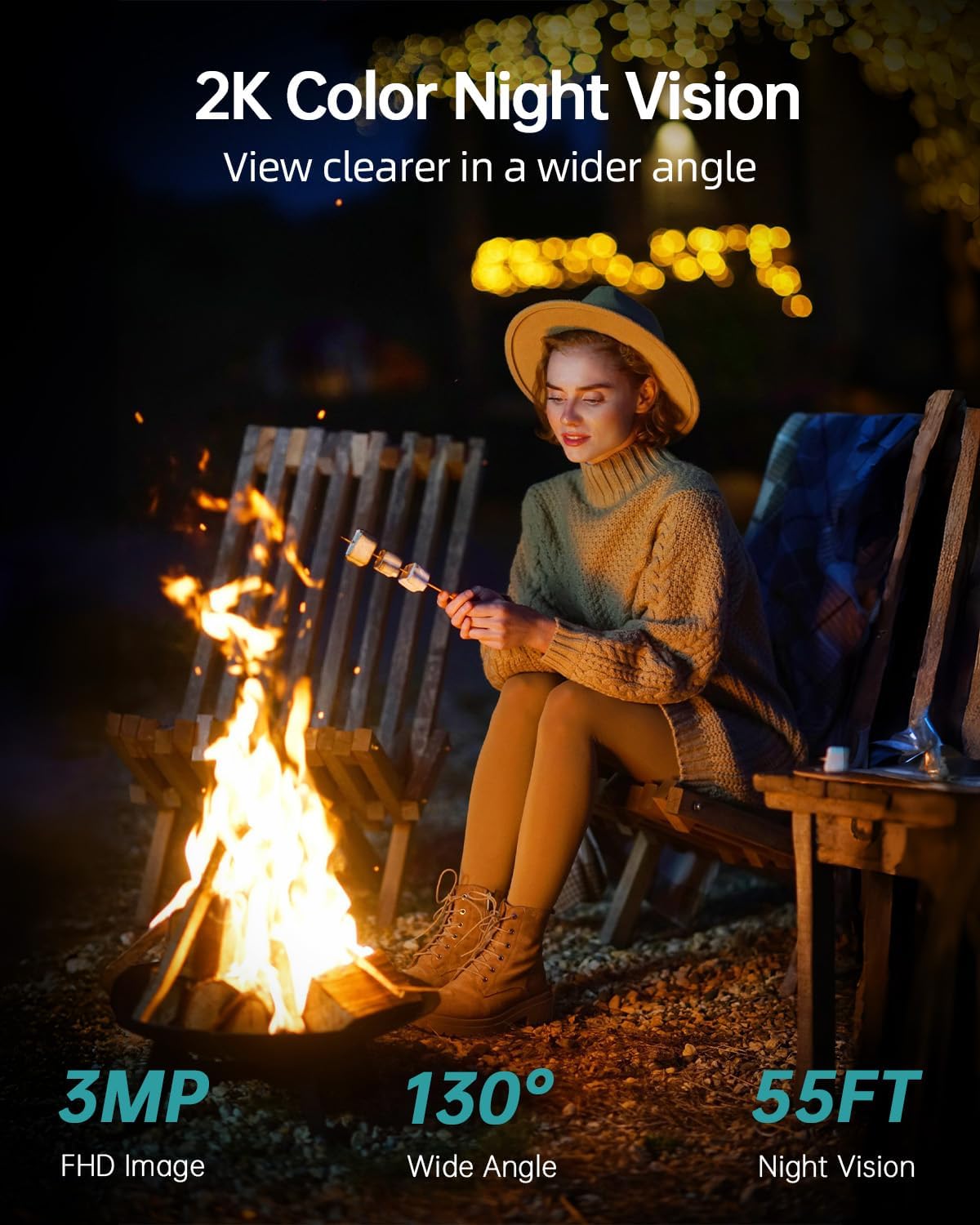
- 2K FHD & Color Night Vision: Equipped with 4 infrared LEDs, providing 130° wide-angle view and 55ft night vision range, automatically switching between black-white and color night vision.
- Solar & Batré Powered: Features a large-capacity rechargeable battery and an efficient solar panel for continuous operation.
- DIY Detection Area & Real-Time Alert: Improved PIR sensor with adjustable sensitivity allows customization of alarm plans, intervals, and detection areas. Includes spotlight and siren.
- Two-Way Talk and Multi-User Sharing: Integrated microphone and high-power speaker for two-way communication. Supports sharing live broadcast with up to 4 devices.
- IP66 Tahan Cuaca: Designed to operate in temperatures from -4°F to 120°F (-20°C to 50°C), resistant to rain, shine, or snow.
- Konektipitas WiFi 2.4GHz: Supports 2.4GHz WiFi for wireless installation (5G connectivity is not supported).
- Kasaluyuan Smart Home: Cocog sareng Alexa sareng Asisten Google.
- Lokal & Panyimpenan Awan: Supports up to 128GB SD card for local storage and optional cloud storage service.
Guide Setup
1. Download the ZUMIMALL App

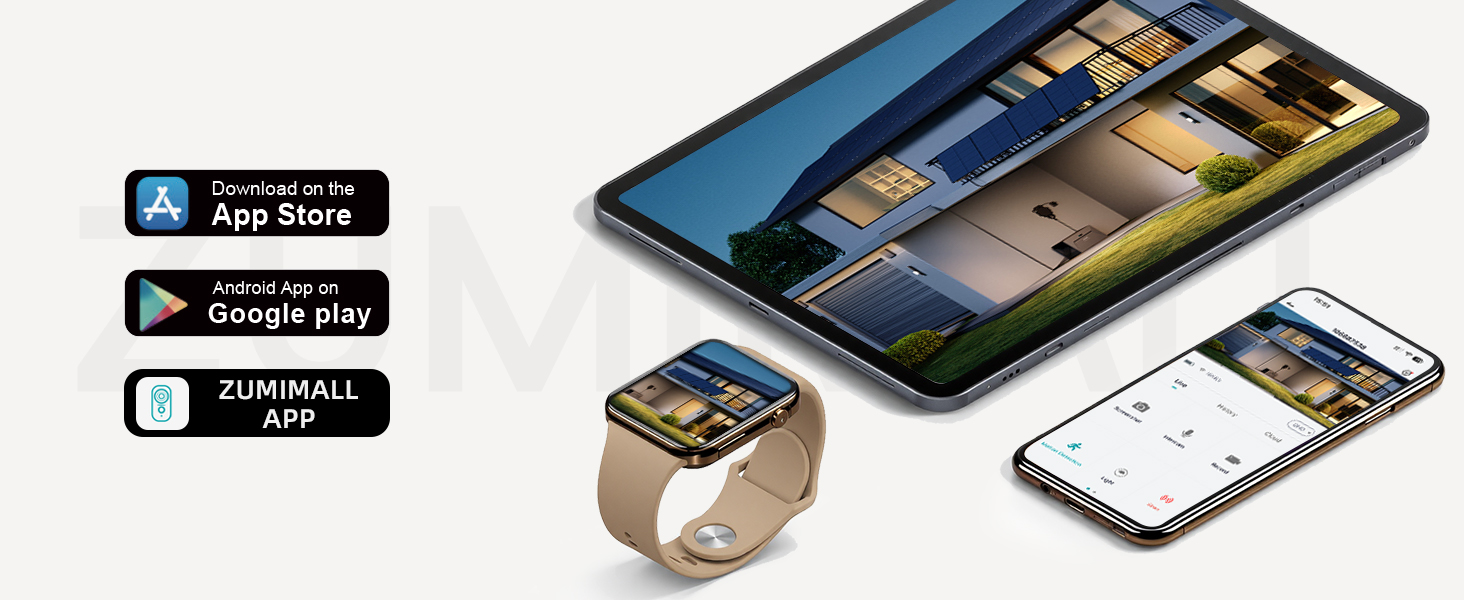
Download the "ZUMIMALL" app from the Apple App Store or Google Play Store on your smartphone or tablet. Create an account and log in.
2. Power On and Connect to WiFi
Power on your camera. Open the ZUMIMALL app and follow the on-screen instructions to add your device. Ensure your camera is connected to a 2.4GHz WiFi network. Catetan: WiFi 5G teu dirojong. If you have a dual-band router, select the 2.4GHz network during setup.

The app will guide you through the connection process, typically involving scanning a QR code displayed on your phone with the camera.
3. Instalasi fisik
Mount the camera and solar panel using the provided screws and brackets. The solar panel ensures continuous power to the camera. Connect the solar panel cable to the camera's charging port.
Saran pamasangan: Install the camera on the side of the detection area, approximately 7-10 feet (2-3 meters) above the ground, perpendicular to the wall, and tilted downwards at 10-15°. Avoid facing the camera toward strong lights, mirrors, windows, swimming pools, or white walls to prevent glare and false detections.
Video: ZUMIMALL Solar Security Cameras Wireless Outdoor. This video demonstrates the quick and easy installation process, highlighting the solar panel connection and initial setup steps for the ZUMIMALL wireless outdoor security camera.
Parentah Operasi
Hirup View jeung Rékam
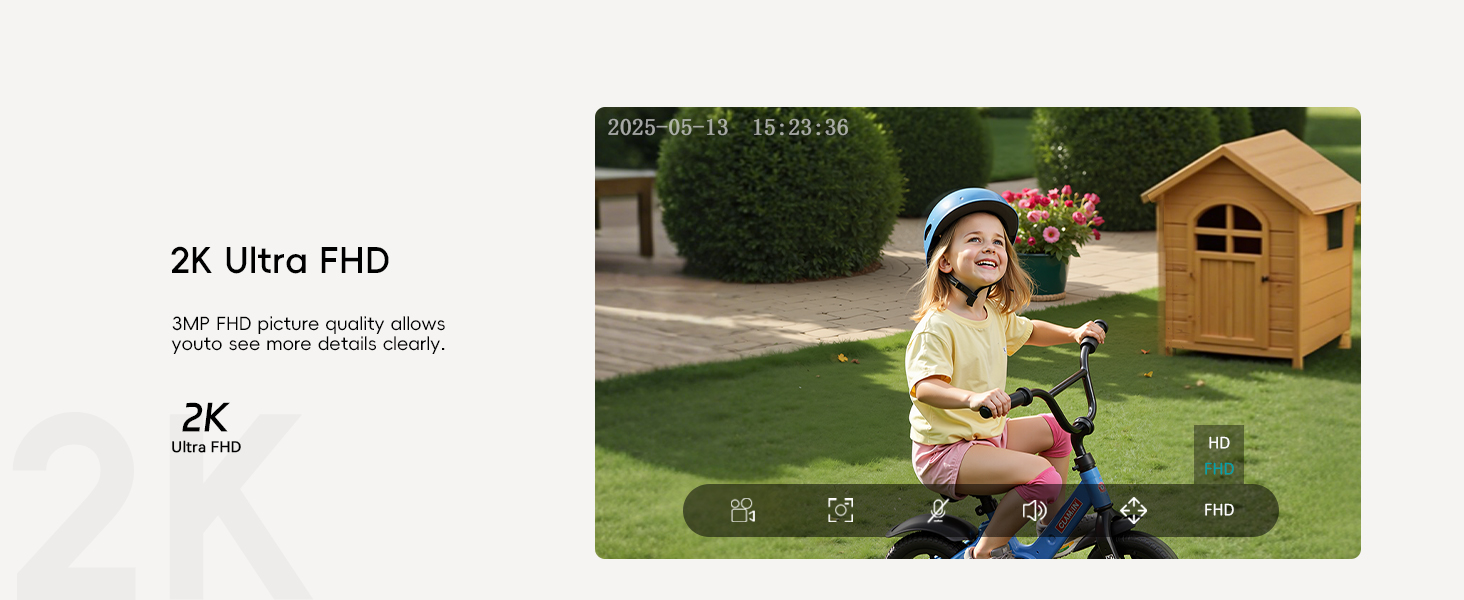
Access the live feed of your camera through the ZUMIMALL app. The camera provides 2K Ultra FHD resolution for clear viewing. You can take screenshots or record video directly from the live view panganteur.
Obrolan Dua arah

Use the two-way talk function to communicate with visitors or deter intruders. Simply press the intercom button in the app to speak through the camera's speaker.
Deteksi gerak & Siaga

The camera features AI detection for people, pets, vehicles, and packages. You will receive instant notifications on your device when motion is detected.
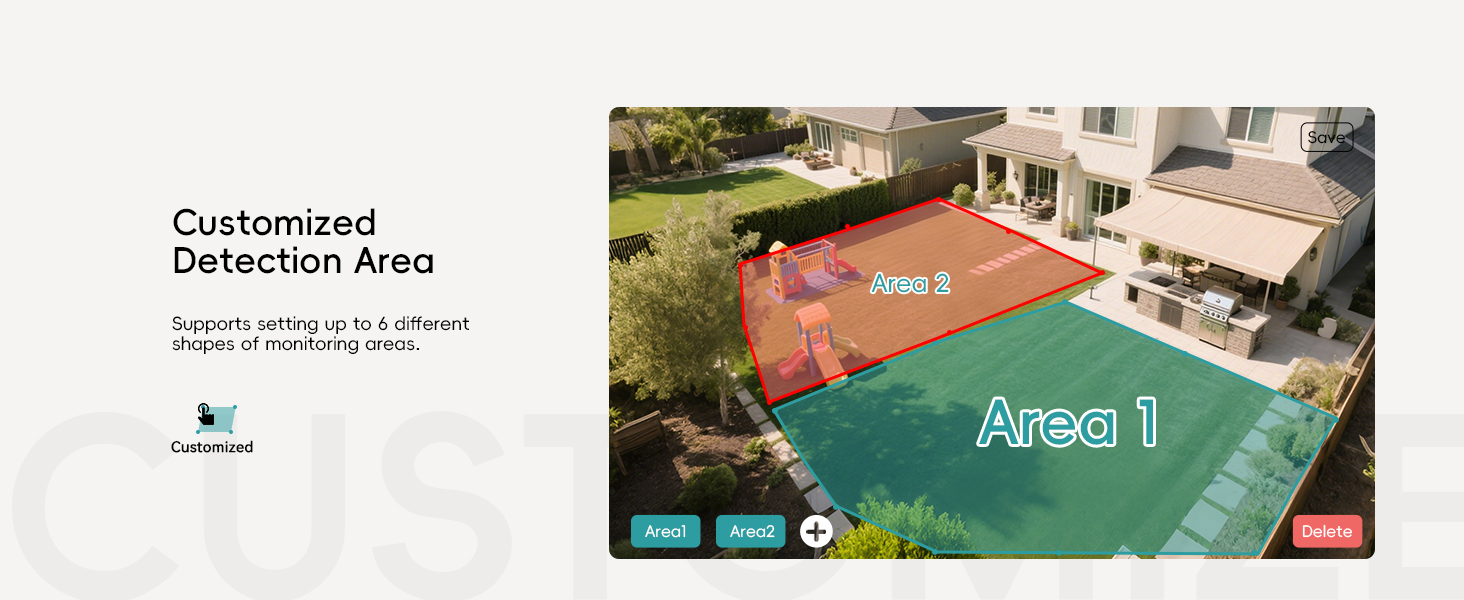
Wewengkon Deteksi Disesuaikeun: Set up to 6 different shapes of monitoring areas to focus on specific zones and reduce false alarms.
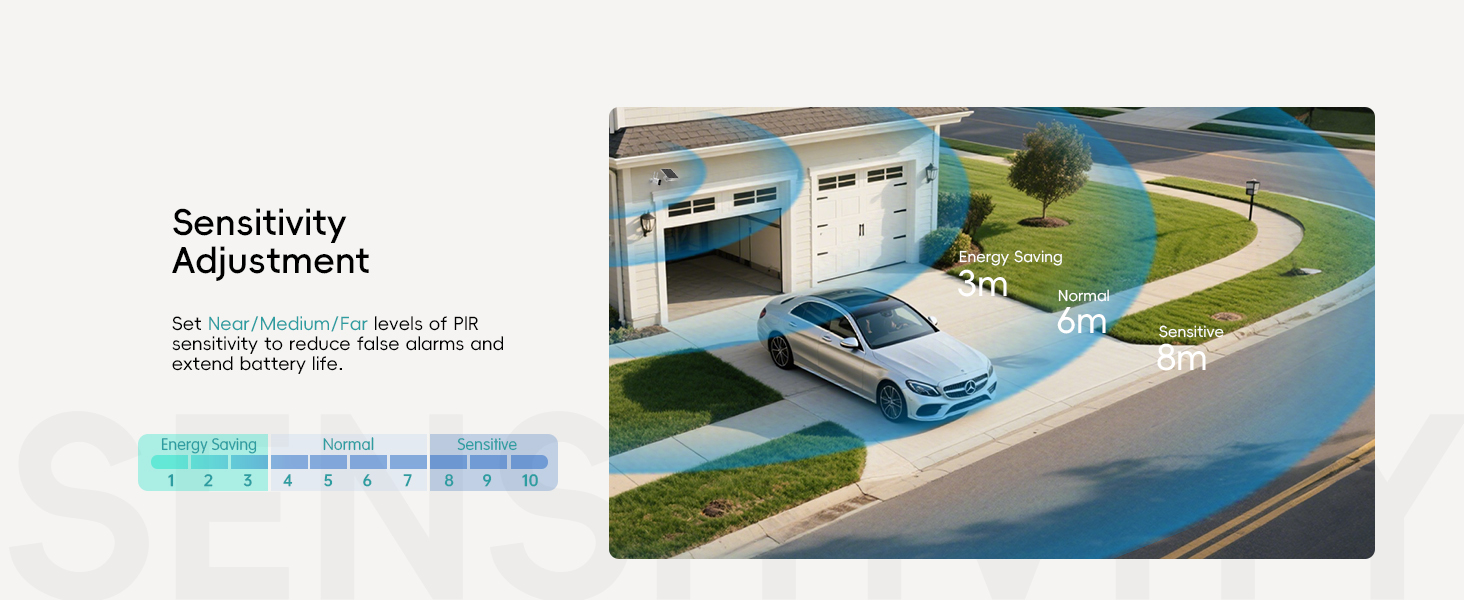
Penyesuaian sensitipitas: Adjust the PIR sensor sensitivity (Near/Medium/Far) to optimize detection and battery life.

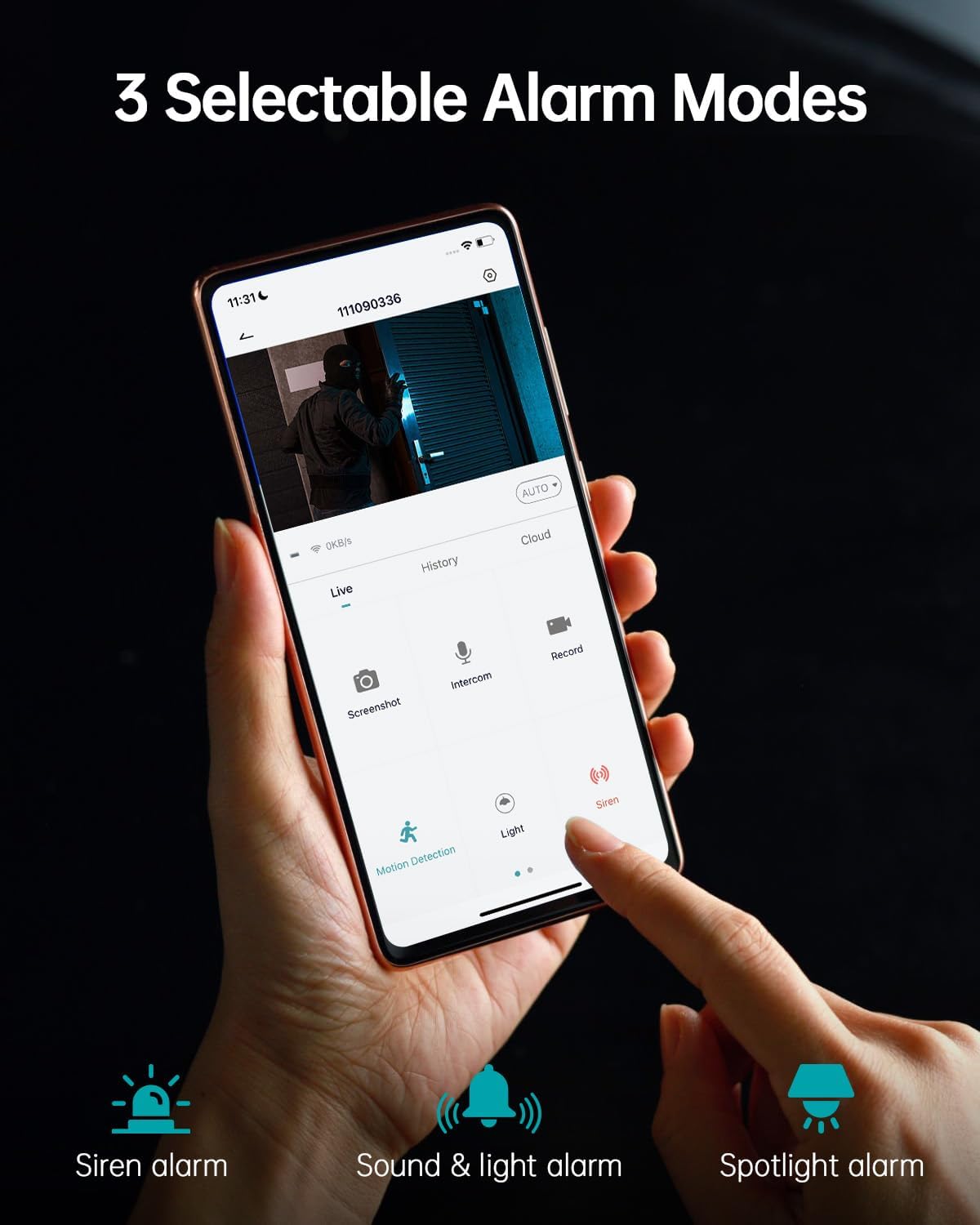
Choose from 3 selectable alarm modes: Siren alarm, Sound & light alarm, or Spotlight alarm. These can be activated automatically upon motion detection.
Modeu Visi Peuting

The camera offers 3MP Color Night Vision, providing clear and detailed images even in low-light conditions up to 55 feet. It automatically switches between black-white and color modes.
Multi-Pamaké Sharing
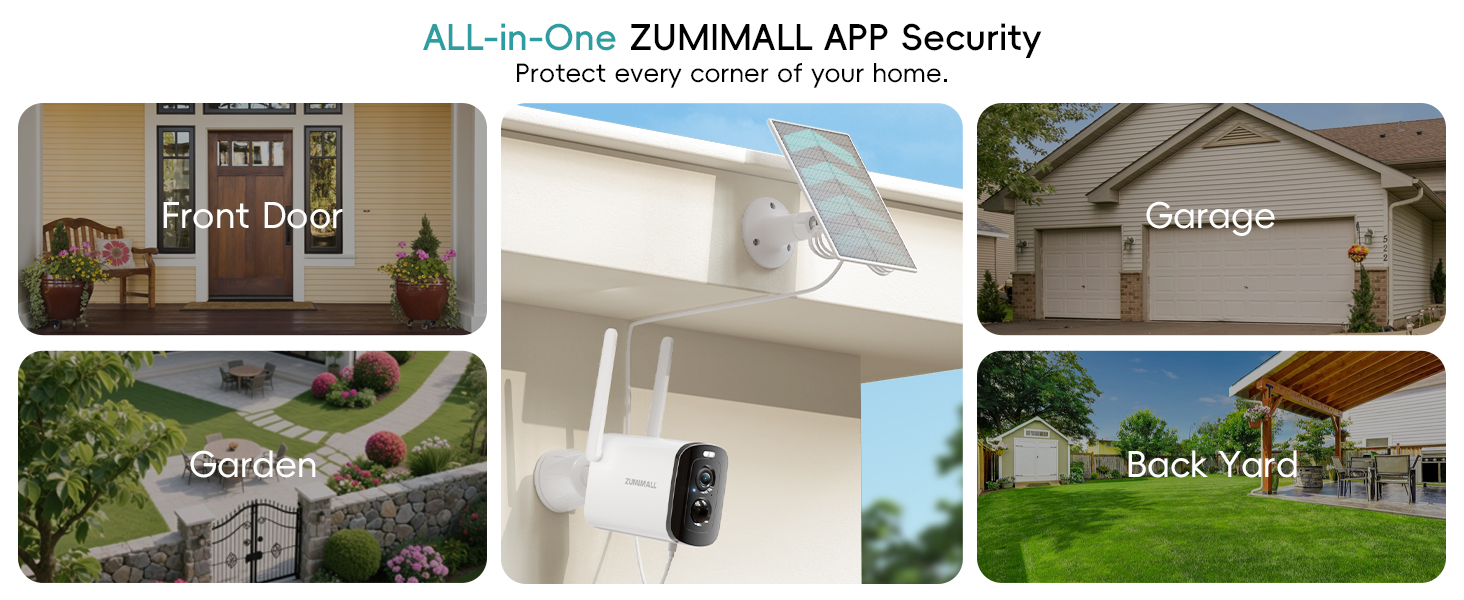
Share access to your camera's live feed with family members. They can view the live broadcast on their own devices after scanning a QR code or entering an account.

The ZUMIMALL app allows monitoring of up to 4 devices simultaneously.
Hide Indicator Light
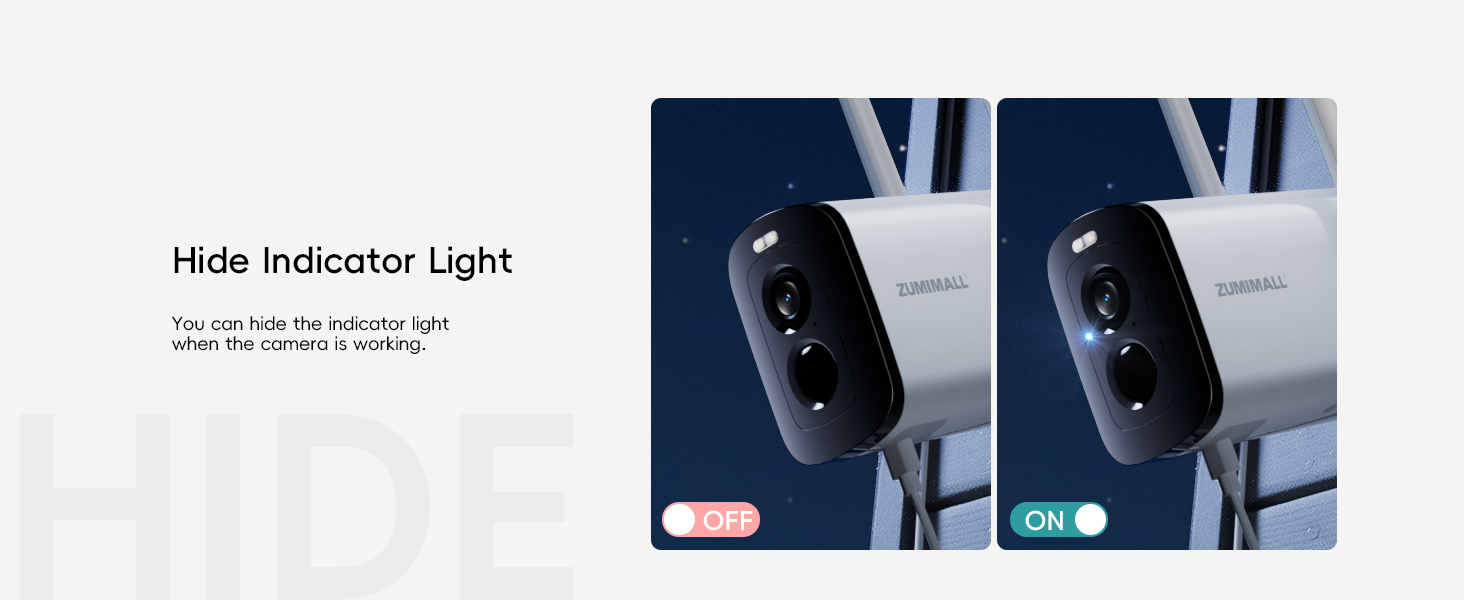
For discreet monitoring, you can hide the indicator light when the camera is actively working.
Pangropéa
- beberesih: Usap lénsa kaméra sareng panel surya sacara rutin nganggo kaén anu lemesamp cloth to ensure clear vision and efficient solar charging.
- Manajemén batré: The solar panel provides continuous charging. For optimal battery life, ensure the solar panel receives adequate sunlight. The camera supports multiple power usage modes (low, medium, high frequency) which affect battery duration (e.g., 3-4 months on low frequency, 1-2 months on high frequency).
- Pembaruan firmware: Keep the ZUMIMALL app and camera firmware updated to ensure optimal performance and access to new features.
Pamérésan masalah
- Masalah konektipitas: Ensure your camera is within range of a 2.4GHz WiFi network. Check your router settings if you experience frequent disconnections.
- Kualitas pidéo goréng: Verify the camera lens is clean and free from obstructions. Ensure sufficient lighting for optimal night vision performance.
- Alarm palsu: Adjust the PIR sensor sensitivity and customize detection areas in the app to minimize unwanted alerts.
- Batré Teu Ngecas: Ensure the solar panel is clean and positioned to receive direct sunlight. Check the connection between the solar panel and the camera.
spésifikasi
| Fitur | Rincian |
|---|---|
| Resolusi Capture Video | 1920p (2K FHD) |
| Sénsor Gambar | 3MP CMOS |
| Visi Peuting | Color Night Vision, 4 IR LEDs, 55 Feet Range |
| Viewdina Angle | 130 darajat |
| Konektipitas | 2.4GHz Wi-Fi (5G not supported) |
| Sumber Daya | Solar Powered, Rechargeable Lithium Polymer Battery (included) |
| Résistansi Cuaca | IP66 Waterproof, -4°F to 120°F (-20°C to 50°C) |
| Panyimpenan | Max 128 GB Flash Memory (SD card not included), Cloud Storage option |
| Fitur husus | 2-Way Audio, Built-In Spotlight, Siren, Motion Detection, Digital Zoom |
| Alat nu cocog | Alexa, Android (via ZUMIMALL App) |
| Item Beurat | 1.37 pon |
| Ukuran Paket | 6.02 x 5.83 x 3.39 inci |
Garansi sareng Rojongan
ZUMIMALL is committed to providing high-quality products and customer satisfaction. For any questions, technical assistance, or warranty claims, please refer to the contact information provided in your product packaging or visit the official ZUMIMALL website. We offer one-on-one online support to ensure you always get the help you need.
Anjeun oge bisa nganjang ka ZUMIMALL Store on Amazon pikeun inpo nu leuwih lengkep jeung produk.