
Bubuka
This manual provides comprehensive instructions for the JBL PartyBox Club 120 portable wireless speaker. It covers essential information regarding product setup, operation, maintenance, and troubleshooting to ensure optimal performance and longevity of your device. Please read this manual thoroughly before using the speaker.
Naon dina Box
Saatos ngabongkar bungkusan, pariksa yén sadaya barang di handap ieu aya:
- 1 x JBL PartyBox 120 Portable Wireless Speaker
- 1 x Kabel Listrik AC
- 1 x Kabel Bantu
- 1 x Kain Microfiber

Gambar: Hareupeun view tina JBL PartyBox Club 120 spiker, showcasing its grille and illuminated JBL logo.
Disetél
1. Ngecas Speaker
Before initial use, fully charge the speaker. Connect the provided AC power cord to the speaker's power input and then to a wall outlet. The charging indicator will show the battery status. A full charge provides approximately 12 hours of playtime.
2. Powering on / Pareum
- To power on: Press the Power button located on the control panel.
- To power off: Press and hold the Power button until the speaker shuts down.
3. Papasangan Bluetooth
- Pastikeun spiker diaktipkeun.
- Pencét tombol Bluetooth dina spiker. Indikator Bluetooth bakal kedip-kedip, nunjukkeun éta dina modeu papasangan.
- On your mobile device (smartphone, tablet, or laptop), enable Bluetooth and search for available devices.
- Select "JBL PartyBox Club 120" from the list of devices.
- Once paired, the Bluetooth indicator will glow solid, and you will hear a confirmation sound.
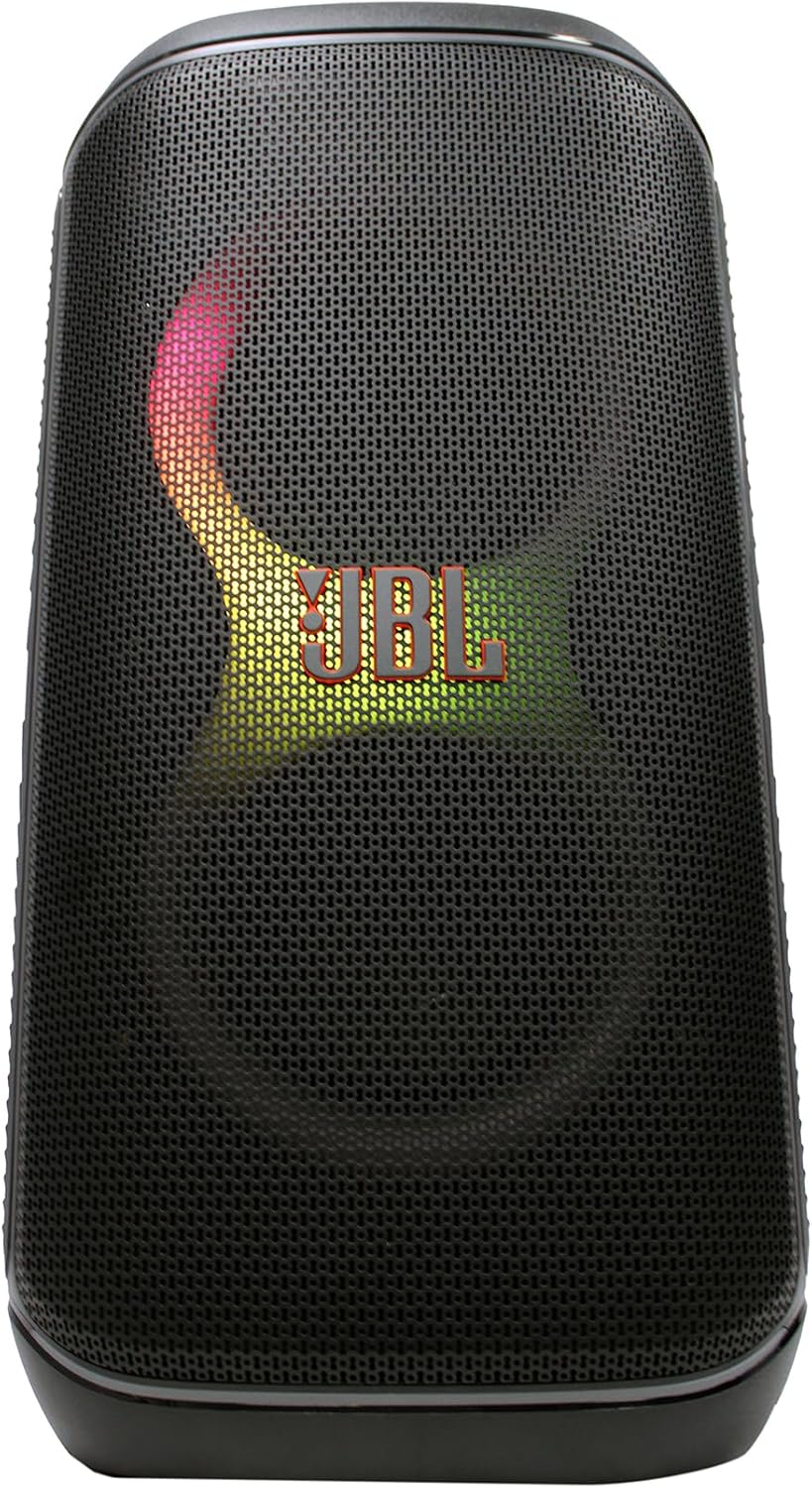
Gambar: Hareupeun view of the JBL PartyBox Club 120 speaker, displaying dynamic multi-color lighting effects.
4. Sambungan AUX
Pikeun nyambungkeun alat audio ngaliwatan input bantu:
- Connect one end of the provided auxiliary cable to the AUX IN port on the speaker.
- Sambungkeun tungtung kabel bantu anu sanés kana jack headphone atanapi output audio alat anjeun.
- The speaker will automatically switch to AUX input mode, or you may need to select it manually using the input source button.
Parentah Operasi
1. Puterkeun Audio
- Kontrol volume: Use the volume up (+) and volume down (-) buttons on the speaker or your connected device to adjust the audio level.
- Puter / Reureuh: Pencét tombol Play/Reureuh pikeun ngamimitian atawa ngeureunkeun playback audio.
- Napigasi lagu: Use the skip forward and skip backward buttons to change tracks.
2. Fitur Pertunjukan Cahaya
The JBL PartyBox Club 120 features dynamic LED lighting effects that synchronize with your music. Use the dedicated Light Mode button on the speaker to cycle through different light patterns or turn the lights off.
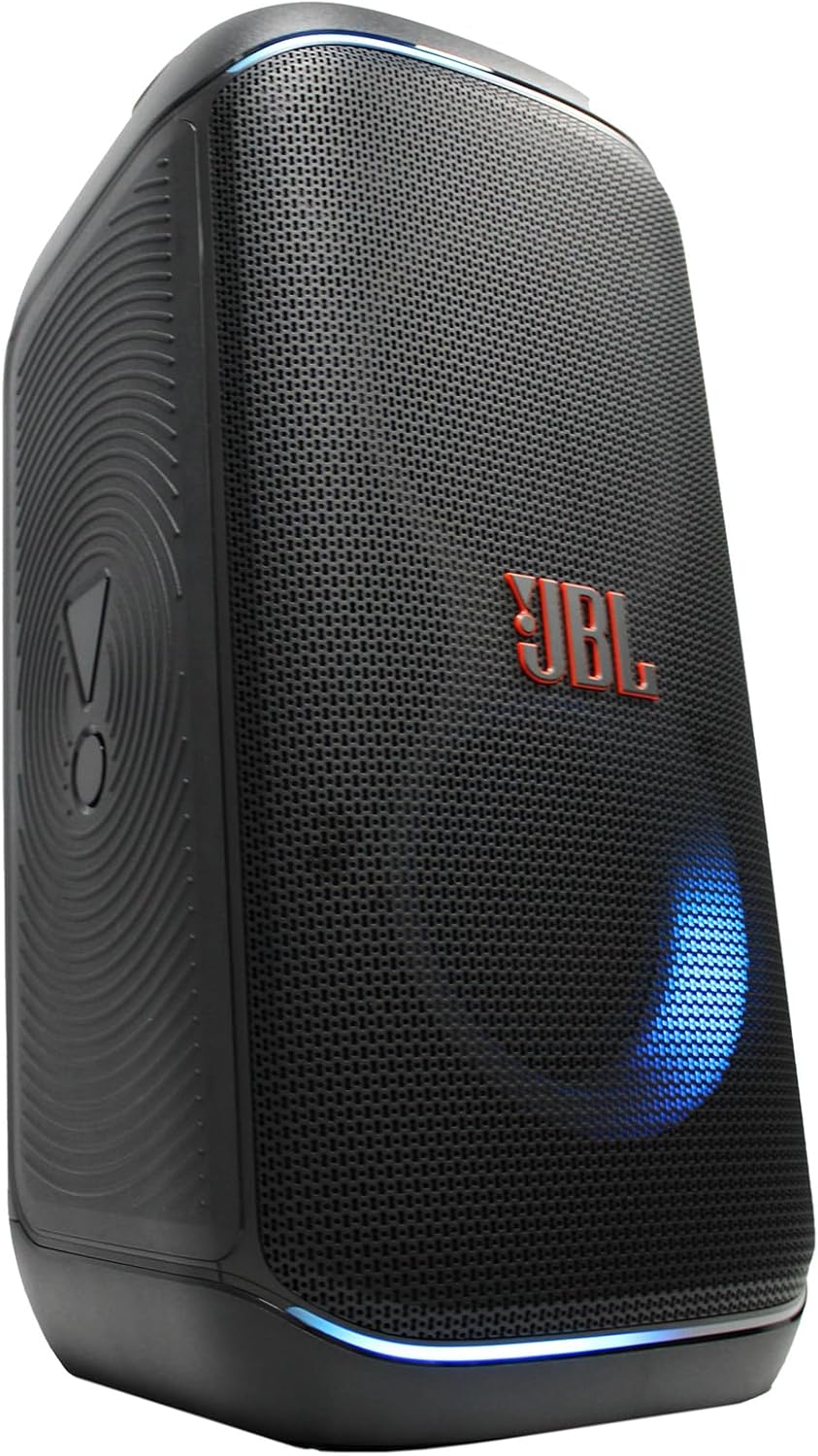
Gambar: Sisi view of the JBL PartyBox Club 120 speaker, showing its robust design and a blue light effect.
3. Splash Proof Design
The speaker is designed to be splash-proof, making it suitable for outdoor use and near water. However, it is not fully waterproof and should not be submerged in water. Ensure all port covers are securely closed to maintain splash resistance.
Pangropéa
- beberesih: Anggo lawon microfiber anu disayogikeun atanapi lawon lemes,amp cloth to clean the speaker's exterior. Avoid using abrasive cleaners or solvents.
- Panyimpenan: Simpen spéker dina tempat anu tiis sareng garing jauh tina sinar panonpoé langsung sareng suhu anu ekstrim.
- Perawatan batré: Pikeun manjangkeun umur batre, ulah miceun batre pinuh. Ngeusi batre spéker rutin, sanajan teu dipaké pikeun période nambahan.
Pamérésan masalah
| Masalah | Mungkin Cukang lantaranana | Solusi |
|---|---|---|
| Taya kakuatan | Battery is depleted; Power cord not connected | Charge the speaker; Ensure power cord is securely connected to speaker and outlet |
| Taya sora | Volume teuing leutik; Sumber input salah; Alat teu muterkeun audio | Increase volume on speaker and device; Select correct input source (Bluetooth/AUX); Ensure audio is playing on connected device |
| Bluetooth teu nyambung | Spiker teu dina modeu pairing; Bluetooth alat pareum; Jauh teuing ti spiker | Press Bluetooth button to enter pairing mode; Enable Bluetooth on device; Move device closer to speaker (within 30 feet) |
| Acara lampu teu jalan | Light mode off; Speaker malfunction | Press Light Mode button to activate; Contact support if issue persists |
spésifikasi
| merek | JBL |
| Nomer modél | JBLPARTYBOX120AM |
| Kaluaran Wattage | 160 Watt |
| Téhnologi konektipitas | AUX, Bluetooth |
| Sumber Daya | Batré Powered, Corded Electric |
| Jenis Batré | Bisa dicas deui |
| Ukuran barang (L x W x H) | 11.6 x 11.8 x 22 inci |
| Item Beurat | 25 pon |
| Warna | Hideung |
| Bahan | Plastik, Karét |
| Alat nu cocog | Smartphone, Tablet, Laptop |
| Tipe Pamasangan | Tabletop |
| UPC | 094148647852 |
Garansi sareng Rojongan
Pikeun inpo jaminan lengkep, mangga tingal kartu jaminan kaasup kalayan produk Anjeun atawa buka JBL resmi website. For technical support, product registration, or service inquiries, please contact JBL customer support through their official channels.
Note: This manual provides general guidance. Specific features and operations may vary. Always refer to the latest information available from the manufacturer.