
Bubuka
Thank you for choosing the SENTKENG 4G LTE Cellular Security Camera. This manual provides comprehensive instructions for setting up, operating, and maintaining your new solar-powered wireless outdoor camera. Designed for locations without Wi-Fi, this camera operates on a cellular data network, offering reliable 24/7 surveillance for remote areas. Please read this manual thoroughly before use to ensure optimal performance and longevity of your device.
Naon dina Box
- 4G LTE Kaméra Sélular Kaamanan
- Panel surya
- Pamasangan Bracket pikeun Panel Surya
- Pemasangan Hardware (screws, jangkar)
- Kabel Ngecas USB-C
- Kartu SD 32GB (tos dipasang sateuacanna)
- Instruksi Manual
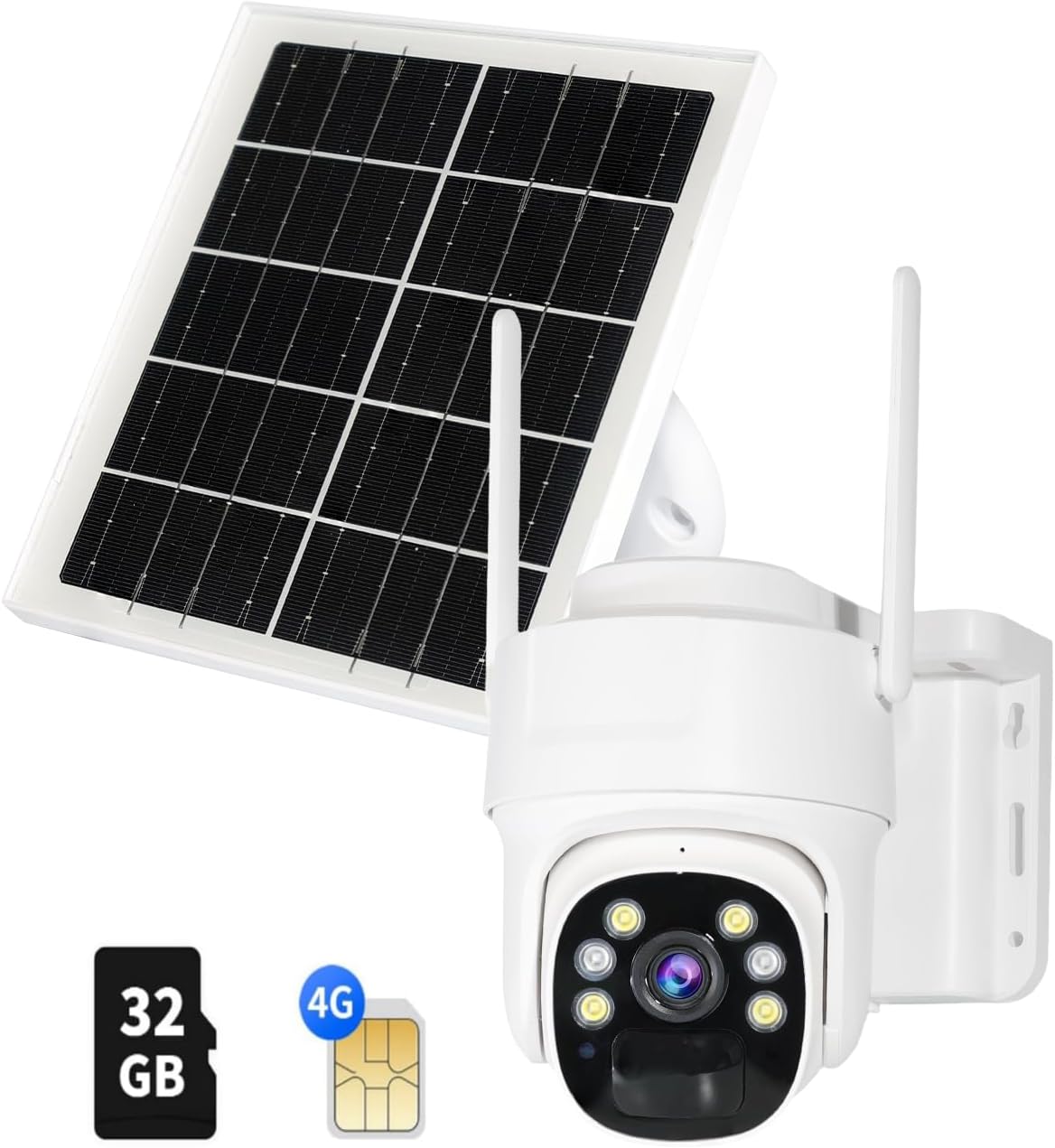
Gambar: Sadaya komponén kalebet dina pakét.
Produk Leuwihview
The SENTKENG 4G LTE Cellular Security Camera is a robust outdoor surveillance solution. It features a 3MP HD lens, 360° pan and 90° tilt capabilities, color night vision, and two-way audio for comprehensive monitoring.

Image: Solar-powered design for 100% wire-free operation.
Desain tahan cuaca: With an IP65 rating, the camera is designed to withstand various weather conditions, operating reliably from -4°F to 131°F.
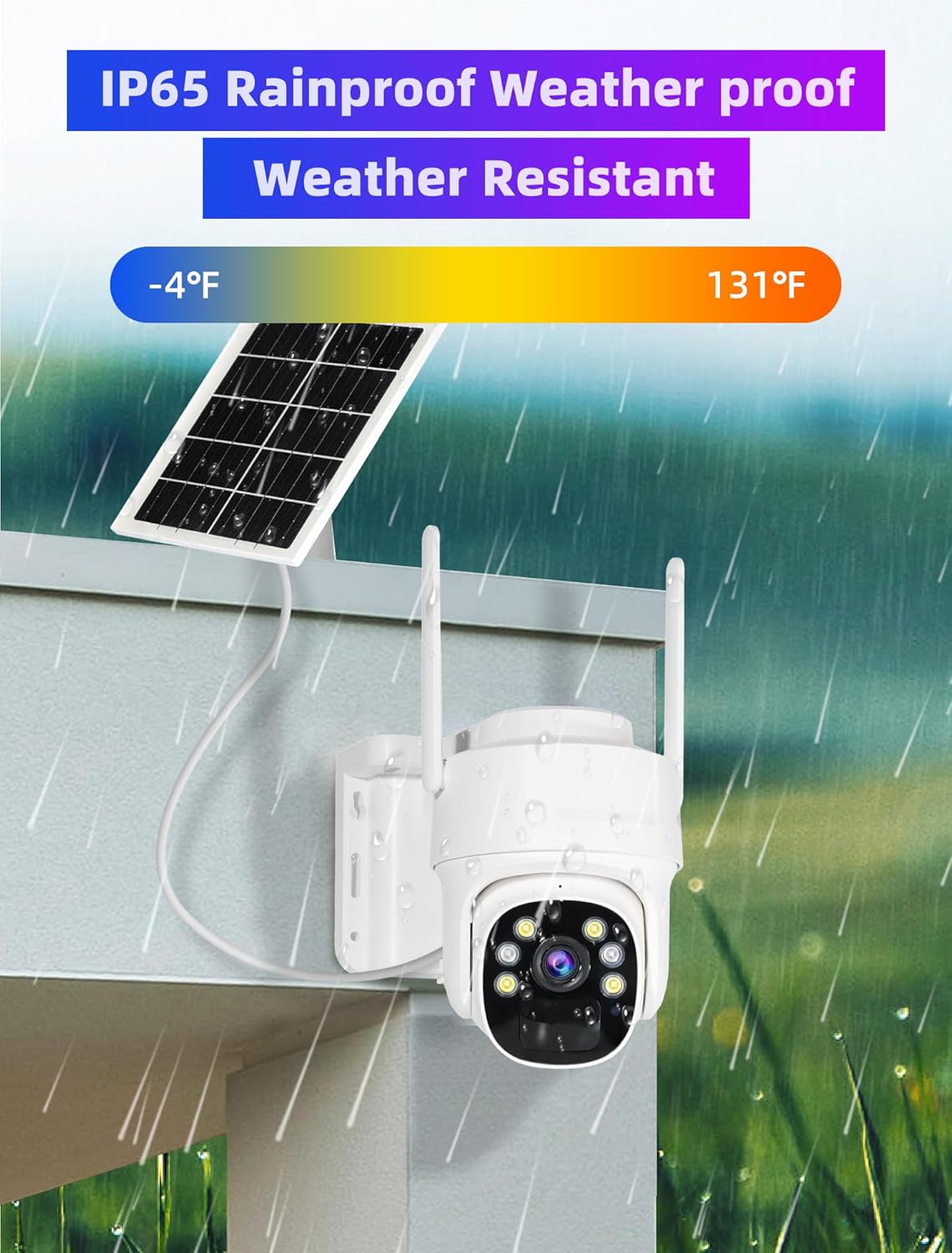
Image: IP65 Rainproof and Weather Resistant.
360° PTZ & 4X Digital Zoom: Ngontrol kaméra viewing angle remotely with 355° pan and 90° tilt, ensuring no blind spots. The 4X digital zoom allows for closer inspection of details.

Image: Cover Every Corner of your Place with 355° Pan and 90° Tilt.
Audio Dua Arah: Komunikasi sareng sémah atanapi cegah panyusup nganggo mikropon sareng spiker anu dipasang di jerona.

Image: Two-Way Audio & Users Sharing.
PIR Humanoid Detection & Mobile Alerts: Receive timely alerts on your mobile app when humanoid motion is detected, reducing false alarms.
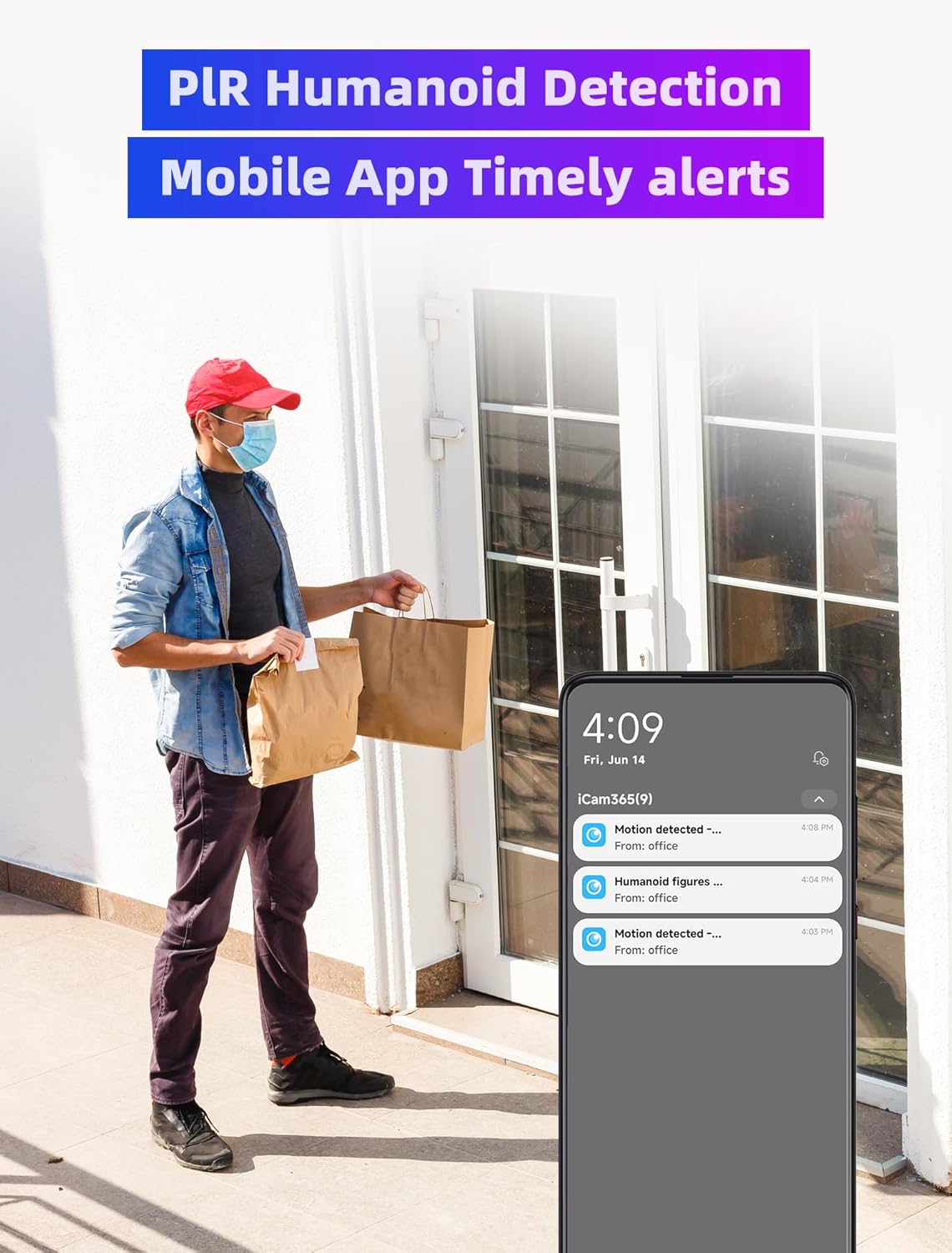
Image: PIR Humanoid Detection and Mobile App Timely Alerts.
Disetél
Muatan Awal
Upon receiving the product, it is recommended to fully charge the camera for the first time using the provided USB-C cable. Connect the cable to the camera's charging port and a 5V power source (adapter not included). Ensure the ON/OFF switch is in the 'ON' position for charging.
SIM Card & SD Card Installation
The camera requires a 4G LTE SIM card (data plan required, not included) and comes with a pre-installed 32GB SD card. To access the card slots, carefully open the IP-rated door on the camera. Insert your 4G SIM card into the designated slot. The 32GB SD card is typically pre-installed; ensure it is properly seated. Close the door securely to maintain the IP65 weatherproof rating.
Ngoperasikeun
Hirup View & Puterkeun deui
Open the iCam365 app and select your camera to access the live view. You can pan and tilt the camera remotely using the on-screen controls. To view dirékam footage, navigate to the 'SD Playback' section within the app. The camera records based on motion detection and stores footage on the 32GB SD card.

Gambar: View playback screen anytime, anywhere.
Kontrol PTZ
Ti live view screen in the iCam365 app, use the directional arrows to control the camera's pan (horizontal) and tilt (vertical) movements. This allows you to adjust the viewing area as needed.
Audio Dua Arah
Pikeun make fitur audio dua arah, ketok ikon mikropon dina live view interface of the app. You can then speak through your phone, and your voice will be projected through the camera's speaker. Release the button to hear audio from the camera's microphone.
Deteksi gerak & Siaga
The camera is equipped with PIR (Passive Infrared) humanoid detection to accurately identify human movement and minimize false alarms from animals or swaying branches. When motion is detected, the camera will automatically record and send a timely alert notification to your iCam365 app.
Visi Peuting
The camera supports color night vision, providing clear and detailed images even in low-light conditions. The built-in LED floodlights activate automatically to illuminate the area for full-color night recording.
Pangropéa
Perawatan Panel Surya
Regularly clean the surface of the solar panel to ensure maximum sunlight absorption and efficient charging. Dust, dirt, or debris can reduce its effectiveness. Use a soft, damp cloth to wipe the panel gently.
Manajemén batré
The camera's built-in rechargeable battery is designed for long-lasting performance. While the solar panel provides continuous power, ensure the camera receives sufficient sunlight to keep the battery charged. Monitor the battery statistics in the iCam365 app to ensure optimal power levels.
Pembaruan firmware
Periodically check for firmware updates through the iCam365 app. Keeping your camera's firmware up-to-date ensures you have the latest features, security enhancements, and bug fixes.
Pamérésan masalah
- Kaméra Teu Nyambung: Ensure the SIM card is correctly inserted and has an active data plan. Check the 4G signal strength in the camera's location via the app.
- Batré Teu Ngecas: Verify the solar panel is clean and positioned to receive direct sunlight. Ensure the solar panel cable is securely connected to the camera.
- Tanda Gerak Palsu: Adjust the PIR detection sensitivity settings in the iCam365 app. Ensure the camera is not facing areas with constant movement (e.g., busy roads, swaying trees) if not desired.
- Henteu aya Audio/Audio Lemah: Check the volume settings in the app. Ensure there are no obstructions blocking the microphone or speaker on the camera.
- Kaméra offline: This camera operates exclusively on 4G LTE networks and does not connect to Wi-Fi. Ensure your cellular data plan is active and the camera is within network coverage.
spésifikasi
| Fitur | Nilai |
|---|---|
| Ngaran modél | Outdoor Solar Dome D01 32G memory card |
| Téhnologi konektipitas | Wireless (Cellular) |
| Pamakéan jero rohangan / outdoor | Luar |
| Sumber Daya | Solar Powered |
| Resolusi Capture Video | 1296p (3MP HD) |
| Fitur husus | 2-Way Audio, Color Night Vision, PTZ (Pan/Tilt/Zoom) |
| Peunteun Protection Internasional | IP65 |
| Daya Batré | 2000 MiliampJam (mAh) |
| Wengi Sawangan Sawangan | 8 méter |
| Item Beurat | 3.16 pon |
| Dimensi produk | 3.99 x 5.63 x 5.35 inci |
Garansi & Rojongan
We are passionate about creating reliable cameras and aim to deliver the best user experience. Should you encounter any issues during use, please don't hesitate to contact us by email. We are committed to resolving any problems you face.
If you are dissatisfied with the product, we would greatly appreciate your feedback and suggestions. Should your input help us improve our product, we will provide you with a full refund and let you keep the camera as a token of our gratitude.
You can reach us through:
- Amazon Store Support
- iCam365 App Online Support
- Surélék: sentkeng@sentkeng.com
With sincere blessings,
SENTKENG Camera Team