
Bmax X15 Pro
Buku Panduan Pangguna Laptop Bmax X15 Pro 15.6 inci
Modél: X15 Pro
1. Bubuka
This manual provides essential information for setting up, operating, and maintaining your Bmax X15 Pro 15.6-inch laptop. Please read this manual thoroughly to ensure proper use and to maximize the performance and longevity of your device.

Image: The Bmax X15 Pro laptop displaying the Windows 11 Pro operating system, highlighting its Intel N95 processor, 16GB RAM, 512GB SSD, and 1920x1080 FHD display.
2. Naon dina Box
Upon unpacking your Bmax X15 Pro laptop, please verify that all the following items are included:
- 1 x BMAX MaxBook X15 Pro Intel N95 Notebook Computer
- 1 x 12V / 3A DC Power Adaptor
- 1 x Multi-Language User Manual
3. Produk Langkungview
3.1. Komponen Fisik sareng Pelabuhan
Familiarize yourself with the various ports and components of your laptop for optimal connectivity and usage.

Gambar: Sisi view of the Bmax X15 Pro laptop illustrating the placement of its various ports, including Micro SD, USB 3.0, Headset jack, HDMI, and Power input.
- Sisi kénca: Micro SD slot, 2x USB 3.0 ports, 3.5mm Headset jack.
- Sisi katuhu: Power input, HDMI port, 1x USB 3.0 port, Security Lock slot.
3.2. Keyboard jeung Touchpad
The laptop features a full-size keyboard with large keycaps and a large touchpad supporting multi-touch gestures for efficient navigation and input.

Gambar: A luhur-handap view of the Bmax X15 Pro laptop's full-size keyboard and large touchpad, highlighting its ergonomic design for comfortable use.
4. Setélan
4.1. Daya Awal Hurung sareng Ngecas
- Connect the provided DC power adapter to the laptop's power input port and a wall outlet.
- Keun laptop ngecas sahenteuna 30 menit sateuacan dianggo mimiti, atanapi dugi ka indikator batréna nunjukkeun muatan anu cekap.
- Pencét tombol daya anu aya dina kibor pikeun ngahurungkeun laptop.
- Follow the on-screen instructions to complete the Windows 11 Pro setup process.
5. Parentah Operasi
5.1. Manajemén kakuatan
- Daya Hurung: Pencét tombol daya.
- Modeu Bobo: Tutupkeun tutupna atanapi pencét tombol daya sakeudeung.
- Pareuman: Klik tombol Mimitian, teras Daya > Pareuman.
- Uihan deui: Klik tombol Mimitian, teras Daya > Mimitian Deui.
5.2. Pamakéan tampilan
The 15.6-inch FHD IPS display offers a 180° convertible design, allowing for flexible viewsudut pandang sareng panggunaan kolaboratif.

Image: The Bmax X15 Pro laptop shown in its 180-degree lay-flat configuration, demonstrating its versatility for sharing and collaboration.
5.3. Konektipitas
The laptop supports various wireless and wired connections:
- Wifi: Dual-band Wi-Fi 5 (802.11ac/a/b/g/n) for fast internet access.
- Bluetooth: Bluetooth 5.0 for connecting wireless peripherals.
- HDMI: Sambungkeun ka layar éksternal atanapi proyéktor.
- USB 3.0: Three ports for high-speed data transfer with external devices.
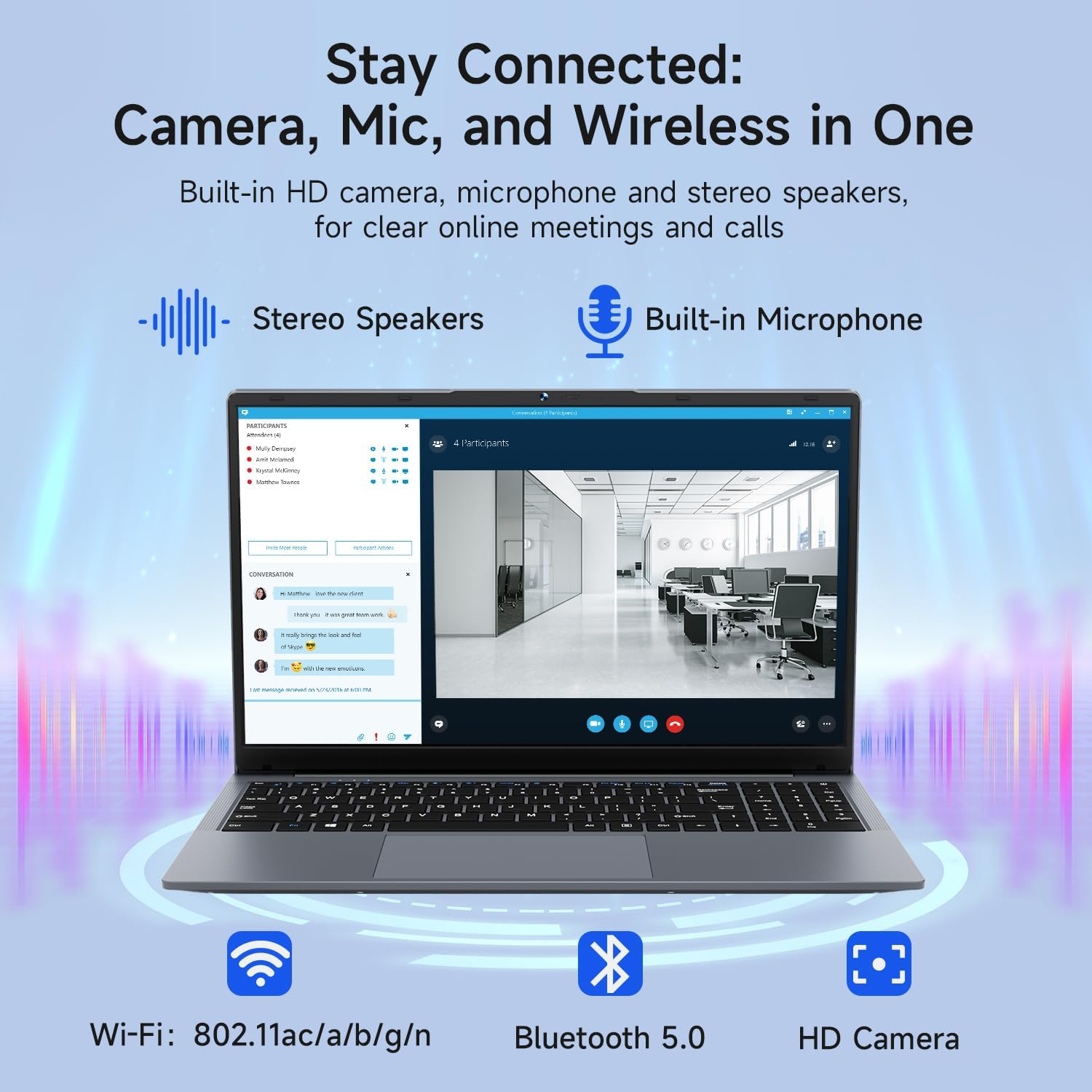
Image: The Bmax X15 Pro laptop with icons representing its integrated Wi-Fi, Bluetooth 5.0, and HD camera capabilities, emphasizing its comprehensive connectivity for communication.
6. Panyimpenan sarta Performance
The Bmax X15 Pro is equipped with robust components for efficient performance and ample gudang.
6.1. Prosesor
Powered by the Intel Celeron N95 Quad-Core Processor (up to 3.4GHz), featuring 4 cores and 4 threads with a 6MB cache, ensuring efficient performance for various tasks.

Image: A graphic detailing the Intel 12th Gen Processor N95, showing its 3.40GHz Turbo Frequency, 6MB Cache, 15W Power Consumption, and 4 cores/4 threads, alongside performance benchmarks.
6.2. Mémori jeung Panyimpenan
The laptop includes 16GB DDR4 RAM and a 512GB SSD, providing substantial storage capacity and enabling efficient multitasking. An M.2_SATA 2280 expansion slot is available for additional storage.

Image: A visual representation of the Bmax X15 Pro laptop's internal components, highlighting its 16GB memory, 512GB high-speed SSD, and an accessible M.2 2280 expansion slot for storage upgrades.
7. Fitur tampilan
Experience clear and vibrant visuals with the 15.6-inch FHD 1920x1080 IPS display, featuring a slim bezel design and 180° viewdina sudut.

Image: A graphic illustrating the Bmax X15 Pro laptop's display features, including its 15.6-inch IPS FHD screen, 1920x1080 resolution, 5.7mm ultra-narrow bezel, and 180° lay-flat design.
8. Sistim cooling
The laptop incorporates intelligent fans and dual copper heat pipes to ensure rapid heat dissipation, maintaining optimal performance and preventing overheating during extended use.

Image: An internal diagram of the Bmax X15 Pro laptop, highlighting its dual copper heat pipes and silent smart fan, illustrating the efficient and quiet cooling system.
9. Manajemén batré
The laptop is powered by a 51.3Wh battery, providing up to 6-8 hours of usage on a single charge, depending on usage patterns.
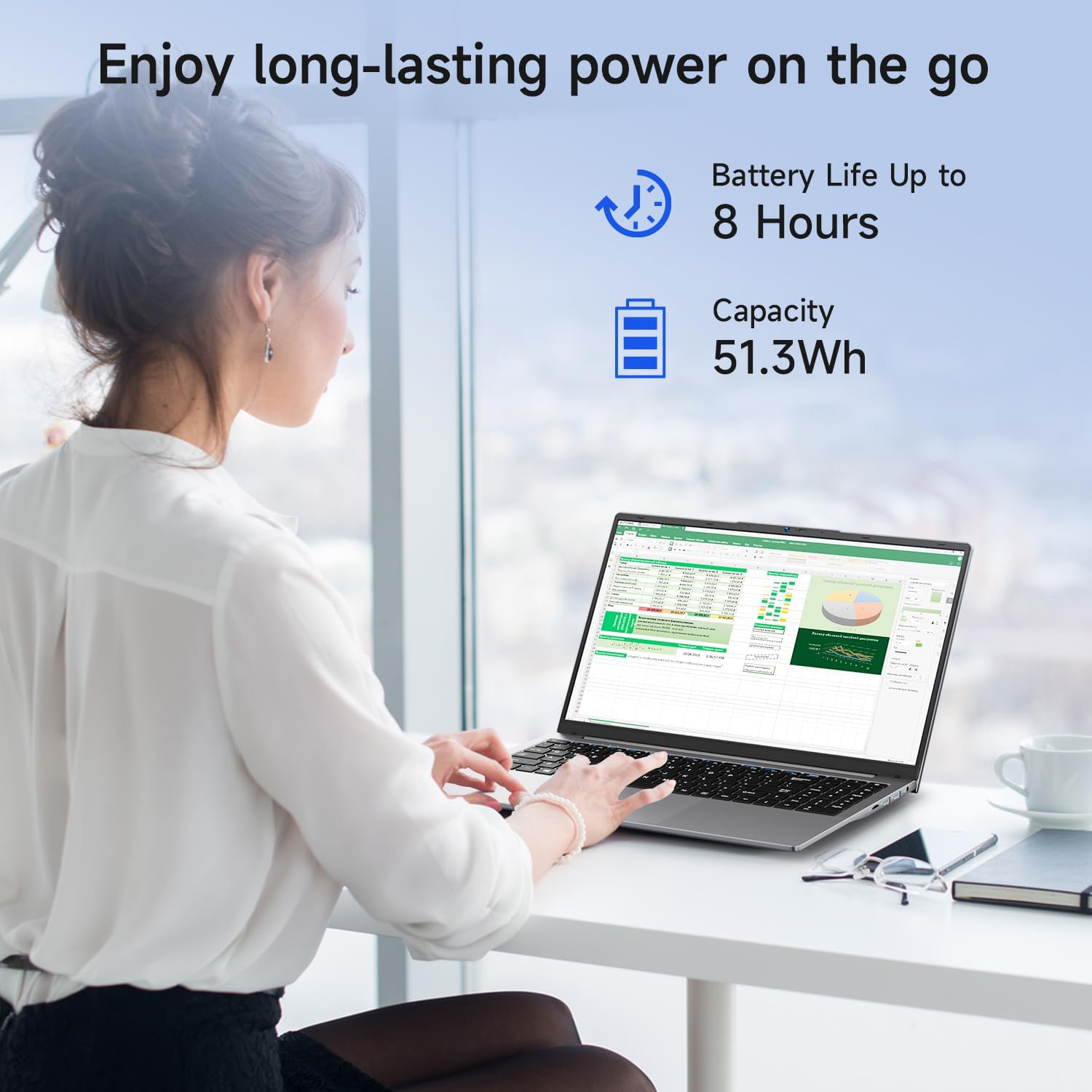
Image: A woman working on the Bmax X15 Pro laptop, with an overlay indicating a battery life of up to 8 hours and a capacity of 51.3Wh, emphasizing its long-lasting power.
10. Pangropéa
Perawatan anu leres ngajamin umur panjang sareng kinerja laptop anjeun optimal.
- beberesih: Anggo lawon anu lemes sareng henteu ngaganggu pikeun ngabersihkeun layar sareng bagian luarna. Hindarkeun bahan kimia anu keras.
- Ventilasi: Ensure the ventilation openings are clear of obstructions to prevent overheating.
- Apdet parangkat lunak: Ngapdet sistem operasi sareng supir anjeun sacara teratur pikeun ngajaga kaamanan sareng kinerja.
- Perawatan batré: Avoid fully discharging the battery frequently. Store the laptop in a cool, dry place if not used for extended periods.
11. Cara ngungkulan
This section addresses common issues you might encounter with your Bmax X15 Pro laptop.
- Laptop teu hurung: Pastikeun adaptor kakuatan disambungkeun aman tur batréna boga muatan cukup. Coba colokan listrik anu béda.
- Masalah tampilan: If the screen is blank, try connecting an external monitor to check if the issue is with the laptop's display. Adjust brightness settings.
- Masalah konektivitas Wi-Fi: Ensure Wi-Fi is enabled in Windows settings. Restart your router and the laptop. Check for updated Wi-Fi drivers.
- kinerja slow: Tutup aplikasi anu teu perlu. Pariksa malware. Pastikeun rohangan kosong anu cekap dina SSD.
12. Spésifikasi
| Fitur | Spésifikasi |
|---|---|
| Ukuran tampilan layar nangtung | 15.6 inci |
| Resolusi layar | 1920 x 1080 piksel |
| Resolusi layar Max | 1920x1080 Piksel |
| Prosesor | 3.4 GHz Celeron (Intel N95 Quad-Core) |
| Ram | 16 GB DDR4 |
| Laju mémori | 2666 MHz |
| Hard Drive | 512 GB SSD (PCIE x 4 interface) |
| Grafik Coprocessor | Intel UHD Grafika |
| Ukuran Ram Kartu Grafis | 8 GB (Integrated) |
| Tipe Wireless | 2.4 GHz Radio Frequency, 5 GHz Radio Frequency, 802.11a/b/g/n/ac, Bluetooth 5.0 |
| Jumlah USB 3.0 palabuhan | 3 |
| Umur Batré Rata-rata (dina jam) | 4-8 Hours (51.3Wh) |
| Sistem operasi | Windows 11 Pro |
| Item Beurat | 3.57 pon |
| Dimensi produk | 14.08 x 9.04 x 0.76 inci |
| Warna | Angkasa Gray |
| Fitur husus | HD Audio, Lightweight, Memory Card Slot, Numeric Keypad |
13. Garansi jeung Rojongan
Your Bmax X15 Pro laptop comes with a 12-month warranty from the date of purchase. This warranty covers manufacturing defects and ensures product reliability.
- Mangsa Garansi: 12 months from the purchase date.
- Kabijakan pamulangan: Worry-free 30-day return period.
- Palayanan palanggan: 7 days/24 hours friendly customer support.
- Asesoris kaasup: 2 replaceable plugs (US, EU) are included to meet diverse connectivity needs.
For technical assistance or warranty claims, please refer to the contact information provided with your purchase documentation or visit the official Bmax support websitus.