
1. Bubuka
This manual provides detailed instructions for the proper use and maintenance of your INFURTURE Wearable Bluetooth Speaker BH127AG. Please read this manual thoroughly before using the product to ensure optimal performance and longevity. Keep this manual for future reference.
2. Produk Langkungview
2.1 Eusi pakét
- INFURTURE Wearable Bluetooth Speaker BH127AG
- Kabel Daya (USB-C)
- Manual pamaké
2.2 Komponen sareng Kontrol Spiker
Familiarize yourself with the speaker's layout and controls as shown below:

Gambar: Hareupeun view of the INFURTURE Wearable Bluetooth Speaker BH127AG, highlighting the speaker grille, main control buttons, and integrated flashlight.

Image: Detailed diagram illustrating the function of each button: Volume Down/Previous Track (-), Multi-Function Button (MFB) for Power/Play/Pause/Call, Volume Up/Next Track (+), USB-C charging port, and Flashlight control button.
- (-) Tombol: Volume Turun / Lagu saméméhna
- MFB (Tombol Multi-Fungsi): Power On/Off, Play/Pause, Answer/End Call, Activate Voice Assistant
- (+) Tombol: Volume Up / Lagu Salajengna
- Tombol senter: Control Flashlight modes
- Palabuhan USB-C: Pikeun ngecas speaker
- Klip: For attaching the speaker to clothing or gear
3. Setélan
3.1 Ngecas Speaker
Before first use, fully charge the speaker. Use the provided USB-C cable to connect the speaker to a compatible USB power source (e.g., computer USB port, wall adapter).
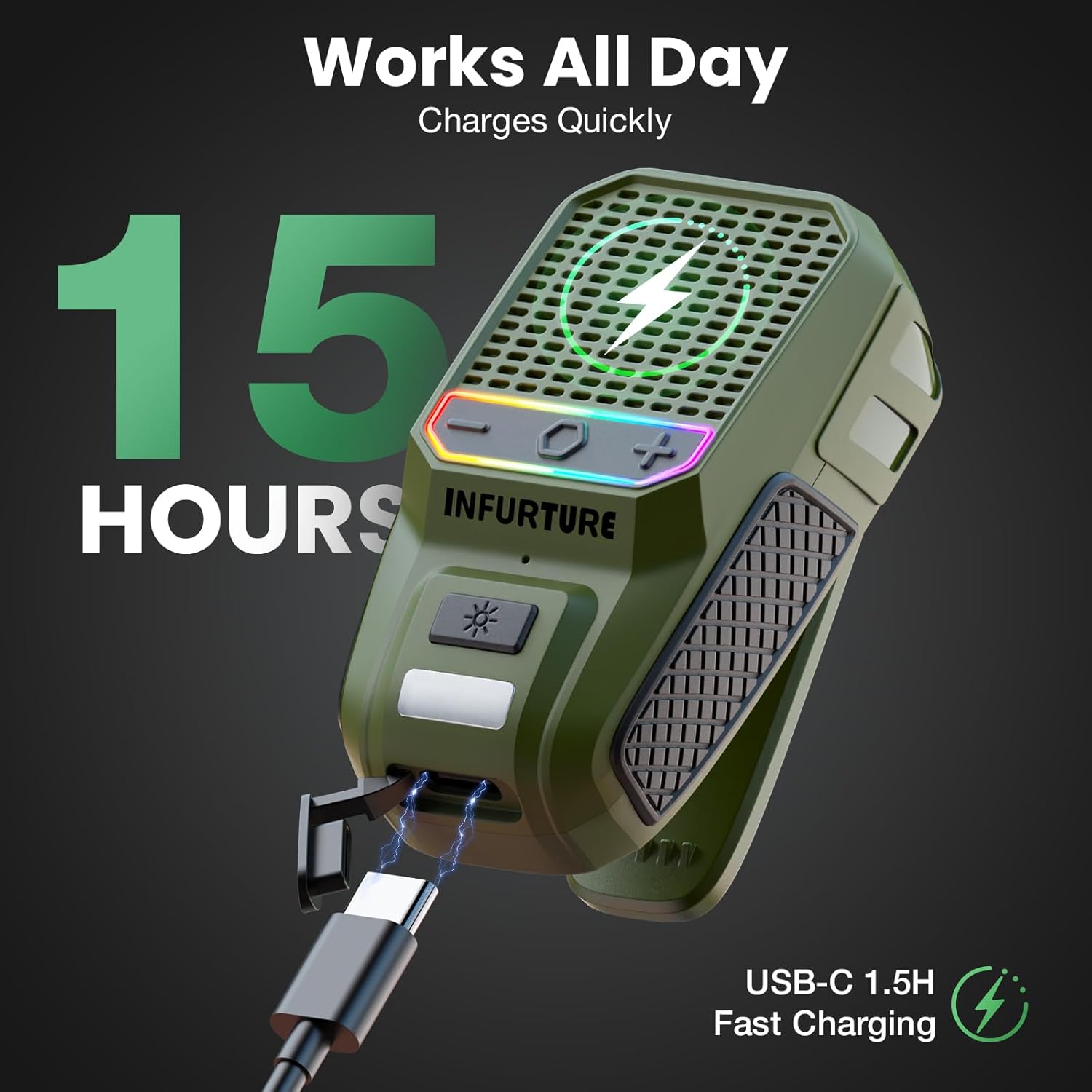
Image: The INFURTURE speaker connected to a USB-C charging cable, illustrating the charging process. A full charge provides approximately 15 hours of playtime.
- Ngeusi batre pinuh butuh kurang leuwih 1.5 jam.
- The speaker provides over 15 hours of playtime (up to 18 hours at 80% volume).
- The LED indicator will show charging status (e.g., red for charging, off for fully charged).
3.2 Nyapasangkeun Bluetooth
- Daya Hurung: Press and hold the MFB button for 2-3 seconds until you hear an audible prompt and the LED indicator flashes, indicating it's in pairing mode.
- Aktipkeun Bluetooth: Dina alat anjeun (smartphone, tablet, laptop), aktipkeun Bluetooth.
- Pilih Speaker: In your device's Bluetooth settings, search for available devices and select "INFURTURE BH127AG" (or similar name).
- Konfirmasi sambungan: Once paired, the speaker will provide an audible confirmation, and the LED indicator will change (e.g., solid blue).
- Sambung deui: Spéker bakal otomatis nyobian nyambung deui ka alat anu dipasangkeun terakhir nalika diaktipkeun.
4. Parentah Operasi
4.1 Daya Hurung/Pareuman
- Daya Hurung: Press and hold the MFB button for 2-3 seconds.
- Pareum listrik: Press and hold the MFB button for 2-3 seconds.
4.2 Puterkeun Musik
- Puter / Reureuh: Pencét pondok tombol MFB.
- Volume Up: Pencét pondok tombol (+).
- Volume Turun: Pencét pondok tombol (-).
- Lagu salajengna: Pencét lila tombol (+).
- Lagu Sateuacanna: Pencét lila tombol (-).
4.3 Manajemén Telepon
The speaker features a built-in noise-canceling microphone for clear hands-free calls.
- Ngajawab Telepon: Short press the MFB button when a call comes in.
- Tungtung Telepon: Short press the MFB button during a call.
- Nolak Telepon: Long press the MFB button when a call comes in.
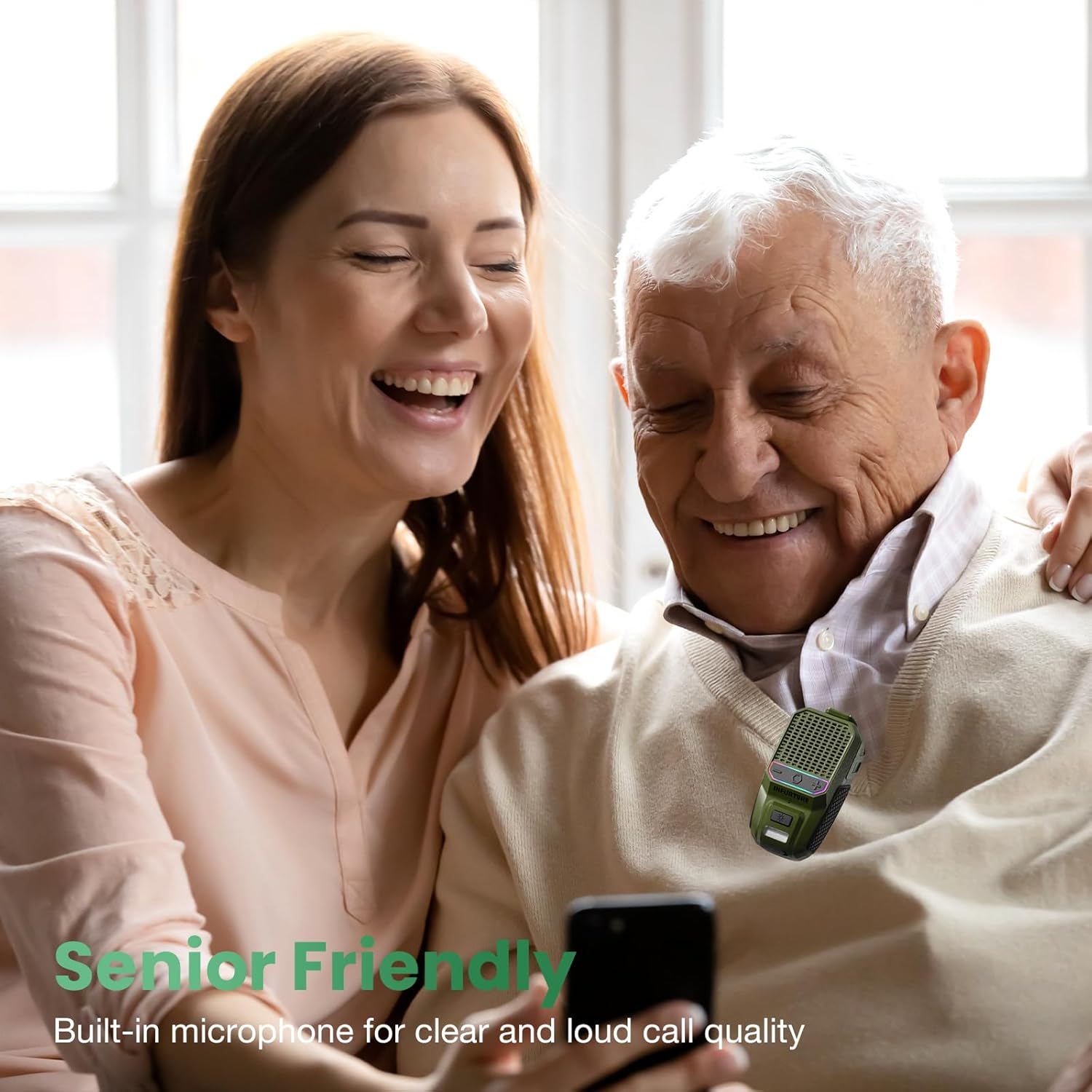
Image: A man and woman enjoying audio from the speaker, demonstrating its use for clear calls and audio playback in social settings.
4.4 Aktipkeun Asisten sora
Activate your device's voice assistant (Siri, Google Assistant, Alexa) directly from the speaker.
- Aktipkeun Asisten Sora: Double-tap the MFB button.

Image: A person using the speaker while working, illustrating the convenience of activating a voice assistant for hands-free control of music or calls.
4.5 Operasi senter
The speaker includes a 2-level LED flashlight for illumination.
- Turn On/Off Flashlight: Short press the Flashlight button.
- Robah Tingkat Caang: Short press the Flashlight button again to cycle through brightness levels.
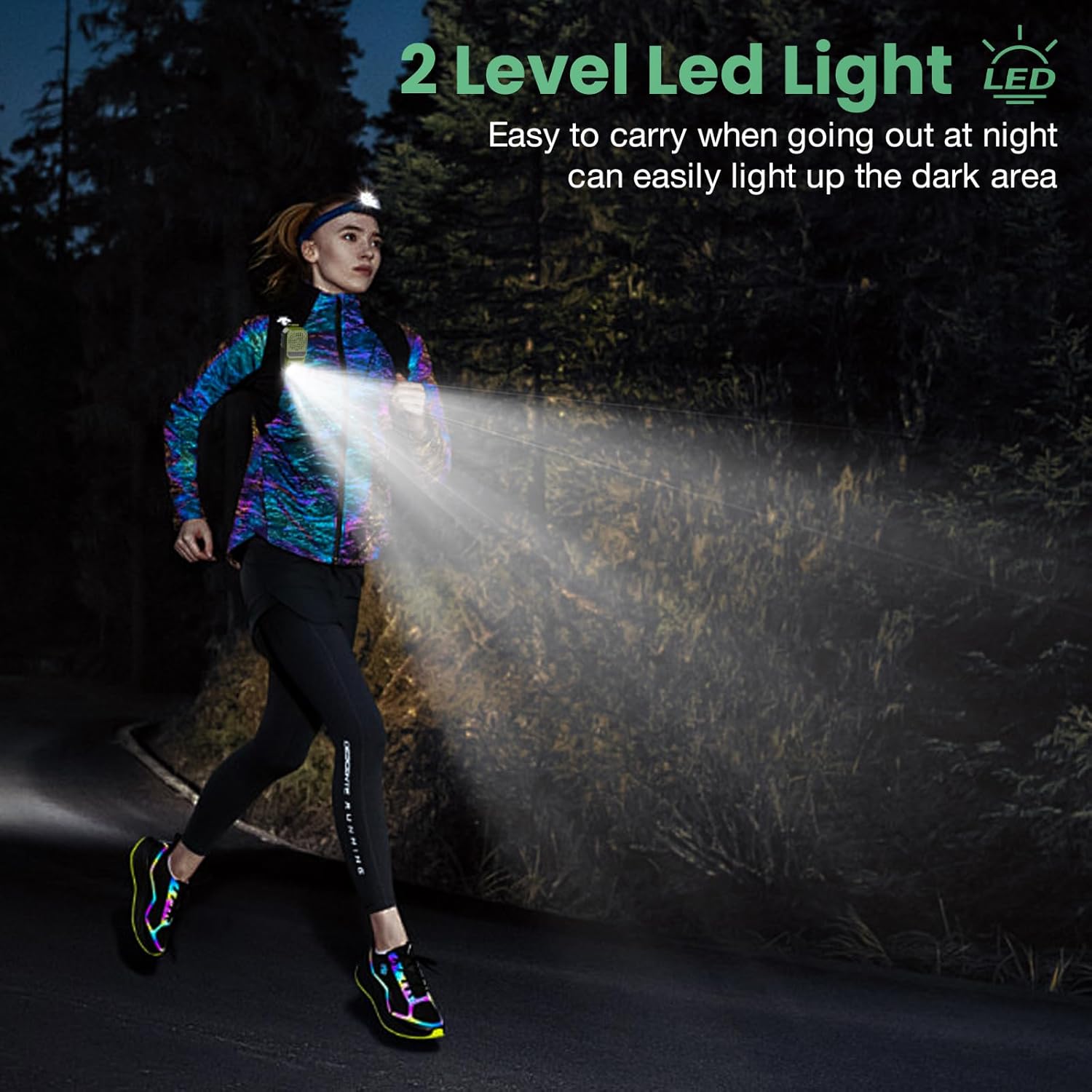
Image: A person running outdoors at night, demonstrating the speaker's integrated flashlight providing illumination for safety and visibility.

Gambar: A lengkep view of the speaker's 80-lumen LED work light, highlighting its capability to provide reliable lighting for various tasks. The flashlight offers 6-10 hours of battery life when in use.
4.6 Modeu Lampu RGB
The speaker features a 2-mode RGB light for visual enhancement.
- Switch RGB Modes: Long press the Flashlight button for 2-3 seconds to cycle between the two RGB light modes.

Image: Two INFURTURE speakers showcasing their multi-color RGB light feature, which can be adjusted to enhance the listening experience.
4.7 Wearing the Speaker
The speaker is designed with a reinforced anti-slip clip for secure attachment.
- Attach the clip to shirts, backpacks, belts, or other gear for hands-free audio.
- Ensure the speaker is securely fastened to prevent accidental drops.

Gambar: Examples of the speaker being worn by individuals engaged in various activities, demonstrating its versatility and secure clip-on design for hands-free use.
5. Pangropéa
Pikeun mastikeun umur panjang sareng kinerja optimal spéker anjeun, turutan tungtunan pangropéa ieu:
- beberesih: Ngusap spéker nganggo lawon anu lemes sareng garing. Ulah make cleaners abrasive atawa pangleyur.
- Tahan cai: The speaker is IPX6 waterproof and dustproof, meaning it can withstand strong jets of water and dust ingress. However, it is not designed for submersion. Ensure the USB-C port cover is securely closed when exposed to water or dust.

Image: The INFURTURE speaker being splashed with water, visually representing its IPX6 waterproof and dustproof capabilities, suitable for outdoor use.
6. Cara ngungkulan
Upami anjeun ngalaman masalah sareng speaker anjeun, tingal masalah sareng solusi umum ieu:
- Speaker teu hurung:
- Pastikeun spéker dicas. Sambungkeun ka sumber listrik nganggo kabel USB-C.
- Press and hold the MFB button for 2-3 seconds to power on.
- Teu tiasa dipasangkeun sareng alat:
- Pastikeun speaker aya dina modeu pairing (LED kedip-kedip).
- Make sure Bluetooth is enabled on your device and it is within range (up to 10 meters).
- Pohokeun spiker tina daptar Bluetooth alat anjeun teras cobian pasangkeun deui.
- Balikan deui speaker sareng alat anjeun.
- Henteu aya sora atanapi volume rendah:
- Ningkatkeun polumeu dina speaker sareng alat Anjeun nu disambungkeun.
- Pastikeun speaker dipasangkeun sareng disambungkeun kalayan leres kana alat anjeun.
- Pariksa naha sumber audio diputer kalayan leres.
- Senter teu jalan:
- Pastikeun spéker gaduh muatan batré anu cukup.
- Short press the Flashlight button to activate.
7. Spésifikasi
| Fitur | Spésifikasi |
|---|---|
| Ngaran modél | BH127AG |
| merek | INFURTUR |
| Téhnologi konektipitas | Bluetooth 5.4 |
| Jangkauan Komunikasi Nirkabel | Nepi ka 10 méter (33 suku) |
| Tipe Speaker | Diwangun-Di |
| Speaker Maksimum Kaluaran Power | 10 Watt |
| Mode Kaluaran Audio | Stereo |
| Réspon Frékuénsi | 20 KHz |
| Fitur husus | Built-in Microphone, Dustproof, LED Light, Portable, Waterproof (IPX6), RGB Light |
| Alat nu cocog | Laptop, MP3 Player, Smartphone, Tablet |
| Sumber Daya | Batré Powered |
| Kahirupan Batré (Waktu Play) | 15+ hours (18H at 80% volume) |
| Waktu Ngecas | Kira-kira 1.5 jam (USB-C) |
| Kaluaran senter | 80 Lumén |
| Item Beurat | 0.09 Kilogram (3.2 ons) |
| Dimensi produk | 1.97 "D x 1.18" W x 3" H |
| Métode kontrol | Sora, Tombol |
8. Garansi jeung Rojongan
8.1 Garansi kawates
The INFURTURE Wearable Bluetooth Speaker BH127AG comes with a limited warranty. Please refer to the warranty card included in your package or contact INFURTURE customer support for details regarding warranty coverage and terms.
8.2 Rojongan Palanggan
For any questions, technical assistance, or warranty claims, please contact INFURTURE customer support through the retailer where you purchased the product or visit the official INFURTURE websitus pikeun inpo kontak.