
1. Bubuka
This manual provides detailed instructions for the installation, operation, and maintenance of your INSEETECH 6MP WiFi Dual Lens Outdoor Security Camera. Please read this manual thoroughly before use to ensure proper functionality and safety.

Image 1.1: INSEETECH 6MP WiFi Dual Lens Outdoor Security Camera.
2. Produk Langkungview
Fitur konci
- Sistem lensa ganda: Features a fixed wide-angle lens and a PTZ (Pan/Tilt/Zoom) tracking lens for comprehensive coverage.
- Résolusi HD 6MP: Delivers clear and detailed images and video.
- Konektipitas WiFi 2.4GHz: Ensures stable wireless connection.
- AI Human Detection & Auto-Tracking: Intelligently identifies human movement and tracks subjects.
- Three Night Vision Modes: Full-Color, Infrared, and Dual-Light Alarm for optimal visibility in low light.
- Audio Dua Arah: Diwangun-di mikropon jeung spiker pikeun komunikasi.
- IP66 Tahan Cuaca: Designed for outdoor use, resistant to rain and dust.
- Panyimpenan Lokal: Supports MicroSD card up to 128GB for 24/7 recording.
Eusi pakét
- 1 x Outdoor Security Camera
- 1 x Camera Bracket
- 1 x Manual Pamaké
- 1 x adaptor kakuatan
- 1 x Accessories (screws, wall plugs)

Image 2.1: Illustration of package contents and connection methods.
3. Setup Guide
3.1 Instalasi fisik
- Pilih Lokasi: Pilih lokasi luar ruangan anu bersih view of the area you wish to monitor and within range of your 2.4GHz WiFi network. Ensure a power outlet is accessible.
- Pasang Bracket: Use the provided screws and wall plugs to securely attach the camera bracket to a wall or ceiling.
- Pasang kaméra: Secure the camera to the mounted bracket. Adjust the camera angle as needed.
- Sambungkeun Kakuatan: Plug the power adapter into the camera and then into a power outlet. The camera will power on and initiate self-test.

Image 3.1: The camera is IP66 waterproof, suitable for outdoor installation.
3.2 Pamasangan Aplikasi sareng Konéksi Jaringan
- Unduh Aplikasi: Milarian pikeun 'INSEECam' in your smartphone's app store (iOS or Android) and download the application.
- Ngadaptar / Asup: Open the INSEECam app and follow the on-screen instructions to register a new account or log in if you already have one.
- Tambahkeun Alat: Tap the '+' icon in the app to add a new device. Select your camera model or scan the QR code on the camera if available.
- Nyambungkeun ka WiFi 2.4GHz: Follow the app's prompts to connect the camera to your 2.4GHz WiFi network. Catetan: This camera requires a 2.4GHz Wi-Fi connection. 5GHz networks are not supported.
- Setup lengkep: Sakali disambungkeun, ngaran kaméra anjeun sarta ngalengkepan prosés setelan.

Image 3.2: The camera connects via a stable 2.4GHz WiFi network.
4. Parentah Operasi
4.1 App Control and Dual Lens Functionality
The INSEECam app provides full control over your camera. You can view live feeds, adjust settings, and manage recordings.
- Kontrol PTZ: Use the app to remotely pan the tracking camera 355° horizontally and tilt it 90° vertically.
- Monitoring Zones: Customize specific areas within the camera's view to focus on, reducing unnecessary alerts.
- Sambungan Lensa Ganda: If the fixed wide-angle lens detects movement, the PTZ tracking lens will automatically adjust to follow and record the detected activity, providing comprehensive coverage.

Image 4.1: Dual lens system with 355° pan and 90° tilt capabilities.
4.2 Deteksi Manusa AI sareng Pelacakan Otomatis
The camera's advanced AI technology is designed to enhance security by focusing on relevant events.
- Deteksi Manusa: The camera can differentiate human shapes from other moving objects, minimizing false alarms caused by animals or swaying branches.
- Nyukcruk Otomatis: Upon detecting human movement, the camera will automatically track the subject across its field of view, ensuring continuous recording of the event.

Image 4.2: The camera features auto-tracking and sends alerts upon human detection.
4.3 Modeu Visi Peuting
The camera offers three distinct night vision modes to adapt to various lighting conditions:
- Full-Color Night Vision: Utilizes white-light LEDs to provide full-color video in dark environments.
- Infrabeureum Night Vision: Uses infrared LEDs for clear black-and-white video in complete darkness.
- Dual-Light Alarm: Combines infrared for general monitoring with white-light activation upon motion detection, illuminating the area and deterring intruders.

Image 4.3: Visual representation of Full-Color, Infrared, and Dual-Light Alarm night vision modes.
4.4 Audio Dua Arah
The integrated microphone and speaker allow for real-time two-way communication through the camera.
- Komunikasi Jauh: Speak to visitors or deter unwanted guests directly from your smartphone.
- Ngawaskeun Audio: Listen to sounds from the camera's vicinity.
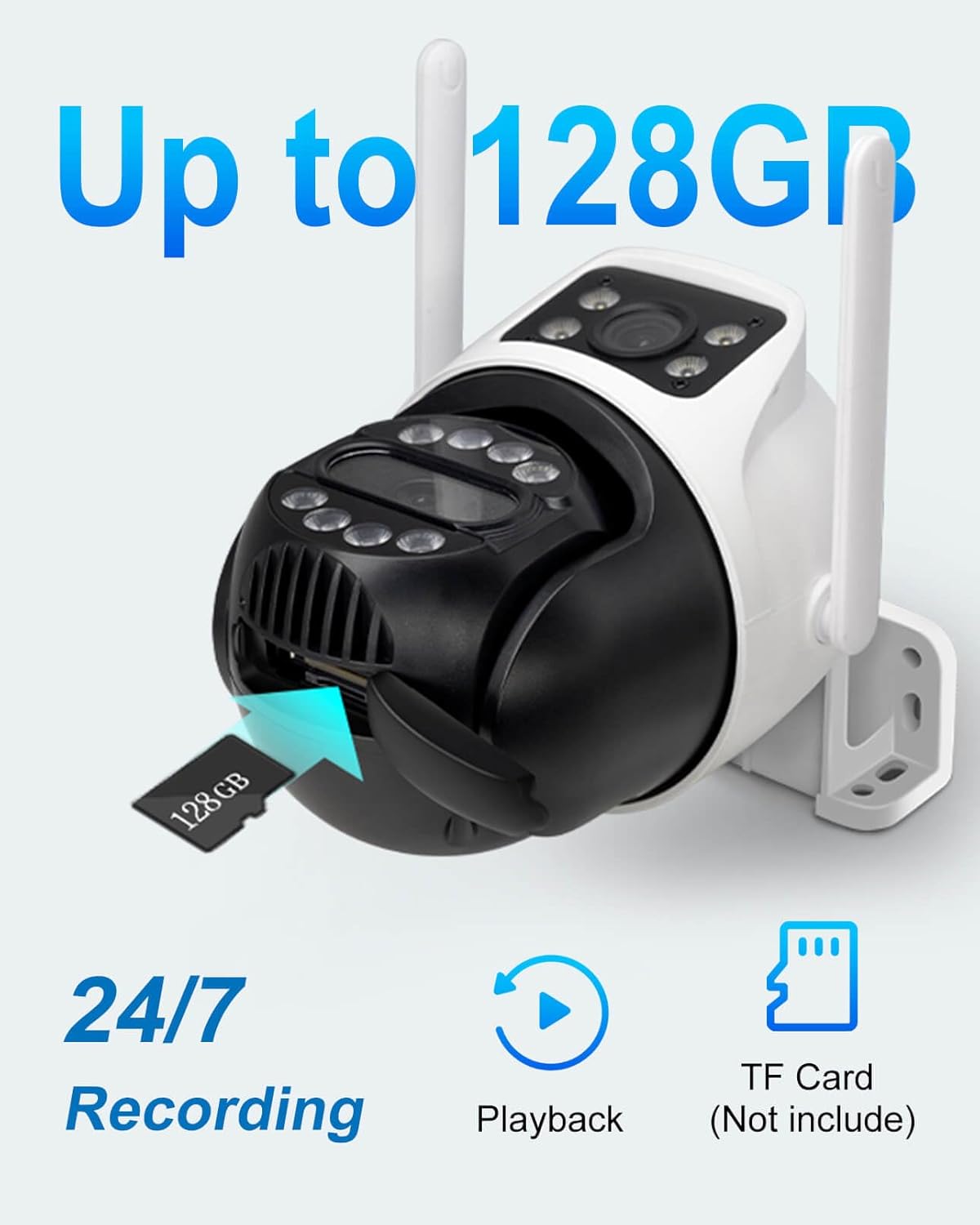
Image 4.4: Demonstrates two-way audio communication via the camera and app.
4.5 Ngarékam sareng Nyimpen Pidéo
The camera supports continuous recording and event-triggered recording.
- Panyimpenan Kartu MicroSD: Insert a MicroSD card (up to 128GB, not included) into the designated slot for local storage of video footage.
- Ngarekam 24/7: Configure the camera for continuous recording to the MicroSD card.
- Playback: Aksés dirékam footage directly through the INSEECam app, filtering by date and event.
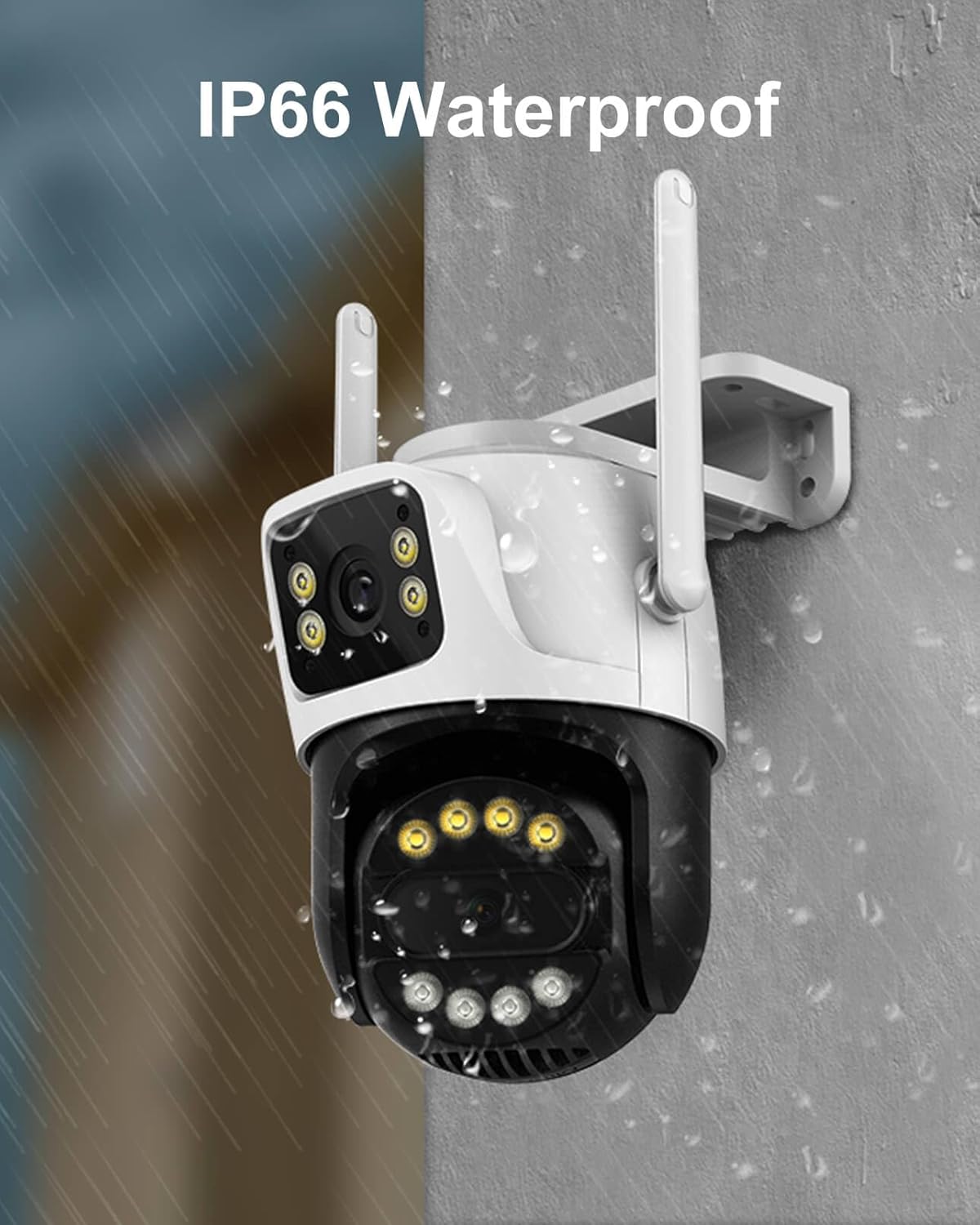
Image 4.5: The camera supports up to 128GB MicroSD card for local storage.
4.6 Babagi kulawarga
Share access to your camera's live feed and recordings with trusted family members or friends through the INSEECam app.
5. Pangropéa
- beberesih: Rutin usap lénsa kaméra jeung awakna ku hipu, damp lawon pikeun miceun lebu sareng kokotor. Entong nganggo bahan kimia anu keras.
- Pembaruan firmware: Check the INSEECam app periodically for firmware updates to ensure optimal performance and security.
- Sasayogian tanaga: Pastikeun adaptor kakuatan sareng kabel bébas tina karusakan.
6. Cara ngungkulan
| Masalah | Solusi anu mungkin |
|---|---|
| Camera fails to power on. | Check the power adapter and cable connection. Ensure the power outlet is functional. |
| Teu bisa nyambung ka WiFi. | Ensure your router is broadcasting a 2.4GHz WiFi signal. Verify the WiFi password. Move the camera closer to the router. |
| Sering disconnections. | Check WiFi signal strength in the camera's location. Reduce interference from other electronic devices. Restart your router and camera. |
| Teu aya rekaman vidéo kana kartu MicroSD. | Ensure a MicroSD card (up to 128GB) is inserted correctly and formatted within the app. Check recording settings in the app. |
| Alarm palsu tina deteksi gerak. | Adjust the motion detection sensitivity in the app. Utilize human detection features and customize monitoring zones to exclude irrelevant areas. |
| Audio dua arah teu jalan. | Check microphone and speaker permissions for the INSEECam app on your smartphone. Ensure volume levels are adequate. |
7. Spésifikasi Téknis
| Spésifikasi | Rincian |
|---|---|
| Ngaran modél | INC003B |
| Resolusi Capture Video | 6MP (3MP+3MP) |
| Téhnologi konektipitas | Nirkabel (Wi-Fi 2.4GHz) |
| Pan / Dengdekkeun Range | 355 ° Pan, 90 ° Dengdekkeun |
| Wengi Sawangan Sawangan | 66 suku |
| Modeu Visi Peuting | Full-Color, Infrared, Dual-Light Alarm |
| Deteksi Manusa | Yes, with Auto-Tracking |
| Audio Dua Arah | Sumuhun |
| Panyimpenan | Kartu MicroSD (nepi ka 128GB) |
| Peunteun Protection Internasional | IP66 (Tahan Cuaca) |
| Sumber Daya | Kabel Listrik (12V) |
| Bahan | Acrylonitrile Butadiene Styrene (ABS) |
| Ukuran (L x W x H) | 3.06 x 3.15 x 2.34 inci |
| Item Beurat | 1.17 pon (0.53 Kilogram) |
| Laju pigura | 20 pigura per detik |
| Video Encoding | H.265AI |
8. Garansi jeung Rojongan
INSEETECH products are designed for reliability and performance. For warranty information, technical support, or any inquiries, please refer to the official INSEETECH website or contact customer service through the INSEECam app.
Anjeun oge bisa nganjang ka INSEETECH Store on Amazon pikeun inpormasi lengkep sareng sumber pangrojong.