
1 DEUI P10
1MORE Piston-Fit USB-C Headphones User Manual
Modél: P10
Bubuka
Thank you for choosing the 1MORE Piston-Fit USB-C Headphones. This manual provides detailed instructions for the proper setup, operation, and maintenance of your new headphones. Please read this manual thoroughly before use to ensure optimal performance and longevity of your device.

Image: The 1MORE Piston-Fit USB-C Headphones in use, highlighting their design and comfort.
Eusi pakét
Pastikeun yén sadaya item aya dina pakét anjeun:
- 1MORE Piston-Fit USB-C Headphones (2 pairs if 2-pack)
- Silicone Eartips (various sizes)
- Manual pangguna (dokumén ieu)

Gambar: A lengkep view of the 1MORE Piston-Fit USB-C Headphones, including the USB-C connector and inline remote.
Produk Leuwihview
The 1MORE Piston-Fit USB-C Headphones are designed for clear audio and comfortable wear. Key components include:
- Earbuds: Featuring a 45° angled fit for secure placement and noise isolation.
- Konektor USB-C: For direct connection to compatible devices.
- Inline Remote: Integrated control button for music and call management.
- Mikropon: Built into the inline remote for hands-free communication.
- Kevlar-Reinforced Cable: Designed for durability and tangle resistance.

Gambar: A lengkep view of the earbuds, highlighting their construction.
Disetél
- Select Eartips: Choose the silicone eartips that provide the most comfortable and secure fit for your ears. A proper seal enhances sound quality and noise isolation.
- Nyambung ka Alat: Insert the USB-C connector into the USB-C port of your compatible smartphone, tablet, or laptop. The headphones are plug-and-play and do not require additional drivers for most devices.

Image: Illustration of the 45° angled in-ear design for optimal fit and comfort.
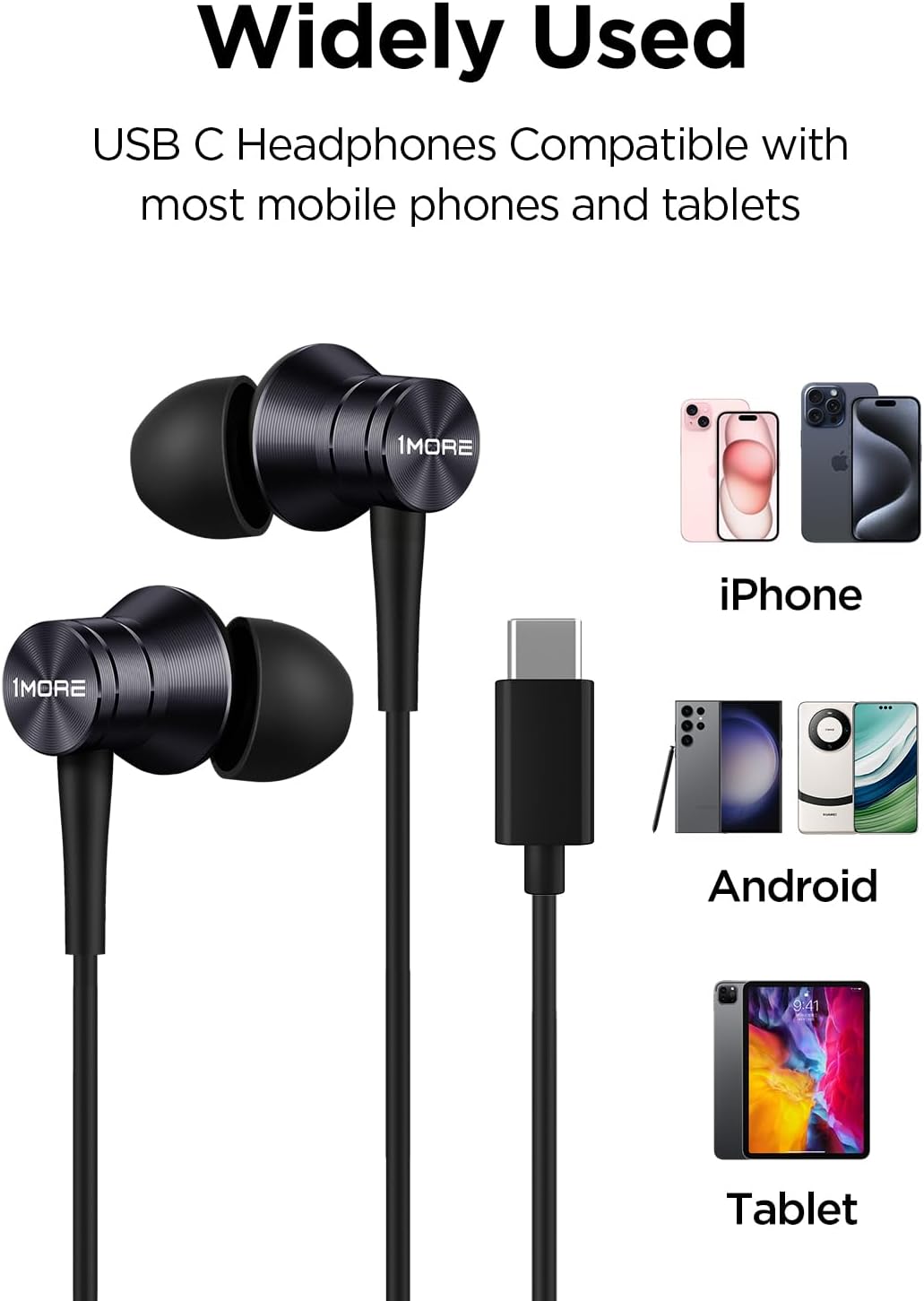
Image: Visual representation of the headphones' wide compatibility with USB-C devices.
Parentah Operasi
Remote inline nyadiakeun kontrol anu merenah pikeun audio sareng telepon anjeun.
Puterkeun Musik
- Puter / Reureuh: Pencét tombol kontrol sakali.
Manajemén Telepon
- Ngajawab Telepon: Pencét tombol kontrol sakali.
- Tungtung Telepon: Press the control button once during a call.
- Nolak Telepon: Press and hold the control button for approximately 2 seconds.

Image: Detailed functions of the inline microphone and multi-function control button.
Pangropéa sareng Perawatan
- beberesih: Regularly clean the eartips with a soft, dry cloth. For deeper cleaning, remove the silicone eartips and wash them with mild soap and water, ensuring they are completely dry before reattaching.
- Panyimpenan: Upami teu dianggo, simpen headphone di tempat anu bersih sareng garing. Hindarkeun suhu anu ekstrim.
- Perawatan kabel: The Kevlar-reinforced cable is designed to be durable and tangle-free. Avoid sharp bends or excessive pulling to prevent damage.
- Hindarkeun Uap: Ulah ngalaan headphone ka cai atawa kaleuleuwihan Uap.
Pamérésan masalah
| Masalah | Mungkin Cukang lantaranana | Solusi |
|---|---|---|
| Teu aya sora atanapi volume handap |
|
|
| Mikropon teu jalan |
|
|
| Sora statik atawa menyimpang |
|
|
spésifikasi
- Ngaran modél: P10
- Téknologi konektipitas: Kabel (USB-C)
- Penempatan Ceuli: Dina Ceuli
- Kontrol bising: Isolasi sora
- Jenis Supir Audio: Dynamic Driver (Aerospace-grade composite diaphragm)
- Impedansi: 32 ohm
- Fitur kabel: Tangle Free, Kevlar-Reinforced
- Métode kontrol: Remote (Inline button)
- Beurat barang: Approximately 14 grams (0.08 Kilograms)
- Alat anu cocog: Cellphones, Laptops, Tablets (e.g., iPhone 15, Samsung Galaxy, Pixel 10, OnePlus)
- Komponén Kaasup: Eartips

Image: Illustration of the aerospace-grade composite diaphragm for powerful sound.
Garansi sareng Rojongan
1MORE products are covered by a limited warranty. For detailed warranty information, please refer to the warranty card included with your product or visit the official 1MORE website. For technical support, troubleshooting assistance, or to inquire about replacement parts, please contact 1MORE customer service through their official channels.
Dukungan Online: www.1more.com/support