
Bubuka
This manual provides essential information for setting up, operating, maintaining, and troubleshooting your iBUYPOWER Slate White Gaming PC, model SWI9N5702. Please read this manual thoroughly before using your new computer to ensure proper function and longevity.
Eusi pakét
Pastikeun yén sadaya item aya dina bungkusan:
- iBUYPOWER Slate White Gaming PC (SWI9N5702)
- Kabel Daya
- iBUYPOWER Gaming Keyboard
- iBUYPOWER RGB Gaming Mouse
- Dokuméntasi (manual ieu, inpormasi garansi)
Disetél
1. Unpacking na panempatan
Carefully remove the PC and all accessories from the packaging. Place the PC on a stable, flat surface with adequate ventilation. Ensure there is clear space around the air intakes and exhausts (front, top, rear) to prevent overheating.
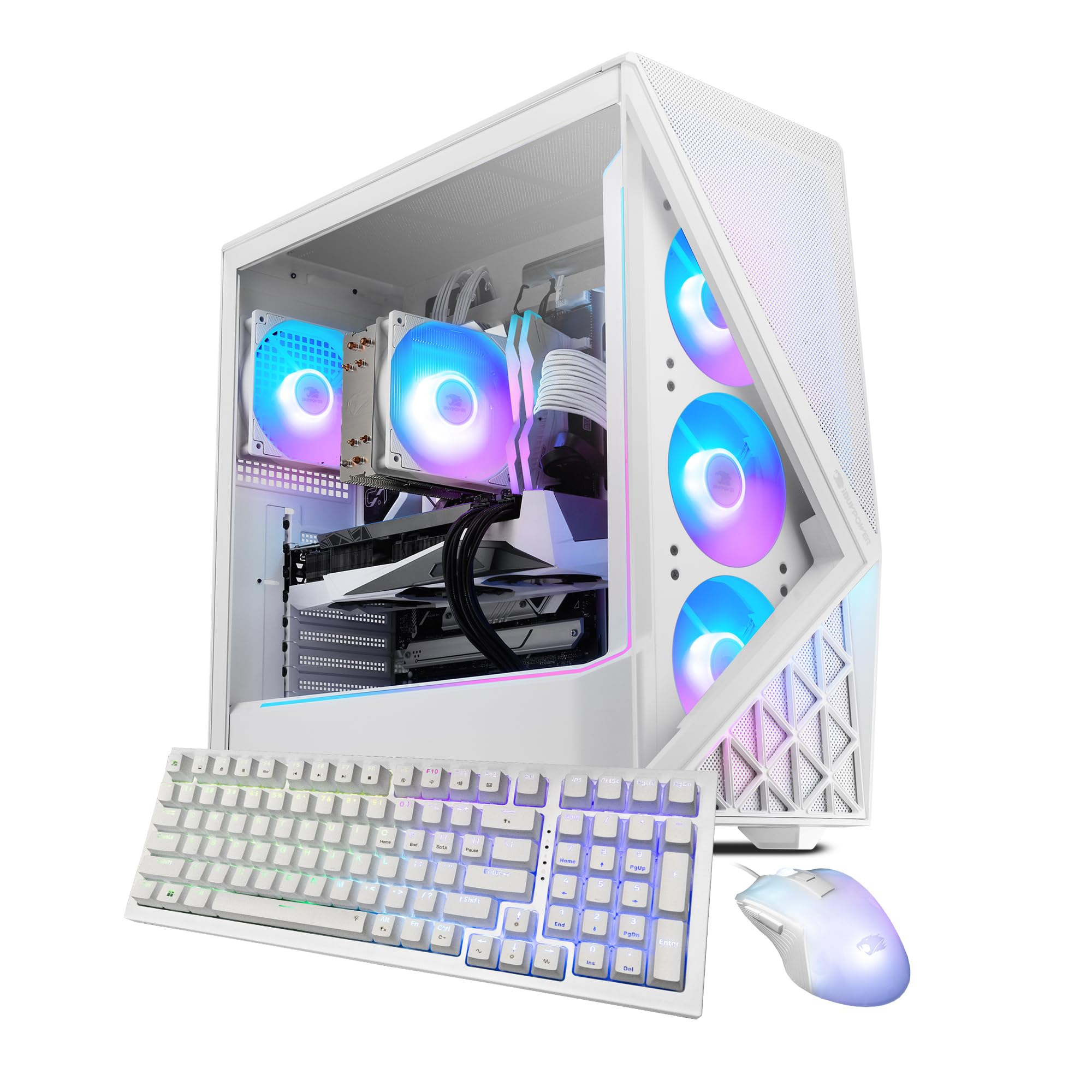
Image: The iBUYPOWER Slate White Gaming PC, showcasing its illuminated RGB fans and tempered glass side panel.
2. Nyambungkeun périferal
- Monitor: Connect your monitor to the graphics card's display output (HDMI or DisplayPort) located at the rear of the PC. Avoid connecting to the motherboard's video outputs if a dedicated graphics card is installed.
- Keyboard sareng Mouse: Connect the included iBUYPOWER keyboard and mouse to available USB ports on the rear or front of the PC.
- kakuatan: Connect the power cable to the power supply unit (PSU) at the rear of the PC, then plug the other end into a grounded electrical outlet.
- Jaringan (Opsional): For a wired connection, connect an Ethernet cable from your router/modem to the RJ-45 network port on the PC. For wireless, the PC is Wi-Fi ready and will prompt for network setup during Windows installation.
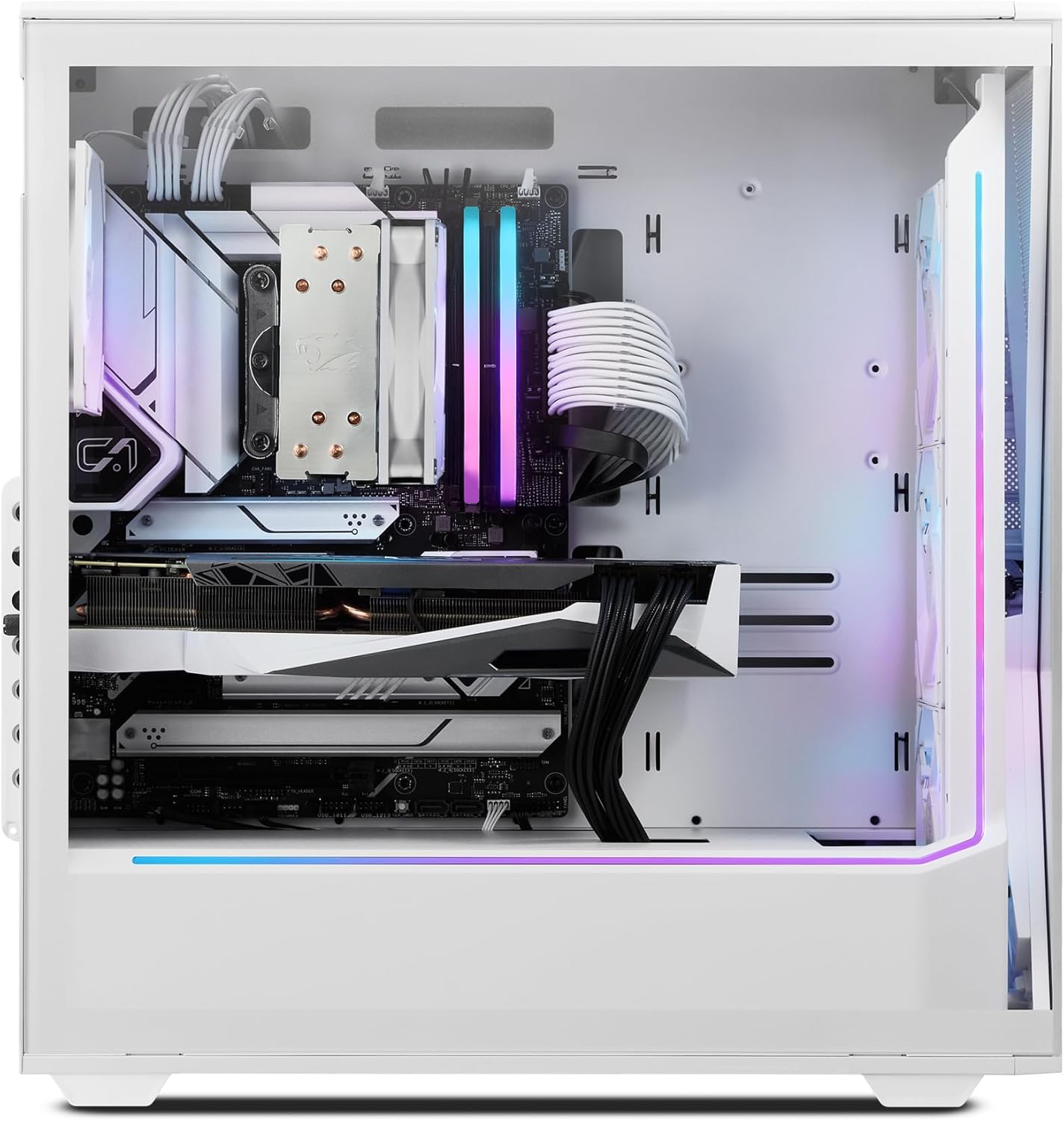
Gambar: Tukangeun view of the iBUYPOWER Slate White Gaming PC, highlighting the various connectivity ports including USB, Ethernet, and video outputs.
3. Mimiti Power-On
Press the power button located on the top or front of the PC. The system will boot up, and you will be guided through the Windows 11 Home setup process. Follow the on-screen instructions to complete the initial configuration.
Ngoperasikeun
Daya Hurung/Pareuman
- Pikeun Ngahurungkeun: Pencét tombol daya sakali.
- Pikeun mareuman: Pencét tombol Mimitian dina Windows, teras pilih Daya> Pareuman.
- Pikeun ngamimitian deui: Pencét tombol Mimitian dina Windows, teras pilih Daya > Balikan deui.
Windows 11 Imah
Your PC comes pre-installed with Windows 11 Home. For detailed instructions on using Windows 11, refer to Microsoft's official documentation and support resources.
Kaulinan sarta Performance
The iBUYPOWER SWI9N5702 is equipped with an Intel Core Ultra 9 285 CPU and NVIDIA GeForce RTX 5070 12GB GPU for high-performance gaming and content creation. Ensure your graphics drivers are up to date for optimal performance. Monitor system temperatures during extended gaming sessions to maintain stability.
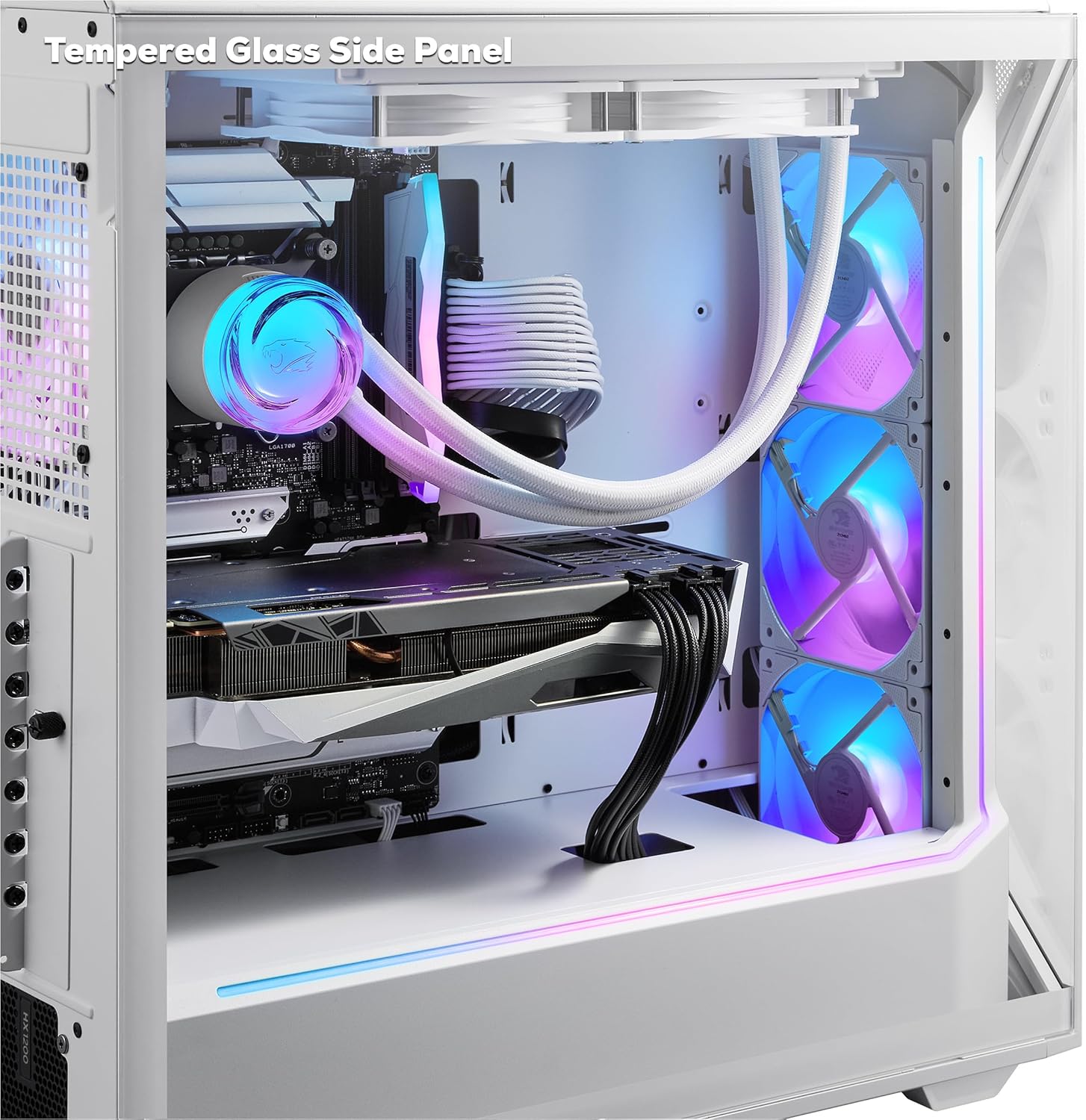
Gambar: Interior view of the iBUYPOWER Slate White Gaming PC, highlighting the tempered glass side panel and internal components.
Kontrol Lampu RGB
The PC features 16-color RGB lighting and aRGB fans. Control and customize the lighting effects using the pre-installed software provided by iBUYPOWER or the motherboard manufacturer. Refer to the specific software's documentation for detailed instructions.
Pangropéa
beberesih
- Luar: Use a soft, dry cloth to wipe down the exterior surfaces. For stubborn marks, slightly dampbilas lawon ku cai. Hindarkeun bahan kimia anu keras.
- Saringan debu: Periodically clean the dust filters (if present) to maintain optimal airflow. These are typically located on the front, top, or bottom of the case.
- Komponén internal: With the PC powered off and unplugged, use compressed air to gently clear dust from fans (CPU cooler, GPU, case fans) and heatsinks. Hold fan blades to prevent them from spinning rapidly during cleaning.

Image: The iBUYPOWER Slate White Gaming PC, showcasing its perforated mesh panel designed to improve airflow and cooling.
Software Apdet
Regularly update your operating system (Windows Update) and graphics drivers (NVIDIA GeForce Experience) to ensure system stability, security, and optimal performance for games and applications.
Nyadangkeun Sistim
Disarankeun pikeun rutin nyadangkeun data penting anjeun ka drive éksternal atanapi panyimpenan awan pikeun nyegah leungitna data.
Pamérésan masalah
This section addresses common issues you might encounter. For more complex problems, contact iBUYPOWER support.
- Henteu aya kakuatan:
- Pastikeun kabel daya disambungkeun pageuh kana PC sareng stop kontak dina témbok.
- Verify the power switch on the PSU (at the back of the PC) is in the 'ON' position.
- Coba colokan listrik anu béda.
- Henteu aya tampilan dina Monitor:
- Check that the monitor is powered on and the video cable is securely connected to the graphics card output on the PC and the monitor input.
- Ensure the monitor's input source is correctly selected (e.g., HDMI 1, DisplayPort).
- If multiple video outputs are available, try a different port on the graphics card.
- Sistemna Leungit atanapi Henteu Ngarespon:
- Tutup aplikasi anu teu perlu jalan di latar tukang.
- Pariksa Tugas Manajer (Ctrl + Shift + Esc) pikeun CPU tinggi, RAM, atawa pamakéan disk.
- Pastikeun Windows sareng supirna parantos diropéa.
- Jalankeun scan virus/malware.
- Overheating:
- Ensure the PC has adequate ventilation and is not placed in an enclosed space.
- Clean dust from fans and heatsinks as described in the Maintenance section.
- Verify all case fans are spinning.
spésifikasi
| Fitur | Rincian |
|---|---|
| merek | iBUYPOWER |
| Nomer modél | SWI9N5702 |
| Sistem operasi | Windows 11 Imah |
| Modél CPU | Intel Core Ultra 9 285 |
| Laju CPU | 2.5 GHz (up to 5.5 GHz Max) |
| Grafik Coprocessor | NVIDIA GeForce RTX 5070 |
| RAM Kartu Grafis | 12 GB GDDR6 |
| RAM Mémori Dipasang Ukuran | 32 GB DDR5 5200MHz |
| Kapasitas Panyimpenan Mémori | SSD NVMe 1 TB |
| Métode Cooling | Air (Tower Air Cooler, RGB Fans) |
| Konektipitas | Wi-Fi (802.11ac), Bluetooth, Ethernet, HDMI, USB |
| palabuhan USB | 10 Total (6 x USB 3.1) |
| Kaluaran Video | HDMI (1 Total) |
| Résolusi Tampilan Maks. | 3840x2160 |
| Fitur Kasus | Tempered Glass RGB Gaming Case, Perforated Mesh Panel, 16 Color RGB Lighting |
| Periferal anu kalebet | iBUYPOWER Gaming Keyboard, RGB Gaming Mouse |
| Item Ukuran (L x W x H) | 19.5 x 8.7 x 19.3 inci |
| Item Beurat | 36 pon |
Garansi
This iBUYPOWER product is covered by a manufacturer's warranty. The warranty description is applicable to the United States. For specific terms, conditions, and duration of your warranty, please refer to the warranty card included with your product or visit the official iBUYPOWER support websitus.
Ngarojong
For technical assistance, troubleshooting beyond this manual, or warranty claims, please contact iBUYPOWER customer support.
- Dukungan Online: Visit the official iBUYPOWER websitus pikeun FAQs, supir, jeung sumber rojongan.
- Inpormasi kontak: Refer to the documentation included with your PC for phone numbers or email addresses for direct support.
- Halaman Produk: Anjeun oge bisa manggihan inpo leuwih lengkep jeung sumber rojongan dina iBUYPOWER Store on Amazon.