
1. Bubuka
This manual provides essential information for setting up, operating, and maintaining your Bmax B6 Plus Mini PC. The Bmax B6 Plus is a compact desktop computer designed for various tasks, including office work, streaming, web browsing, and home entertainment. It features an Intel Core i3-1000NG4 processor, 12GB LPDDR4 RAM, and a 512GB NVMe SSD for efficient performance.
2. Naon dina Box
Mangga parios eusi pakét anjeun pikeun mastikeun yén sadaya barang aya:
- 1 x B6 Plus MINI PC
- 1 x adaptor kakuatan
- 1 x Pituduh Pamaké
- 1 x kabel HDMI
- 1 x Metal Bracket
3. Produk Langkungview
The Bmax B6 Plus Mini PC is designed with a variety of ports for connectivity and features an efficient internal layout.

Gambar 3.1: Hareup jeung sisi view of the Bmax B6 Plus Mini PC, showcasing its compact design and primary ports.
3.1 External Ports and Connectors
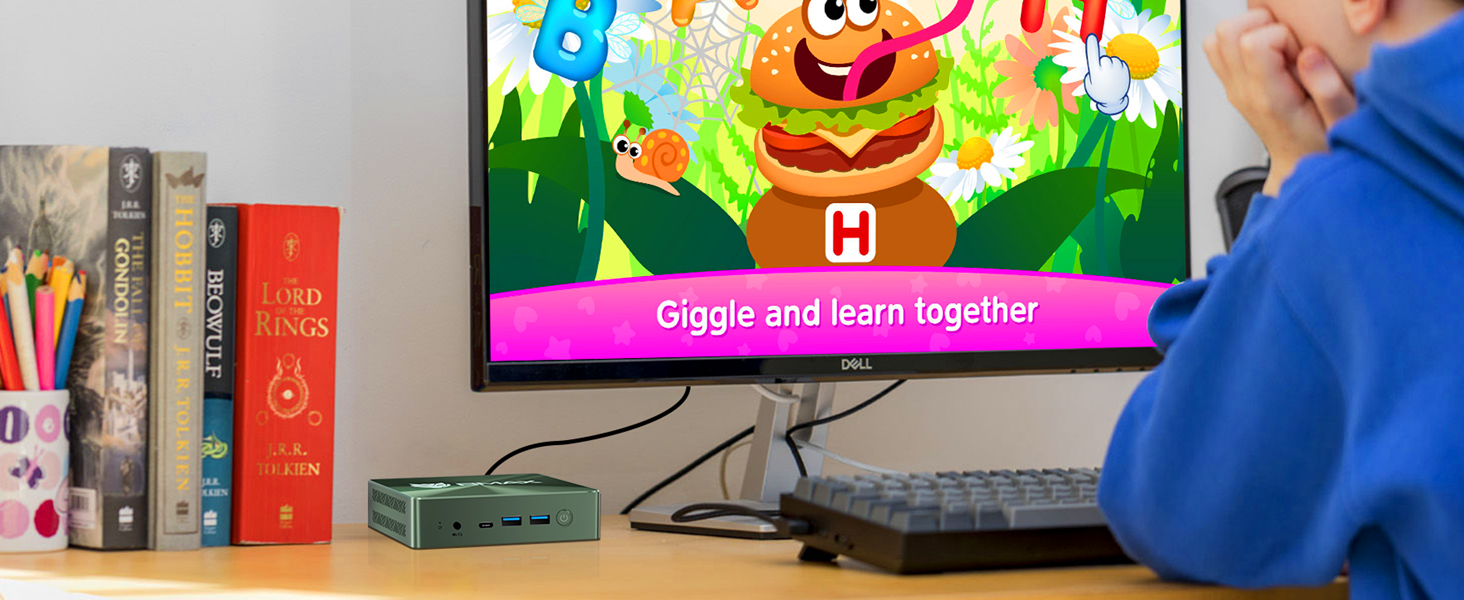
Gambar 3.2: Diwincik view of the front and rear ports of the Bmax B6 Plus Mini PC, with labels for each connection point.
- Panel hareup: Clear CMOS button, Type-C port, 2x USB 3.0 ports, Power Button, 3.5mm Stereo Headset Jack.
- Panel Pungkur: 2x HDMI 2.0 ports, 1x USB 3.0 port, Gigabit Ethernet port, DC Jack for power input.
3.2 Komponén internal

Gambar 3.3: Exploded diagram illustrating the internal components of the Bmax B6 Plus, including the case, heat sink, Intel Core i3-1000NG4 processor, M.2 NVMe SSD, and bottom cover.
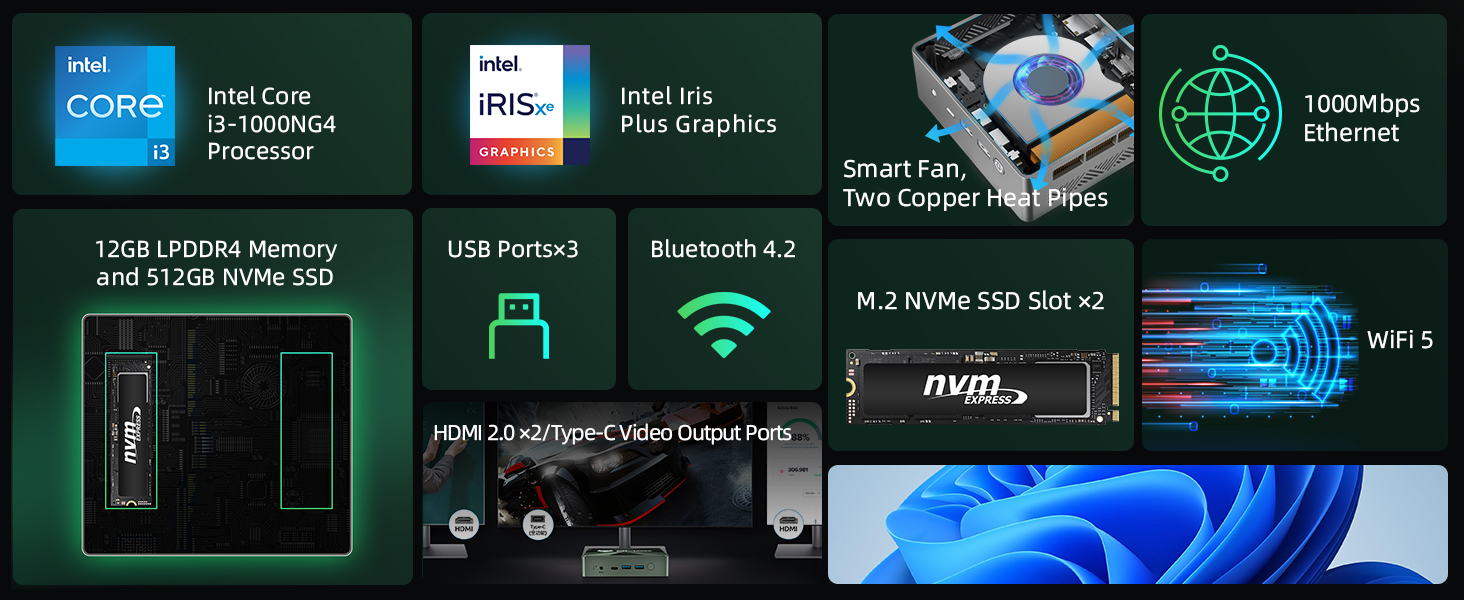
- Prosesor: Intel Core i3-1000NG4
- Mémori: 12GB LPDDR4 RAM
- Panyimpenan: 512GB NVMe SSD with an additional M.2 NVMe SSD expansion slot.
- Sistim cooling: Smart fan and dual copper heat pipes for efficient heat dissipation.

Gambar 3.4: Diagram showing the 12GB LPDDR4 memory and 512GB NVMe SSD, highlighting the available slot for an expanded NVMe SSD.
4. Setélan
Follow these steps to set up your Bmax B6 Plus Mini PC:
- Sambungkeun Kakuatan: Plug the power adapter into the DC Jack on the rear panel of the Mini PC, then connect it to a power outlet.
- Sambungkeun Tampilan (s): Connect your monitor(s) to the Mini PC using the HDMI 2.0 ports or the Type-C port. The device supports up to three 4K displays simultaneously.
- Sambungkeun Periferal: Connect your USB keyboard, mouse, and any other desired peripherals to the available USB 3.0 ports.
- Sambungkeun Jaringan (Opsional): For a wired internet connection, connect an Ethernet cable to the Gigabit Ethernet port. For wireless, ensure your WiFi network is available.
- Daya Hurung: Press the power button located on the front panel to turn on the Mini PC.
5. Parentah Operasi
5.1 Boot Awal sareng Sistem Operasi
Upon first power-on, the Mini PC will boot into its pre-installed operating system. Follow the on-screen instructions to complete the initial setup, including language, region, and user account creation.
5.2 Dual Mode Operation
The Bmax B6 Plus features an innovative dual mode for optimized performance and acoustics:
- Modeu kinerja: Achieves maximum performance with higher fan speeds for demanding tasks.
- Mode kasaimbangan: Operates quieter with lower fan speeds, suitable for general use and environments where noise reduction is preferred.

Gambar 5.1: Illustration of the smart fan and dual copper heat pipes, which contribute to the Mini PC's efficient cooling and dual-mode operation.
5.3 Kaluaran Layar Tilu Kali
The Mini PC supports connecting up to three 4K displays simultaneously via its HDMI and Type-C ports. This allows for an extended desktop environment, enhancing productivity or entertainment experiences.

Gambar 5.2: A visual representation of the Bmax B6 Plus Mini PC connected to three external displays, demonstrating its triple-display capability.
6. Pangropéa
To ensure the longevity and optimal performance of your Bmax B6 Plus Mini PC, consider the following maintenance tips:
- Jaga Ventilasi Bersih: Ensure that the ventilation openings on the Mini PC are not obstructed to allow for proper airflow and heat dissipation.
- Apdet parangkat lunak: Regularly update your operating system and drivers to benefit from performance improvements and security patches.
- Beresih Lembut: Use a soft, dry cloth to clean the exterior of the Mini PC. Avoid using liquid cleaners directly on the device.
- Smart Recovery Environment: The Mini PC includes a Smart Recovery Environment for system restoration. This feature can help resolve OS issues or restore factory settings.
Gambar 6.1: Screenshot of the Bmax Smart Recovery Environment, showing options for Factory Reset and Exit to Windows, designed for easy system recovery.
7. Cara ngungkulan
If you encounter issues with your Bmax B6 Plus Mini PC, refer to the following common problems and solutions:
- Henteu aya kakuatan:
• Ensure the power adapter is securely connected to both the Mini PC and a working power outlet.
• Pastikeun stop kontakna tiasa dianggo. - Henteu aya tampilan:
• Check that the HDMI or Type-C cable is firmly connected to both the Mini PC and the monitor.
• Ensure the monitor is powered on and set to the correct input source.
• Try connecting to a different display or using a different cable. - Performance Lambat:
• Close unnecessary applications running in the background.
• Ensure the Mini PC is in Performance Mode if high performance is required.
• Check for available operating system updates.
• Clear temporary files and optimize disk usage. - Masalah Sistem Operasi:
• Utilize the built-in Smart Recovery Environment to perform a factory reset or system repair if the OS becomes unstable or unresponsive. Refer to Section 6 for more details.
8. Spésifikasi
Detailed technical specifications for the Bmax B6 Plus Mini PC:

Gambar 8.1: Diagram illustrating the compact dimensions (4.9 x 4.4 x 1.37 inches) and weight (300g) of the Bmax B6 Plus Mini PC.
| Fitur | Rincian |
|---|---|
| merek | Bmax |
| Modél | B6 Tambih Deui |
| Prosesor | Intel Core i3-1000NG4 (up to 3.2 GHz) |
| Ram | 12GB LPDDR4 |
| Panyimpenan | 512GB NVMe SSD (expandable via M.2 slot) |
| Grafika | Grafik Intel Iris Xe (Terpadu) |
| Kaluaran Video | 2x HDMI 2.0, 1x Type-C (supports 4K@60Hz triple display) |
| Konéktipitas Wireless | WiFi 5 (802.11a/b/g/n/ac), Bluetooth 4.2 |
| Konektipitas kabel | Gigabit Ethernet |
| palabuhan USB | 3x USB 3.0 |
| Audio | 3.5mm stéréo Headsét Jack |
| Ukuran (L x W x H) | 4.9 x 4.4 x 1.37 inci |
| Item Beurat | 10.6 ons |
| Sistem operasi | OS (Pra-dipasang) |
9. Garansi jeung Rojongan
Bmax is committed to providing excellent customer service and support for your Mini PC.
- Garansi: The Bmax B6 Plus Mini PC comes with a 12-month warranty from the date of purchase.
- Wangsul: You are eligible for a return within 30 days of purchase.
- Palayanan palanggan: Bmax provides 7x24 hours of one-to-one customer service for any inquiries or assistance you may need.
- Bantosan Téknis: Lifetime technical support is available to assist with any operational or technical issues.
For support, please refer to the contact information provided with your product packaging or visit the official Bmax websitus.