Bubuka
Thank you for choosing the Junsun 2G+64G Car Stereo Radio. This manual provides essential information for the proper installation, operation, and maintenance of your new car stereo. Designed for Dodge Ram 1500, 2500, and 3500 models from 2013 to 2019, this unit features a 9-inch IPS HD touchscreen, wireless/wired CarPlay and Android Auto, 5G WiFi, Bluetooth 5.0, GPS navigation, steering wheel control (SWC), DSP, and AM/FM radio. Please read this manual thoroughly before use to ensure optimal performance and safety.
Émbaran Kasalametan
- Pamasangan profésional disarankeun: Kusabab sistem listrik mobil anu rumit, pamasangan profésional disarankeun pisan pikeun nyegah karusakan kana unit atanapi kendaraan.
- Pegatkeun sambungan batré: Sok pegatkeun sambungan terminal batré négatif kendaraan sateuacan ngamimitian padamelan listrik pikeun nyegah sirkuit pondok sareng bahaya listrik.
- Pariksa kasaluyuan: Sateuacan meuliasing and installation, ensure the unit is compatible with your vehicle's specific model, year, and AC type (manual AC).
- Wiring Aman: Ensure all wiring is properly connected, insulated, and secured to prevent interference, short circuits, or accidental disconnections.
- Hindarkeun gangguan: Do not operate the unit or watch videos while driving. Always prioritize safe driving.
Eusi pakét
Punten parios yén sadaya barang anu didaptarkeun di handap kalebet kana pakét anjeun:
- Head Unit (with 9-inch IPS HD Touchscreen)
- Frame (pre-installed on head unit)
- Wire Cables (main power harness, RCA cables, USB cables)
- Crowbar (installation tool)
- Speaker (external)
- Kabel USB (x2)
- Kabel kakuatan
- RCA Kabel
- Mikropon éksternal
- Dekoder Canbus
- Kabel adaptor anteneu
- RCA Cable to connect rear camera
- Modul GPS

Setup sareng Instalasi
The installation process involves removing the original factory radio and fascia, connecting the new head unit, and securing it in place. It is a plug-and-play design, but careful attention to detail is required.
1. Removing the Original Unit
- Remove Top Dash Panel: Use the provided crowbar tool to gently pry up and remove the top dash panel above the factory radio. This panel is typically held by clips.
- Unscrew Top Screws: Once the top panel is removed, locate and unscrew the two screws securing the top of the factory radio assembly.
- Leupaskeun Panel Sisi: Carefully pry off the side trim panels of the radio assembly. These are also typically held by clips.
- Unscrew Main Unit: Locate and unscrew the main bolts/screws holding the factory radio unit in place. There are usually four larger bolts.
- Pegatkeun sambungan kabel: Gently pull the factory radio unit forward and disconnect all electrical connectors from the back. Be careful not to damage any wires or connectors.
2. Installing the New Junsun Unit
- Prepare New Unit: The Junsun head unit comes pre-installed in a new fascia designed for your Dodge Ram.
- Sambungkeun Wiring Harness: Connect the provided main wiring harness to the corresponding ports on the back of the Junsun head unit.
- Connect CANBUS Decoder: Connect the CANBUS decoder to the main wiring harness. This is crucial for retaining steering wheel controls and other vehicle data.
- Sambungkeun Antena GPS: Connect the GPS antenna to the designated port on the head unit. Route the antenna cable to a location on the dashboard or A-pillar with a clear view langit pikeun panarimaan sinyal optimal.
- Sambungkeun Kabel USB: Connect the two USB cables. These can be routed to the glove compartment or a custom-drilled hole for easy access.
- Sambungkeun Mikropon Éksternal: Connect the external microphone for improved call quality. Route it to a suitable location, such as near the rearview mirror or on the A-pillar.
- Sambungkeun Tukangview Kaméra (Opsional): If installing an aftermarket rearview camera, connect its RCA cable to the 'Rear CAM In' port on the head unit. Ensure the reverse trigger wire is connected to the vehicle's reverse light signal.
- Connect Original Vehicle Connectors: Connect the new wiring harness to the original vehicle connectors that were previously attached to the factory radio.
- Fungsi Uji: Before fully reassembling, turn on the vehicle and test all functions of the new stereo: power, audio, CarPlay/Android Auto, Bluetooth, GPS, steering wheel controls, and rearview kaméra.
- Unit Anyar anu Aman: Carefully slide the new head unit assembly into the dashboard opening. Secure it with the screws removed earlier.
- Reinstall Panels: Reattach the side trim panels and the top dash panel, ensuring all clips snap securely into place.


Pidéo Pamasangan
Video: Installation guide for Dodge Ram 2013-2019 Aftermarket Radio. This video demonstrates the step-by-step process of removing the old unit and installing the new one.
Video: Installation video specifically for Dodge Ram radio with Auto AC. Provides visual instructions for the installation process.
Parentah Operasi
1. Wireless/Wired CarPlay & Android Auto
- CarPlay nirkabel: Connect your iPhone via Bluetooth. Once paired, CarPlay will launch automatically, allowing access to navigation, music, calls, and messages.
- Wired/Wireless Android Auto: Connect your Android device via Bluetooth or USB. Android Auto provides a simplified interface for essential apps while driving.
- Pangeunteungan layar: Project your phone's screen onto the head unit for movies, games, or other content.

2. GPS Napigasi
- The unit comes with built-in navigation software supporting online and offline maps.
- Connect to 5G WiFi to download map updates and access real-time traffic information.
- Use the touchscreen to input destinations and follow turn-by-turn directions.

3. Kontrol Setir (SWC)
- The unit retains your original steering wheel controls.
- Use SWC buttons to adjust volume, change tracks, answer/end calls, and navigate menus without taking your hands off the wheel.

4. Bluetooth 5.0
- Pair your smartphone for hands-free calling and seamless music streaming.
- The external microphone ensures clear audio during calls.
5. Radio AM/FM
- Access high-quality FM/AM radio stations.
- Stay updated with traffic news and weather forecasts.
6. Prosesor Sora Digital (DSP)
- Customize your audio experience with the built-in 16-band EQ DSP sound effect.
- Adjust sound settings for optimal clarity and bass.
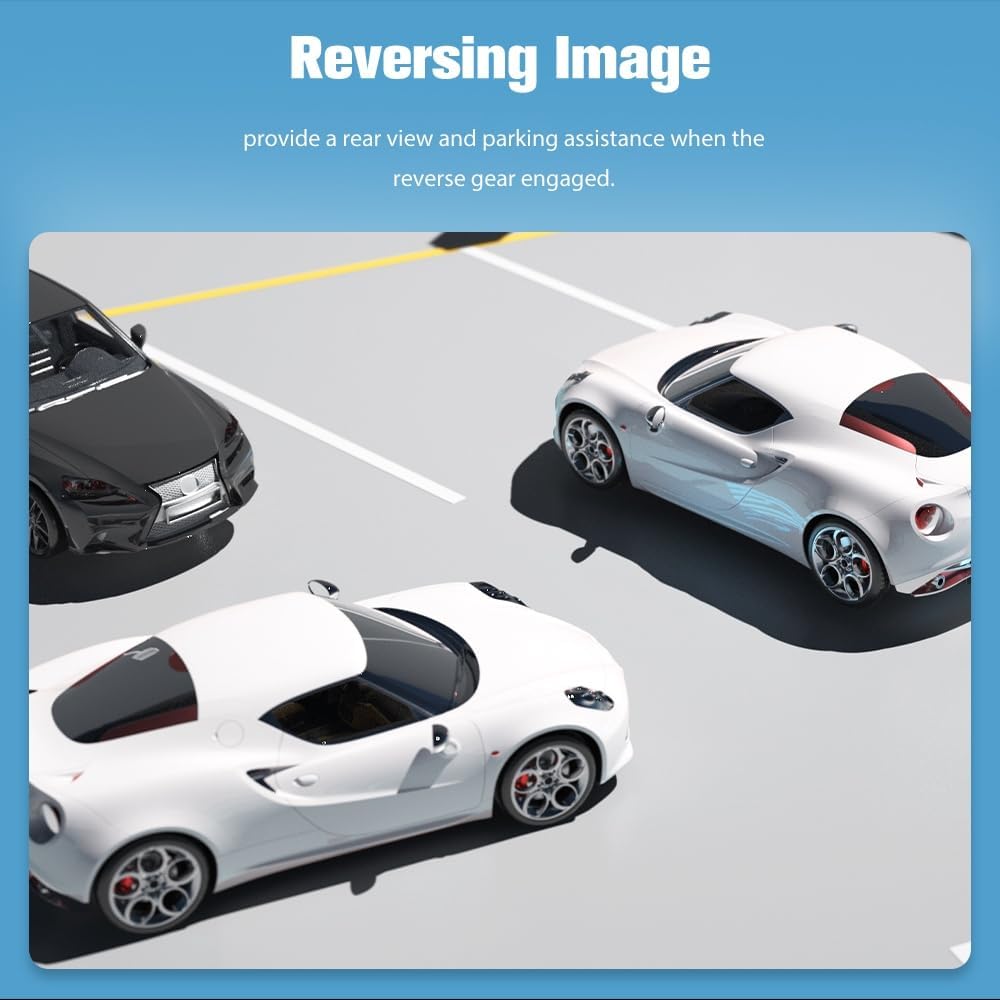
7. Tukangeunview Kaméra
- When the vehicle is in reverse, the rearview image will automatically display on the screen.
- Provides parking assistance with guidelines.
8. Fungsi layar pamisah
- Multitask by running two applications simultaneously on the screen.
- Pikeun example, use navigation on one side and music playback on the other.
9. 5GHz WiFi Connectivity
- Connect to a WiFi hotspot for internet access, app downloads, and online navigation.
Pidéo Operasi
Video: Demonstration of various features including reverse camera, voice commands, navigation, DSP, and video playback on the car stereo.
Pangropéa
- beberesih: Use a soft, dry cloth to clean the touchscreen and exterior of the unit. Avoid abrasive cleaners or solvents.
- Apdet parangkat lunak: The unit supports wireless software updates to address bugs and enhance security. Access the update feature through the system settings. Note that these updates improve software usability and do not upgrade the Android version.
- Suhu: Hindarkeun ngalaan unit ka suhu anu ekstrim.
Pamérésan masalah
| Masalah | Solusi |
|---|---|
| Android Auto shows loading but can't connect | Ensure your phone's WiFi is on. If your phone's Android version is higher than supported, contact customer support for an update method. |
| Kontrol Setir teu jalan | Ensure the CANBUS TX/RX cables are correctly connected. Incorrect connection will prevent SWC functionality. |
| Loss of reverse warning or turn signal tone | Ensure the external speaker is connected. If not connected, these warning tones may disappear. |
spésifikasi
- merek: Junsun
- Jenis Service Kendaraan: Truck (Dodge Ram 1500, 2500, 3500, 2013-2019)
- Ukuran layar: 9 inci
- Jenis tampilan: IPS HD Touchscreen (1280x720 pixels)
- Sistem operasi: Android 13
- Mémori: 2GB RAM, ROM 64GB
- Téknologi konektipitas: Bluetooth 5.0, 5G Wi-Fi, USB
- Fitur husus: Wireless/Wired CarPlay, Android Auto, Screen Mirroring, GPS Navigation (North America maps), Steering Wheel Control (SWC), DSP, AM/FM Radio, Rearview Rojongan kaméra.
- Métode kontrol: Toél, Sora
- Komponén Kaasup: Head unit, Frame, Wire cables, Crowbar, External Speaker, USB cables, RCA cables, Canbus, Antenna Adapter, GPS Module.
- Beurat barang: 1.7 kg
Garansi sareng Rojongan
Your Junsun Car Stereo Radio comes with a 1-taun jaminan produsén urang. For any inquiries, technical assistance, or issues, please contact our professional after-sales support team. They are available 24/7 to provide quick responses and product knowledge assistance.
Kontak Rojongan: Junsun-US@outlook.com