
1. Bubuka
This manual provides essential information for the safe and effective operation of your Digitek LED-D432 Bi-Color LED Video Light Studio. Please read this manual thoroughly before using the product and retain it for future reference. The Digitek LED-D432 is a versatile lighting solution designed for photography, videography, and content creation, offering adjustable color temperature and brightness control.
2. Émbaran Kasalametan
Pikeun nyegah karusakan kana produk atanapi cilaka ka diri anjeun atanapi batur, perhatoskeun tindakan pencegahan kaamanan ieu:
- Kasalametan listrik: Do not operate the light with wet hands. Ensure the power adapter and cables are undamaged. Disconnect power before cleaning or maintenance.
- Panas: The LED panel may become warm during extended use. Do not block ventilation openings. Avoid touching the LED surface directly when hot.
- Perlindungan panon: Do not look directly into the illuminated LED panel for prolonged periods, as it may cause eye strain or damage.
- Pamakéan batré: If using external batteries (F-960/F-770 type), ensure they are compatible and correctly installed. Do not short-circuit, disassemble, or expose batteries to extreme temperatures.
- Lingkungan: Use the light in a dry environment. Protect it from water, moisture, and corrosive liquids. Avoid dropping or subjecting the light to strong impacts.
- Barudak: Jauhkeun produk tina jangkauan barudak.
3. Eusi Paket
Pastikeun yén sadaya item anu didaptarkeun di handap kalebet kana pakét anjeun:
- Digitek LED-D432 Bi-Color Light
- Adaptor sapatu tiis
- Manual pamaké
Note: Battery is not included with this product and must be purchased separately.

Image: The package includes the LED D432 Bi-Color Light, a Cold Shoe Adapter, and this User Manual. Batteries are sold separately.
4. Produk Langkungview
The Digitek LED-D432 Bi-Color LED Video Light features 432 high-quality LEDs, providing a powerful 35W output. It is designed for consistent and bright illumination, suitable for various shooting conditions.
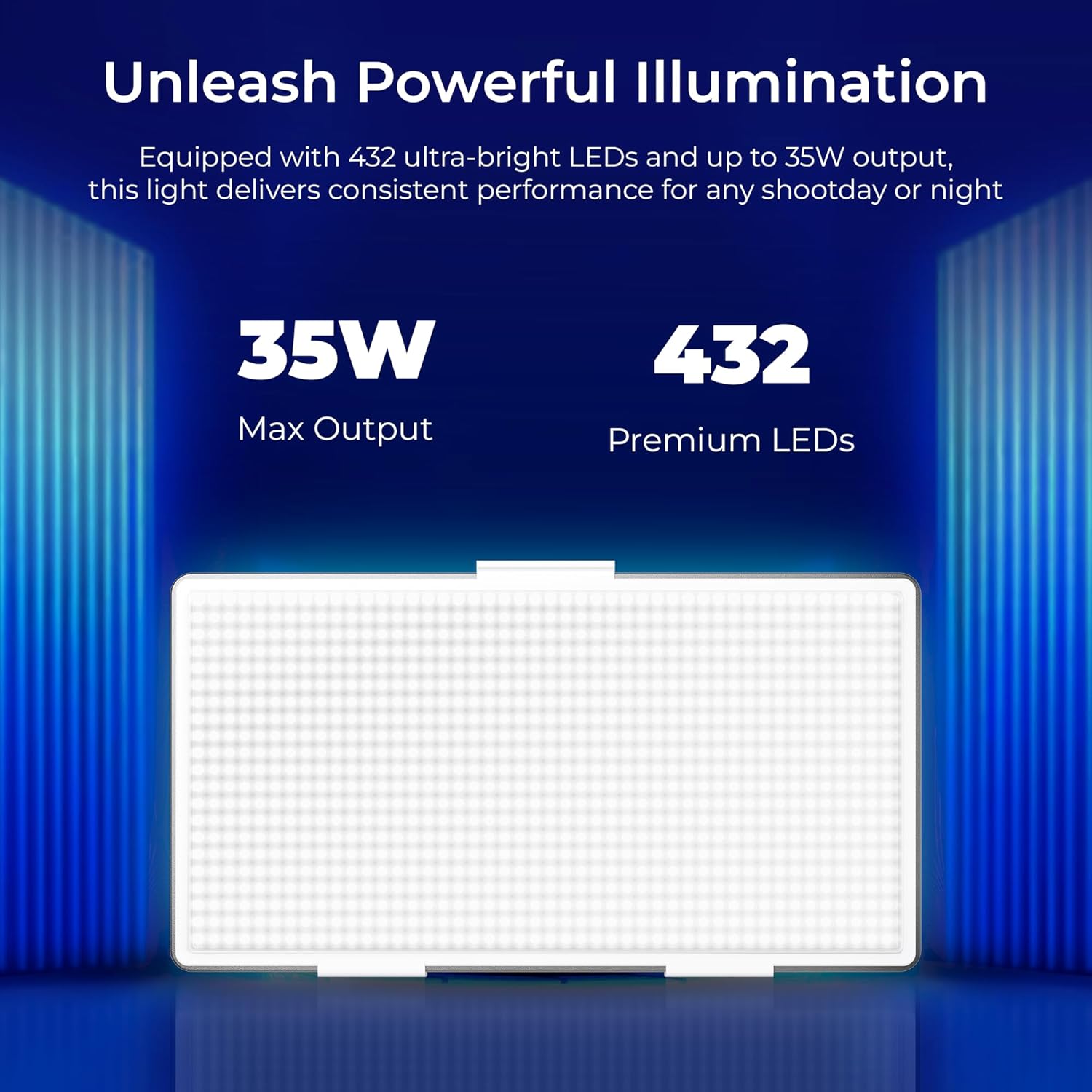
Image: The Digitek LED-D432 light delivers a maximum output of 35W using 432 premium LEDs for powerful illumination.
Fitur konci:
- Pencahayaan anu kuat: 35W output with 432 LEDs.
- Suhu Warna anu tiasa diatur: Range from 2500K (warm) to 9900K (cool daylight).
- Kontrol kacaangan: Peredupan anu mulus ti 1% dugi ka 100%.
- Pilihan Pasang: Integrated 1/4" screw port for tripods, light stands, or camera rigs.
- Daya Versatility: Compatible with F-960 and F-770 external batteries (not included) for portable use.
- Sudut Beam Lebar: 120° for uniform lighting.
- Desain awét: Constructed from ABS+PC material for portability and resilience.
5. Setélan
5.1 Pasang Lampu
The LED-D432 features a standard 1/4" screw port for easy attachment to various photographic accessories.
- Locate the 1/4" screw port at the bottom of the light unit.
- Attach the light to a compatible tripod, light stand, or camera rig by screwing it onto the 1/4" mounting screw until secure.
- If using the cold shoe adapter, attach it to the 1/4" screw port first, then mount it onto a camera's hot shoe or cold shoe mount.

Image: The Digitek LED-D432 light can be mounted on a light stand or tripod using its built-in 1/4" screw port.
5.2 Nyalakeun Lampu
The LED-D432 can be powered using either an AC adapter (not included) or compatible external batteries.
- Ngagunakeun Daya AC: Connect a compatible DC power adapter (check product specifications for voltage and current requirements) to the DC input port on the light. Plug the adapter into a wall outlet.
- Ngagunakeun Batré: Insert a fully charged F-960 or F-770 type battery (not included) into the battery slot on the back of the light, ensuring correct polarity.
6. Parentah Operasi
6.1 Daya Hurung/Pareuman
Locate the power switch on the side or back of the unit. Toggle the switch to the 'ON' position to turn on the light. Toggle to 'OFF' to power down.
6.2 Nyaluyukeun Caang
The LED-D432 offers precise brightness control from 1% to 100%.
- Once the light is on, locate the brightness control knob (often labeled 'DIM' or with a brightness icon).
- Puterkeun kenop searah jarum jam pikeun ningkatkeun kacaangan sareng ngalawan arah jarum jam pikeun ngirangan kacaangan.
- The current brightness level will be displayed on the unit's screen (if available).

Image: The Digitek LED-D432 provides full dimming from 0% to 100% with uniform brightness and no flickering.
6.3 Nyaluyukeun Suhu Warna
The bi-color feature allows you to adjust the color temperature from warm (2500K) to cool daylight (9900K).
- Locate the color temperature control knob (often labeled 'CCT' or with a color temperature icon).
- Rotate the knob to adjust the color temperature. Turning it towards lower Kelvin values will produce warmer light, while higher Kelvin values will produce cooler light.
- The selected color temperature will be displayed on the unit's screen (if available).
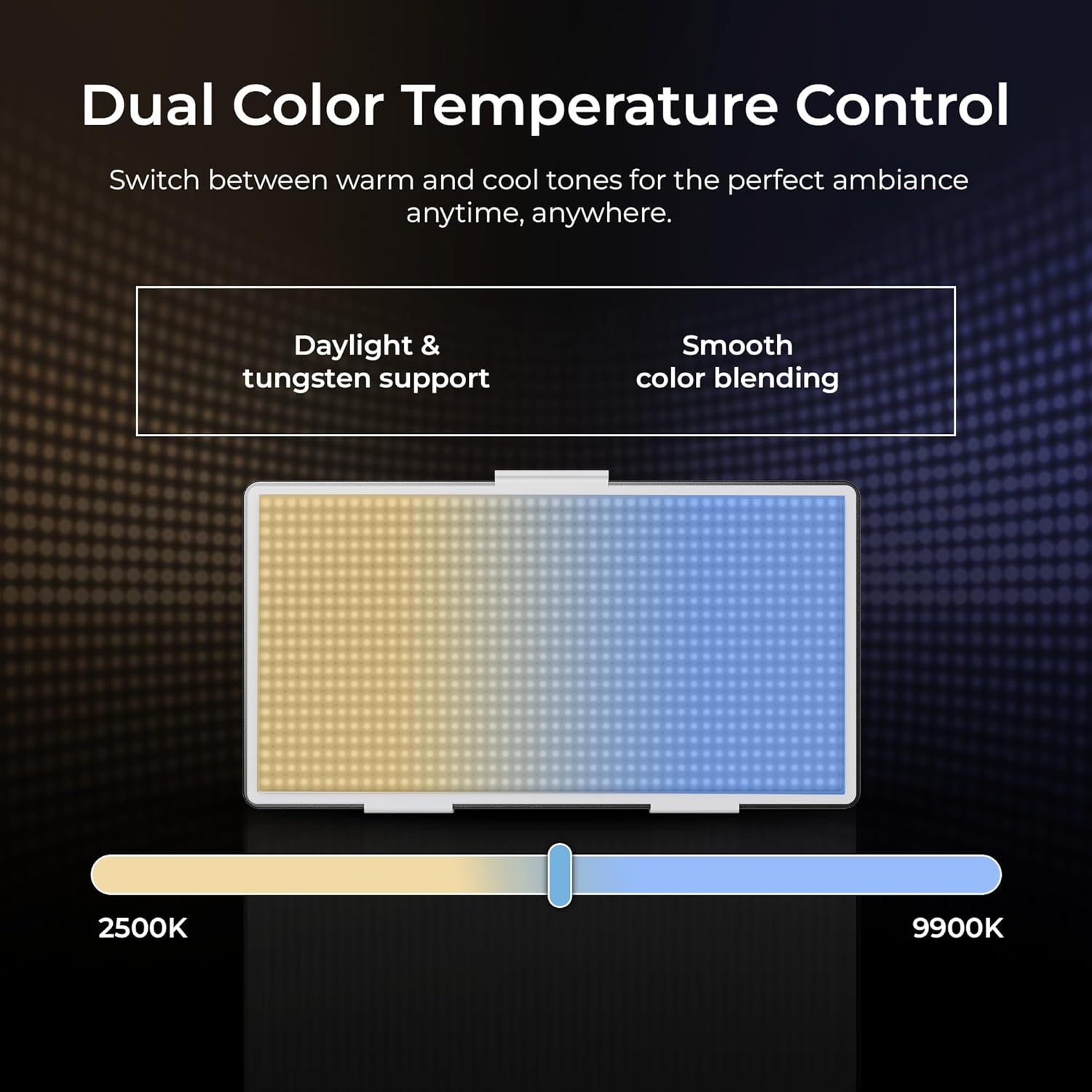
Image: The Digitek LED-D432 allows dual color temperature control, switching between warm (2500K) and cool (9900K) tones for versatile lighting.
6.4 Aplikasi serbaguna
The LED-D432 is suitable for a variety of uses, including portrait photography, product photography, and video production, providing consistent and controllable illumination.

Image: The Digitek LED-D432 is ideal for various applications such as portrait shoots, product photography, and video production.
7. Pangropéa
7.1 beberesih
Pikeun ngajaga kinerja optimal sareng penampilan:
- Ensure the light is turned off and disconnected from power before cleaning.
- Use a soft, dry cloth to wipe the exterior of the light.
- Pikeun kokotor nekad, a rada damp lawon bisa dipaké, dituturkeun ku lawon garing.
- Do not use harsh chemicals, solvents, or abrasive cleaners, as these can damage the finish or internal components.
7.2 Panyimpenan
When not in use, store the light in a cool, dry place, away from direct sunlight and extreme temperatures. If using external batteries, remove them from the unit before long-term storage.
8. Cara ngungkulan
If you encounter issues with your Digitek LED-D432, refer to the following common problems and solutions:
| Masalah | Mungkin Cukang lantaranana | Solusi |
|---|---|---|
| Lampu henteu hurung. | Teu aya daya, batré béak, atanapi pareum. | Ensure power adapter is connected or battery is charged and inserted correctly. Check power switch position. |
| Cahaya kedip-kedip atanapi teu stabil. | Daya batré lemah atanapi sambungan dayana rusak. | Recharge or replace battery. Check power cable connection. |
| Teu tiasa nyaluyukeun kacaangan/suhu warna. | Control knob malfunction or unit locked. | Ensure no lock function is active (if applicable). Try restarting the unit. If problem persists, contact support. |
| Light gets excessively hot. | Blocked ventilation or prolonged high-power use. | Ensure ventilation openings are clear. Reduce brightness or allow the unit to cool down. |
If the problem persists after attempting these solutions, please contact Digitek customer support.
9. Spésifikasi
Technical specifications for the Digitek LED-D432 Bi-Color LED Video Light Studio:
| Fitur | Spésifikasi |
|---|---|
| Nomer modél | LED-D432 Bi-Color |
| Daya Kaluaran | 35W |
| Jumlah LEDs | 432 |
| Rentang Suhu Warna | 2500K - 9900K |
| Control kacaangan | 1% - 100% |
| Pamasangan | 1/4-inch Screw Port |
| Batre cocog | F-960 / F-770 series (not included) |
| Dimensi produk | 18.1 x 4.8 x 20.6 cm |
| Item Beurat | 1.5 kg |
| Bahan | ABS + PC |
10. Garansi jeung Rojongan
10.1 Émbaran jaminan
Digitek products are manufactured under strict quality standards. This product is covered by a limited warranty against manufacturing defects. Please refer to the warranty card included with your purchase or visit the official Digitek websitus pikeun istilah jeung kaayaan jaminan lengkep.
10.2 Rojongan Palanggan
For technical assistance, service, or inquiries, please contact IMS Mercantiles Limited, the manufacturer and importer of Digitek products.
- Pabrikan: IMS Mercantiles Limited
- Alamat: 704, 7th floor, Ring Road Mall, Sec-3, Rohini, Delhi 110085
- Customer Helpline (Toll Free): 1800-123-544-444
- Surélék: support@digitek.net.in