
Bubuka
This user manual provides detailed instructions for the MOVHEIYL Replacement Remote Control. This remote is designed to be compatible with various tower fan models, including Pelonis 36, 40, 42 inch, Pure Mate PM742, Russell Hobbs RHTWR3S, and Pro Breeze 40, 41 inch bladeless tower fans. Please read this manual carefully before use to ensure proper operation and to maximize the lifespan of your device.
Émbaran Kasalametan
- Jauhkeun kadali jauh tina cai sareng kalembaban anu kaleuleuwihan.
- Hindarkeun leupaskeun kadali jauh atanapi tunduk kana tabrakan anu kuat.
- Do not expose the remote control to direct sunlight or high temperatures for extended periods.
- Ulah nyobian ngabongkar atanapi ngarobih remot kontrol. Ieu bakal ngabatalkeun garansi.
- Buang batré anu dipaké sacara tanggung jawab nurutkeun peraturan lokal.
Produk Leuwihview
The MOVHEIYL replacement remote control is constructed from high-quality ABS material, ensuring durability and a comfortable grip. It features soft silicone buttons for easy and responsive operation.
Gambar 1: Hareupeun view of the MOVHEIYL remote control, highlighting the ABS environmental protection material and soft silicon buttons for quality and health protection.
Fungsi Tombol
Biasakeun diri sareng tombol dina kadali jauh anjeun:

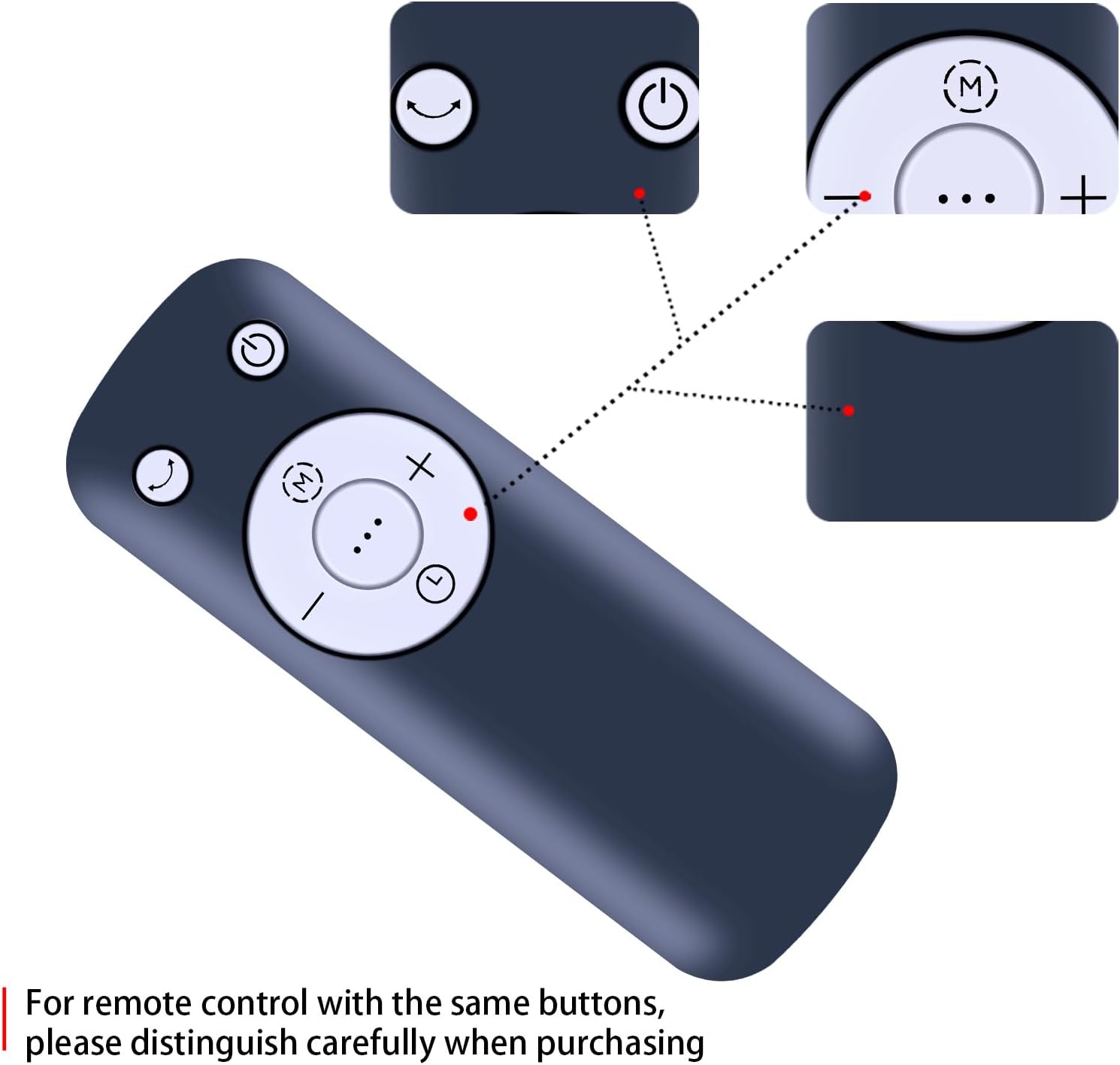
Gambar 2: Diwincik view of the remote control buttons, showing Power, Mode, Oscillation, Speed Up (+), Speed Down (-), and Timer (clock icon) functions. Note: For remote controls with similar button layouts, ensure careful distinction during purchase.
- Tombol Daya (⏻): Hurungkeun atawa Pareum kipas.
- Tombol Mode (M): Cycles through different fan modes (e.g., Normal, Natural, Sleep).
- Oscillation Button (⏎): Activates or deactivates the fan's oscillation feature.
- Speed Up Button (+): Ngaronjatkeun laju kipas.
- Speed Down Button (-): Ngirangan kagancangan kipas.
- Tombol Timer (⏱): Sets the fan's timer function.
Disetél
Pamasangan batré
The remote control requires two 1.5V AAA batteries (not included). Follow these steps to install the batteries:
- Teangan tempat panutup kompartemen batré dina tonggong kadali jauh.
- Geser panutup ka handap atawa pencét kancing (upami aya) pikeun muka kompartemen.
- Selapkeun dua accu AAA, mastikeun terminal positif (+) jeung négatip (-) cocog markings jero kompartemen.
- Tutup panutup kompartemen batré ku cara ngageser deui kana tempatna nepi ka klik aman.
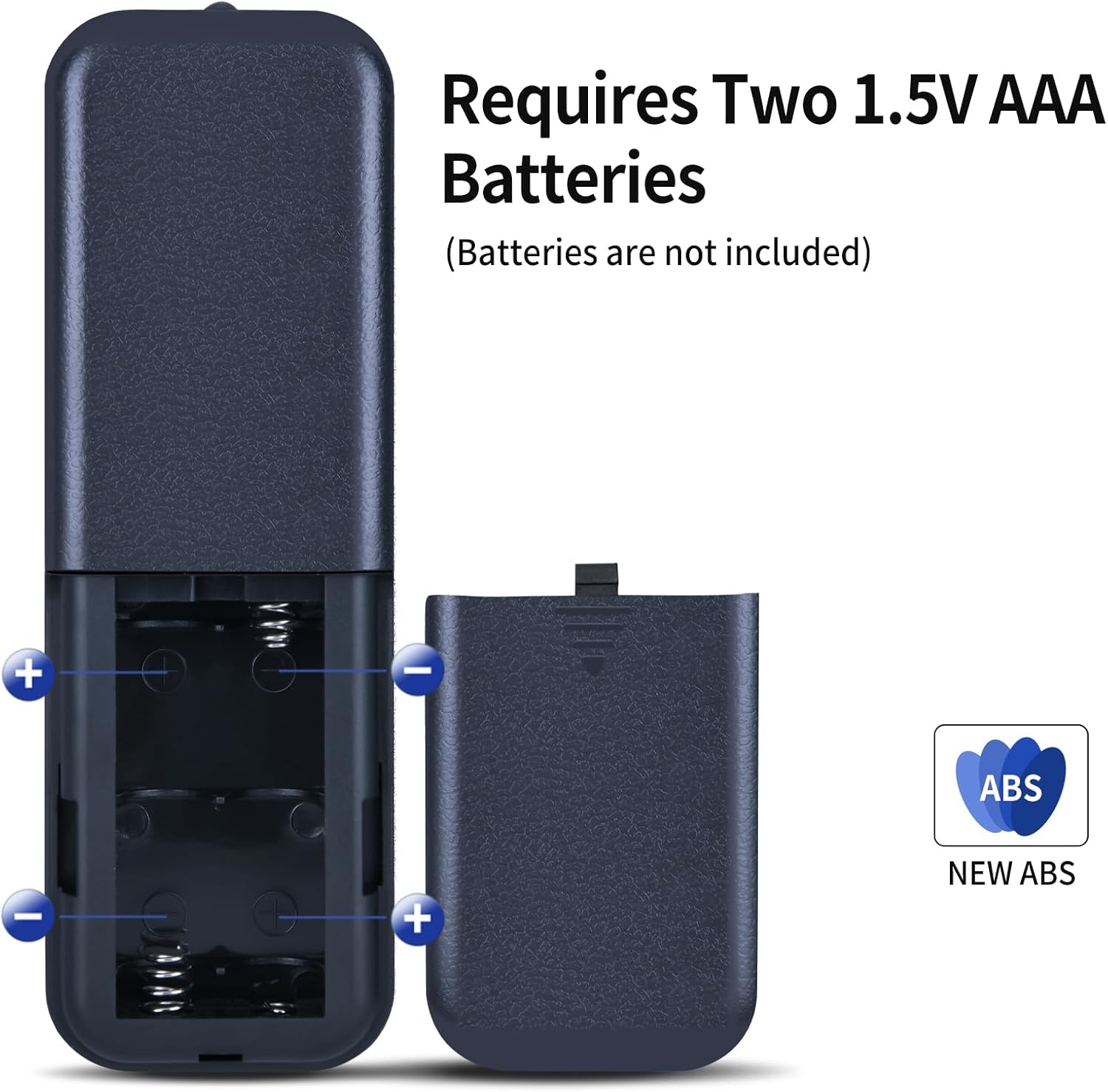
Gambar 3: Illustration of the battery compartment, showing the correct orientation for inserting two 1.5V AAA batteries. Batteries are not included with the remote control.
Operasi
Once batteries are installed, the remote control is ready for use. No programming or setup is required. Simply point the remote control towards your compatible tower fan and press the desired function button.

Gambar 4: A hand demonstrating the use of the remote control to operate a tower fan.
Jarak Operasi
The remote control offers an extended transmission distance and stable performance. It can operate effectively up to 8 meters (approximately 26 feet) from the fan, provided there are no significant obstructions between the remote and the fan's infrared receiver.
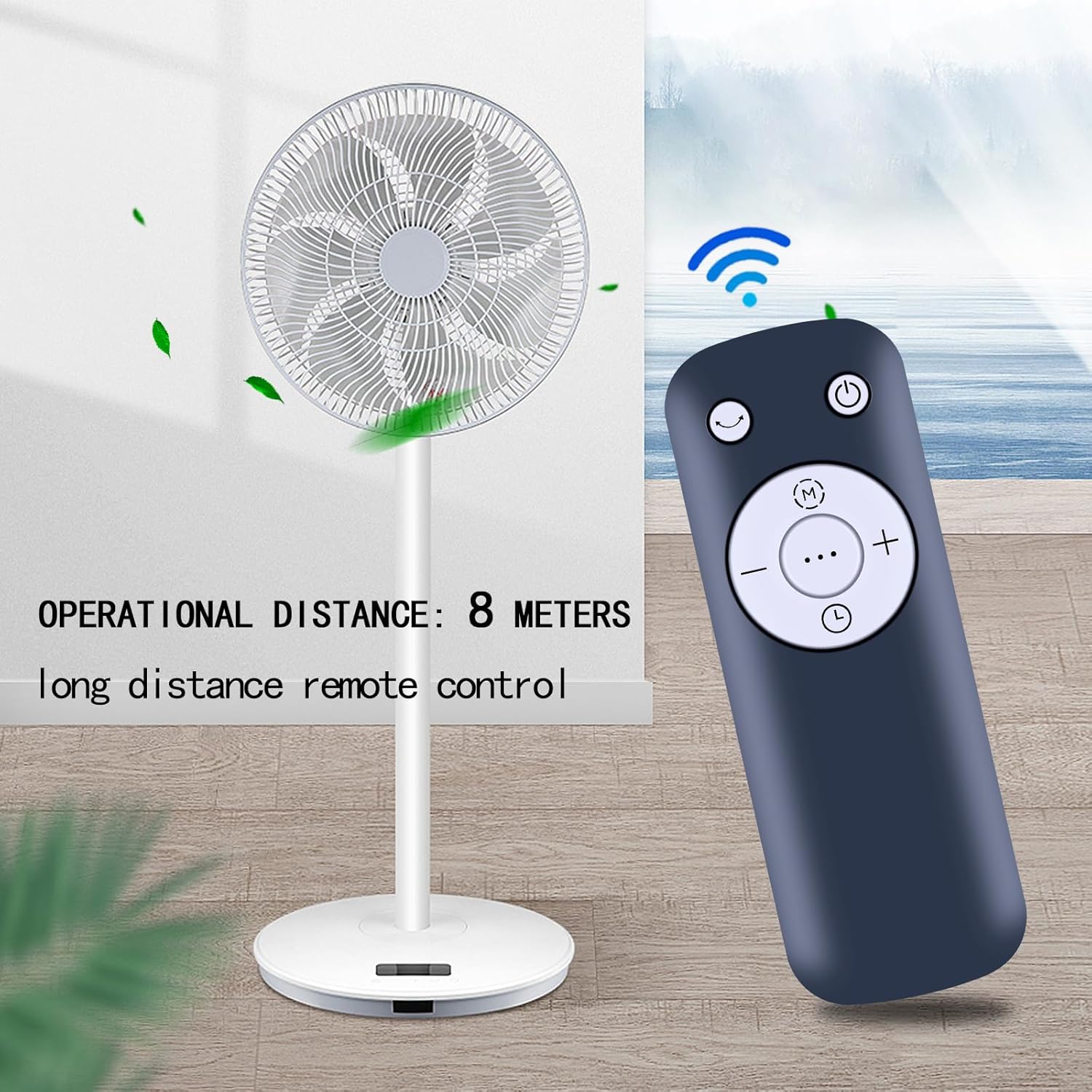
Gambar 5: The remote control positioned near a tower fan, illustrating an effective operational distance of 8 meters for long-distance control.
Pangropéa
beberesih
To clean the remote control, gently wipe it with a soft, dry cloth. Do not use liquid cleaners, abrasive pads, or chemical solvents, as these may damage the surface or internal components.
Ngagantian batré
Replace the batteries when the remote control's range decreases or if it stops responding. Always replace both batteries at the same time with new AAA batteries. Refer to the "Battery Installation" section for detailed steps.
Pamérésan masalah
| Masalah | Mungkin Cukang lantaranana | Solusi |
|---|---|---|
| Kadali jauh teu jalan. | Batré paéh atawa salah dipasang. | Ganti batréna ku anu énggal, pastikeun polaritasna leres (+/-). |
| Remote control range is short. | Low battery power; Obstruction between remote and fan. | Replace batteries. Ensure a clear line of sight to the fan's infrared receiver. |
| Fan does not respond to specific buttons. | Remote control not compatible with fan model; Button malfunction. | Verify fan model compatibility. If compatible, contact customer support. |
spésifikasi
- merek: MOVHEIYL
- Alat anu cocog: Tower Fans (Pelonis 36/40/42 Inch, Pure Mate PM742, Russell Hobbs RHTWR3S, Pro Breeze 40/41 Inch Bladeless)
- Téknologi konektipitas: Infrabeureum
- Rentang maksimum: 12 meters (approx. 39 feet) - Note: Practical operational distance is typically up to 8 meters for optimal performance.
- warna: Hideung
- Fitur husus: Desain ergonomis
- Bahan: ABS kualitas luhur
- Sumber Daya: 2 x Batré AAA 1.5V (teu kalebet)
- ukuran: 17 x 3.8 x 1.4 cm
- beurat: 130 gram
Garansi sareng Rojongan
This remote control comes with a 12-month warranty. We are committed to providing excellent after-sales service. If you encounter any issues with our product or service, please do not hesitate to contact us at any time. Our support team is available to assist you.
For warranty claims or technical assistance, please refer to the contact information provided with your purchase or visit our official websitus.