
1. Bubuka
Thank you for choosing the UCOCARE Mini Portable Projector V18. This projector is designed to provide a high-quality visual and audio experience for various entertainment and presentation needs. Featuring native 1080P resolution with 4K support, AI-enhanced visuals and audio, and smart screen adjustments, it offers versatility and ease of use. Please read this manual thoroughly before using the product to ensure proper operation and to maximize its lifespan.
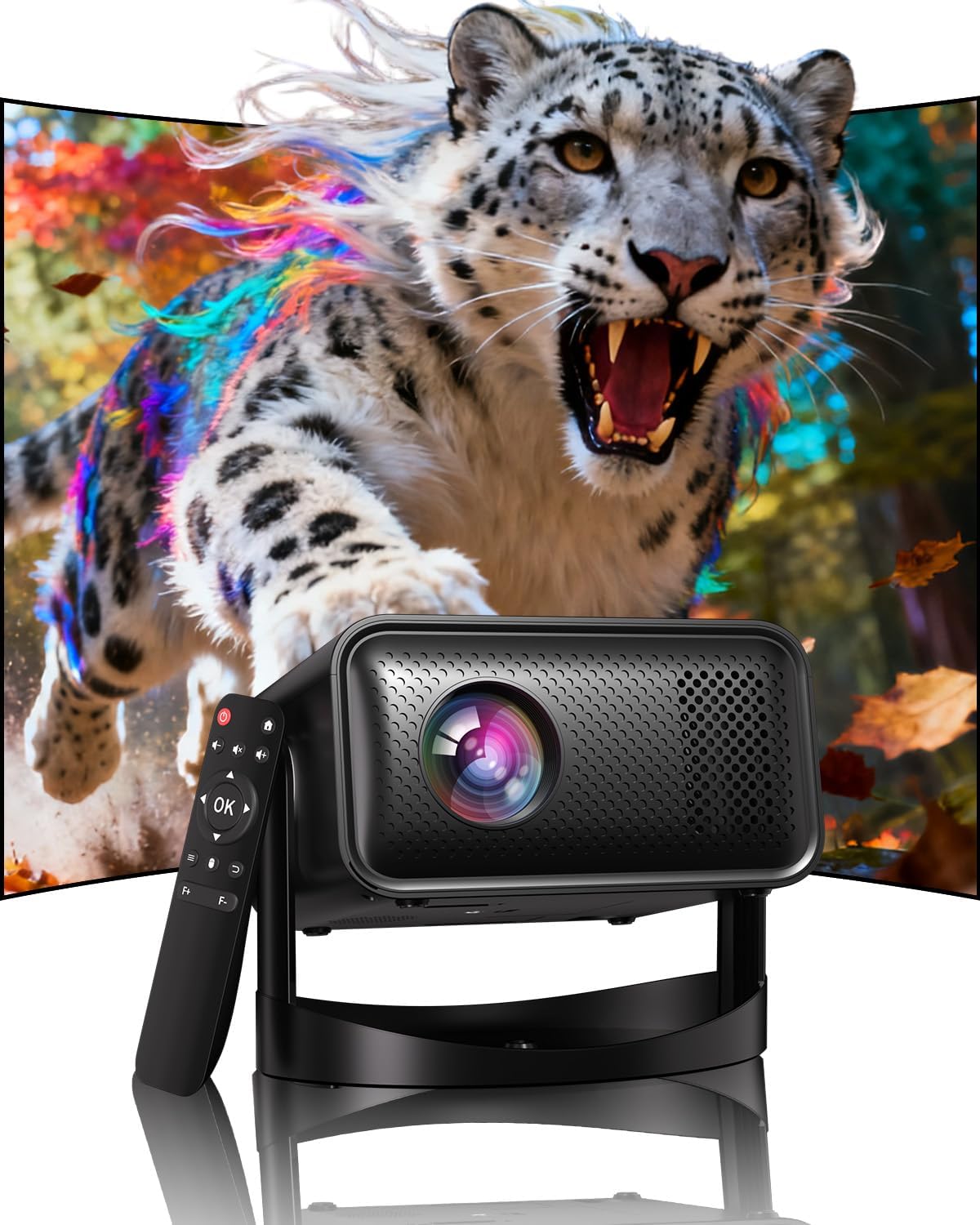
Image: The UCOCARE Mini Portable Projector V18, showcasing its compact design and the vibrant projection capabilities.
2. Émbaran Kasalametan
- Ulah nempo langsung kana lensa projector lamun lamp dihurungkeun.
- Pastikeun ventilasi ditangtoskeun sabudeureun projector pikeun nyegah overheating.
- Paké ngan adaptor kakuatan disadiakeun kalawan alat.
- Jauhkeun proyektor tina cai, Uap, sareng bahan anu gampang kaduruk.
- Hindarkeun nempatkeun proyektor dina permukaan anu teu stabil.
- Do not attempt to disassemble or repair the projector yourself. Contact customer support for assistance.
3. Eusi Paket
Pastikeun yén sadaya item aya dina pakét anjeun:
- UCOCARE Mini Portable Projector V18
- Kadali jauh
- Kabel listrik
- Manual pangguna (dokumén ieu)
4. Produk Langkungview
The UCOCARE V18 projector combines advanced features in a compact design, making it suitable for various environments. It weighs approximately 2.09 pounds and measures 8.35 x 8.03 x 5.28 inches.

Image: The compact and lightweight design of the UCOCARE Mini Portable Projector V18, highlighting its dimensions and portability.
4.1 Fitur konci
- Native 1080P Resolution with 4K Support: Ngahasilkeun gambar anu seukeut sareng rinci.
- AI-Enhanced Visuals: Improves detail, contrast, and color for a lifelike viewpangalaman.
- AI-Enhanced Audio: Provides clear dialogue and rich, distortion-free sound.
- Smart Screen Adjustment: Features electric focus, 50%-100% zoom, and auto keystone correction.
- WiFi dual-band: Supports 2.4GHz/5GHz for stable and high-speed streaming.
- Konektipitas Bluetooth: For wireless audio devices.
- 180° Flexible Rotating Stand: Allows projection on walls, ceilings, or tables.
- Konektipitas Universal: HDMI, USB, and 3.5mm audio jack.
5. Setélan
5.1 Nempatkeun
Position the projector on a stable surface. The 180° flexible rotating stand allows you to adjust the projection angle to suit your needs, whether projecting on a wall, ceiling, or screen.
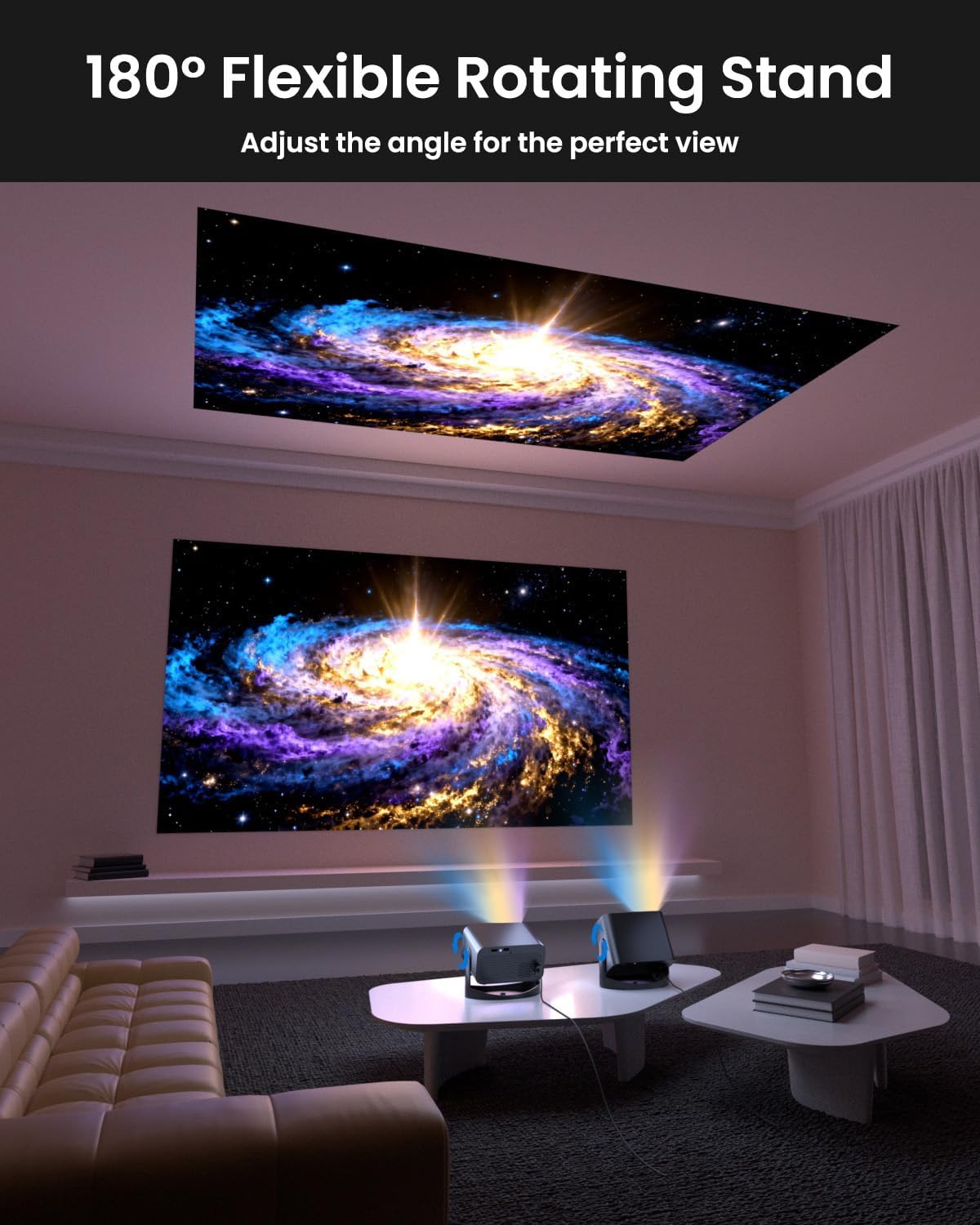
Image: The UCOCARE Mini Portable Projector V18 demonstrating its flexible 180° rotating stand, allowing projection onto various surfaces.
5.2 Sambungan Daya
- Sambungkeun kabel daya ka port input daya proyektor.
- Colokkeun tungtung kabel listrik anu sanés ka stopkontak.
- Pencét tombol daya dina proyektor atawa kadali jauh pikeun ngahurungkeun.
5.3 Initial Screen Adjustment
The projector features smart screen adjustment for optimal viewing.
- Fokus listrik: Use the remote control to activate one-touch electric focus for a clear image.
- Koreksi Auto Keystone: The projector will automatically correct vertical distortion.
- Zoom Function (50%-100%): Adjust the screen size without moving the projector using the remote control.

Image: Visual representation of the smart screen adjustment features: Electric Focus, 50%-100% Zoom, and Auto Keystone Correction.
5.4 Sambungan Jaringan (WiFi)
- Buka menu 'Setélan' dina proyéktor.
- Pilih 'Jaringan' atanapi 'Setélan WiFi'.
- Choose your desired 2.4GHz or 5GHz WiFi network from the list.
- Lebetkeun kecap akses tur sambungkeun.
5.5 Nyapasangkeun Bluetooth
- Go to the 'Settings' menu and select 'Bluetooth'.
- Aktipkeun Bluetooth dina proyektor.
- Pasang alat audio Bluetooth anjeun (contona, spiker, headphone) kana mode papasangan.
- Pilih alat anjeun tina daptar dina layar proyéktor pikeun dipasangkeun.
6. Nyuping
6.1 Nyambungkeun Alat éksternal
Proyektor ngadukung sababaraha sumber input:
- HDMI: Connect devices like laptops, gaming consoles, or TV sticks using an HDMI cable.
- USB: Colokkeun drive USB pikeun muterkeun média files langsung.
- 3.5mm Audio Jack: Sambungkeun speaker kabel éksternal atawa headphone.
- Casting nirkabel: Stream content from your smartphone or tablet via WiFi.

Gambar: Leuwihview of the UCOCARE Mini Portable Projector V18's universal multi-device connectivity options.
6.2 Kualitas Gambar
Experience stunning visuals with AI-enhanced technology.

Image: The UCOCARE Mini Portable Projector V18's AI-enhanced video quality, detailing 4K support, HDR 10+, Native 1080P, and Wide Color Gamut.
6.3 Kualitas Audio
The projector features AI-enhanced audio for an immersive sound experience.
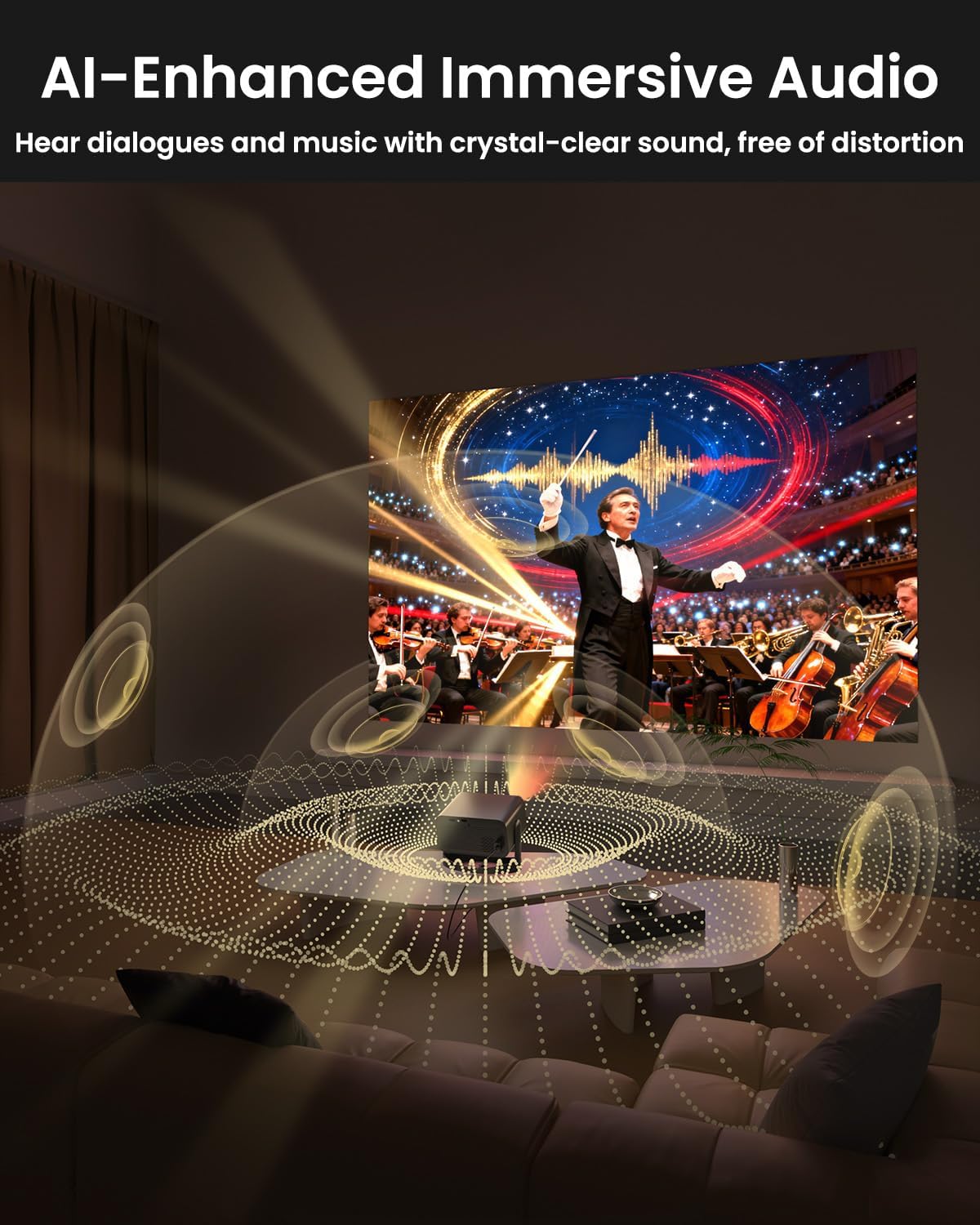
Image: The UCOCARE Mini Portable Projector V18 delivering AI-enhanced immersive audio, creating a surround sound experience.
6.4 Fungsi Remote Control
The included remote control allows you to navigate menus, adjust volume, change input sources, and control playback. Refer to the remote control diagram in your quick start guide for specific button functions.
6.5 Skenario Pamakéan
The UCOCARE V18 projector is versatile for various uses:
- Teater imah: Ngarasakeun pilem sareng acara dina layar ageung.
- Kaulinan: Connect your console for an immersive gaming experience.
- Presentasi bisnis: Project documents and slides for meetings.
- Bedtime Relax: Project calming visuals or stories onto the ceiling.

Image: The UCOCARE Mini Portable Projector V18 adapting to various scenarios, including home theater, business, gaming, and relaxation.
7. Pangropéa
7.1 Ngabersihan Lensa
Anggo lawon anu lemes sareng henteu lint anu dirancang khusus pikeun lénsa optik pikeun ngusap lembut lénsa proyektor. Hindarkeun ngagunakeun bahan abrasive atanapi bahan kimia anu kasar.
7.2 Ngaleungitkeun Lebu
Regularly clean the projector's exterior with a soft, dry cloth. For ventilation openings, use a soft brush or compressed air to remove dust buildup, ensuring proper airflow.
7.3 Panyimpenan
Lamun teu dipake keur lila, nyimpen projector dina tiis, tempat garing, jauh tina sinar panonpoé langsung jeung hawa ekstrim. Anggo bungkusan asli atanapi wadah pelindung pikeun nyegah lebu sareng karusakan.
8. Cara ngungkulan
Upami anjeun mendakan masalah sareng proyektor anjeun, tingal masalah sareng solusi umum ieu:
| Masalah | Mungkin Cukang lantaranana | Solusi |
|---|---|---|
| Henteu aya gambar dina layar | Kabel daya pegat, sumber input salah, tutup lénsa hurung. | Pariksa sambungan daya, pilih sumber input anu leres, cabut tutup lénsa. |
| Gambar kabur | Focus not adjusted, projector too far/close. | Use electric focus function. Adjust projector distance if necessary. |
| Taya sora | Volume too low, external audio device not connected, incorrect audio output. | Increase volume, check Bluetooth connection or 3.5mm cable, select correct audio output in settings. |
| Masalah konektivitas WiFi/Bluetooth | Out of range, incorrect password, interference. | Ensure projector is within range of router/device. Re-enter password. Reduce interference. |
| Kadali jauh teu jalan | Batré lemah / maot, halangan, jauh teu dipasangkeun. | Replace batteries. Remove obstructions. Re-pair remote if applicable. |
9. Spésifikasi
| Fitur | Rincian |
|---|---|
| merek | UCOCARE |
| Nomer modél | V18 |
| Resolusi tampilan | Native 1920 x 1080 (1080P), 4K Supported |
| Téhnologi konektipitas | 2.4GHz/5GHz Wi-Fi, Bluetooth, 3.5mm Jack, HDMI, USB |
| Fitur husus | 4K Supported, Native 1080P, Adjustable Stand, Electric Focus, Auto Keystone, Portable Mini Size, Built-In 2.4G/5GHz WiFi, Built-In Bluetooth |
| Item Beurat | 2.09 pon |
| Ukuran Paket | 8.35 x 8.03 x 5.28 inci |
| Dianjurkeun Mangpaat | bisnis, atikan, kaulinan, Bioskop imah |
10. Garansi jeung Rojongan
UCOCARE products are manufactured to high-quality standards. For warranty information, please refer to the documentation included with your purchase or visit the official UCOCARE website. If you require technical assistance or have questions not covered in this manual, please contact UCOCARE customer support.
Inpormasi kontak biasana tiasa dipendakan dina bungkus produk atanapi mérek resmi. websitus.