
1. Produk Langkungview
The Yakry Automatic Cat Feeder with Camera (Model C2) is designed to provide convenient and reliable feeding for your cats and small dogs. Featuring a high-definition camera with night vision, app control, and 5G WiFi support, this feeder allows you to monitor and manage your pet's meals remotely. Its large capacity and fresh-keeping design ensure your pet receives timely and healthy nutrition.
Fitur konci:
- HD Camera with Night Vision: Monitor your pet's feeding process with a 1080P HD camera and night vision for clear visuals day or night.
- Easy-to-Use App Control & 5G WiFi Support: Set customized feeding schedules remotely via an intuitive mobile app. Compatible with both 5GHz and 2.4GHz WiFi networks.
- Kapasitas 4L ageung: Holds approximately 17 cups of dry food, sufficient for an adult cat for up to 20 days. Designed for indoor cats and small dogs.
- Twist-Lock Lid & Desiccant: Keeps food fresh and dry, supporting your pet's well-being.
- Mangkok Baja Tahan Karat Kelas Kadaharan: Provides healthy and hygienic feeding, reducing the risk of chin acne.
- SD Card Video Storage & Motion Detection: Supports SD card recording (4-128GB) and advanced motion detection for playback of events.
- Audio Dua Arah: Communicate with your pet in real-time.
- Precise Portion Control: Dispenses food in 10-gram portions (approximately 1/12 cup). Suitable for kibble sizes less than 0.5 inch.
Naon anu aya dina Kotak:
- Cat Feeder with Camera x 1
- Food Storage Bucket x 1
- Lid and Desiccant x 1
- Mangkuk Stainless Steel x 1
- USB Cable and Adapter x 1
2. Setup Guide
2.1 Majelis
- Attach Food Storage Bucket: Align the food storage bucket with the main feeder unit and rotate to lock it securely in place.
- Insert Desiccant: Open the desiccant compartment in the lid and insert the provided desiccant packet to maintain food freshness. Close the compartment.
- Place Stainless Steel Bowl: Position the stainless steel bowl liner into the feeder's base.

Figure 2.1: Assembled Yakry Automatic Cat Feeder with Camera.
2.2 Powering Alat
The feeder can be powered via the included USB cable and adapter or by batteries (not included) for backup power.
- USB Power: Connect the USB cable to the feeder and plug the adapter into a wall outlet.
- Cadangan batré: Pikeun operasi anu teu kaganggu nalika pareum listriktages, install 3 D-cell batteries (not included) into the battery compartment at the bottom of the feeder.
2.3 Pamasangan Aplikasi sareng Sambungan Wi-Fi
- Download the companion app (e.g., Smart Life or Tuya Smart) from your device's app store.
- Daptar atanapi lebet kana akun anjeun.
- Add the device by following the in-app instructions. Ensure your smartphone is connected to a 2.4GHz or 5GHz Wi-Fi network during setup.
- The feeder supports both 2.4GHz and 5GHz Wi-Fi for flexible connectivity.
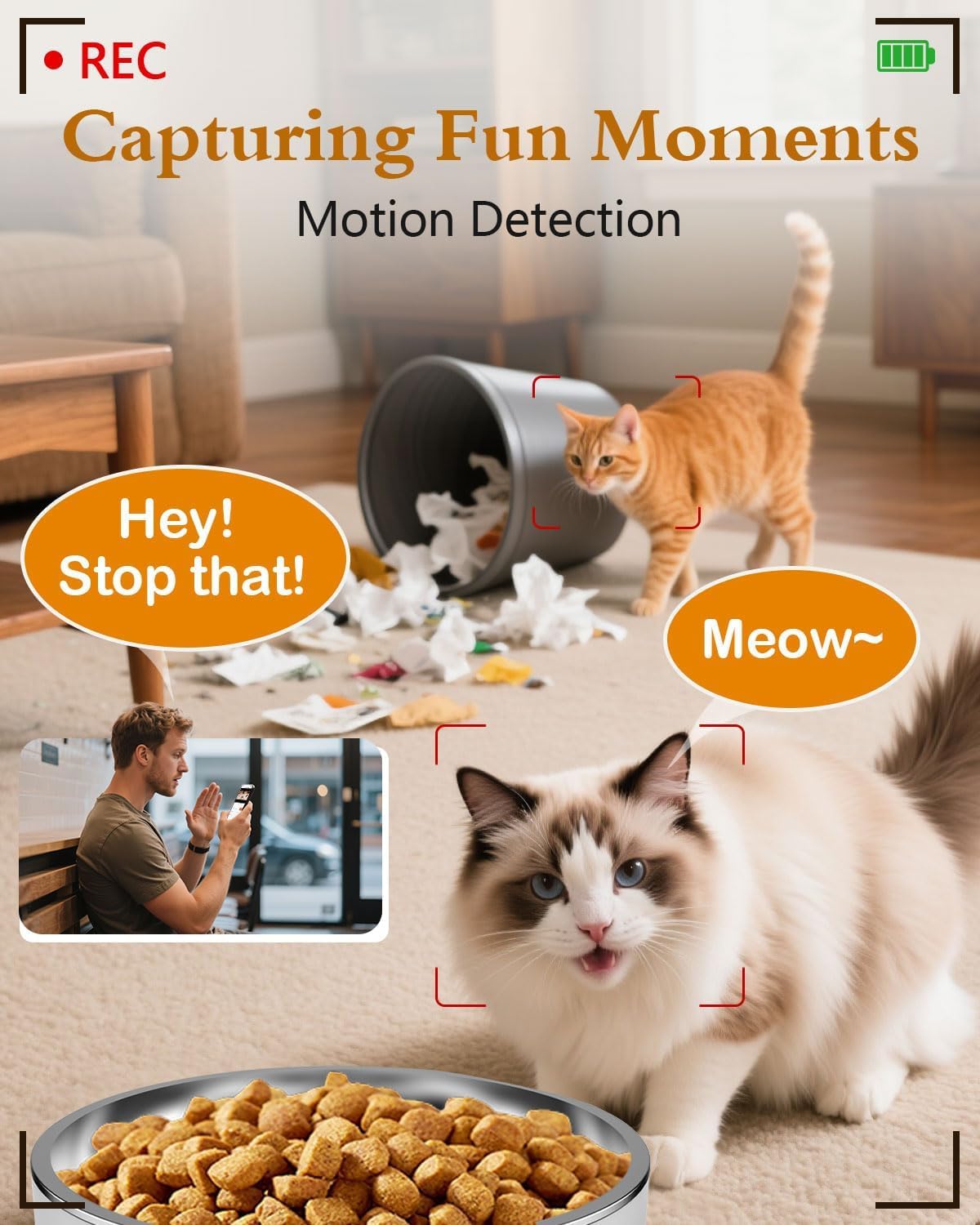
Figure 2.2: App interface for Wi-Fi setup.
3. Parentah Operasi
3.1 Dahar Manual
You can dispense food manually at any time using the app or the physical 'Feed' button on the device.
- Via Aplikasi: Open the app, navigate to your feeder, and tap the 'Feed' button. You can select the number of portions to dispense.
- Ngaliwatan Alat: Press the 'Feed' button on the feeder once to dispense one portion.
Video 3.1: Official Yakry video demonstrating the features of the Automatic Cat Feeder with Camera, including manual feeding and app control.
3.2 Scheduling Automatic Feeds
Set up a personalized feeding schedule through the app to ensure your pet is fed consistently.
- In the app, go to the 'Schedule' section.
- Tap 'Add' to create a new feeding event.
- Select the desired time, days of the week, and number of portions (1 portion ≈ 10 grams).
- Simpen jadwalna.
3.3 Rékam sora
Record a custom voice message that plays during feeding times to call your pet.
- In the app, navigate to the 'Record' option.
- Follow the prompts to record your message.
- The message will play automatically when food is dispensed according to the schedule.
3.4 Fitur kaméra
- Hirup View: Access the 1080P HD camera feed through the app to see your pet in real-time.
- Visi Peuting: The camera automatically switches to infrared night vision in low-light conditions, providing clear images.
- Deteksi gerak: Receive alerts on your phone when motion is detected near the feeder. Recordings can be stored on an SD card (4-128GB, not included).
- Audio Dua Arah: Use the app's microphone feature to speak to your pet and hear their responses.

Figure 3.1: Live monitoring with 1080P HD camera.

Figure 3.2: Two-way audio communication with your pet.
4. Pangropéa
4.1 beberesih
Beberesih rutin mastikeun kabersihan sareng fungsi anu leres tina feeder.
- Mangkuk Stainless Steel: The bowl is removable and dishwasher-safe or can be hand-washed with mild soap and water.
- Food Storage Bucket: Detach the bucket and wash it with mild soap and water. Ensure it is completely dry before refilling with food.
- Unit Utama: Ngusap bagian luar unit utama nganggo iklanamp lawon. Ulah neuleumkeun unit utama dina cai.

Figure 4.1: Detachable design for easy cleaning.
4.2 Panggantian Pangering
Replace the desiccant packet every 1-2 months, or as needed, to maintain optimal food freshness and prevent moisture buildup.
5. Cara ngungkulan
5.1 Masalah konektipitas
- Feeder not connecting to Wi-Fi: Ensure your router supports 2.4GHz or 5GHz networks and that the feeder is within range. Restart your router and the feeder, then attempt to reconnect via the app.
- Aplikasi teu ngabales: Close and reopen the app. Check for app updates. Ensure your phone has a stable internet connection.
5.2 Feeding Issues
- Kadaharan anu teu disayagikeun: Check if the food hopper is empty. Ensure kibble size is less than 0.5 inch to prevent blockages. Clean the dispensing mechanism if necessary.
- Incorrect portion size: Verify the portion settings in the app. Recalibrate if needed.
5.3 Masalah Kaméra
- Teu aya asupan kaméra: Check Wi-Fi connection. Restart the feeder. Ensure the camera lens is clean.
- Kualitas gambar goréng: Ensure adequate lighting. Clean the camera lens.
6. Spésifikasi produk
| Fitur | Spésifikasi |
|---|---|
| Nomer modél | C2 |
| Item Beurat | 3.69 pon |
| Ukuran produk (L x W x H) | 7.5 x 10.6 x 7.5 inci |
| Kamampuh Dahareun | 4 Liters / 17 Cups |
| Kibble Size Limit | Less than 0.5 inch |
| Resolusi kaméra | 1080P HD |
| Visi Peuting | Infrabeureum |
| Konektipitas Wi-Fi | 2.4GHz & 5GHz |
| Panyimpenan | SD Card (4-128GB, not included) |
| Sumber Daya | USB Cable & Adapter, D-cell Batteries (backup) |
| Spésiés sasaran | Dogs & Cats |
| Dianjurkeun Paké | jero rohangan |
7. Garansi jeung Rojongan
7.1 Émbaran jaminan
The Yakry Automatic Cat Feeder with Camera (Model C2) comes with a Garansi Dua Taun ti tanggal dibeuli, ngawengku defects manufaktur sarta malfunctions dina pamakéan normal.
7.2 Rojongan Palanggan
For any questions, technical assistance, or warranty claims, please contact our 24/7 Rojongan Online. Refer to the contact information provided with your product packaging or visit the official Yakry websitus pikeun detil rojongan.