
Bubuka
The LDNIO SW03 Smart Watch is designed to provide comprehensive health monitoring, communication features, and fitness tracking. This manual provides instructions for setting up, operating, maintaining, and troubleshooting your device to ensure optimal performance and user experience.
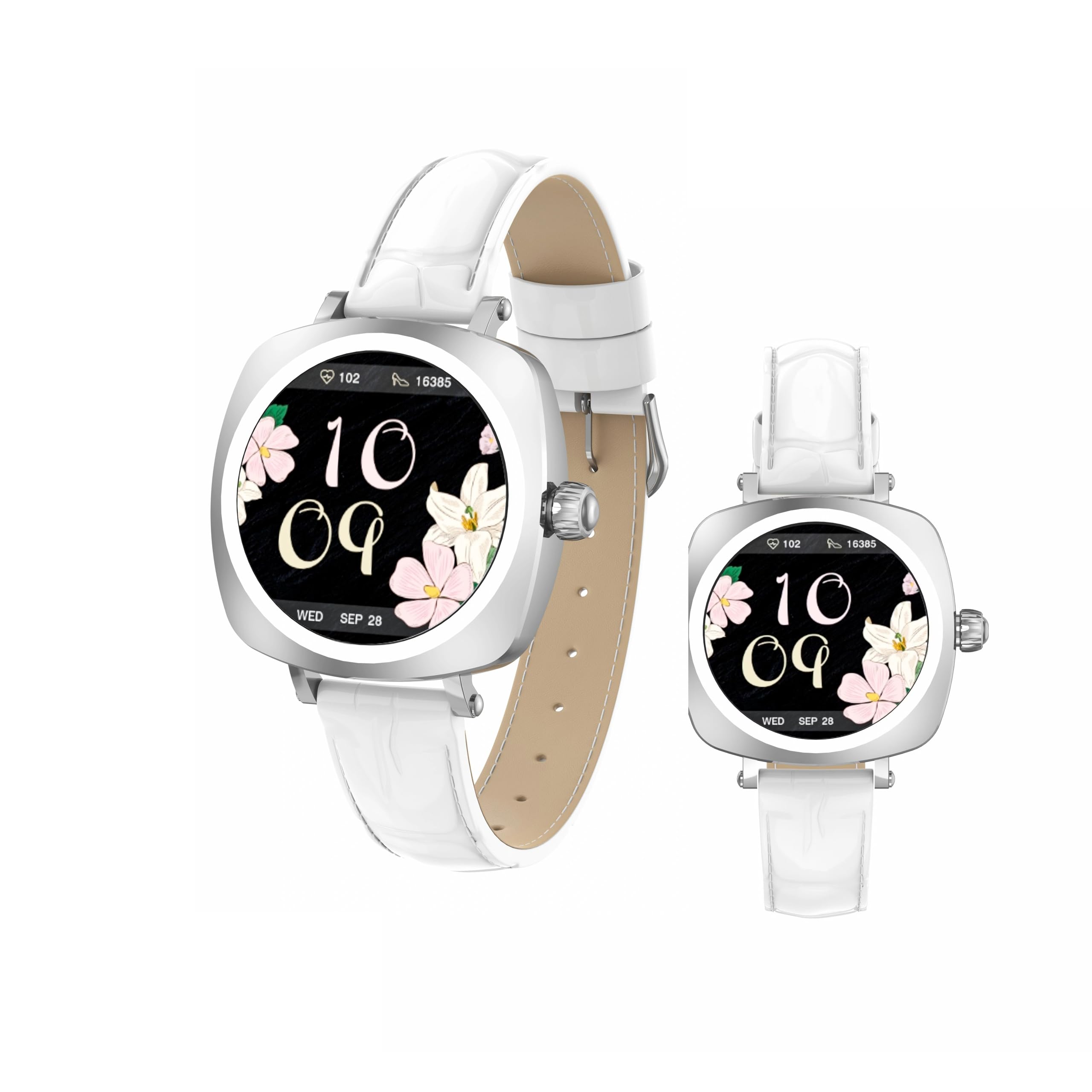
Image: LDNIO SW03 Smart Watch displaying a floral watch face.
Ngamimitian
1. Ngecas Alat
Before initial use, fully charge your LDNIO SW03 Smart Watch. The device uses a magnetic charging method for convenience.
- Connect the magnetic charging cable to a standard USB power adapter (DC5V ≥ 500mA).
- Align the magnetic end of the cable with the charging contacts on the back of your smartwatch. The magnets will secure the connection.
- The watch display will indicate charging status. A full charge typically takes 2-3 hours.
2. Powering on / Pareum
- Daya Hurung: Long press the side button until the screen illuminates.
- Pareum listrik: Navigate to the power off option in the watch settings or long press the side button and select 'Power Off' when prompted.
3. Instalasi App sarta Papasangan
To unlock the full functionality of your smartwatch, install the DaFit app on your smartphone and pair the devices.
- Unduh DaFit aplikasi ti toko aplikasi smartphone anjeun (cocog sareng Android 5.0+ sareng iOS 9.0+).
- Pastikeun Bluetooth diaktipkeun dina smartphone Anjeun.
- Open the DaFit app and follow the on-screen instructions to add your device. The app will search for available smartwatches.
- Select 'SW03' from the list of found devices to initiate pairing. Confirm the pairing request on both your watch and smartphone.
Ngoperasikeun Smart Watch Anjeun
1. Tampilan jeung Napigasi
The LDNIO SW03 features a 1.19-inch AMOLED display with 390x390 resolution for clear visuals. Navigate the watch using touch gestures and the side button.
- Gesek Kénca/Katuhu: Enter the main menu or return to the previous interface.
- Quickly Press Twice (Side Button): Switch freely between multiple menus or watch faces.
- Long Press (Side Button): Hurungkeun/pareuman alat.

Image: Visual guide to the button functions: long press for power, quick double press for menu switching, and swipe for navigation.
2. Fitur Komunikasi
Stay connected by making and receiving calls and texts directly from your wrist via Bluetooth V5.4 connection to your smartphone.
- Nelepon: Access the dialer or contact list on your watch to initiate calls.
- Narima Telepon: Waler atanapi tolak telepon asup langsung tina tampilan jam tangan.
- Bewara: Receive notifications for messages, social media alerts, and other app updates.
3. Kaséhatan jeung Kabugaran Tracking
The SW03 Smart Watch offers comprehensive monitoring capabilities to support your health and fitness goals.
- Ngawaskeun Laju haté: Continuously tracks your heart rate with off-hand detection.
- Analisis Saré: Provides 24-hour sleep monitoring, analyzing sleep quality and patterns.
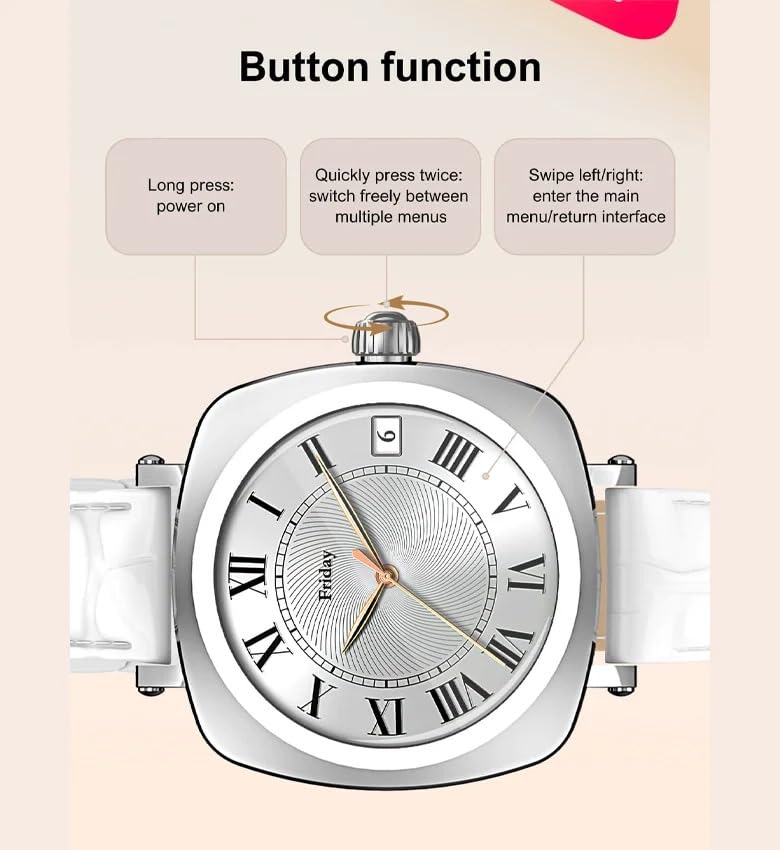
Image: The smartwatch screen showing sleep duration and analysis, worn by a user.
- Nyukcruk kagiatan: Counts daily steps, calories burned, and distance covered.
- Modeu Latihan: Supports multiple sports modes including running, cycling, and yoga.
- Manajemén Kaséhatan Awéwé: Features for scientifically recording and predicting menstrual periods and supporting pregnancy preparation.
4. Tahan cai
The LDNIO SW03 Smart Watch has an IP68 waterproof and dustproof rating, making it suitable for daily wear and various activities.
- It can withstand immersion in water up to 1.5 meters for up to 30 minutes.
- Suitable for swimming, showering, and exposure to rain.
- Avoid hot water, steam, or prolonged exposure to high-velocity water.
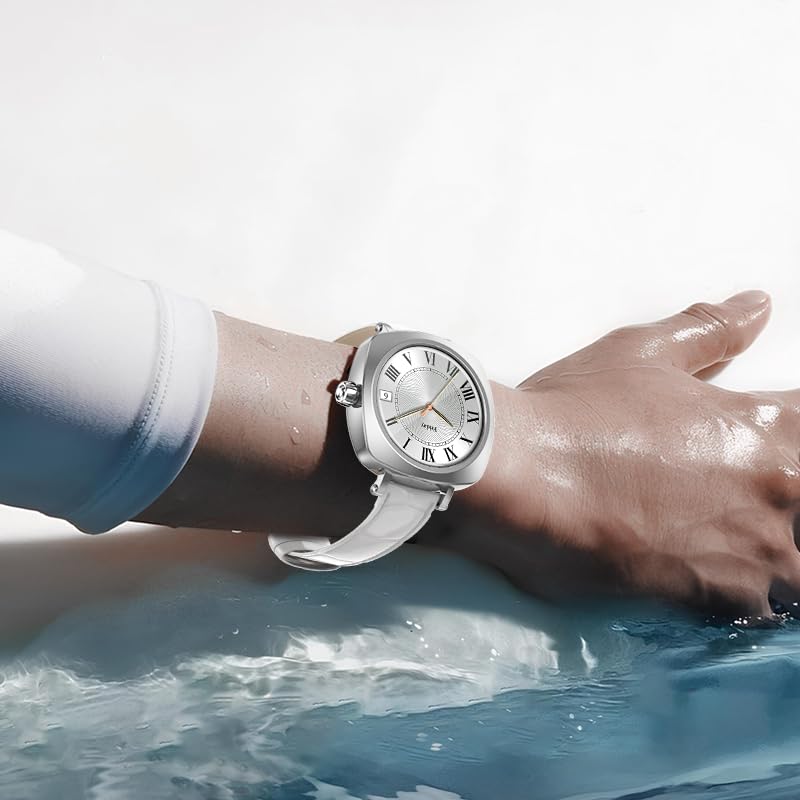
Image: The smartwatch on a user's wrist, partially submerged in water, demonstrating its water resistance.
5. Kustomisasi
Personalize your smartwatch experience with various watch faces and settings.
- Nyanghareupan: Choose from a selection of pre-installed watch faces or download more via the DaFit app.
- Setélan: Adjust brightness, vibration, notification preferences, and other settings through the watch interface or the DaFit app.
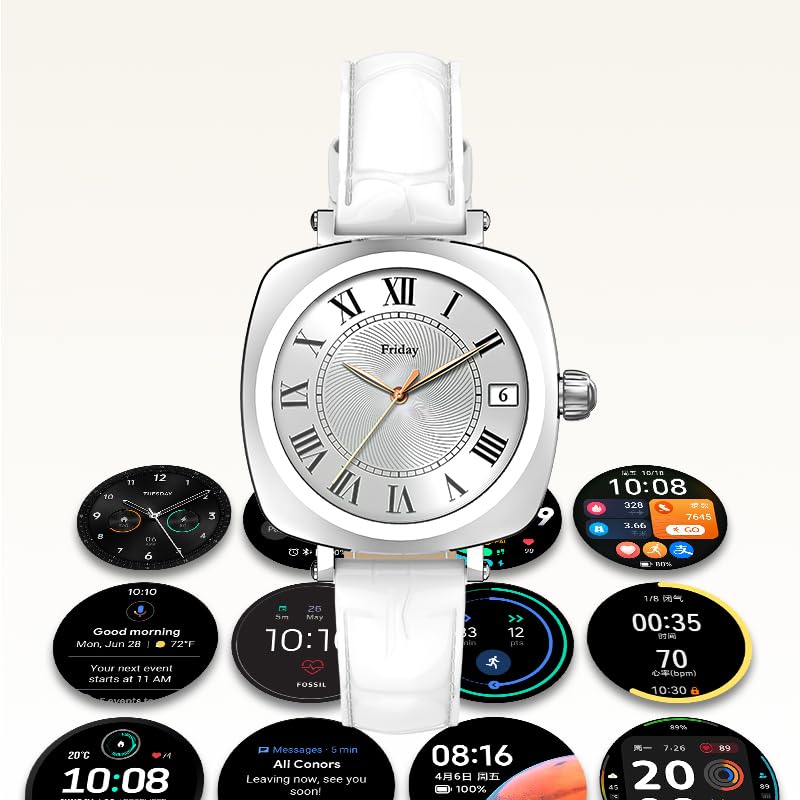
Image: A collection of different watch faces and functional widgets available on the LDNIO SW03 Smart Watch.
Pangropéa
1. beberesih
- Ngusap layar arloji sareng tali sacara teratur nganggo lawon anu lemes, garing, teu aya serat.
- Keur kokotor bandel, rada dampen lawon jeung cai. Ulah make bahan kimia kasar atawa bahan abrasive.
- Pastikeun kontak ngecas beresih jeung garing saméméh ngecas.
2. Émbaran batré
- The watch is powered by a 180mAh Polymer rechargeable lithium battery.
- Typical usage provides 5 to 10 days of battery life on a single charge, depending on usage patterns and enabled features.
- To prolong battery life, reduce screen brightness, limit notifications, and disable unnecessary features.
Pamérésan masalah
- Arloji teu hurung: Pastikeun arloji dicas pinuh. Sambungkeun ka carjer sahenteuna 30 menit.
- Teu tiasa dipasangkeun sareng smartphone: Make sure Bluetooth is enabled on both devices. Restart both the watch and the smartphone. Ensure the DaFit app is updated to the latest version.
- Data kaséhatan teu akurat: Ensure the watch is worn snugly on your wrist, not too tight or too loose. Keep the sensor clean.
- Bewara teu nampi: Check app permissions in your smartphone settings to ensure the DaFit app has access to notifications. Verify notification settings within the DaFit app.
spésifikasi
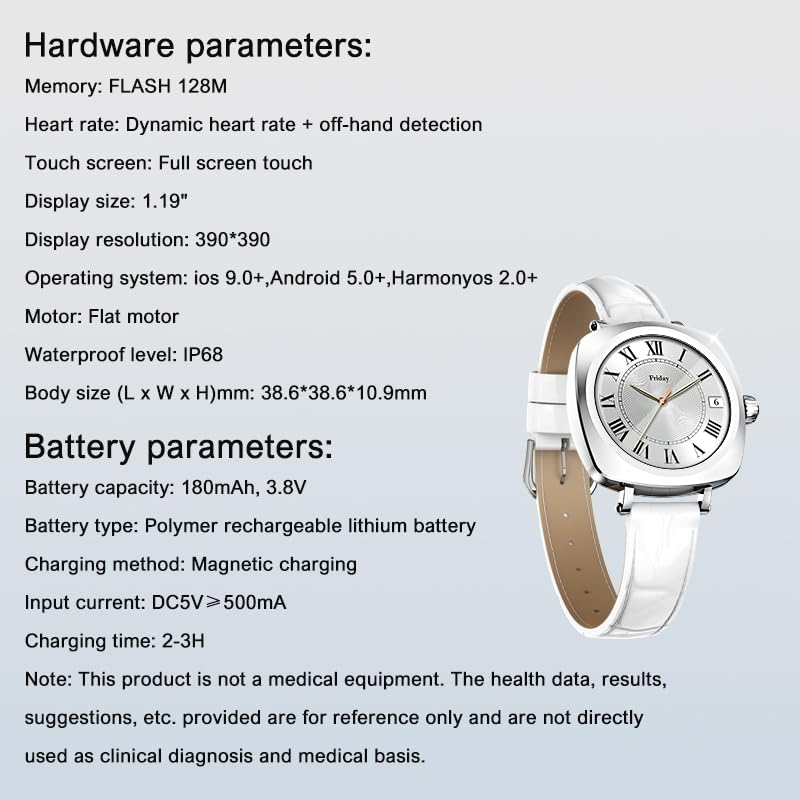
Image: Detailed specifications for the LDNIO SW03 Smart Watch, including hardware and battery parameters.
| Fitur | Rincian |
|---|---|
| Modél | SW03 |
| tampilan | 1.19-inch AMOLED, 390×390 resolution |
| Mémori (FLASH) | 128 MB |
| Deteksi Detak Jantung | Dynamic heart rate + off-hand detection |
| Layar cabak | Toél layar pinuh |
| Kasaluyuan System Operasi | iOS 9.0+, Android 5.0+, HarmonyOS 2.0+ |
| Motor | Flat motor |
| Tingkat Waterproof | IP68 |
| Ukuran Awak (P x L x T) | 38.6 x 38.6 x 10.9 mm |
| Kapasitas batré | 180mAh, 3.8V |
| Jenis Batré | batré litium rechargeable polimér |
| Métode ngecas | ngecas magnét |
| Input Ayeuna | DC5V ≥ 500mA |
| Waktu Ngecas | 2-3 jam |
| Téhnologi konektipitas | Bluetooth V5.4 |
| Fitur husus | Fitness Monitoring, Call/Text Functionality |
Catetan: This product is not a medical equipment. The health data, results, and suggestions provided are for reference only and are not directly used as clinical diagnosis or medical basis.
Garansi sareng Rojongan
For warranty information and technical support, please refer to the documentation provided with your purchase or contact LDNIO customer service. Keep your proof of purchase for warranty claims.


