
1. Setélan
Unboxing sareng Inspeksi Awal
Carefully unpack your Luoran N2 Android MP3 Player. Ensure all components are present and in good condition.
- Luoran N2 MP3 Player
- Kabel USB-C
- Earphone kabel
- Instruksi Manual
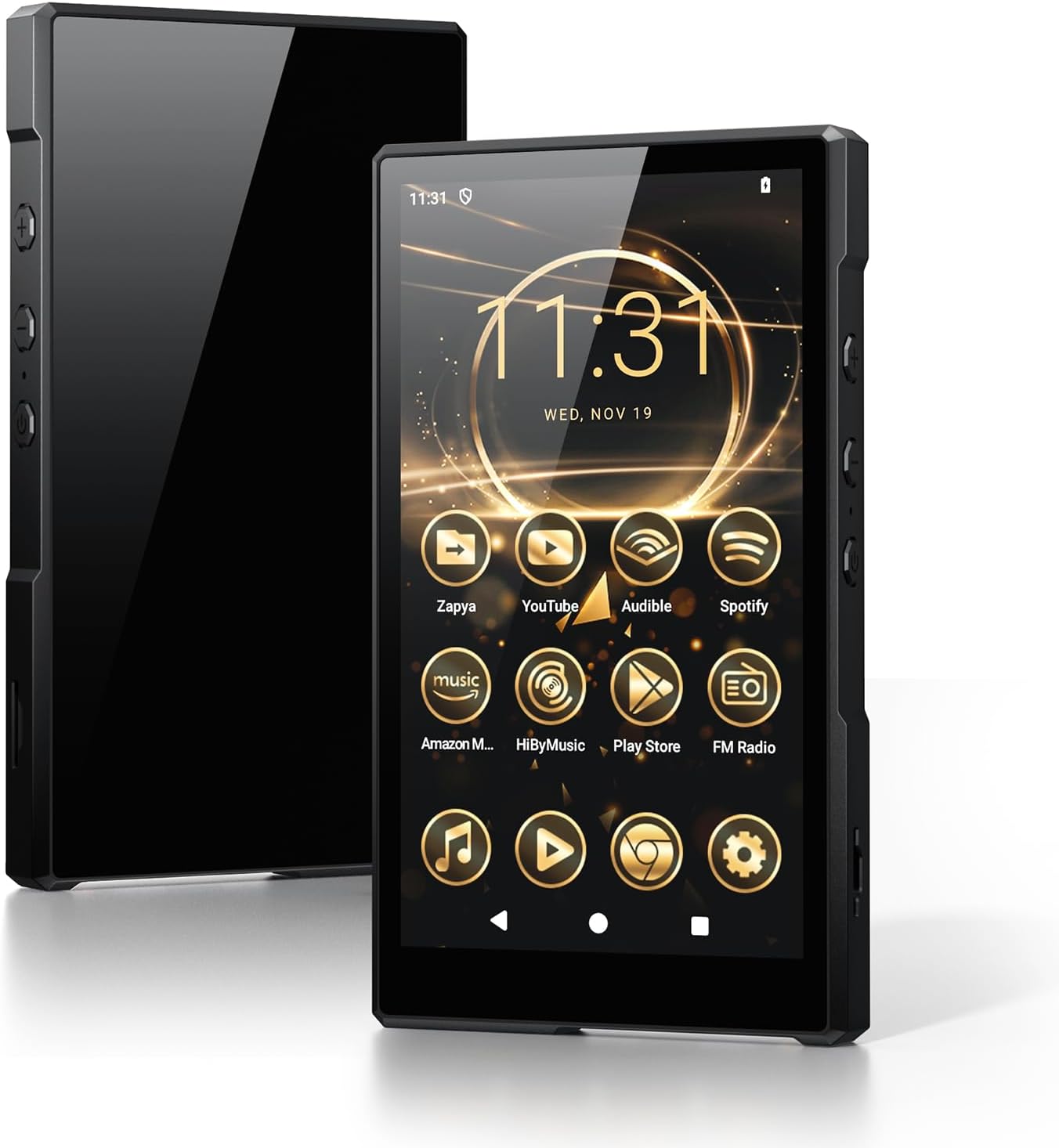
Image: Luoran N2 MP3 Player with included accessories.
Ngahurungkeun sareng Konfigurasi Awal
To power on the device, press and hold the power button located on the side until the Luoran logo appears on the screen. Follow the on-screen prompts to select your language and region.
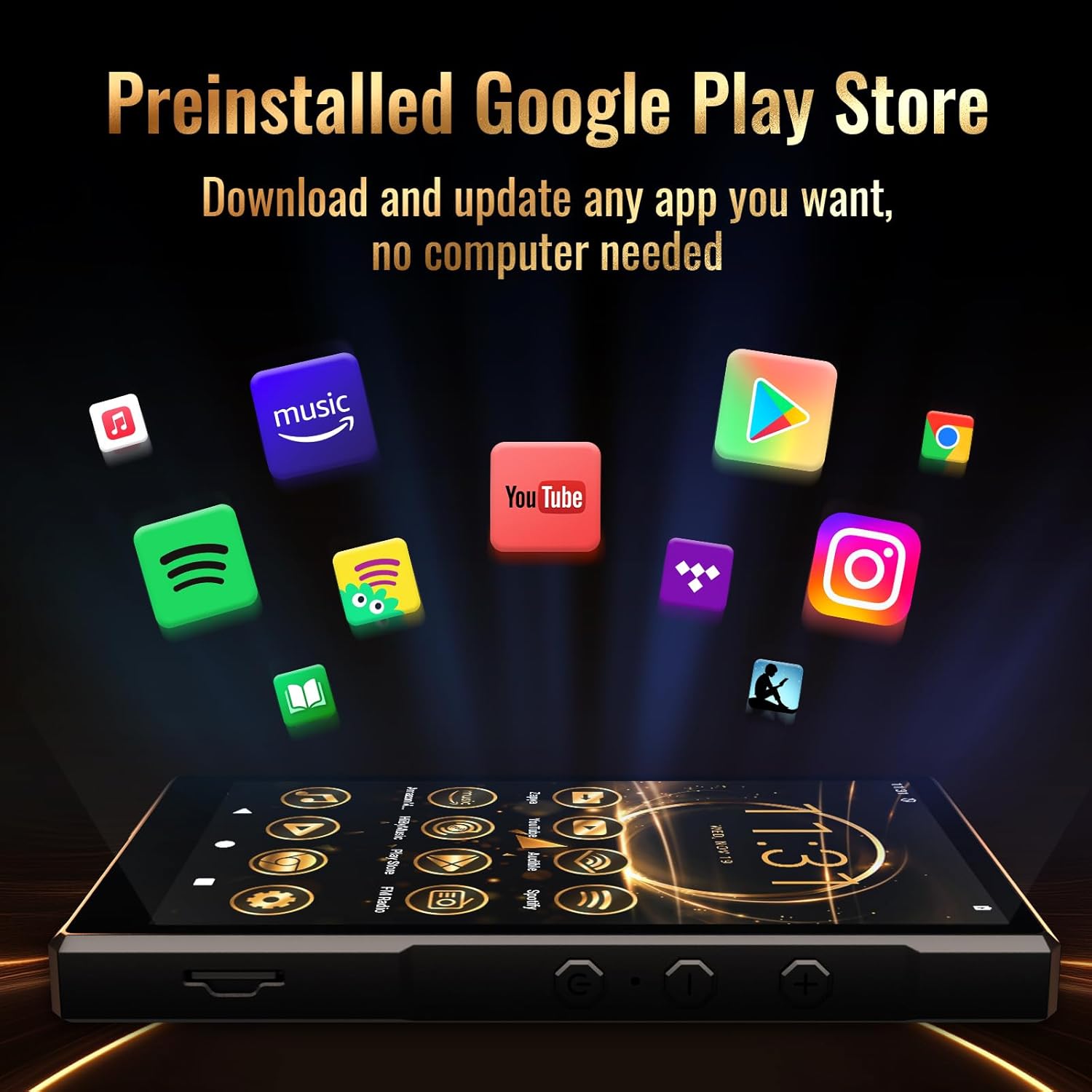
Image: The Luoran N2 MP3 Player's vibrant home screen with pre-installed applications.
Sambungan Wi-Fi
Connect your device to a Wi-Fi network to access online features, download apps, and receive updates. The N2 supports dual-band Wi-Fi (2.4G & 5G) for stable connections.
- Pindah ka Setélan.
- Pilih Jaringan & internét.
- Ketok Wifi tur hurungkeun.
- Choose your desired network from the list.
- Lebetkeun kecap akses upami dipenta teras ketok Nyambung.
Video: Demonstrates connecting the MP3 player to a Wi-Fi network.
Konfigurasi Akun Google
To fully utilize the Google Play Store and other Google services, you may sign in with your Google Account. This step is optional but recommended for app downloads.
Panginget Kaamanan
Please remember any password or PIN codes you set on the MP3 player. Losing these credentials may prevent access to your device.
2. Ngoperasikeun Alat Anjeun
Napigasi Dasar
The Luoran N2 features a 5.0" HD IPS touch screen for intuitive navigation. Swipe left or right to browse applications and tap icons to open them. Physical buttons on the side control power and volume.

Image: The Luoran N2 MP3 Player highlighting its upgraded Android 14 system and security.
Masang Aplikasi
The device comes with Android 14 and the Google Play Store pre-installed, allowing you to freely download and install various applications. Popular apps like Spotify, Spotify Kids, Audible, Amazon Music, Apple Music, and YouTube are supported.

Image: The Google Play Store interface on the Luoran N2, ready for app downloads.
Puterkeun Musik
Enjoy your music collection with support for various audio formats including MP3, FLAC, APE, OGG, M4A, AAC, WMA, and MP2. The player offers different playback modes for both offline and online music.
- Bluetooth 5.0: Connect wirelessly to Bluetooth headphones, speakers, or car audio systems for a stable and fast connection.
- Sambungan kabel: Use the included wired earphones or your preferred 3.5mm jack headphones.

Image: The Luoran N2 MP3 Player demonstrating its versatile Bluetooth connectivity options.
Maén Baleu Video
The 5.0" HD IPS screen with 720x1280 pixels resolution provides a clear and vivid viewing experience for videos. The powerful Octa-core processor ensures smooth operation.

Image: The Luoran N2 MP3 Player showcasing video playback on its high-definition screen.
Manajemén gudang
The device comes with 64GB of built-in storage and supports up to 1TB memory card expansion via the microSD card slot. This allows for extensive storage of music, videos, and other files.

Image: The Luoran N2 MP3 Player demonstrating its expandable memory feature with a microSD card.
3. Pangropéa
Manajemén batré
The Luoran N2 is equipped with a 3000 mAh long-lasting battery. To ensure optimal battery life:
- Ngecas alat nganggo kabel USB-C anu disayogikeun.
- Avoid extreme temperatures during charging and operation.
- For prolonged storage, charge the battery to approximately 50% to prevent deep discharge.
Parentah beberesih
To clean your device, use a soft, lint-free cloth. For the screen, a screen cleaner designed for electronics can be used. Avoid harsh chemicals or abrasive materials.
Software Apdet
Regularly check for and install software updates to ensure your device has the latest features, security patches, and performance improvements. Connect to Wi-Fi to download updates.
4. Cara ngungkulan
If you encounter issues with your Luoran N2 MP3 Player, try the following steps:
- Alat Teu Dihurungkeun: Pastikeun batréna geus dieusian. Sambungkeun alat ka carjer sahenteuna sahenteuna 30 menit sateuacan nyobian hurung deui.
- Masalah Sambungan Wi-Fi: Verify your Wi-Fi password and ensure the device is within range of the router. Try restarting both the device and your router.
- Aplikasi ngadat / katirisan: Close the problematic app and reopen it. If the issue persists, try clearing the app's cache or reinstalling it.
- Performance Lambat: Close unused applications. Consider freeing up storage space by deleting unnecessary files atawa aktip.
- Pabrik Reset: As a last resort, you can perform a factory reset through the Settings menu. This will erase all data on the device, so back up important files sateuacanna.
Video: A user demonstrating the setup and basic functions of a similar Android MP3 player, which may offer insights into troubleshooting.
5. Spésifikasi
| Fitur | Spésifikasi |
|---|---|
| Ngaran modél | N2 |
| Dimensi produk | 5.07 x 0.47 x 2.9 inci |
| Item Beurat | 8.5 ons |
| Ukuran layar | 5 inci |
| Resolusi layar | 720x1280 pixels (HD IPS) |
| Sistem operasi | Android 14 |
| Prosesor | Octa-inti |
| Panyimpenan internal | 64 GB |
| Mémori anu tiasa dilegakeun | Nepi ka 1TB via kartu microSD |
| Téhnologi konektipitas | Bluetooth V5.0, Wi-Fi (2.4G & 5G) |
| Kapasitas batré | 3000 mAh Litium Ion |
| Komponén Kaasup | USB-C Cable, Wired Earphone, Instruction Manual |
6. Garansi jeung Rojongan
Émbaran jaminan
The Luoran N2 MP3 Player comes with a manufacturer's warranty. For specific details regarding warranty coverage, duration, and terms, please refer to the warranty card included in your product packaging or visit the official Luoran websitus.
Rojongan Palanggan
If you require further assistance, technical support, or have questions not covered in this manual, please contact Luoran customer service. Contact details can typically be found on the manufacturer's websitus atanapi dina dokuméntasi produk.