
1. Setélan
1.1 Eusi pakét
Sateuacan dipasang, mangga pastikeun sadaya komponén aya dina bungkusan:
- KTC H24F7 24 Inch 240Hz Monitor
- Basis Monitor
- Nangtung Stand
- Adaptor kakuatan
- Kabel HDMI
- Pitunjuk Mimitian Gancang (QSG)
1.2 Parentah Majelis
Turutan léngkah ieu pikeun ngumpul monitor anjeun:
- Cabut monitor sareng sadaya komponén tina bungkusan sacara saksama.
- Attach the monitor stand to the monitor base. Ensure it clicks securely into place.
- Connect the assembled stand and base to the back of the monitor. The stand is designed for easy snap-in installation.
- Teundeun monitor dina permukaan datar anu stabil.

1.3 Pamasangan Dudukan VESA
The KTC H24F7 monitor supports VESA 100mm x 100mm mounting for alternative stand or wall mount solutions. Ensure you use M4-0.7 x 10mm screws (not included) for secure installation.

1.4 Nyambungkeun ka Alat
Sambungkeun komputer anjeun atanapi alat sanés kana monitor nganggo kabel anu saluyu.
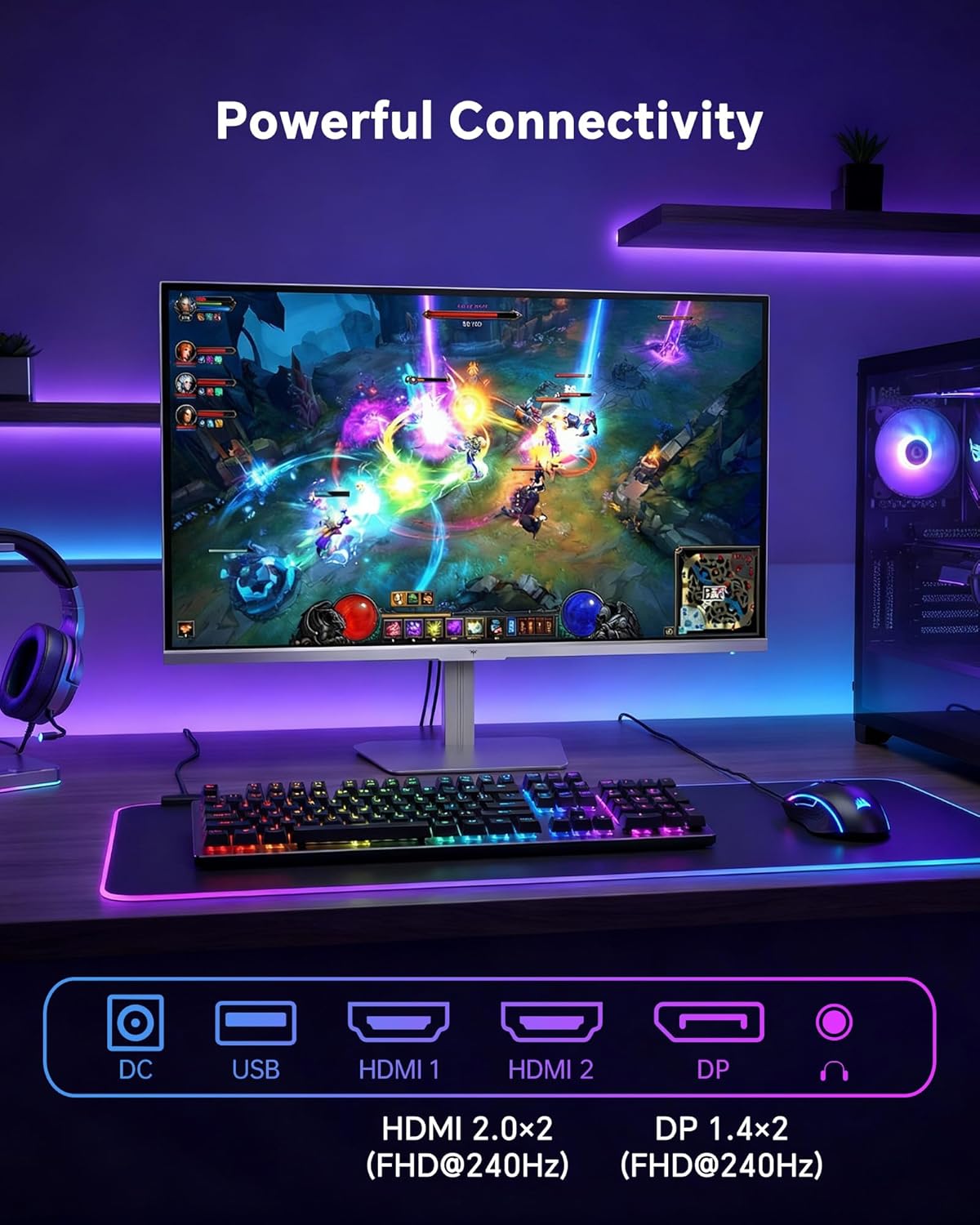
- HDMI: Use an HDMI cable to connect to devices with HDMI output. The monitor has two HDMI 2.0 ports, supporting FHD at 240Hz.
- DisplayPort: Use a DisplayPort cable for devices with DisplayPort output. The monitor has one DisplayPort 1.4, supporting FHD at 240Hz.
- kakuatan: Connect the power adaptor to the DC input on the monitor and then to a power outlet.
- USB: A USB 2.0 port is available for connecting peripherals.
- Audio Kaluar: A 3.5mm audio jack is available for connecting headphones or external speakers.
2. Parentah Operasi
2.1 Daya Hurung/Pareuman
Pencét tombol daya anu aya dina monitor pikeun ngaktipkeun atanapi mareuman. Lampu indikator daya bakal hurung nalika monitor aktip.
2.2 Menu dina layar (OSD).
The OSD menu allows you to adjust various monitor settings. Use the control buttons (typically located on the back or bottom of the monitor) to navigate the menu and select options. Refer to the Quick Start Guide for specific button functions.
2.3 Setélan tampilan
Optimalkeun anjeun viewpangalaman ku cara nyaluyukeun setélan ieu:
- Laju Refresh: The monitor supports a 240Hz refresh rate for smooth motion. Ensure your graphics card settings are configured to utilize this rate.

- Singkronisasi adaptif: This technology synchronizes the monitor's refresh rate with your graphics card's frame rate to eliminate screen tearing and stuttering. Enable Adaptive Sync in the OSD menu and ensure it is also enabled in your graphics card control panel (FreeSync/G-Sync compatible).

- HDR 400: High Dynamic Range 400 provides enhanced contrast and color accuracy, delivering brighter highlights and deeper shadows. Activate HDR in the OSD menu and your operating system display settings for compatible content.

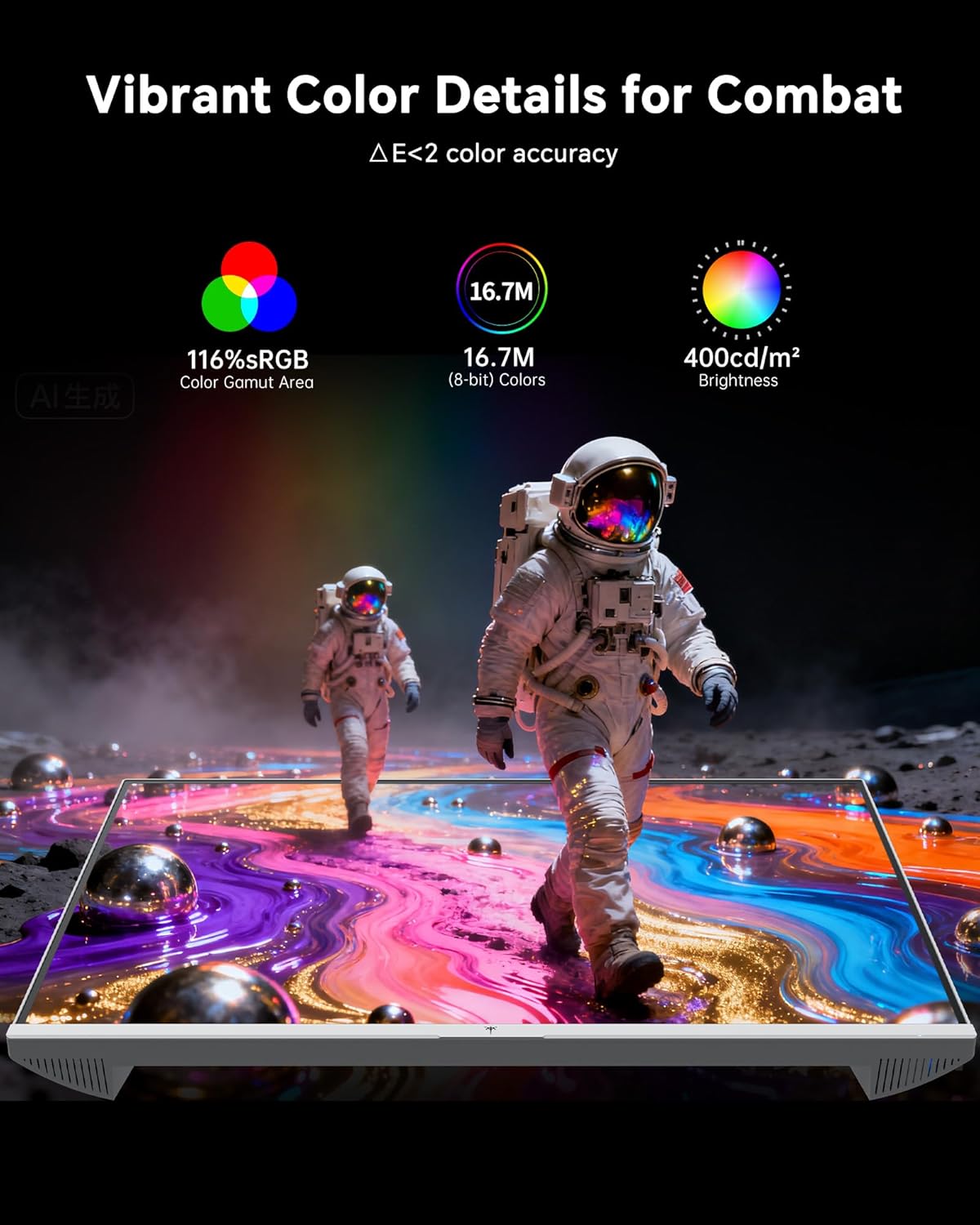
- Setélan warna: The monitor offers 116% sRGB color gamut and 16.7 million colors. Adjust brightness (up to 400 cd/m²) and color temperature through the OSD menu to suit your preference.
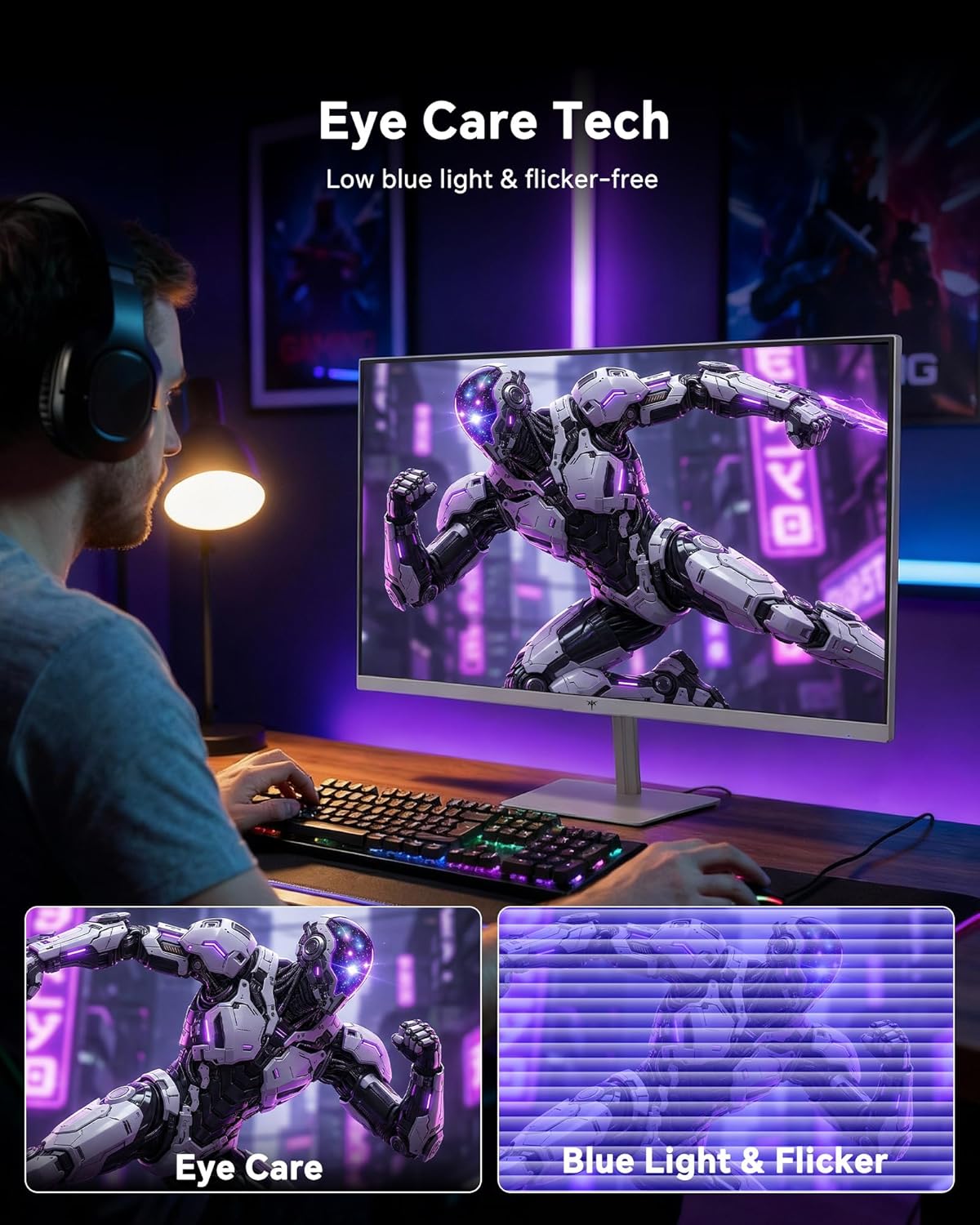
- Téknologi Perawatan Mata: The monitor features low blue light and flicker-free technology to reduce eye strain during prolonged use. These settings can typically be adjusted or enabled within the OSD menu.
2.4 Monitor Tilt Adjustment
The monitor supports tilt adjustment from -5° to 15° (±3°). Gently adjust the monitor panel to your desired viewsudut ing.
3. Pangropéa
3.1 Ngabersihan Monitor
Pikeun ngabersihan layar monitor jeung casing:
- Salawasna pareumkeun monitor sareng cabut kabel listrik sateuacan beberesih.
- Make kaen nu lemes, teu aya lint rada dampDieusian ku cai atanapi pembersih layar anu hampang sareng henteu abrasive.
- Wipe the screen gently to remove dust and smudges. Avoid applying excessive pressure.
- Pikeun casing, use a dry, soft cloth. Do not use alcohol, ammonia, or abrasive cleaners, as these can damage the surface.
3.2 Perawatan Umum
- Hindarkeun nempatkeun barang beurat dina monitor atanapi kabelna.
- Ulah ngalaan monitor ka sinar panonpoé langsung, panas kaleuleuwihan, atawa tiis ekstrim.
- Jauhkeun monitor tina cairan sareng kalembaban anu luhur.
- Mastikeun ventilasi ditangtoskeun sabudeureun monitor pikeun nyegah overheating.
4. Cara ngungkulan
If you encounter issues with your KTC H24F7 monitor, refer to the following common problems and solutions:
| Masalah | Mungkin Cukang lantaranana | Solusi |
|---|---|---|
| Henteu aya gambar dina layar | Power cable disconnected; Video cable disconnected or loose; Incorrect input source selected; Monitor is off. | Ensure power cable is securely connected and monitor is on. Check video cable connections (HDMI/DisplayPort) at both the monitor and computer. Press the input source button on the monitor to cycle through inputs. |
| Image flickering or tearing | Adaptive Sync not enabled; Graphics card driver issues; Faulty video cable. | Enable Adaptive Sync in the OSD menu and your graphics card control panel. Update graphics card drivers. Try a different video cable. If using DisplayPort 1, try DisplayPort 2 or HDMI if available, as some units may experience issues with specific ports. |
| Warnana katingalina teu leres atanapi luntur | Color settings incorrect; HDR not properly configured; Faulty video cable. | Adjust color settings (brightness, contrast, color temperature) in the OSD menu. Ensure HDR is enabled in both the OSD and your operating system for HDR content. Try a different video cable. |
| Monitor not reaching 240Hz | Graphics card limitations; Incorrect display settings in OS; Cable bandwidth limitations. | Ensure your graphics card supports 240Hz at 1080p. Verify display settings in your operating system (e.g., Windows Display Settings or NVIDIA/AMD control panel) are set to 240Hz. Use the provided HDMI cable or a certified DisplayPort 1.4 cable. |
| Stuck or dead pixels | Cacat manufaktur. | A small number of stuck or dead pixels (typically 1-3) may be considered normal for LCD panels. If the issue is severe or persistent, contact customer support. |
5. Spésifikasi
| Fitur | Rincian |
|---|---|
| merek | CTC |
| Nomer modél | H24F7 |
| Ukuran layar | 24 inci |
| Resolusi | FHD 1080p (1920 x 1080 piksel) |
| Tipe Panel | IPS gancang |
| Refresh Laju | 240 Hz |
| Waktu Tanggapan | 1 Millisecond (MPRT) |
| Rasio Aspék | 16:9 |
| Caang | 400 Candela per Méter Pasagi |
| Babandingan Kontras | 1000:1 |
| Warna Gamut | 116% sRGB |
| Rojongan HDR | HDR 400 |
| Sync adaptif | FreeSync, G-Sync Compatible |
| Konektipitas | 2x HDMI 2.0, 1x DisplayPort 1.4, 1x USB 2.0, 1x Audio Out (3.5mm) |
| Fitur Perawatan Panon | Low Blue Light, Flicker-Free, Anti-Glare Screen |
| Pangaluyuan | Tilt (-5° to 15°) |
| Gunung VESA | 100 mm x 100 mm |
| Diménsi (D x W x H) | 5.39 "D x 21.25" W x 15.74" H |
| Item Beurat | 3.2 kg |
| Warna | Bodas |
6. Jaminan & Dukungan
6.1 Émbaran jaminan
The KTC H24F7 monitor comes with a three-year manufacturer warranty. Garansi ieu nyertakeun cacad dina bahan sareng pagawean dina panggunaan normal.
Punten tahan bukti pameseran anjeun pikeun klaim garansi.
6.2 Rojongan Palanggan
For technical assistance, warranty claims, or any questions regarding your KTC H24F7 monitor, please contact KTC customer support. KTC aims to provide responsive customer support and typically responds within 12 hours.
You can usually find contact information on the official KTC website or through the retailer where you purchased the product. When contacting support, please have your monitor model number (H24F7) and purchase details ready.