1. Bubuka
Avery Easy Peel Printable Address Labels (Model 8160) are designed to simplify mailing, shipping, organization, and identification tasks. These 1" x 2-5/8" bright white labels feature Ultrahold permanent adhesive for superior adhesion on various smooth surfaces including paper, cardboard, glass, and metal. Optimized for inkjet printers, they incorporate Sure Feed technology to minimize misalignments and jams, ensuring crisp, hassle-free printing. The convenient Easy Peel design facilitates quick and effortless application.

Figure 1: Avery Easy Peel Address Labels, Model 8160, in packaging.

Gambar 2: Kelamples of versatile applications for Avery labels, including shipping, organizing, product labeling, and mailing.
2. Fitur konci
- Aplikasi serbaguna: Suitable for mailing, shipping, product labels, organization, and identification.
- Sure Feed Technology: Patented technology designed to reduce misalignments and printer jams for reliable feeding.
- Easy Peel with Pop-up Edge: Facilitates quick and effortless peeling of labels.
- Avery Design & Print Online: Access to templates, designs, and tools for personalized label creation, including Mail Merge.
- Inkjet Printer Optimization: Designed for clear text and crisp graphics, helping to prevent smearing or smudging.
- Handwriting Compatible: Labels can also be personalized by hand.
- Ultrahold Permanent Adhesive: Guaranteed to stick and stay on most smooth surfaces.

Gambar 3: Leuwihview of key features, including adhesive type, peel mechanism, and print compatibility.

Figure 4: The Avery Difference, highlighting Sure Feed technology for minimizing wasted labels and Easy Peel for quick application.
3. Setélan
Before printing, ensure your printer is compatible with inkjet labels. The Avery 8160 labels are specifically optimized for inkjet printers to achieve the best results and prevent smudging. Avoid using laser printers with these labels as indicated by the compatibility guide.
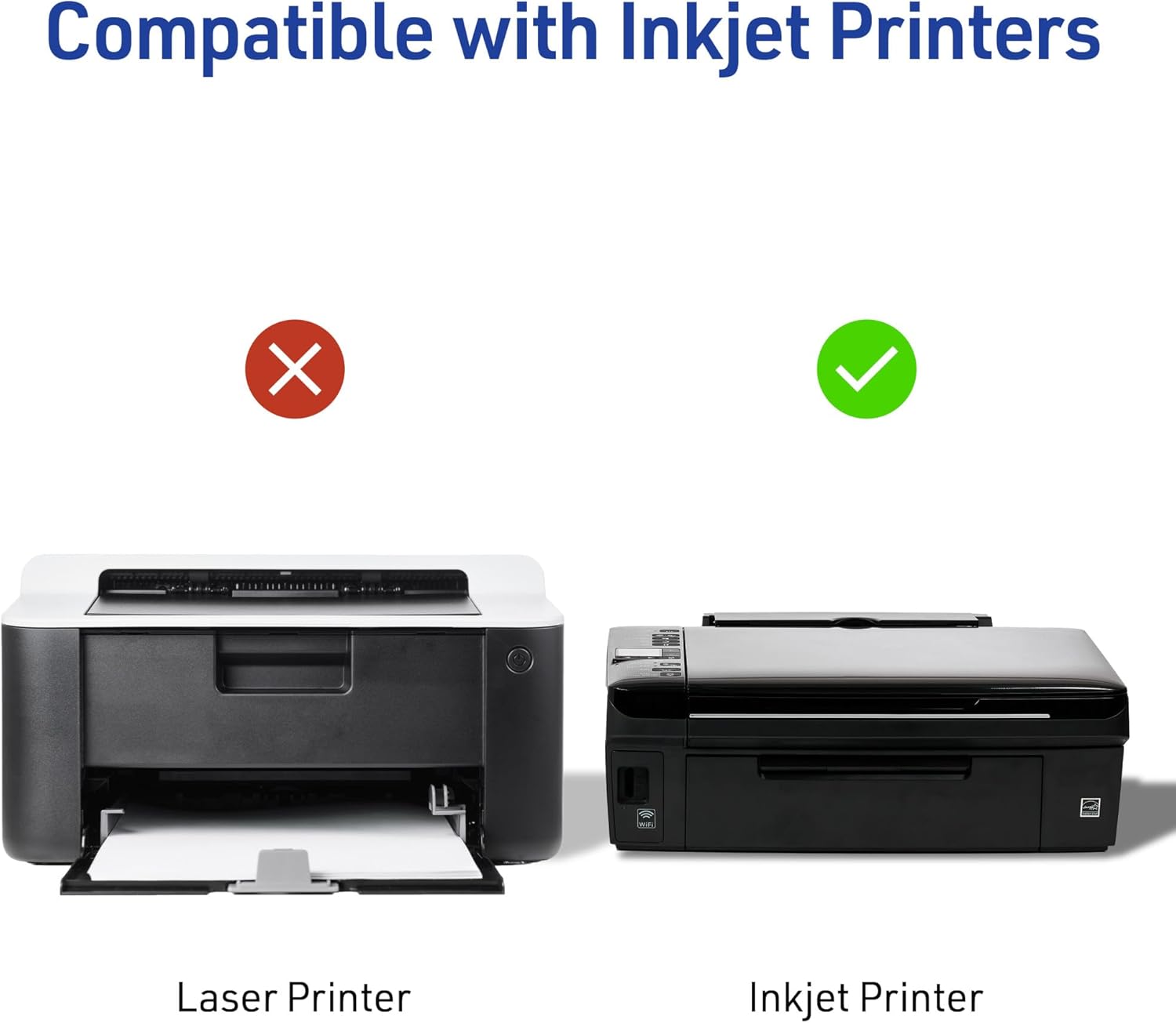
Figure 5: Printer compatibility guide. Inkjet printers are recommended for optimal performance.
3.1 Using Avery Design & Print Online
For professional-quality labels, utilize the free Avery Design & Print Online software. This platform offers thousands of templates and designs, along with easy-to-use tools like the Mail Merge feature for importing addresses from spreadsheets. No software download is required.

Figure 6: Avery Design & Print Online interface, accessible across multiple devices for creating custom labels.
4. Parentah Operasi
4.1 Nyitak Label
Load the label sheets into your inkjet printer. The Sure Feed technology is designed to guide the sheets smoothly through the printer, reducing misalignments and ensuring a clean print. After printing, allow the ink to dry completely to prevent smudging.

Figure 7: Printed labels ready for application on envelopes.
4.2 Applying Labels
The Easy Peel design with a Pop-up Edge allows for quick and effortless removal of labels from the sheet. Simply bend the sheet slightly to lift the edge of the label, then peel and apply to your desired surface. The Ultrahold permanent adhesive ensures the labels stay securely in place.

Figure 8: Labels can be used for organizing various items, such as labeling storage containers.
4.3 Video Produk Resmi
Video 1: Official product video demonstrating the features and use of Avery Mailing Address Labels. This video highlights the ease of use and quality of the labels for various applications.
5. Pangropéa
Store unused label sheets in their original packaging in a cool, dry place away from direct sunlight and excessive humidity. This helps preserve the adhesive quality and prevents the sheets from curling or sticking together. Avoid bending or creasing the sheets before printing to ensure optimal feed through the printer.
6. Cara ngungkulan
- Misalignments or Printer Jams: Ensure the label sheets are loaded correctly into the printer tray, aligning with the guides. Utilize the Sure Feed technology by ensuring the sheets are flat and not bent. If issues persist, check your printer's manual for specific paper loading instructions.
- Smudged or Faded Print: Verify that you are using an inkjet printer, as these labels are optimized for inkjet. Allow sufficient drying time after printing before handling the labels. Check your printer's ink levels and print quality settings.
- Labél Henteu Napel: Ensure the surface you are applying the label to is clean, dry, and smooth. The Ultrahold permanent adhesive is designed for strong adhesion, but rough, dusty, or oily surfaces may reduce effectiveness. Apply firm pressure across the entire label when adhering.
- Difficulty Peeling Labels: Utilize the Easy Peel with Pop-up Edge feature by gently bending the sheet to lift the label edge. If labels are still difficult to peel, ensure they have not been exposed to extreme temperatures or humidity, which can affect the adhesive and backing.
7. Spésifikasi
| Atribut | Rincian |
|---|---|
| merek | Avery |
| Nomer modél | 8160 |
| Ukuran Label | 1" x 2 5/8" |
| Labels per Sheet | 30 |
| Sheets per Pack | 25 |
| Total Labels | 750 |
| Warna | Bodas |
| Jenis Bahan | Kertas |
| Kasaluyuan printer | Inkjet (Optimized) |
| Tipe napel | Ultrahold Permanent Adhesive |
| Item Beurat | 9.5 ons |
| Dimensi produk | 12.3 x 10.1 x 2.8 inci |

Figure 9: Detailed dimensions of the Avery 8160 label sheet and individual labels.
8. Garansi jeung Rojongan
Avery products are designed for quality and reliability. For assistance with templates, design software, or any product-related inquiries, please visit the official Avery website or contact their customer support. Information regarding free easy-to-use templates and software can be found on the product packaging and online resources.
For further support and resources, visit: avery.com/templates


