Bubuka
This manual provides detailed instructions for the setup, operation, and maintenance of your MARATHON Travel and Desktop Alarm Clock, Model CL030023. Please read this manual thoroughly before using the device to ensure proper function and longevity.

The MARATHON Travel Alarm Clock features an easy-to-read display with a backlight, designed for convenience during travel.
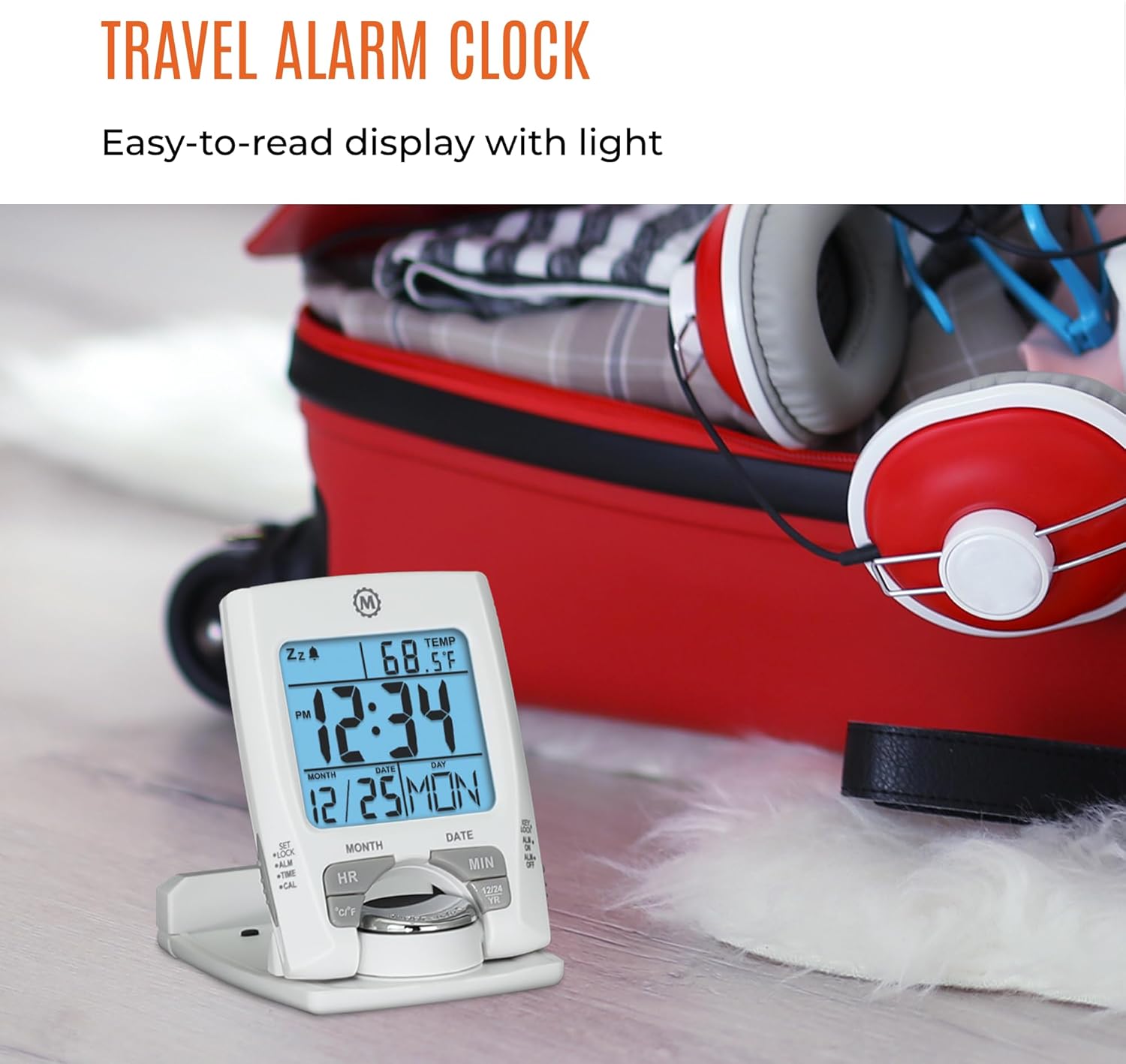
Hareupeun view of the MARATHON Travel and Desktop Alarm Clock, displaying current time, date, and indoor temperature.
Kadali sareng tampilanview
Familiarize yourself with the clock's buttons and display elements:
- SET/LOCK/ALM/TIME/CAL Button: Used to enter setting modes for time, alarm, and calendar, and to lock settings.
- Tombol HR (Jam): Adjusts the hour in setting modes.
- Tombol MIN (Menit): Adjusts the minute in setting modes.
- Tombol °C/°F: Togél antara tampilan suhu Celsius sareng Fahrenheit.
- 12/24 YR Button: Toggles between 12-hour and 24-hour time format, and adjusts the year in calendar setting.
- Tombol Lampu/Tunda: Activates the backlight and the snooze function when the alarm sounds.
- ALM ON/OFF Switch: Aktipkeun atanapi mareuman alarm.

Close-up of the control buttons located on the front and side of the alarm clock.
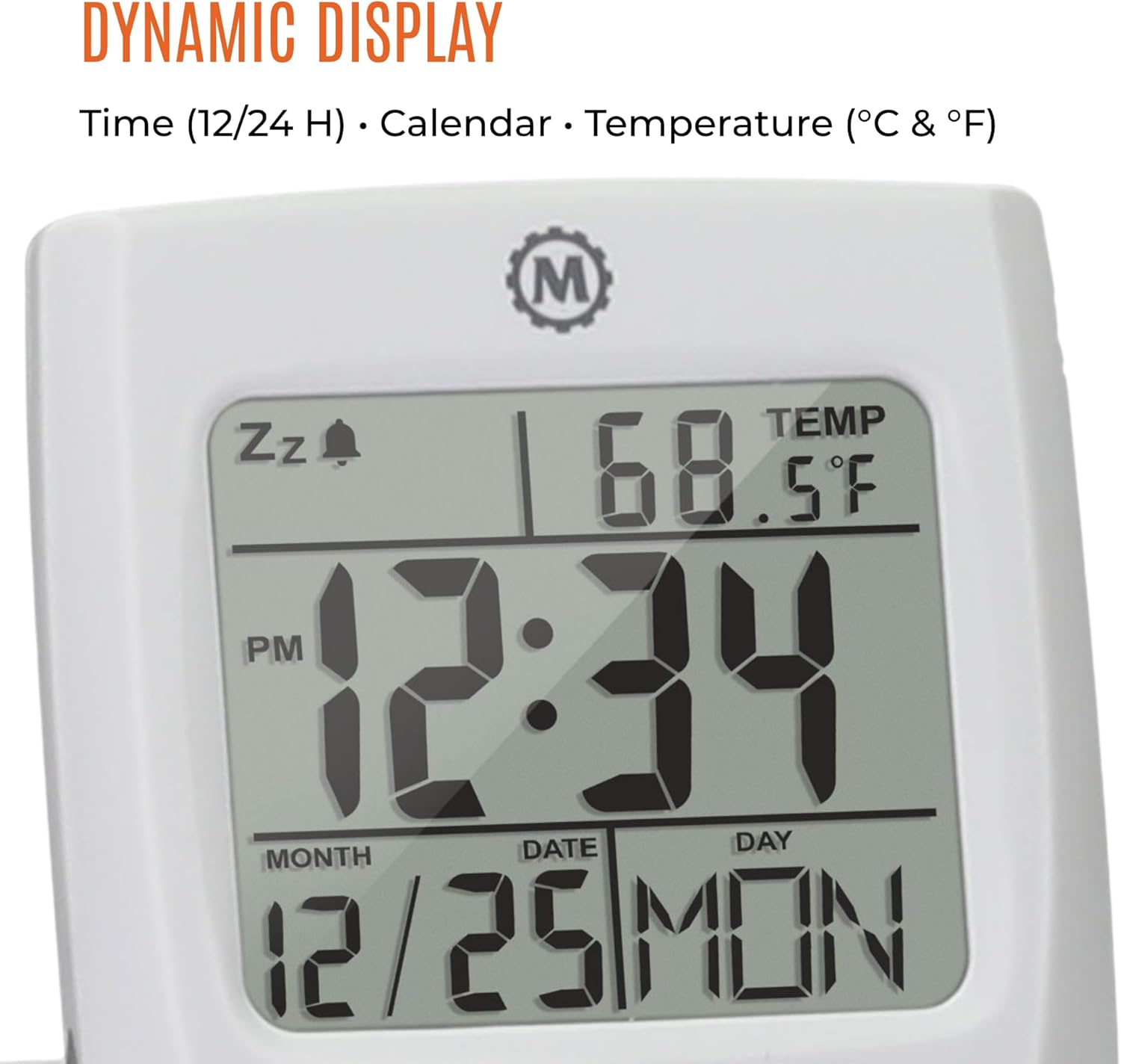
The dynamic display shows time, calendar information (month, date, day), and indoor temperature.
Disetél
1. Pamasangan batré
- Panggihan kompartemen batré dina tonggong jam.
- Buka panutup kompartemen batré.
- Insert one AAA battery, ensuring the correct polarity (+/-).
- Tutup panutup kompartemen batré aman.
2. Setélan Waktos sareng Tanggal Awal
- Pencét jeung tahan tombol SET button until the time display begins to flash.
- Ngagunakeun éta HR jeung MIN tombol pikeun nyetel jam sareng menit ayeuna.
- Pencét SET again to move to the date setting. Use HR jeung MIN to set the month, date, and year. The 12/24 YR button can be used to adjust the year.
- Pencét SET once more to confirm and exit the setting mode.
3. Setting 12/24-Hour Format and Temperature Unit
- To switch between 12-hour and 24-hour time display, press the 12/24 YR button when not in setting mode.
- To switch between Celsius (°C) and Fahrenheit (°F) temperature display, press the ° C / ° F kancing.
Parentah Operasi
1. Nyetél Alarm
- Geser ka ALM ON/OFF switch to the 'ON' position. An alarm icon will appear on the display.
- Pencét jeung tahan tombol ALM tombol nepi ka waktu alarm mimiti kedip-kedip.
- Ngagunakeun éta HR jeung MIN tombol pikeun nyetel waktos alarm anu dipikahoyong.
- Pencét ALM again to confirm and exit the alarm setting mode.
2. Using the Snooze Function
Lamun alarm disada, pencét badag Lampu/Tunda tombol pikeun ngaktipkeun pungsi snooze. Alarm bakal eureun samentawis sareng disada deui saatos sababaraha menit.
3. Activating the Backlight
Pencét badag Lampu/Tunda button to illuminate the display for approximately five seconds. This provides maximum illumination while being gentle on the eyes.
4. Folding and Positioning
The clock features a built-in stand. To position the clock, flip out the stand and rotate the clock face 180 degrees. This allows for stable placement on a desk or bedside table, and makes it compact for travel.

The compact design of the alarm clock makes it easy to hold and transport.
Pangropéa
Ngagantian batré
When the display dims or the clock stops functioning, it is time to replace the AAA battery. Follow the battery installation steps in the Setup section. The clock's low power consumption ensures a maximum lifespan for the included AAA battery.
beberesih
Wipe the clock with a soft, dry cloth. Avoid using abrasive cleaners or solvents, as these may damage the display or casing.
Pamérésan masalah
- Pintonan kosong atanapi taram: Replace the AAA battery. Ensure the battery is inserted with correct polarity.
- Alarm teu disada: Pariksa lamun éta ALM ON/OFF switch is in the 'ON' position. Verify the alarm time is set correctly.
- Lepat waktos atanapi kaping: Lebetkeun deui setélan waktos sareng tanggal sapertos anu dijelaskeun dina bagian Setélan.
- Temperature reading is inaccurate: Ensure the clock is placed in an area with stable ambient temperature, away from direct heat sources or drafts.
spésifikasi
| Fitur | Rincian |
|---|---|
| merek | MARATHON |
| Nomer modél | CL030023 |
| Warna | Bodas |
| Tipe tampilan | Digital |
| Fitur husus | Lipat |
| Dimensi produk | 2.5" W x 4" H |
| Sumber Daya | Batré Powered (1 batré AAA kaasup) |
| Tipe Kamar | Pangkeng |
| Tipe Pamasangan | Tabletop |
| Item Beurat | 4 ons |
| Jam Alarm | Sumuhun |
| Bahan | palastik |
Garansi sareng Rojongan
This MARATHON product comes with a Garansi kawates. For specific details regarding warranty coverage, terms, and conditions, please refer to the warranty card included with your purchase or visit the official MARATHON websitus.
For technical support, troubleshooting assistance, or inquiries about your product, please contact MARATHON customer service through their official channels.
About MARATHON
MARATHON has been manufacturing precision timing instruments since 1941. The company continues its legacy by combining modern design with Swiss engineering and craftsmanship to produce high-quality products. MARATHON is a family-owned and operated business, committed to providing reliable tools.
Official video detailing the 80-year history of Marathon Watch Company, highlighting its Canadian roots, military supply, and Swiss craftsmanship in watchmaking.