Bubuka
Thank you for choosing Duracell CR2032 Lithium Coin Batteries. These batteries are engineered to provide reliable power for your specialty devices. This manual provides essential information on the features, proper installation, safe operation, maintenance, and troubleshooting for your Duracell CR2032 batteries. Duracell CR2032 lithium coin batteries have +70% extra life* for your specialty devices. Duracell is the Number 1 battery brand in child security features** thanks to the bitter taste ring on the cell and baby secure packaging with a double blister that is difficult to open without scissors. These CR2032 lithium coin batteries are recommended for use in Apple AirTag and suitable for use in key fobs, home devices like small remotes, fitness accessories and other wearables, medical accessories (glucometers, digital thermometers), scales, sensors, sports devices (heart rate monitors, bike accessories). Lastly, with up to 10 years in-storage guarantee, you can be confident they will be ready when you need them.
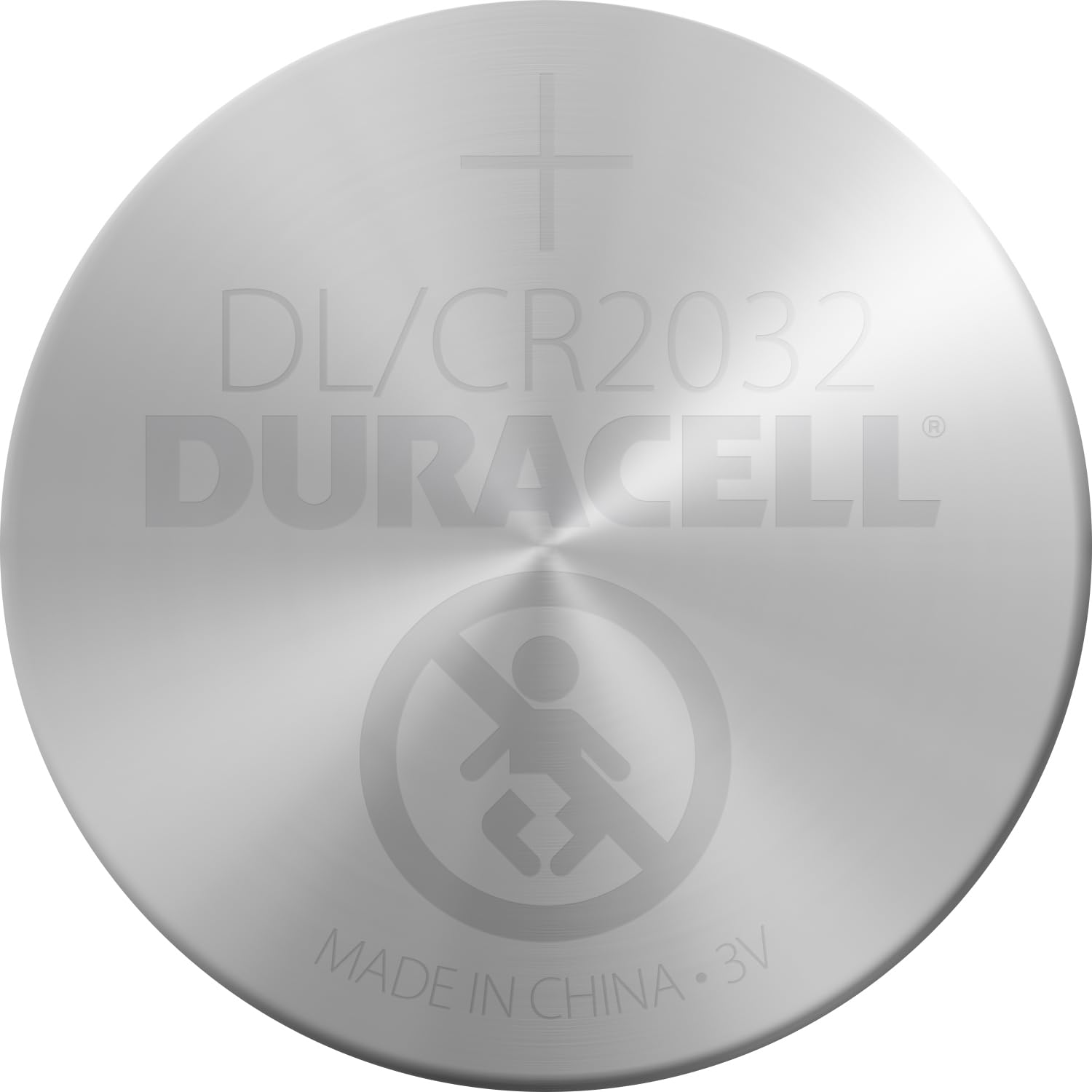
Image: Duracell CR2032 Lithium Button Cell Battery 3V (Pack of 4) packaging, showing four batteries in blister packaging.
Fitur produk
- UP TO 70% EXTRA LIFE*: Provides extended power for your devices.
- #1 BATTERY BRAND IN CHILD SECURITY FEATURES**: In partnership with the European Association of Pediatrics.
- BABY SECURE TECHNOLOGY: Features a non-toxic bitter taste ring-shaped layer with Bitrex applied on the back side of the cell to discourage accidental ingestion by babies and toddlers.
- BABY SECURE PACKAGING: Designed with a double blister that is difficult to open without scissors, enhancing child safety.
- 10 YEARS IN STORAGE GUARANTEED: Advanced technologies keep unused batteries fresh for up to 10 years in their packaging.
- VERSATILE USE: Ideal for car keys, scales, fitness trackers, medical devices, and other small electronics.
*vs minimum average duration Electronic Key IEC standard test for 2032 Lithium Coin. Results may vary by device and usage patterns. **Duracell 2032, 2025 and 2016 batteries have double secure system: double blister secure pack and bitter taste to help discourage accidental ingestion by children.
spésifikasi
| Dimensi produk | 0.2 x 3.74 x 4.49 inci |
| Item Beurat | 0.704 ons |
| Nomer Modél Item | 81575811 |
| Jumlah Batré | 4 batré Litium Metal diperlukeun. (kaasup) |
| Komposisi sél batré | Litium Mékanis Dioksida |
| Kapasitas batré | 225 mAh |
| Produsén | Duracell |
| Tanggal Kahiji Sadia | 3 Méi 2016 |
Parentah instalasi
The Duracell CR2032 battery is commonly used in various small electronic devices. Installation steps may vary slightly depending on your specific device. Always refer to your device's user manual for precise instructions.
- Identipikasi Kompartemen Batré: Locate the battery compartment on your device. This is often found on the back, bottom, or inside a removable cover.
- Kompartemen Buka: Use a small screwdriver, coin, or the device's specific tool to open the battery compartment. Some devices, like car key fobs, may require gently prying apart the casing.
- Cabut Batré heubeul: Carefully remove the old CR2032 battery. Note its orientation (which side is facing up) as you remove it.
- Selapkeun Batré Anyar: Insert the new Duracell CR2032 battery, ensuring the positive (+) side faces the correct direction as indicated by your device or the orientation of the old battery.
- Tutup Kompartemen: Securely close the battery compartment. Ensure all latches or screws are fastened to prevent the battery from dislodging.
- Alat Uji: Test your device to confirm the new battery is working correctly.
Parentah Operasi
Duracell CR2032 batteries are designed for single-use applications and are not rechargeable. Once installed, they will provide consistent 3V power until depleted. The lifespan of the battery will depend on the power requirements of your device and its usage patterns.
- Ensure the battery is correctly installed with the proper polarity.
- Avoid mixing new and used batteries, or batteries of different brands or types, as this can lead to leakage or reduced performance.
- Replace all batteries in a device at the same time for optimal performance.
Pangropéa sarta Panyimpenan
Proper maintenance and storage can help maximize the lifespan and safety of your Duracell CR2032 batteries.
- Panyimpenan: Simpen batré anu teu dianggo dina bungkus aslina di tempat anu tiis sareng garing dina suhu kamar. Hindarkeun suhu anu ekstrim sareng sinar panonpoé langsung.
- Penanganan: Handle batteries with clean, dry hands. Avoid touching the battery terminals with bare fingers, as oils from your skin can affect conductivity.
- pembuangan: Dispose of used batteries according to local regulations. Do not throw them in household trash. Many retailers and community centers offer battery recycling programs.
- beberesih: If battery terminals become dirty, gently wipe them with a clean, dry cloth.
Pamérésan masalah
If your device is not functioning correctly after installing a new battery, consider the following:
- Pamasangan anu salah: Double-check that the battery is inserted with the correct polarity (+ and - sides).
- Sambungan leupas: Ensure the battery is seated firmly in its compartment and making proper contact with the terminals.
- Gagalna alat: If the battery is correctly installed and the device still doesn't work, the issue might be with the device itself, not the battery.
- Batré Habis: Although new, batteries can sometimes be faulty or have a reduced charge. If you have another new battery, try replacing it.
Peringatan Kasalametan
Your safety is paramount. Please read and adhere to all safety warnings.
- BAHAYA KECEK: Keep batteries away from children. If swallowed, seek medical advice at once. Swallowing can lead to chemical burns, perforation of soft tissue, and death.
- DO NOT RECHARGE: These batteries are not designed to be recharged. Attempting to recharge them can cause leakage, fire, or explosion.
- ULAH DIBONGKAR: Disassembling batteries can release hazardous materials and cause injury.
- AVOID SHORT CIRCUITING: Do not short-circuit the battery terminals, as this can lead to overheating and fire.
- Nyingkahan suhu ekstrim: Do not expose batteries to high temperatures (above 212°F / 100°C) or fire. This can cause them to explode or leak.
- INSERT CORRECTLY: Always insert batteries with the correct polarity (+ and -) to prevent damage to the device or battery.
- DO NOT MIX: Do not mix used and new batteries, different brands, or different types of batteries.
- DISPOSE PROPERLY: Turutan peraturan lokal pikeun pembuangan batré.
Garansi sareng Rojongan
Duracell batteries are manufactured to high-quality standards. For warranty information or technical support, please refer to the official Duracell websitus atanapi ngahubungan layanan palanggan maranéhna. Simpen resi pameseran anjeun salaku bukti pameseran.
Pikeun pitulung salajengna, mangga buka di DURACELL Store on Amazon.


