1. Bubuka
The Goal Zero Lighthouse Micro Flash is a compact, USB-rechargeable LED lantern and flashlight designed for portability and versatility. It provides reliable illumination for emergency situations, outdoor activities, and general use, featuring adjustable light settings and multiple charging options.
This manual provides essential information for the safe and effective use of your Lighthouse Micro Flash. Please read it thoroughly before operation.
2. Fitur Produk
- Fungsi ganda: Operates as both a lantern and a flashlight.
- Kacaangan adjustable: Dimmable settings for both lantern and flashlight modes.
- Pangeusian USB Terpadu: Built-in USB plug for convenient recharging.
- Long Run Times: Up to 170 hours on low lantern setting.
- Kompak sareng Ringan: Designed for easy transport and storage.
- Tahan Cuaca: IPX6 rated for protection against strong water jets.
3. Ngamimitian (Setup)
Before first use, fully charge your Lighthouse Micro Flash. The device features an integrated USB charging plug.
- Locate the USB Plug: The USB plug is located at the base of the lantern. Gently pull it out to extend it.
- Nyambung ka Daya: Insert the USB plug into any standard USB port (e.g., computer, wall adapter, power bank).
- Indikasi ngecas: Four blue LED indicators on the top of the lantern will illuminate to show the charging status. When all four LEDs are solid, the device is fully charged.
- Waktu Ngecas: A full charge typically takes approximately 3.5 hours from a USB source or compatible solar panel.
Once fully charged, retract the USB plug back into the base for protection.

Image: The Lighthouse Micro Flash with its integrated USB charging plug extended, ready for connection to a power source.
4. Operasi
The Lighthouse Micro Flash offers multiple lighting modes and adjustable brightness.
4.1. Ngahurungkeun / Pareum sareng Pamilihan Mode
A single button controls all functions. The button is located on the top of the lantern, near the flashlight lens.
- Modeu senter: Press the button once to activate the flashlight.
- Full Lantern Mode: Press the button a second time to switch to full 360-degree lantern mode (both sides lit).
- Half Lantern Mode: Press the button a third time to activate half 180-degree lantern mode (one side lit).
- Pareum listrik: Press the button a fourth time to turn the device off.
4.2. Fungsi Dimming
To adjust the brightness in any active mode (flashlight, full lantern, or half lantern):
- While the light is on, press and hold the power button. The brightness will gradually decrease.
- Release the button at your desired brightness level.
- To increase brightness, press and hold the button again. The brightness will gradually increase.

Image: Two Lighthouse Micro Flash lanterns providing ambient light inside a tent, demonstrating their utility in outdoor settings.
5. Ngecas
The Lighthouse Micro Flash can be recharged via its integrated USB plug.
- Port USB: Connect the integrated USB plug to any powered USB port (e.g., computer, wall adapter, Goal Zero power bank).
- Panel surya: For off-grid charging, connect the Lighthouse Micro Flash to a compatible Goal Zero solar panel.
The blue LED indicators on top of the lantern will show the charge level. Each LED represents approximately 25% of the battery capacity.
6. Perawatan sareng Pangropéa
- beberesih: Ngusap alat ku lemes, damp lawon. Ulah make cleaners abrasive atawa pangleyur.
- Panyimpenan: Store in a cool, dry place away from direct sunlight. For long-term storage, ensure the battery is charged every 3-6 months to maintain battery health.
- Paparan cai: While IPX6 rated, avoid submerging the device in water. Ensure the USB plug is retracted when not in use to protect it from elements.
- Suhu: Hindarkeun ngalaan alat ka suhu anu ekstrim.
7. Cara ngungkulan
| Masalah | Mungkin Cukang lantaranana | Solusi |
|---|---|---|
| Lampu henteu hurung. | Batré béak. | Charge the Lighthouse Micro Flash using a USB port or solar panel. |
| Cahya taram. | Brightness is set to low or battery is low. | Increase brightness by pressing and holding the power button. If still dim, recharge the device. |
| Alat teu ngecas. | USB connection issue or faulty power source. | Ensure the USB plug is fully inserted. Try a different USB port or charging cable. |
| Indikator LED teu jalan. | Device is off or a malfunction. | Turn the device on. If still unresponsive, contact customer support. |
8. Spésifikasi
| Fitur | Rincian |
|---|---|
| Nomer modél | 32005 |
| Diménsi | 3.5"L x 1.5"W x 1.5"H (93 x 37.75 mm) |
| Beurat | 2.56 ons (0.16 lbs) |
| Brightness (Lantern) | 150 Lumén (max) |
| Brightness (Flashlight) | 120 Lumén (max) |
| Run Time (Flashlight) | 8.5 jam (luhur), 100 jam (rendah) |
| Run Time (Lantern, one side) | 15 jam (luhur), 170 jam (rendah) |
| Run Time (Lantern, both sides) | 7 jam (luhur), 80 jam (rendah) |
| Ngecas Input | Integrated USB (5V, up to 1A) |
| Waktos ngecas | Approx. 3.5 hours (USB or solar) |
| Tahan cai | IPX6 |
| Jenis Batré | Internal Lithium-ion (non-replaceable) |
9. Garansi jeung Rojongan
Goal Zero is committed to providing quality products and customer satisfaction.
9.1. Émbaran jaminan
The Goal Zero Lighthouse Micro Flash is backed by a garansi 2 taun ti tanggal beuli. Garansi ieu nyertakeun cacad dina bahan sareng pagawean dina panggunaan normal. Punten tahan bukti pameseran anjeun pikeun klaim garansi.
9.2. Rojongan Palanggan
For technical assistance, warranty claims, or general inquiries, please contact Goal Zero customer support. Our U.S.-based team is available to assist you.
- Websitus: Visit the official Goal Zero websitus pikeun sumber rojongan tur inpo kontak.
- Telepon: Refer to the Goal Zero websitus pikeun nomer telepon layanan palanggan ayeuna.
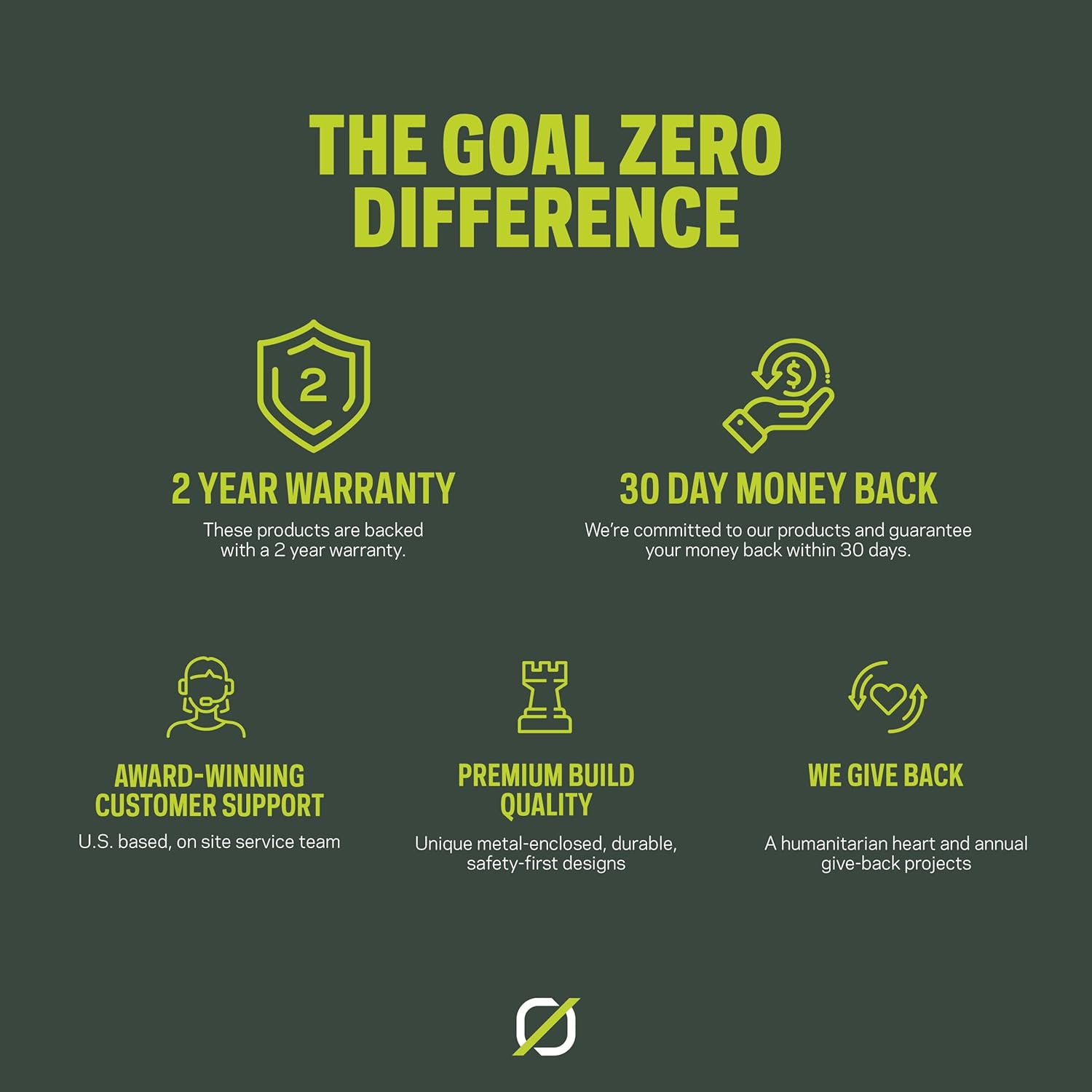
Image: An infographic highlighting Goal Zero's commitment to product quality and customer service, including a 2-year warranty and dedicated support.


