1. Bubuka
This manual provides instructions for the proper setup, operation, maintenance, and troubleshooting of your Onn ONA11HO089 Soft-Touch USB Keyboard. Please read this manual thoroughly before using the product to ensure optimal performance and longevity.
The Onn ONA11HO089 is a full-sized, black USB keyboard designed for comfortable and efficient typing across various compatible devices.
2. Setélan
Setting up your Onn ONA11HO089 keyboard is a simple plug-and-play process. No additional drivers are typically required for most operating systems.
- Buka bungkus kibor: Cabut keyboard sacara saksama tina bungkusanna.
- Locate a USB Port: Identify an available USB-A port on your computer, laptop, gaming console, or tablet.
- Sambungkeun kabel USB: Insert the USB connector of the keyboard cable into the chosen USB port.
- Pangenal Sistim: Sistem operasi anjeun kedahna sacara otomatis ngadeteksi sareng masang driver anu diperyogikeun pikeun kibor. Prosés ieu tiasa nyandak sababaraha waktos.
- Test the Keyboard: Open a text editor or any application that accepts text input and type to confirm the keyboard is functioning correctly.
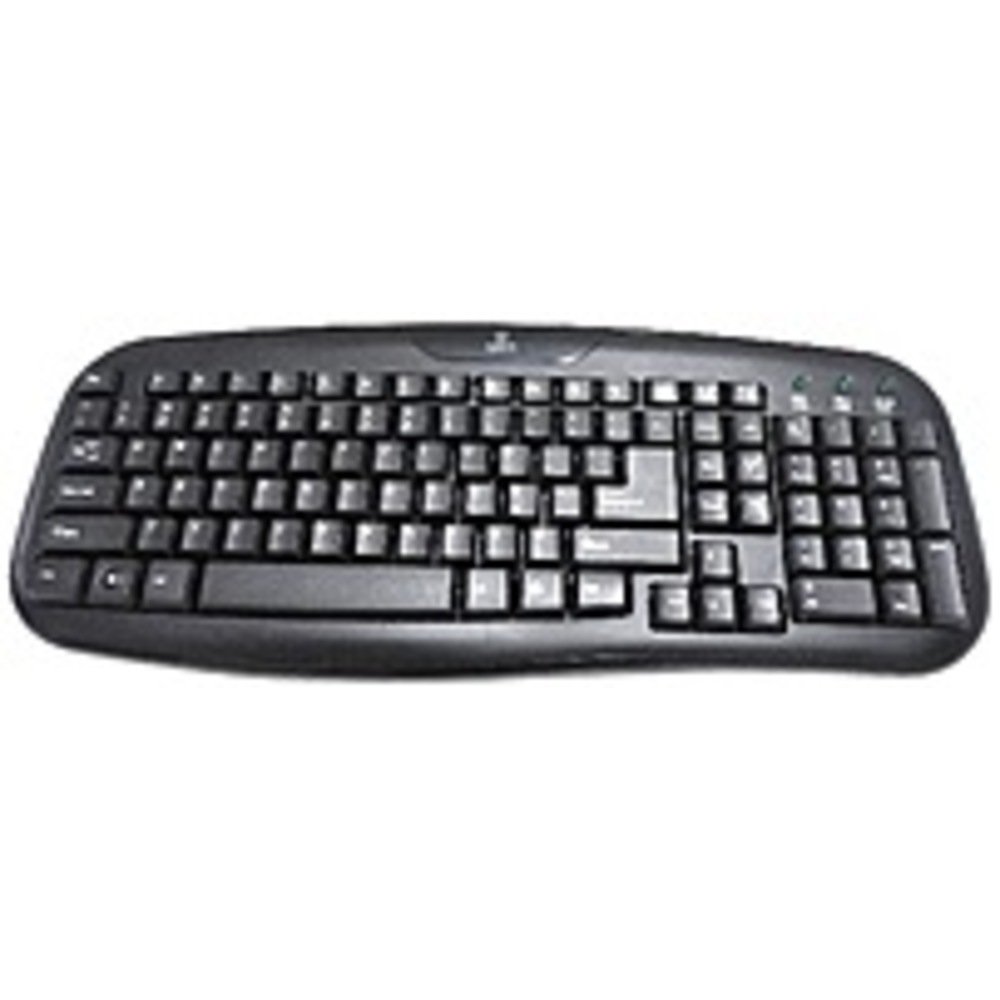
Figure 2.1: The Onn ONA11HO089 USB Keyboard. Connect the USB cable to an available port on your device.
3. Ngoperasikeun kibor
The Onn ONA11HO089 keyboard offers a standard layout for intuitive typing. Its soft-touch keys are designed for comfortable and responsive input.
- Ngetik dasar: Use the alphanumeric keys for standard text input. The keyboard features a full QWERTY layout, including a numeric keypad for data entry.
- Tombol Fungsi: The F1-F12 keys provide various functions, often used in combination with the Fn key on laptops, though this keyboard is a standalone unit and these keys typically perform their standard functions directly.
- Konci husus: Utilize keys like Ctrl, Alt, Pindah, jeung Windows/Command key for shortcuts and system commands.
- Soft-Touch Experience: The tactile switches provide a comfortable typing experience, reducing fatigue during extended use.
- Kasaluyuan: This keyboard is compatible with various devices including PCs, laptops, gaming consoles, and tablets that support USB keyboard input.
Figure 3.1: The key layout of the Onn ONA11HO089 keyboard, showing the standard QWERTY arrangement and numeric keypad.
4. Pangropéa
Proper maintenance can extend the life of your keyboard and ensure consistent performance.
- beberesih:
- Pegatkeun sambungan kibor tina alat Anjeun sateuacan beberesih.
- Make kaen nu lemes, teu aya lint rada dampdikumbah ku cai atanapi larutan pembersih anu hampang pikeun ngusap permukaan konci sarengasing.
- Pikeun lebu sareng lebu antara konci, paké hawa anu dikomprés.
- Hindarkeun nganggo bahan kimia anu kasar, pembersih abrasive, atanapi kalembaban anu kaleuleuwihan, sabab ieu tiasa ngaruksak keyboard.
- Keycap Wear: Over time and with heavy use, the lettering on the keycaps may show signs of wear. This is a common characteristic of printed keycaps. Gentle use and regular cleaning can help minimize this, but it is not indicative of a functional defect.
- Panyimpenan: Nalika henteu dianggo, simpen kibor di tempat anu bersih sareng garing, jauh tina suhu anu ekstrim sareng sinar panonpoé langsung.
5. Cara ngungkulan
If you encounter issues with your Onn ONA11HO089 keyboard, refer to the following common troubleshooting steps:
| Masalah | Mungkin Cukang lantaranana | Solusi |
|---|---|---|
| Keyboard teu ngabales. |
|
|
| Aya sababaraha konci anu teu tiasa dianggo. |
|
|
| Keyboard input is delayed or erratic. |
|
|
6. Spésifikasi
Below are the technical specifications for the Onn ONA11HO089 Soft-Touch USB Keyboard:
- model: ONA11HO089
- merek: Onn
- Téknologi konektipitas: USB
- Katerangan kibor: Érgonomis
- Jenis switch: Taktil
- warna: Hideung
- Sumber Daya: USB Powered
- Alat anu cocog: Konsol Kaulinan, Laptop, PC, Tablet
- Ukuran produk: 18 x 1.25 x 7 inci (kira-kira 45.7 x 3.2 x 17.8 cm)
- Beurat barang: 1.38 pon (kira-kira 0.63 kg)
- Titimangsa munggaran sadia: 5 Januari 2017
7. Garansi jeung Rojongan
For warranty information regarding your Onn ONA11HO089 Soft-Touch USB Keyboard, please refer to the documentation included with your purchase or visit the official Onn websitus. Sarat jeung kaayaan jaminan bisa rupa-rupa dumasar wewengkon sarta pangecér.
If you require technical support or have questions not covered in this manual, please contact Onn customer service through their official websitus atanapi inpormasi kontak anu disayogikeun sareng produk anjeun.


