Bubuka
Thank you for choosing the Brita Large 10-Cup Stream Water Filter Pitcher. This manual provides essential information for the proper setup, operation, and maintenance of your new water filtration system. Please read these instructions carefully before first use to ensure optimal performance and longevity of your pitcher.

Image: The Brita Large 10-Cup Stream Water Filter Pitcher in Lake Blue, showcasing its clear body and blue lid with an integrated filter.
Émbaran Kasalametan penting
- Do not use with hot water. The Brita filter is designed for cold tap water only.
- Entong dianggo sareng cai anu sacara mikrobiologis teu aman atanapi kualitasna teu dipikanyaho tanpa disinfeksi cekap sateuacan atanapi saatos sistem.
- Hand wash pitcher components. The pitcher is not dishwasher safe.
- Jauhkeun tina jangkauan barudak.
Komponén Kaasup
Your Brita Large 10-Cup Stream Water Filter Pitcher package includes:
- 1 Brita 10-Cup Pitcher (Model TU_31169)
- 1 Brita Stream Filter

Image: The Brita pitcher shown in its retail box, highlighting the "Filter-As-You-Pour" technology and 10-cup capacity.
Parentah Setup
Turutan léngkah ieu pikeun setelan awal:
- Ngumbah leungeun: Ensure your hands are clean before handling the filter.
- Nyiapkeun saringan: Remove the Brita Stream filter from its bag. Flush the filter with cold water for 15 seconds.
- Wash Pitcher: Hand wash the pitcher, lid, and filter cage with mild detergent and rinse thoroughly. Do not use abrasive cleaners.
- Selapkeun Filter: Insert the filter into the filter cage with the blue ring facing up. Press the filter into the cage until it clicks securely into place.
- Install Filter Cage: Install the filter cage onto the lid by twisting it until it locks.
- Siram awal: Fill the pitcher with tap water. Discard the first pitcher of filtered water to flush out the system. This water can be used for plants.
- Activate Electronic Indicator: Press and hold the "Reset" button on the lid for 2 seconds for a standard filter, or 6 seconds for an Elite filter, until the green light flashes. This activates the electronic filter replacement indicator.

Image: A visual quick start guide illustrating the steps to install the Brita Stream filter and prepare the pitcher for use.
Video: Official Brita video demonstrating how to set up the Brita Stream Pitcher, including filter installation.
Parentah Operasi
The Brita Stream pitcher features "Filter-As-You-Pour" technology, allowing for immediate access to filtered water.
- Pitcher Eusian: Open the easy-fill locking lid and fill the pitcher with cold tap water. Close the lid securely.
- Tuang cai: When ready to drink, simply pour water from the pitcher. The water will pass through the Brita Stream filter as it exits the pitcher, providing filtered water instantly.
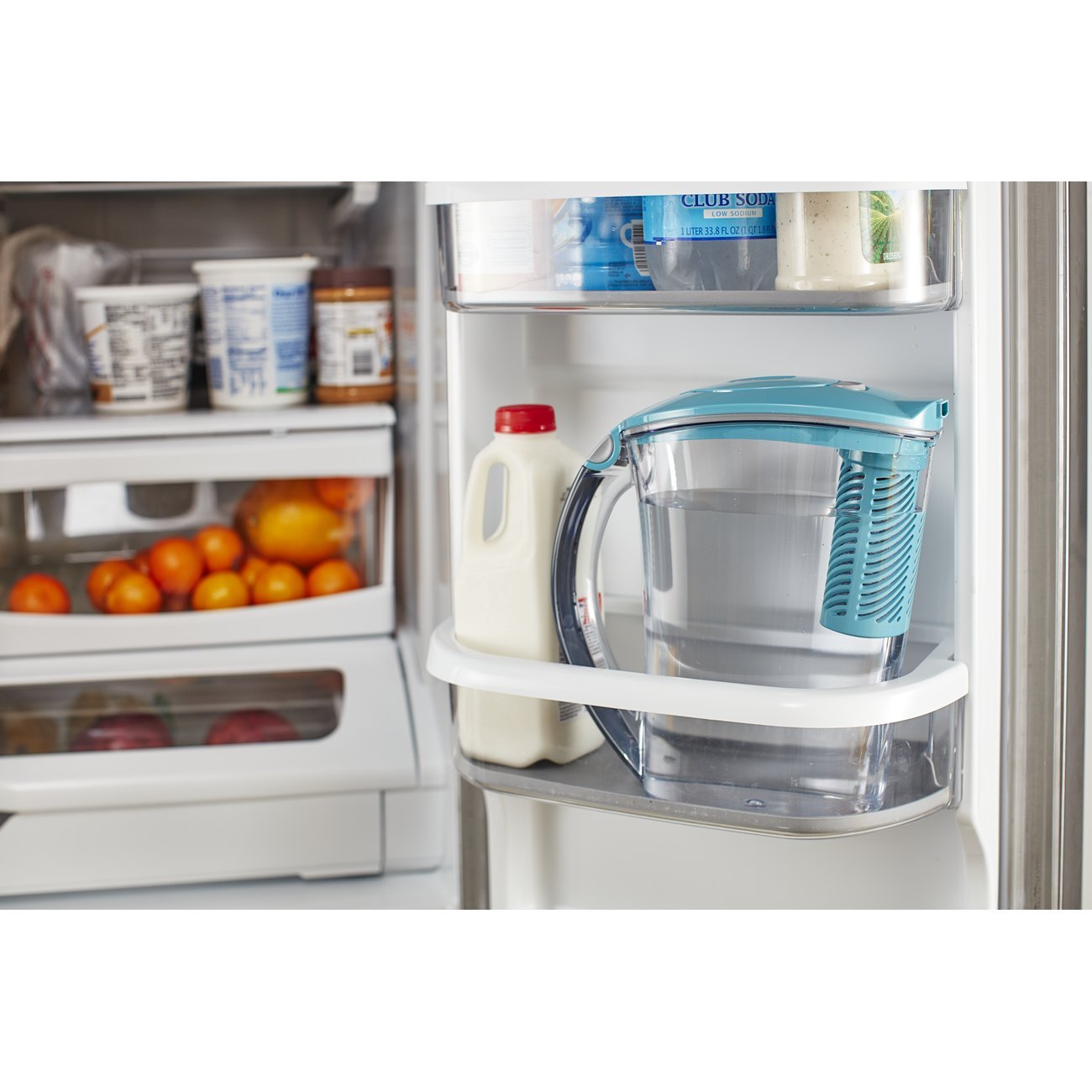
Image: A person pouring filtered water from the Brita pitcher into a glass, demonstrating the "Filter-As-You-Pour" feature.
Video: Official Brita video showcasing the Brita Stream Pitchers and their "Filter-As-You-Pour" functionality.
Pangropéa
Ngabersihan Kendi
- Hand wash all pitcher components (pitcher, lid, filter cage) with mild soap and water.
- Bilas sacara saksama pikeun ngaleungitkeun résidu sabun.
- Do not place the pitcher or lid in a dishwasher.
Ngagantian Filter
The Brita Stream filter should be replaced approximately every 40 gallons or every 2 months for the average household, whichever comes first.
- Indikator Monitor: The electronic filter replacement indicator on the lid will signal when it's time to change the filter. A green light indicates the filter is good, a yellow light suggests replacement soon (approx. 5 gallons remaining), and a red light means it's time to replace the filter immediately.
- Hapus Filter Old: Pinch the filter cage and lift the lid. Twist off the filter cage to remove it. Eject the old filter by pushing the bottom button.
- Pasang Filter Anyar: Follow steps 2-5 from the Parentah Setup to install and prepare a new Brita Stream filter.

Image: A detailed diagram illustrating the proprietary dual-layer filtration technology of the Brita Stream filter, which uses activated carbon to reduce chlorine and prevent black flecks.
Pamérésan masalah
| Masalah | Solusi |
|---|---|
| Water tastes or smells like chlorine. | The filter may need to be replaced. Check the electronic filter indicator. Ensure the filter is properly seated in the cage. |
| Water is not flowing through the filter. | Ensure the filter is correctly installed and not clogged. Replace the filter if it appears clogged or has reached its lifespan. |
| Electronic filter indicator is not working. | Press and hold the "Reset" button for the appropriate duration (2 or 6 seconds) to reactivate. If it still doesn't work, the battery may be depleted (non-replaceable). |
| Pitcher leaks when pouring. | Ensure the lid is securely locked onto the pitcher and the filter cage is properly twisted into the lid. |
spésifikasi
- Ngaran modél: Rapids
- Jumlah modél: TU_31169
- Kapasitas: 10 cangkir
- ukuran: 11.02 "L x 5.43" W x 16.38" H
- Beurat barang: 2.12 pon
- Bahan: BPA-Free Plastik
- Jenis saringan: Brita Stream Filter
- Saringan umur: Approximately 40 gallons or 2 months
- Fitur husus: Chlorine Reduction, Electronic Filter Indicator
- Sumber Daya: Battery Powered (for indicator)
Garansi sareng Rojongan
For warranty information, product registration, or customer support, please visit the official Brita website or contact Brita customer service. Refer to the product packaging for specific contact details and warranty terms.
Brita filters are designed to purify water. Do not use with water that is microbiologically unsafe or of unknown quality without adequate disinfection before or after the system. See certifications for specific claims. For more information on product usage, new products from Brita, and to locate a Brita retailer near you, please visit brita.com atanapi nelepon 1-800-24-BRITA.


