Bubuka
Thank you for choosing the Rapoo H100 Wired Stereo Headset. This manual provides detailed instructions for setting up, operating, and maintaining your headset to ensure optimal performance and longevity. The Rapoo H100 is designed for clear audio communication and comfortable wear, featuring smooth HD voice calls, microphone noise reduction, adjustable rotation, volume control, microphone mute, and a standard 3.5mm audio port.
Eusi pakét
Mangga parios eusi pakét pikeun mastikeun yén sadaya barang aya:
- Rapoo H100 Wired Stereo Headset
Produk Leuwihview
Familiarize yourself with the components of your Rapoo H100 headset for proper use and understanding.

Gambar 1: Sudut hareup view of the Rapoo H100 Wired Stereo Headset, showcasing the earcups, adjustable headband, and microphone arm.
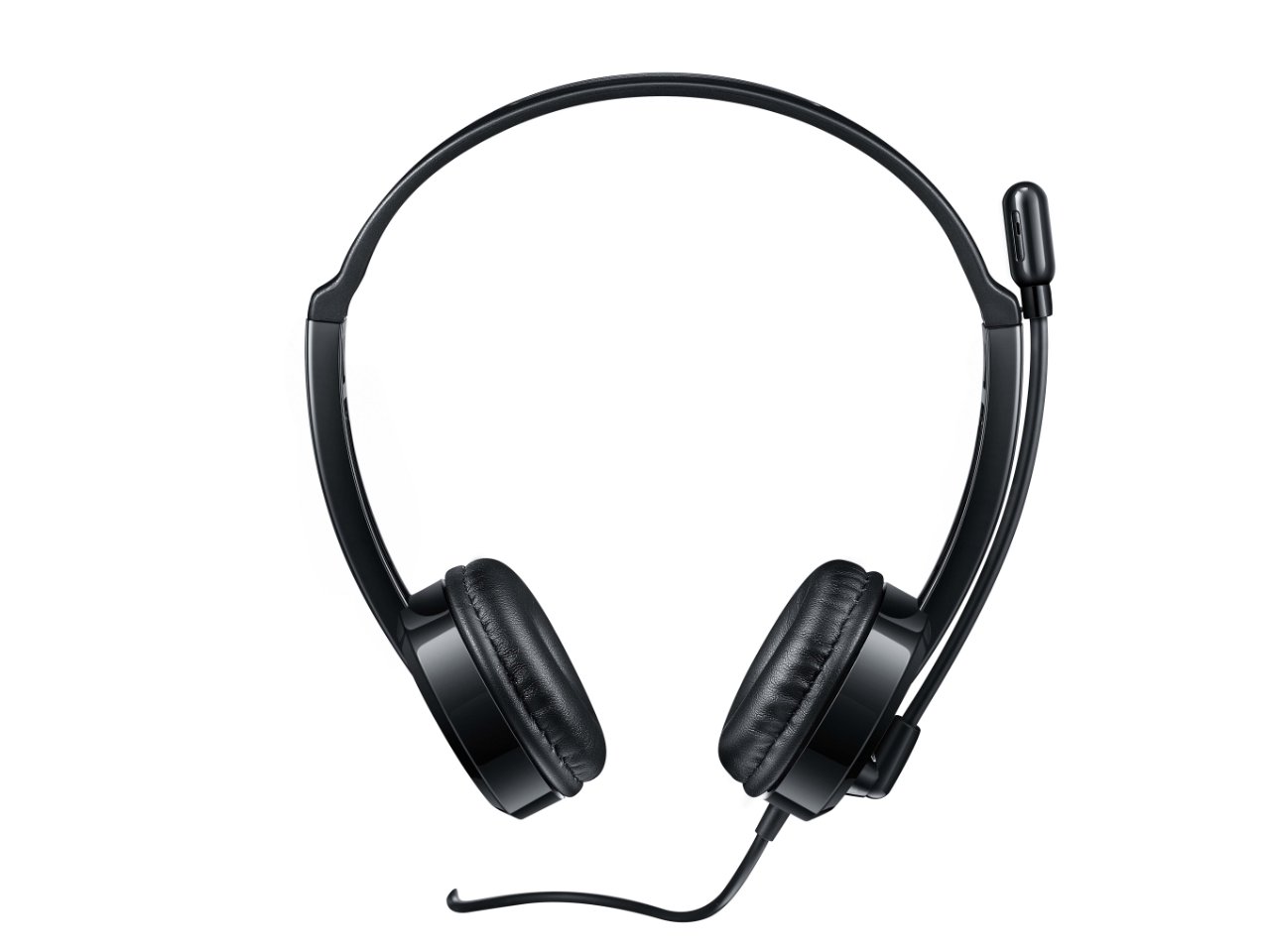
Gambar 2: Top-hareup view of the headset, providing a clear perspective of the headband's curvature and the design of both earcups.
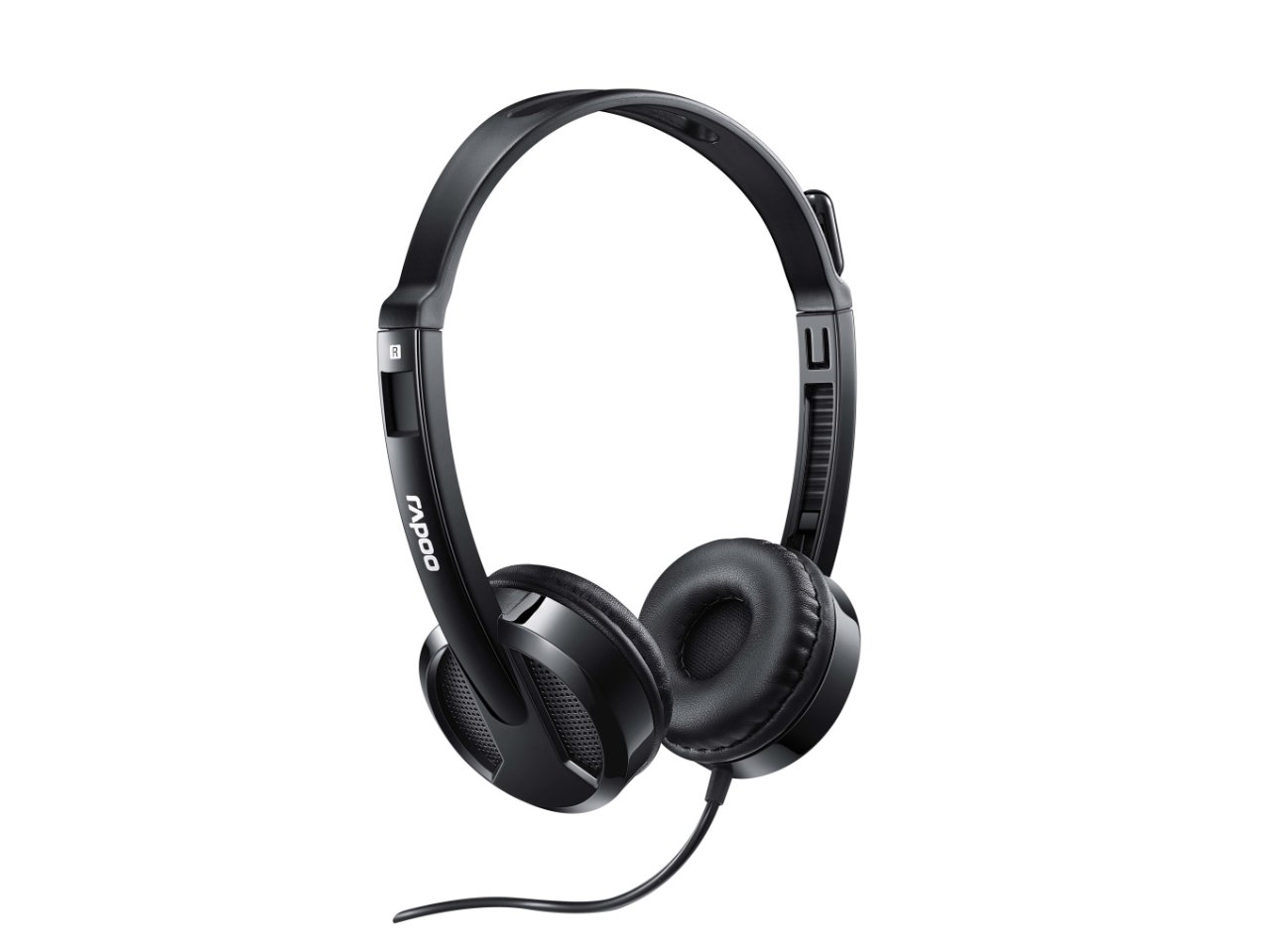
Gambar 3: Angled view from behind the headset, showing the connection point of the audio cable to the earcup.

Gambar 4: Pahareup-hareup view of the rotatable microphone arm, illustrating its design for optimal voice capture.

Gambar 5: Sisi profile view of the Rapoo H100 headset, showing the slim design and the headband adjustment mechanism.
Komponén konci:
- Headband adjustable: Ngidinan pikeun pas nyaman pikeun sagala rupa ukuran sirah.
- Earpads lemes: Dirancang pikeun kanyamanan nalika dianggo kanggo waktos anu lami.
- Rotatable Microphone: Can be adjusted for optimal voice pickup and rotated out of the way when not in use.
- In-line Control Unit: Contains the volume control wheel and microphone mute switch for easy access.
- 3.5mm Audio Jack: Standard connector for universal compatibility with devices.
Disetél
- Sambungkeun Headset: Insert the 3.5mm audio jack into the corresponding audio port on your computer, laptop, tablet, or smartphone. Ensure the connection is secure.
- Saluyukeun headband: Gently extend or retract the headband on both sides until the earcups rest comfortably over your ears.
- Posisi Mikropon: Rotate the microphone arm downwards and position the microphone approximately 2-3 cm (1 inch) from your mouth for clear voice pickup. The microphone is adjustable for optimal placement.
- Konpigurasikeun Setélan Audio (upami diperyogikeun): On your device, navigate to the sound settings and ensure the Rapoo H100 is selected as the default input (microphone) and output (speaker) device.
Parentah Operasi
- Kontrol volume: Use the in-line volume control wheel on the headset cable to adjust the listening volume. Rotate the wheel upwards to increase volume and downwards to decrease it.
- Mikropon bisu: Locate the mute switch on the in-line control. Slide the switch to mute or unmute the microphone. This is useful for privacy during calls or when you do not wish your voice to be transmitted.
- Nelepon: Once connected and configured, you can use the headset for voice calls through various communication applications (e.g., Skype, Zoom, Microsoft Teams) or for standard phone calls on compatible devices.
- Ngadangukeun Audio: The headset will output audio from your connected device, allowing you to listen to music, videos, or game audio.
Pangropéa
Proper maintenance will extend the life of your headset.
- beberesih: Anggo lawon anu garing sareng lemes pikeun ngusap earcup sareng ikat sirah. Pikeun kokotor nekad, a rada damp lawon bisa dipaké, tapi pastikeun euweuh Uap anu asup kana kisi-kisi spiker atawa mikropon. Ulah make bahan kimia anu kasar atawa pembersih anu abrasif.
- Panyimpenan: Upami teu dianggo, simpen headset di tempat anu bersih sareng garing, jauh tina sinar panonpoé langsung sareng suhu anu ekstrim. Hindarkeun kabelna kusut.
- Perawatan kabel: Do not pull the cable forcefully or wrap it too tightly around the headset. This can damage the internal wires.
Pamérésan masalah
If you encounter issues with your Rapoo H100 headset, refer to the following common problems and solutions:
| Masalah | Mungkin Cukang lantaranana | Solusi |
|---|---|---|
| Taya sora tina headset |
|
|
| Mikropon teu jalan |
|
|
| Kualitas sora goréng |
|
|
spésifikasi
| Fitur | Rincian |
|---|---|
| Ngaran modél | H100 |
| Téhnologi konektipitas | Dikabel |
| Komponén Kaasup | Headsét |
| Alat nu cocog | Tablets, Telephones, Laptops, Desktops |
| Tipe Kontrol | Volume Control |
| Item Beurat | 400 gram |
| Wangun Earpiece | Leuwih Ceuli |
| Produsén | Rapoo |
| Faktor Bentuk | Over Ear, On ear |
| Ukuran produk (L x W x H) | 1.8 x 18.6 x 11.6 cm |
| Headphone Jack | 3.5 mm Jack |
| Warna | Hideung |
Garansi sareng Rojongan
Kanggo inpormasi garansi sareng dukungan téknis, mangga tingal Rapoo resmi websitus atanapi ngahubungan layanan palanggan maranéhna. Simpen resi pameseran anjeun salaku bukti pameseran pikeun klaim garansi.
Pabrikan: Rapoo
Websitus: www.rapoo.com (Please note: This is a general placeholder. Refer to your product packaging or Rapoo's official documentation for the most accurate support contact information.)


