Bubuka
This manual provides important information regarding the safe operation, installation, and maintenance of your Arctic-Pro Mini Desk Oscillating Tower Fan. Please read this manual thoroughly before using the product and retain it for future reference.
The Arctic-Pro Mini Desk Oscillating Tower Fan is designed to provide personal cooling with its compact size and quiet operation. It features two speed settings and a 75-degree oscillation function for effective air circulation in small spaces such as offices, bedrooms, and cubicles.
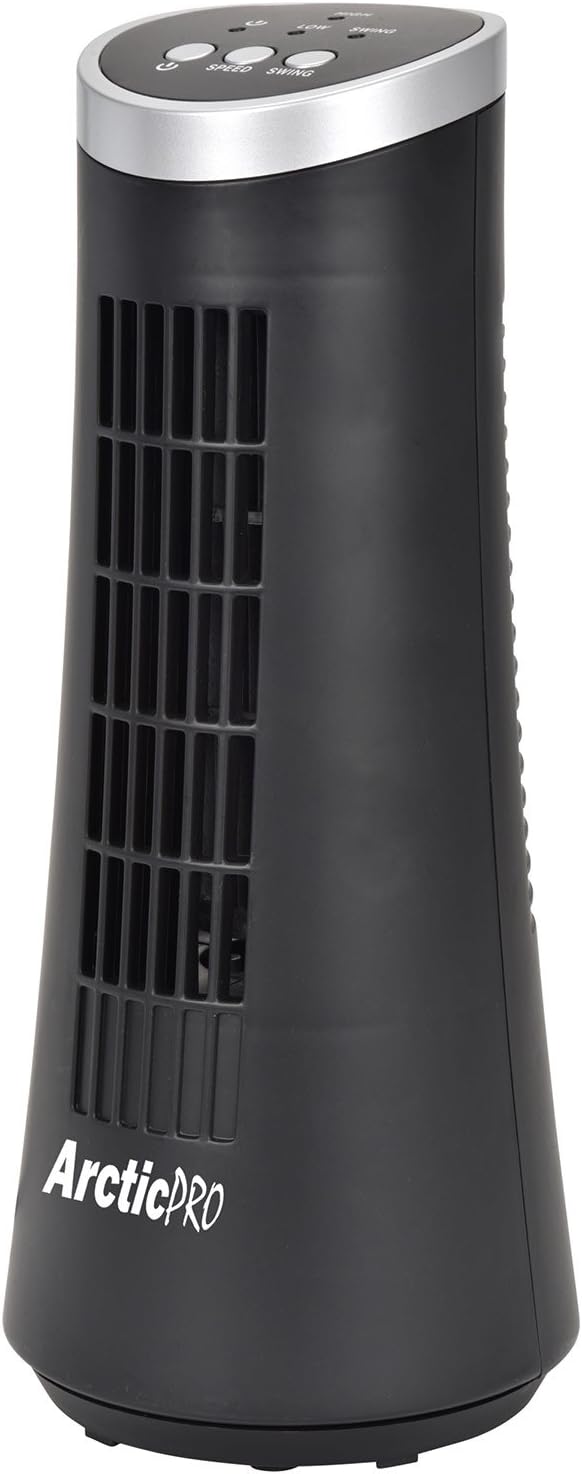
Figure 1: Arctic-Pro Mini Desk Oscillating Tower Fan, a compact black tower fan with a silver top panel.
Fitur produk jeung komponén
Familiarize yourself with the key features and components of your fan for optimal use.
- Operasi Tenang Bisi: Engineered to produce minimal operational noise, ensuring no distractions during work or sleep.
- Desain portabel sareng kompak: Features a convenient carrying handle for easy transport between rooms. Ideal for desks, nightstands, and small spaces. Dimensions: 5 x 12 inches.
- Dua Setélan Speed: Adjustable airflow from Low to High wind via electronic touch controls with LED indicators.
- Osilasi 75-Gelar: Provides wide-angle air distribution and circulation to cool your entire area effectively.
- Kontrol Toél Éléktronik: Intuitive controls located on the top panel for power, speed, and oscillation.

Gambar 2: Leuwihview of fan components, highlighting the user controls on top, the front grill, the handle on the back, and the oscillating base.
Disetél
The Arctic-Pro Mini Desk Oscillating Tower Fan requires no assembly. Simply remove it from its packaging and place it on a stable, flat surface.
- Unpack the fan carefully from its box.
- Place the fan on a firm, level surface, ensuring adequate space around it for air circulation and oscillation.
- Plug the power cord into a standard electrical outlet (AC 120V, 60Hz).
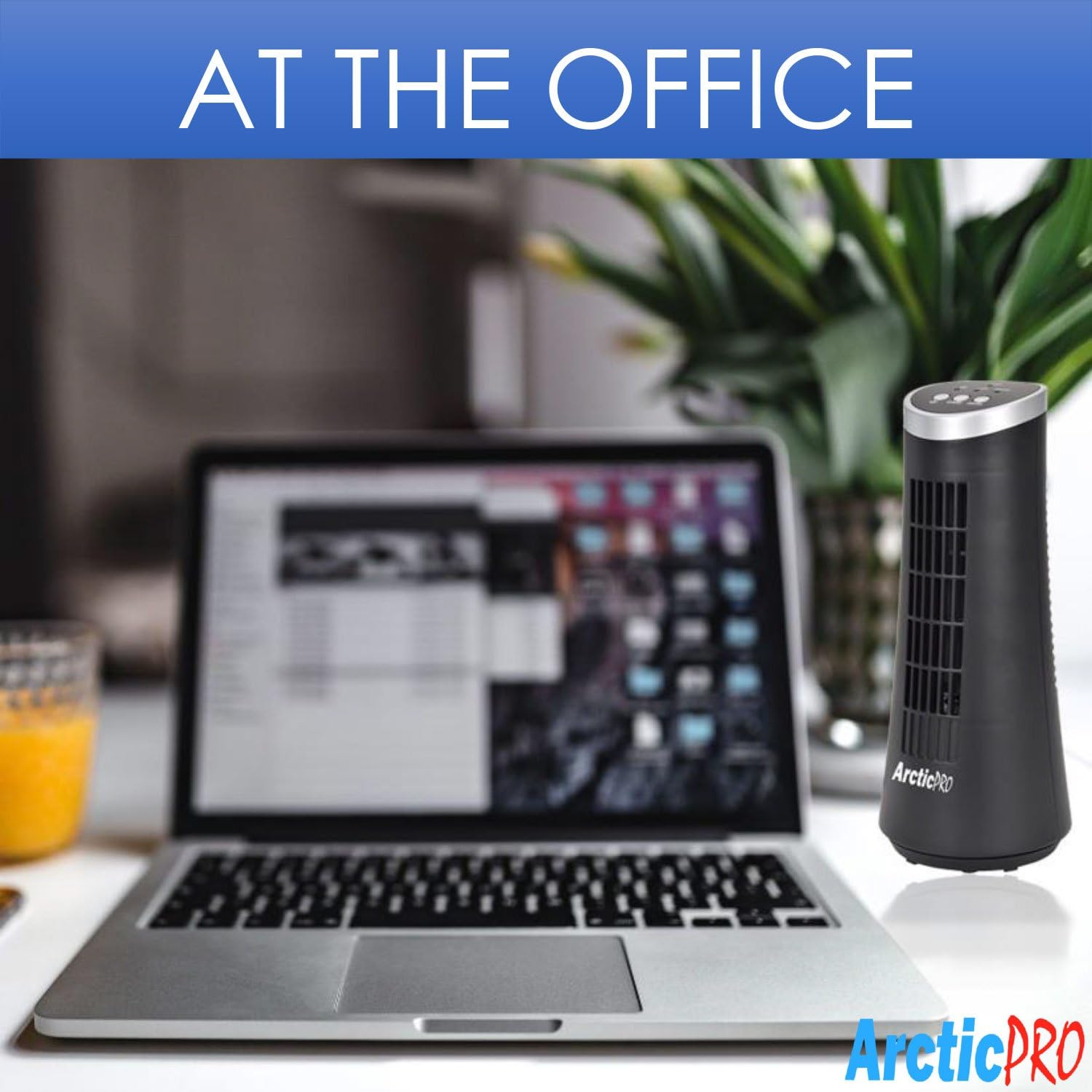
Figure 3: The product packaging, indicating the fan is ready to use out of the box.
Parentah Operasi
The fan is operated using the touch controls located on the top panel.

Gambar 4: Detil view of the fan's touch control panel, showing buttons for On/Off, Speed (Low/High), and Oscillation (Swing).
- Hurungkeun/Pareuman: Pencét éta Tombol daya to turn the fan on or off. An LED indicator will illuminate when the fan is on.
- Nyaluyukeun Speed: Pencét éta Tombol laju to cycle between Low and High speed settings. Corresponding LED indicators will show the selected speed.
- Kontrol osilasi: Pencét éta Tombol ayun to activate or deactivate the 75-degree oscillation function. When active, the fan will rotate from side to side to distribute air across a wider area.
Pangropéa sareng Perawatan
Beberesih rutin sareng perawatan anu leres bakal mastikeun umur panjang sareng operasi kipas anjeun anu efisien.
- beberesih:
- Sok cabut kipas tina stop kontak sateuacan beberesih.
- Ngagunakeun lemes, damp lawon pikeun ngusap surfaces exterior kipas. Ulah make cleaners abrasive atawa pangleyur.
- To clean the fan grill, use a vacuum cleaner with a brush attachment to remove dust and debris. Do not attempt to disassemble the fan for cleaning.
- Panyimpenan:
- If storing the fan for an extended period, clean it thoroughly and place it back in its original packaging or a suitable box.
- Store the fan in a cool, dry place, away from direct sunlight and extreme temperatures.
Note: Do not immerse the fan in water or allow water to drip into the motor housing.
Pamérésan masalah
Upami anjeun mendakan masalah sareng kipas anjeun, mangga tingal masalah sareng solusi umum ieu:
| Masalah | Mungkin Cukang lantaranana | Solusi |
|---|---|---|
| Kipas angin teu hurung. | Teu dicolokkeun; stop kontak teu jalan; kipas pareum. | Ensure the power cord is securely plugged into a working electrical outlet. Press the Power button. Test the outlet with another device. |
| Lemah atanapi henteu aya aliran hawa. | Fan speed set to low; air intake/output blocked; excessive dust buildup. | Increase the fan speed using the Speed button. Ensure nothing is obstructing the front grill or rear air intake. Clean the fan grill to remove dust. |
| Kipas teu osilasi. | Pungsi osilasi pareum. | Press the Swing button to activate the oscillation function. |
| Noise mahiwal salila operasi. | Fan not on a level surface; internal obstruction. | Place the fan on a stable, level surface. Unplug the fan and check for any visible obstructions in the grill. If the noise persists, discontinue use and contact customer support. |
spésifikasi
| Atribut | Rincian |
|---|---|
| merek | Arctic-Pro |
| Nomer modél | 21599 |
| Dimensi produk | 5 "D x 5" W x 12" H (12.7 cm D x 12.7 cm W x 30.48 cm H) |
| Warna | Hideung |
| Sumber Daya | Kabel Listrik |
| Métode kontrol | Toél |
| Fitur husus | Oscillating, Portable, Ultra-Quiet Operation |
| Item Beurat | 2.45 Pon (1.11 kg) |
| UPC | 815691021599 |

Figure 5: Dimensions of the fan, indicating a height of 12.5 inches (31.75 cm) and a base width of 5 inches (12.7 cm).
Émbaran Kasalametan penting
Mangga baca sareng turutan sadaya pitunjuk kaamanan pikeun nyegah cilaka atanapi karusakan.
- Entong nganggo kipas nganggo kabel atanapi colokan anu rusak. Piceun kipas atawa balik deui ka fasilitas layanan otorisasi pikeun ujian jeung / atawa perbaikan.
- Ulah ngajalankeun ari handapeun karpét. Ulah nutupan ari ku karpet lémparan, runners, atawa coverings sarupa. Ulah jalur tali handapeun parabot atawa parabot. Atur tali jauh ti wewengkon lalulintas sarta dimana eta moal tripped leuwih.
- To disconnect the fan, turn controls to OFF, then remove plug from outlet.
- Ulah nyelapkeun atawa ngantep ramo atawa barang asing asup kana liang ventilasi atawa knalpot sabab bisa nyababkeun sengatan listrik atawa kahuruan, atawa ngaruksak kipas.
- Ulah ngahalangan asupan hawa atanapi knalpot ku cara naon waé. Ulah dianggo dina permukaan anu lemes, sapertos ranjang, dimana liangna tiasa tersumbat.
- Kipas ieu henteu dimaksad pikeun dianggo dina baseuh atanapi damp lokasi.
- Salawasna simpen kipas dina permukaan anu stabil sareng datar nalika dioperasikeun pikeun nyegah tibalik.
- Pengawasan anu ketat diperyogikeun nalika alat naon waé dianggo ku atanapi caket barudak.
Rojongan Palanggan
For any questions, concerns, or assistance with your Arctic-Pro Mini Desk Oscillating Tower Fan, please contact your retailer or the manufacturer's customer service. While specific warranty details are not provided in this manual, the product is backed by a 30-day full money-back guarantee from the point of purchase, as per product information.
Please retain your purchase receipt as proof of purchase for any support inquiries.


