Bubuka
This manual provides detailed instructions for the installation, operation, and maintenance of your Utilitech 1.0-Sone 150-CFM White Bathroom Fan with integrated LED light. This ventilation fan is designed to provide efficient air movement and illumination in your bathroom, featuring an energy-efficient DC brushless motor and a dimmable LED light. Please read these instructions thoroughly before installation and use to ensure safe and optimal performance.
Émbaran Kasalametan penting
PERHATOSAN: Pikeun ngirangan résiko kahuruan, kejutan listrik, atanapi cilaka ka jalma, titénan ieu:
- Karya pamasangan sareng kabel listrik kedah dilakukeun ku jalma anu mumpuni saluyu sareng sadaya kodeu sareng standar anu berlaku, kalebet kode sareng standar konstruksi anu dipeunteun seuneu.
- Anggo unit ieu ngan ku cara anu dimaksud ku produsén. Upami Anjeun gaduh patarosan, kontak produsén.
- Sateuacan ngalayanan atanapi ngabersihkeun unit, pareuman listrik di panel jasa sareng konci jasa sambungan sambungan hartosna pikeun nyegah listrik tina hurung ngahaja. Nalika cara ngaleupaskeun jasa teu tiasa dikonci, aman kencengkeun alat peringatan anu menonjol, sapertos a tag, ka panel layanan.
- Entong nganggo kipas ieu sareng alat kontrol laju solid-state kecuali disatujuan khusus pikeun dianggo sareng modél ieu.
- This product is designed for general ventilating use only. Do not use to exhaust hazardous or explosive materials and vapors.
- Always wear safety glasses and gloves during installation and maintenance.
Eusi pakét
Pariksa yén sadaya komponén aya sateuacan ngamimitian pamasangan:
- Utilitech Bathroom Fan with Integrated LED Light
- 6-inch to 4-inch Duct Adapter
- Quick Connect Wire Nuts
- Installation Hardware (screws, etc., if applicable)

Image 1: The Utilitech bathroom fan unit, showing the main housing, LED light panel, and the attached duct connector.
Setup sareng Instalasi
This fan can be installed in both new construction (with attic access) and existing construction (without attic access). Professional installation is recommended for electrical wiring.
Léngkah-léngkah Pra-Pasang:
- Pegatkeun daya: Ensure power is turned off at the circuit breaker before starting any installation work.
- Pilihan lokasi: Choose a suitable ceiling location for the fan, ensuring adequate space for the housing and ductwork.
- Persiapan saluran: Prepare the ductwork. The fan is designed for 6-inch ducts, but a 6-inch to 4-inch duct adapter is included for compatibility with 4-inch systems.
Prosedur instalasi:
- Pasang Perumahan: Secure the fan housing to the ceiling joists using appropriate fasteners. Ensure the housing is level and firmly attached.
- Nyambungkeun Saluran: Connect the ventilation duct to the fan's duct connector. Use duct tape or clamps to ensure a secure and airtight seal. The fan includes a plastic duct connector and damper to prevent backdraft.
- Kawat listrik: Connect the electrical wiring to the fan using the provided quick connect wire nuts. Follow local electrical codes and the wiring diagram provided with the unit. Ensure proper grounding.
- Installing the Grille/Light Panel: Once the housing and wiring are complete, attach the integrated LED light panel/grille to the fan housing.
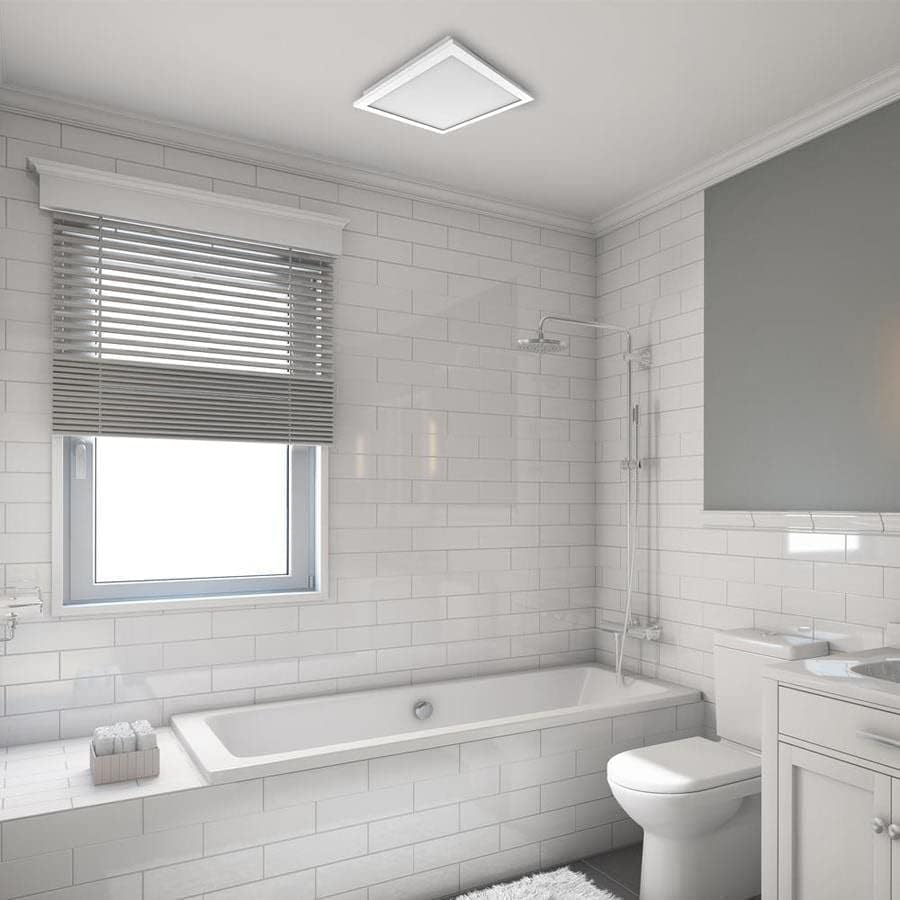
Gambar 2: Hiji example of the Utilitech bathroom fan with LED light installed flush in a white ceiling, providing both ventilation and illumination.
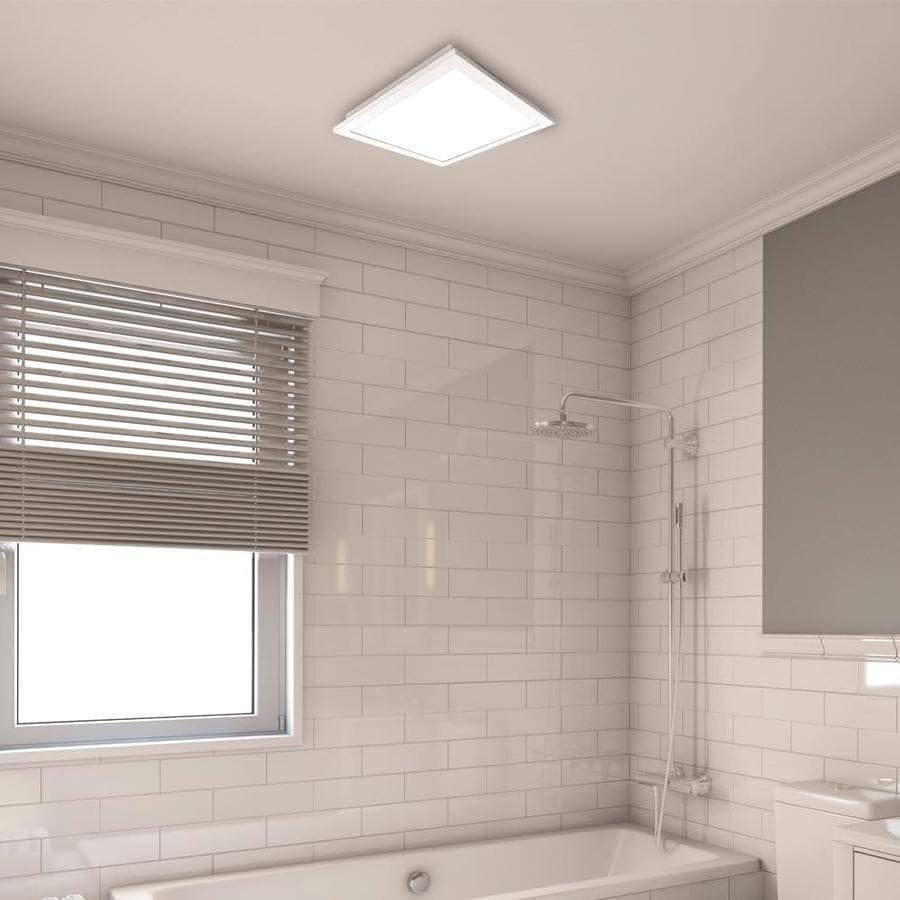
Gambar 3: A ngadeukeutan view of the installed fan's LED light panel, showing its sleek, white finish integrated into the ceiling.
Parentah Operasi
The Utilitech bathroom fan is designed for simple operation, providing effective ventilation and lighting for your bathroom.
- Hurungkeun/Pareuman: The fan and light are typically controlled by a standard wall switch. Flip the switch to turn the unit on or off.
- Ventilasi: The fan operates at a single speed, moving 150 cubic feet per minute (CFM) of air at a quiet 1.0 sone level.
- Lampu LED: The integrated 13-watt LED light provides room illumination. This light is dimmable, requiring a compatible dimmer switch (sold separately) for dimming functionality.
- Kontrol Aplikasi: This model supports app control. Refer to the manufacturer's website or included documentation for details on connecting and controlling the fan via a smartphone application, if applicable.
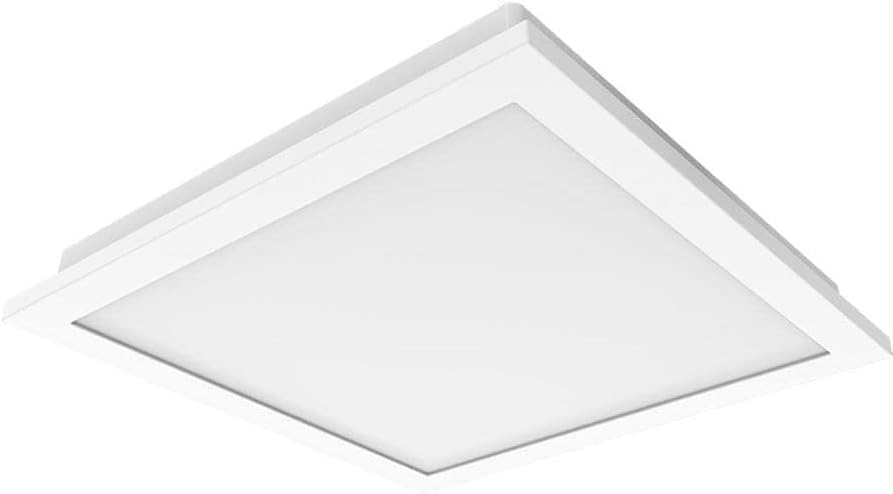
Gambar 4: A view of the fan's LED light panel from below, showcasing its clean, minimalist design.
Pangropéa
Regular maintenance ensures the longevity and efficient operation of your Utilitech bathroom fan. Always disconnect power at the circuit breaker before performing any maintenance.
Cleaning the Fan and Light Grille:
- Pareuman kakuatan ka kipas dina panel layanan.
- Carefully remove the LED light panel/grille from the fan housing.
- Wipe the grille and light panel with a soft, damp lawon. Ulah make cleaners abrasive atawa pangleyur.
- If necessary, use a vacuum cleaner with a brush attachment to remove dust from the fan blades and interior of the housing.
- Ngidinan sadaya bagian nepi ka garing lengkep saméméh reassembling.
- Reattach the LED light panel/grille and restore power.
The fan's DC brushless motor is designed for long-term operation, capable of running continuously for up to 70,000 hours, and the integrated LED light has a lifespan of up to 30,000 hours, minimizing the need for frequent internal maintenance.
Pamérésan masalah
If you experience issues with your Utilitech bathroom fan, refer to the following common problems and solutions. Always disconnect power before inspecting the unit.
| Masalah | Mungkin Cukang lantaranana | Solusi |
|---|---|---|
| Kipas angin teu beroperasi. | Henteu aya kakuatan pikeun unit. Sambungan kabel leupas. Saklar témbok lepat. | Pariksa circuit breaker jeung switch témbok. Verify all wire connections are secure (ensure power is off). Nguji atawa ngaganti switch témbok. |
| Lampu LED teu hurung. | Henteu aya kakuatan pikeun unit. Sambungan kabel leupas. Faulty LED driver/light panel. | Pariksa catu daya. Pariksa sambungan kabel. Contact customer support if the LED panel is faulty. |
| Kipas angin ribut pisan. | Pamasangan leupas. Halangan dina bilah kipas. Ductwork issues. | Pastikeun wadah kipas dipasang kalayan pageuh. Remove grille and check for debris. Inspect ductwork for kinks or blockages. |
| Gerakan hawa goréng. | Saluran diblokir. Bilah kipasna kotor. Improperly sized ducting. | Pariksa ductwork pikeun obstructions. Bersihkeun bilah kipas sareng grilna. Ensure ducting matches recommended size or use adapter correctly. |
If problems persist after attempting these solutions, contact a qualified electrician or the manufacturer's customer support.
spésifikasi
| Fitur | Rincian |
|---|---|
| merek | Utilitech |
| Ngaran modél | 7116-02 |
| Kapasitas Aliran Udara | 150 CFM (Suku Kubik Per Menit) |
| Tingkat Noise | 1.0 Sora |
| Tipe Lampu | LED Terpadu anu Tiasa Diredupkeun |
| LED Wattage | 13 Watt |
| LED Lifespan | Nepi ka 30,000 jam |
| Tipe Motor | DC Brushless |
| Motor Lifespan | Hingga 70,000 jam ngaji teras-terasan |
| Ukuran Saluran | 6-inch (includes 6-inch to 4-inch adapter) |
| Sumber Daya | AC |
| Tipe Pamasangan | Ceiling Mount (retrofit capable) |
| Métode kontrol | Wall Switch, App Control |
| Sertifikasi | UL Certified, HVI Listed, ENERGY STAR Compliant, Title 24 Compliant |
| Dimensi produk | 9.68 x 9.68 x 7.88 inci |
| Item Beurat | 14.22 pon |
Émbaran jaminan
Utilitech products are manufactured to high-quality standards and are warranted to be free from defects in materials and workmanship for a specified period from the date of purchase. For specific warranty terms and conditions, please refer to the warranty card included with your product or visit the official Utilitech websitus. Simpen resi pameseran anjeun salaku bukti pameseran pikeun klaim garansi.
Rojongan Palanggan
If you have any questions regarding the installation, operation, or maintenance of your Utilitech bathroom fan, please contact Utilitech customer support. You can typically find contact information, including phone numbers and email addresses, on the manufacturer's official websitus atawa dina dokuméntasi disadiakeun kalawan produk Anjeun.
Pikeun pitulung salajengna, mangga buka di Utilitech websitus.