1. Bubuka
Thank you for choosing the RCA RLDEDV4001 40-Inch 1080p Full HD LED TV with Built-In DVD Player. This manual provides essential information for the safe and efficient operation of your television. Please read these instructions thoroughly before using the product and retain them for future reference.
This television combines a high-definition display with an integrated DVD player, offering a versatile entertainment solution. It features multiple input options for connecting various external devices.
2. Émbaran Kasalametan penting
Perhatikeun pancegahan kaamanan di handap ieu pikeun nyegah karusakan sareng mastikeun operasi anu aman:
- Sumber Daya: Sambungkeun TV ngan kana catu daya anu ditangtukeun.
- Ventilasi: Pastikeun ventilasi nyukupan. Ulah meungpeuk bukaan ventilasi.
- Cai sareng Uap: Ulah ngalaan TV ka hujan atawa beueus. Ulah nempatkeun objék ngeusi cairan dina TV.
- beberesih: Cabut colokan TV sateuacan dibersihkeun. Anggo lawon anu lemes sareng garing.
- Palayanan: Entong nyobian ngalayanan produk ieu nyalira. Rujuk sadayana ngalayanan ka tanaga jasa anu mumpuni.
- panempatan: Teundeun TV dina permukaan datar anu stabil. Hindarkeun nempatkeunna dina sinar panonpoé langsung atanapi caket sumber panas.
3. Naon dina Box
Buka bungkus kotak sareng pastikeun sadaya barang aya:
- RCA RLDEDV4001 40-Inch LED TV with Built-In DVD Player
- Stand TV (2 buah)
- Kadali jauh
- Kabel listrik
- Manual pangguna (dokumén ieu)
- Screws pikeun Instalasi Stand
4. Setélan
4.1 Ngabongkar bungkusan
Remove the television and all accessories from the packaging. Retain the packaging materials for future transport or storage.
4.2 Pamasangan nangtung
Pikeun masang stand anu kalebet:
- Teundeun TV nyanghareupan handap dina permukaan lemes, beresih pikeun nyegah karuksakan layar.
- Sejajarkeun unggal potongan nangtung sareng slot anu cocog dina handapeun TV.
- Ngamankeun unggal sapotong nangtung ngagunakeun screws disadiakeun. Pastikeun aranjeunna tightened pageuh.

4.3 Nyambungkeun périferal
The RCA RLDEDV4001 offers various input ports for connecting external devices. Refer to the back panel image below for port locations.
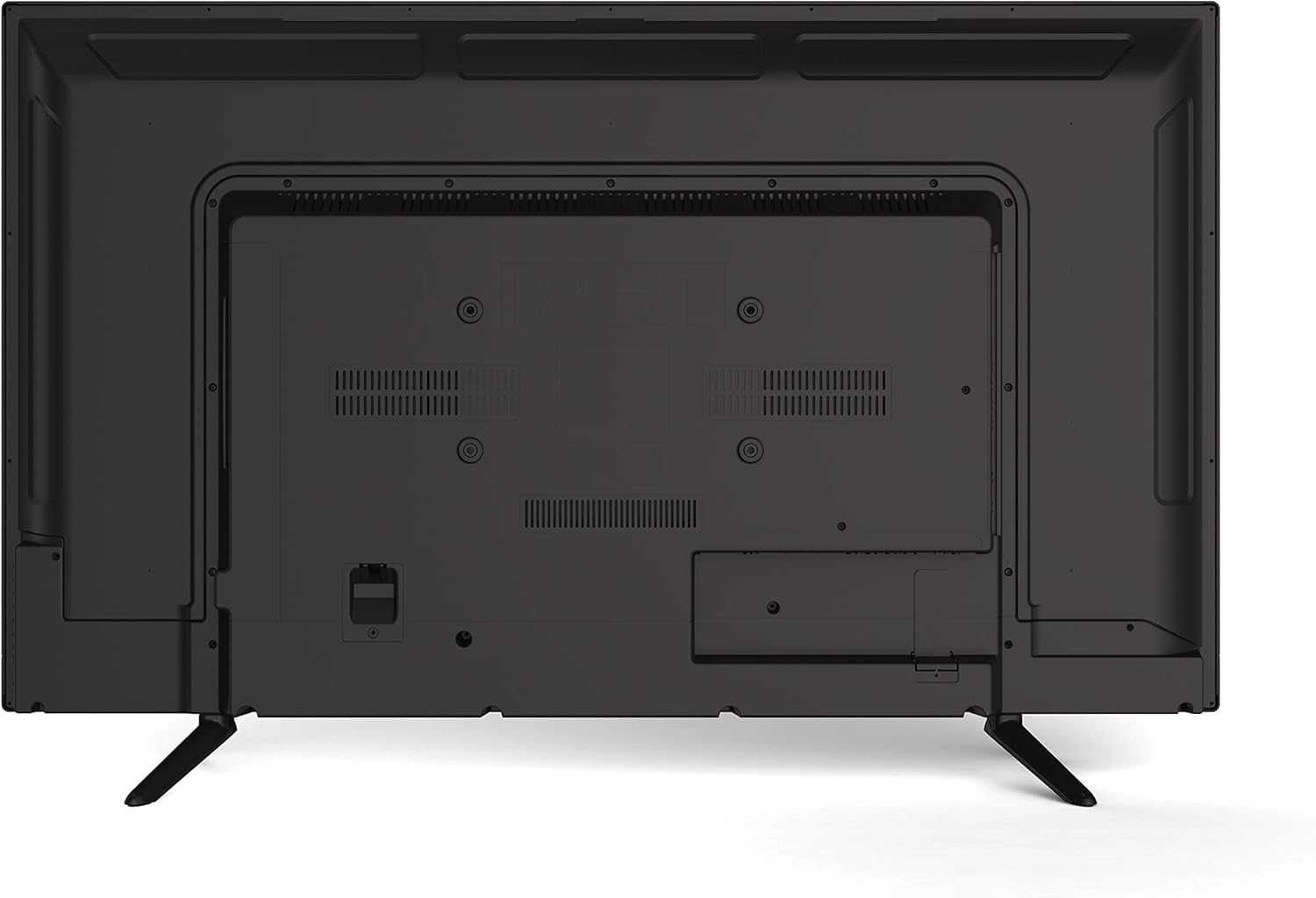
- HDMI (x3): Sambungkeun pamuter Blu-ray, konsol gim, kotak kabel/satelit, atanapi alat anu nganggo HDMI anu sanés.
- VGA: Sambungkeun komputer pikeun dianggo salaku monitor.
- RF (Antenna/Kabel): Sambungkeun anteneu pikeun siaran ngaliwatan hawa atawa sambungan TV kabel.
- YPBPR (Component Video): Connect devices using component video cables (red, green, blue) for video and separate audio cables (red, white).
- AV (Composite Video): Connect older devices using composite video (yellow) and stereo audio (red, white) cables.
- Audio PC: Input audio pikeun sambungan VGA.
- Headphone: Sambungkeun headphone pikeun ngupingkeun swasta.
4.4 Sambungan Daya
After connecting all desired peripherals, plug the power cord into the TV's power input, then plug the other end into a standard electrical outlet.
5. Parentah Operasi
5.1 Daya Hurung/Pareuman
Pencét éta POWER button on the remote control or on the TV's side panel to turn the TV on or off.
5.2 Pamilihan Input
Pencét éta INPUT or SUMBER button on the remote control to cycle through available input sources (TV, HDMI1, HDMI2, HDMI3, VGA, AV, YPBPR, DVD).
5.3 Channel Scan (TV Mode)
If using an antenna or cable connection, perform a channel scan:
- Switch the input to TV.
- Access the TV's menu using the MENU tombol dina remote.
- Arahkeun ka Saluran or Disetél bagian.
- Pilih Otomatis Scan or Program Otomatis to search for available channels.
5.4 Operasi Pamuter DVD
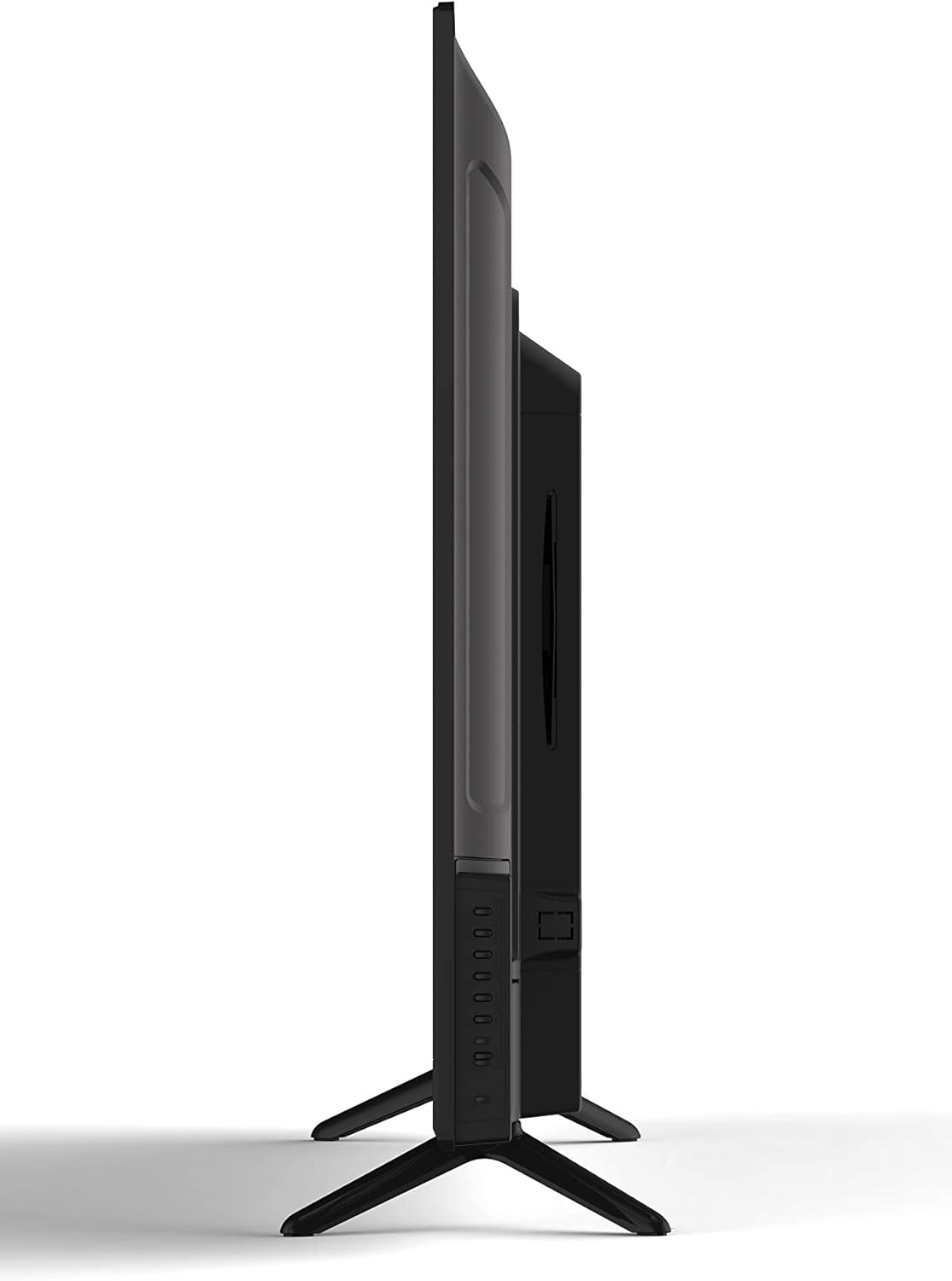
The integrated slot-loading DVD player supports standard DVD discs.
- Gently insert a DVD disc into the slot on the side of the TV, label side facing up. The TV will automatically switch to DVD input or prompt you to do so.
- Anggo tombol kontrol DVD dina remot (Play, Pause, Stop, Fast Forward, Rewind, Skip) pikeun ngatur pamuteran.
- Pikeun ngaluarkeun disk, pencét tombol EJECT tombol dina remot atawa panel sisi TV.
5.5 Gambar jeung Sora Setélan
Access the TV's menu to adjust picture (brightness, contrast, color, aspect ratio) and sound (volume, bass, treble, sound mode) settings to your preference.
5.6 Timer Saré
The sleep timer function allows you to set a specific time after which the TV will automatically turn off. Access this feature through the TV's main menu.
5.7 Multi-Language On-Screen Display (OSD)
The TV supports multiple languages for its on-screen display. You can change the OSD language in the TV's setup menu.
6. Pangropéa
6.1 Ngabersihan TV
Sok cabut TV samemeh beberesih.
- layar: Use a soft, lint-free cloth specifically designed for electronics screens. Do not use abrasive cleaners or solvents.
- Kabinet: Wipe the cabinet with a soft, dry cloth. If necessary, use a slightly damp lawon, tuluy geura usap nepi ka garing.
6.2 Panyimpenan
Upami nyimpen TV kanggo waktos anu lami, pegatkeun sambungan tina listrik, cabut batré tina remot, teras simpen di tempat anu tiis sareng garing, langkung saé dina bungkus aslina.
7. Cara ngungkulan
Before contacting support, try these common solutions:
| Masalah | Mungkin Cukang lantaranana / Solusi |
|---|---|
| Taya Daya | Ensure the power cord is securely plugged into the TV and the wall outlet. Check if the outlet is functional. |
| Taya Gambar, tapi Sora Aya Hadir | Pariksa heula sumber input anu leres. Pariksa sambungan kabel ka alat éksternal. |
| Taya Sora, tapi Gambar Aya | Pariksa tingkat polumeu sareng pastikeun TV teu dijempékeun. Pariksa sambungan kabel audio pikeun alat éksternal. |
| DVD Not Playing / Disc Error | Ensure the disc is inserted correctly (label side up). Clean the disc for smudges or scratches. Try a different disc. |
| Remote Control Teu Gawé | Replace the batteries (2 AAA required). Ensure there are no obstructions between the remote and the TV's sensor. |
8. Spésifikasi
| Fitur | Katerangan |
|---|---|
| Modél | RLDEDV4001 |
| Ukuran layar | 40 inci |
| Tipe tampilan | Full HD D-LED |
| Resolusi | 1920 x 1080 (1080p) |
| Rasio Aspék | 16:9 |
| Caang | 450 cd/m² |
| Babandingan Kontras | 1500:1 |
| Waktu Tanggapan | 8 ms |
| ViewSudut (H/V) | 178° / 178° |
| Tipe Tuner | ATSC / NTSC |
| Diwangun-di Player | Slot Loading DVD Player |
| Display Capabilities | 480i, 480p, 576i, 576p, 720i, 720p, 1080i, 1080p |
| Masukan HDMI | 3 |
| Input VGA | 1 |
| Masukan RF | 1 |
| YPBPR (Component) Input | 1 |
| AV (Composite) Input | 1 |
| Input Audio PC | 1 |
| Kaluaran headphone | 1 |
| Fitur husus | Sleep Timer, Programmable Channel Memory, Multi-Language OSD |
| Item Beurat | 19.1 pon |
| Batré Kadali Jauh | 2 x AAA (teu kaasup) |
9. Garansi jeung Rojongan
This product is sold as a Certified Refurbished item and typically comes with a minimum 90-day warranty provided by the seller. For specific warranty details, please refer to the documentation provided at the time of purchase or contact your retailer.
For technical assistance or customer support, please refer to the contact information provided by your retailer or the RCA brand's official support channels.


