1. Bubuka
Thank you for choosing the Rapoo M500 Silent Wireless Mouse. This manual provides detailed instructions on how to set up, operate, and maintain your mouse to ensure optimal performance and a seamless user experience.
1.1. Eusi Paket:
- Rapoo M500 Silent Wireless Mouse
- USB Receiver (disimpen di jero beurit)
- Batré AA (dipasang sateuacana)

The Rapoo M500 Silent Wireless Mouse, shown alongside its compact USB receiver. The mouse features an ergonomic design with a scroll wheel and multiple buttons.
2. Fitur konci
- Konéktivitas Multi-Mode: Seamlessly switch between Bluetooth 3.0, Bluetooth 4.0, and 2.4 GHz wireless via USB receiver. Connect up to three devices simultaneously.
- Adjustable High-Resolution Sensor: Equipped with an optical sensor offering adjustable DPI settings from 600 to 1600 DPI for precise and smooth cursor control.
- Desain Klik Silent: Enjoy a quiet working environment with specially designed silent click buttons, reducing click noise by up to 90%.
- Manjangkeun Umur Batré: Advanced energy-saving technology provides up to 12 months of battery life on two AA batteries.
- Ergonomic and Portable: Designed for right-handed users, offering comfortable grip and a compact, lightweight form factor for easy portability.
- Kasaluyuan lega: Compatible with Windows and Mac operating systems, and functions reliably on various surfaces.

This image illustrates the multi-device connection capability of the Rapoo M500 mouse, showing it wirelessly connected to a laptop via 2.4G, a tablet via Bluetooth 3.0/4.0, and a smartphone via Bluetooth 5.0, highlighting its versatility.

A close-up of a hand using the Rapoo M500 mouse, emphasizing its silent click feature with an accompanying graphic indicating a 90% reduction in click noise.

The Rapoo M500 mouse is shown being easily slipped into a jeans pocket, illustrating its compact and lightweight design, making it highly portable for users on the go.
3. Setup Guide
3.1. Pamasangan batré
The Rapoo M500 mouse comes with pre-installed AA batteries. If you need to replace them:
- Open the battery compartment cover located on the underside of the mouse.
- Pasangkeun dua batré AA, pastikeun polaritasna bener (+/-).
- Tutup panutup kompartemen batré.
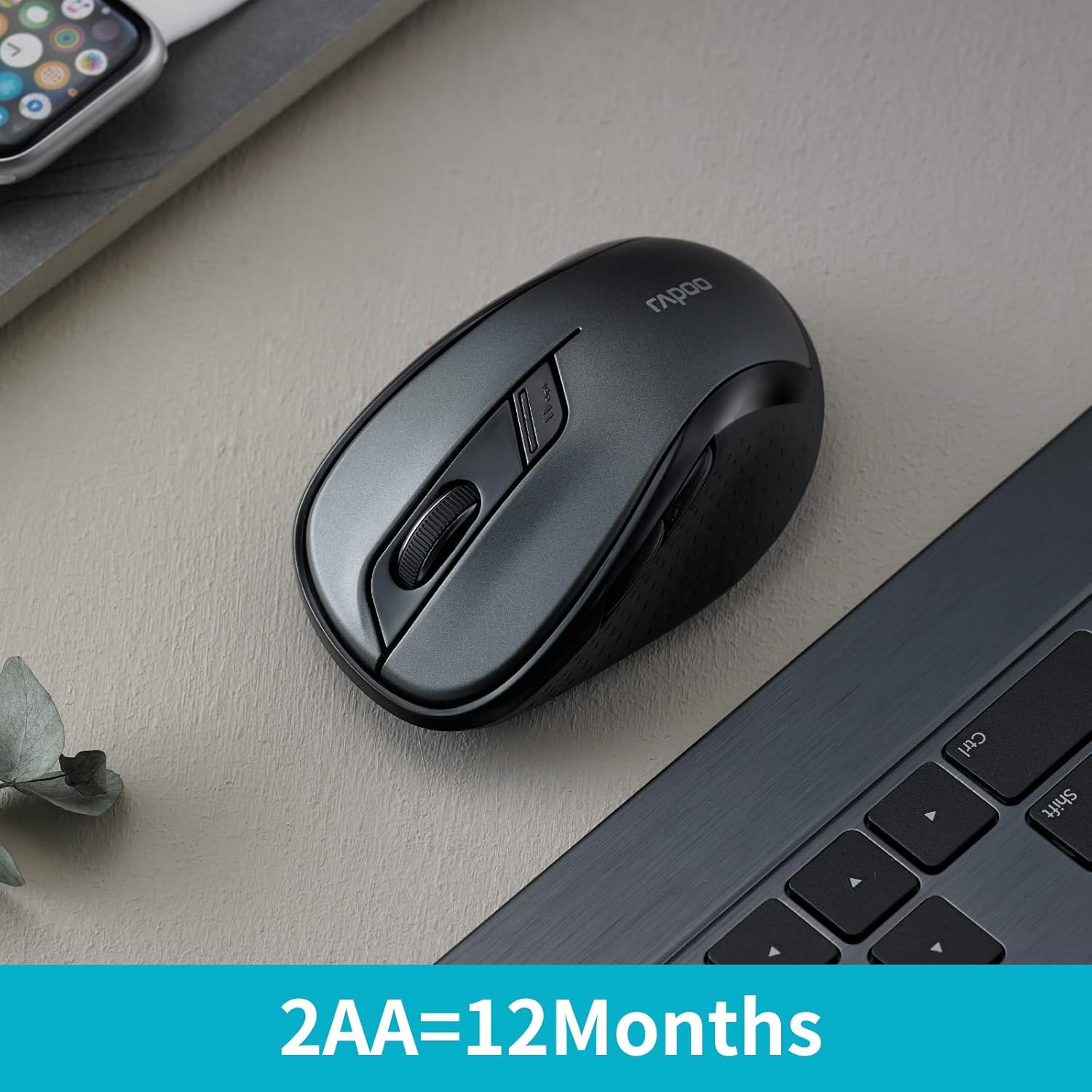
The Rapoo M500 mouse is displayed on a desk next to a laptop, with text highlighting its impressive battery life of 12 months powered by two AA batteries.
3.2. Connecting via 2.4 GHz Wireless (USB Receiver)
- Tangtukeun lokasi panarima USB nu disimpen dina kompartemen batré mouse.
- Colokkeun panarima USB ka port USB nu sadia dina komputer Anjeun.
- Hurungkeun beurit nganggo saklar daya di handapeun.
- Beurit kedah otomatis nyambung ka komputer anjeun.
3.3. Nyambungkeun via Bluetooth
The Rapoo M500 supports Bluetooth 3.0 and 4.0. You can pair it with up to two Bluetooth devices.
- Hurungkeun beurit nganggo saklar daya di handapeun.
- Press the device switching button (usually on the underside or top, refer to diagram in Specifications section) to select a Bluetooth channel (e.g., green blinking light for BT1, blue blinking light for BT2).
- Press and hold the device switching button for approximately 3 seconds until the indicator light starts blinking rapidly, indicating pairing mode.
- Dina komputer atawa alat Anjeun, buka setelan Bluetooth tur neangan alat anyar.
- Select "Rapoo M500" from the list of available devices to complete the pairing process.
4. Ngoperasikeun Mouse Anjeun
4.1. Device Switching
The Rapoo M500 allows you to switch between connected devices (one 2.4 GHz USB and two Bluetooth devices) by pressing the device switching button located on the underside of the mouse.
- Press once for 2.4 GHz mode (no blinking light).
- Press again for Bluetooth Device 1 (green blinking light).
- Press again for Bluetooth Device 2 (blue blinking light).
4.2. Adjustment DPI
The mouse features an adjustable DPI sensor, allowing you to change cursor speed and precision.
- Locate the DPI switch button, usually near the scroll wheel.
- Press the DPI button to cycle through available DPI settings (e.g., 600, 1000, 1300, 1600 DPI).
- The cursor speed will change accordingly.
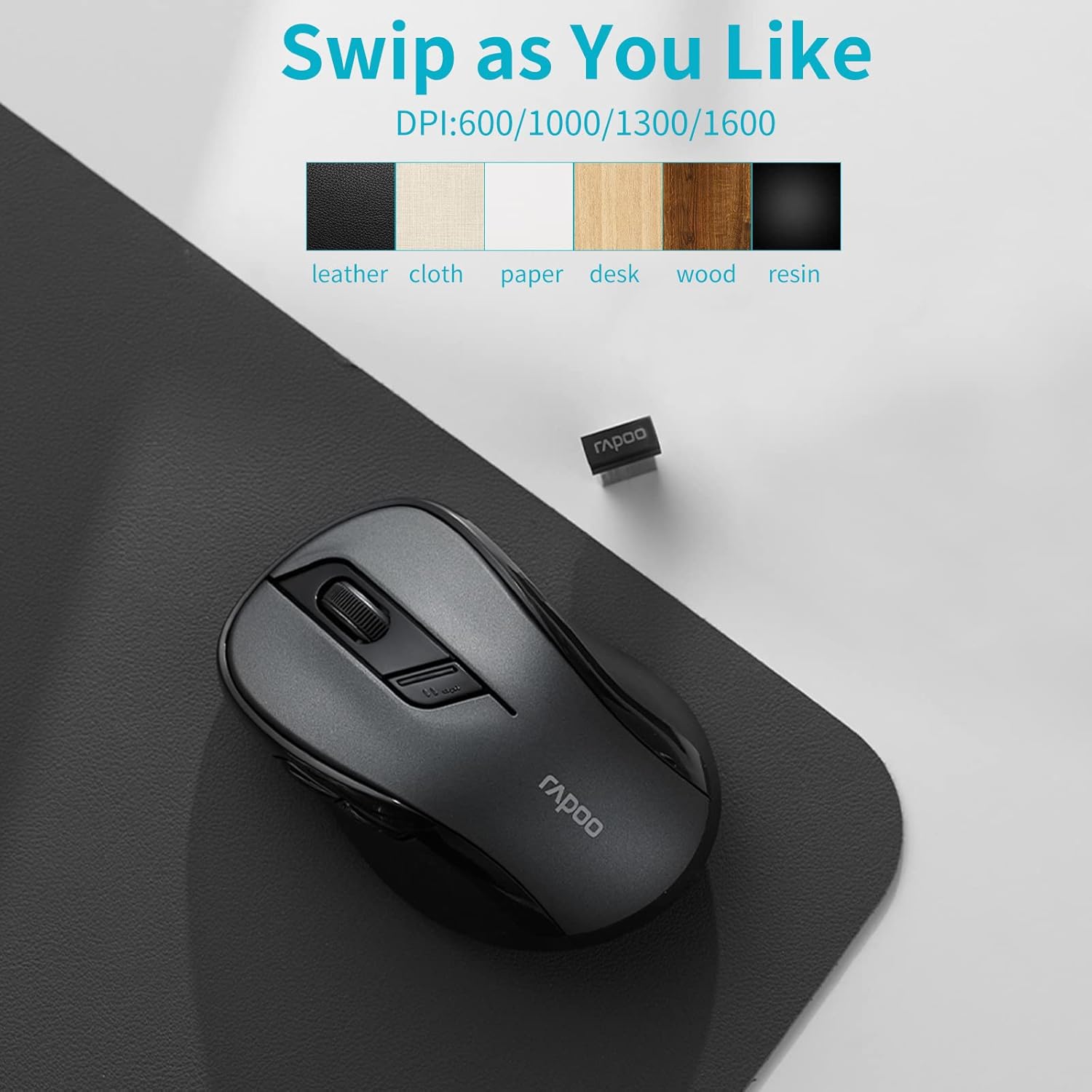
Rapoo M500 mouse on a mousepad, showing various DPI settings and compatible surfaces like leather, cloth, paper, desk, wood, and resin.
4.3. Programmable Buttons (Driver Customization)
For advanced customization, you can download the Rapoo driver software from the official Rapoo websitus. Parangkat lunak ieu ngamungkinkeun anjeun pikeun:
- Assign custom functions to mouse buttons.
- Adjust scroll speed and other settings.

A computer screen displays the Rapoo driver customization software, allowing users to personalize button functions, scroll settings, and other mouse behaviors for an optimized experience.
5. Pangropéa
5.1. Ngabersihkeun Beurit Anjeun
To ensure optimal performance and longevity, clean your mouse regularly:
- Make kaen nu lemes, teu aya lint rada dampdikumbah ku cai atawa solusi beberesih hampang.
- Usap beungeut beurit lalaunan.
- Hindarkeun ngagunakeun bahan kimia anu kasar atanapi bahan abrasive.
- Do not allow liquids to enter the mouse's interior.
5.2. Ngagantian batré
When the mouse's performance degrades or the indicator light signals low battery, replace the AA batteries as described in the "Battery Installation" section (3.1).
6. Cara ngungkulan
| Masalah | Solusi anu mungkin |
|---|---|
| Mouse not responding (2.4 GHz) |
|
| Mouse not connecting via Bluetooth |
|
| Gerakan kursor henteu teratur atanapi laun |
|
| Tombol teu jalan |
|
7. Spésifikasi produk
| Fitur | Rincian |
|---|---|
| merek | RAPOO |
| Ngaran modél | RP M500 BL |
| Téhnologi konektipitas | Bluetooth (3.0, 4.0), 2.4 GHz Wireless (USB) |
| Téhnologi Deteksi Gerakan | Optik |
| Sénsor DPI | Adjustable 600-1600 DPI |
| Jumlah Kancing | 7 |
| Orientasi leungeun | Right-Handed |
| Sumber Daya | Battery (2 x AA, included) |
| Rata Kahirupan Batré | Nepi ka 12 bulan |
| Alat nu cocog | Notebook, Personal Computer, Tablet |
| Sistem Operasi | Windows 10, Windows XP, Mac OS X 10.0 Cheetah, Chrome OS |
| Dimensi produk | 9.8 x 6.1 x 3.8 cm; 59 g |
| Warna | Hideung |

A detailed diagram of the Rapoo M500 mouse highlighting its key features with numbered callouts: 1. Silent Click, 2. Ergonomic design, 3. Bluetooth and USB receiver connectivity, 4. High precision tracking, 5. Forward/Back Buttons, and 6. 12 months battery life with two AA batteries.
8. Garansi jeung Rojongan
For warranty information and technical support, please refer to the official RAPOO websitus atanapi hubungi dealer lokal anjeun. Simpen resi pameseran anjeun kanggo klaim garansi.
Dukungan Online: Nganjang www.rapoo.com for drivers, FAQs, and support resources.


