1. Bubuka
The SIMOLIO SM-826D 2.4 GHz Wireless TV Headphones are designed to provide a clear and enhanced audio experience for television viewing. Utilizing 2.4 GHz FHSS technology, these headphones offer a stable, low-latency connection, making them ideal for enjoying TV programs without disturbing others. This manual provides detailed instructions for setting up, operating, and maintaining your SM-826D headphones.
2. Émbaran Kasalametan
- This wireless TV headphone system is not suitable for individuals with pacemakers. Consult a medical professional before use if you have a pacemaker.
- To ensure comfort and prevent ear fatigue, it is recommended to remove the headphones every 1 to 2 hours to allow your ears to rest.
- Before connecting, verify the audio output ports available on your television or audio source (Digital Optical/SPDIF, RCA, or 3.5mm Auxiliary).
- When using the optical audio output from your TV, ensure the TV's audio output format is set to PCM. Refer to your TV's manual for specific instructions.
- Connecting an external audio device may cause some TV internal speakers to mute. This is a standard feature of many televisions and not a malfunction of the headphones.
3. Eusi Paket
Mangga parios pakét pikeun mastikeun yén sadaya barang aya:
- SIMOLIO SM-826D Wireless Headphones
- 2.4 GHz Wireless Transmitter
- Kabel Audio optik
- Kabel Audio RCA
- Kabel Audio Auxiliary 3.5mm
- Kabel Ngecas USB

Image: SIMOLIO SM-826D Wireless TV Headphones, transmitter, and included audio cables (optical, RCA, 3.5mm AUX) for various connection options.
4. Parentah Setup
4.1 Nyambungkeun Pamancar ka TV Anjeun
The transmitter connects to your TV's audio output. Choose the appropriate cable based on your TV's available ports.
- Identify TV Audio Output: Check your TV for Digital Optical (SPDIF/Toslink), RCA (red and white), or 3.5mm Auxiliary (headphone jack) ports.
- Sambungkeun Kabel Audio:
- Sambungan optik: Use the optical cable to connect the TV's optical output to the transmitter's optical input. Ensure your TV's audio output format is set to PCM.
- Sambungan RCA: Use the RCA cable to connect the TV's RCA audio output (usually red and white ports) to the transmitter's RCA input.
- Sambungan AUX 3.5mm: Use the 3.5mm auxiliary cable to connect the TV's headphone jack or AUX output to the transmitter's 3.5mm input.
- Ngahurungkeun Pemancar: Connect the USB charging cable to the transmitter and plug the other end into a USB power source (e.g., TV USB port, USB wall adapter). The transmitter will power on.
4.2 Ngecas Headphone
Saméméh dipaké munggaran, eusian pinuh headphone.
- Sambungkeun kabel ngecas USB ka port ngecas dina headphone.
- Plug the other end of the USB cable into a compatible USB charger (e.g., the transmitter's USB port, a PC USB port, or a TV USB port).
- The charging indicator light on the headphones will show charging status. A full charge provides up to 10 hours of operation.

Image: The SIMOLIO SM-826D transmitter and headphones illustrating the wireless connection and extended range of up to 100 feet (30 meters).
5. Parentah Operasi
5.1 Powering On and Automatic Connection
- Ensure the transmitter is powered on and connected to your TV's audio output.
- Pencét jeung tahan tombol daya dina headphone pikeun ngahurungkeun aranjeunna.
- The headphones and transmitter will automatically connect. No manual pairing is required.
5.2 Nyaluyukeun Jilid sareng Nada
- Kontrol volume: Use the volume buttons located on the headphones to adjust the listening level to your preference.
- Pilihan nada: The headphones feature a TONE button (Treble / Normal / Bass) to optimize sound frequency. Select the setting that provides the clearest dialogue and most comfortable listening experience for you.
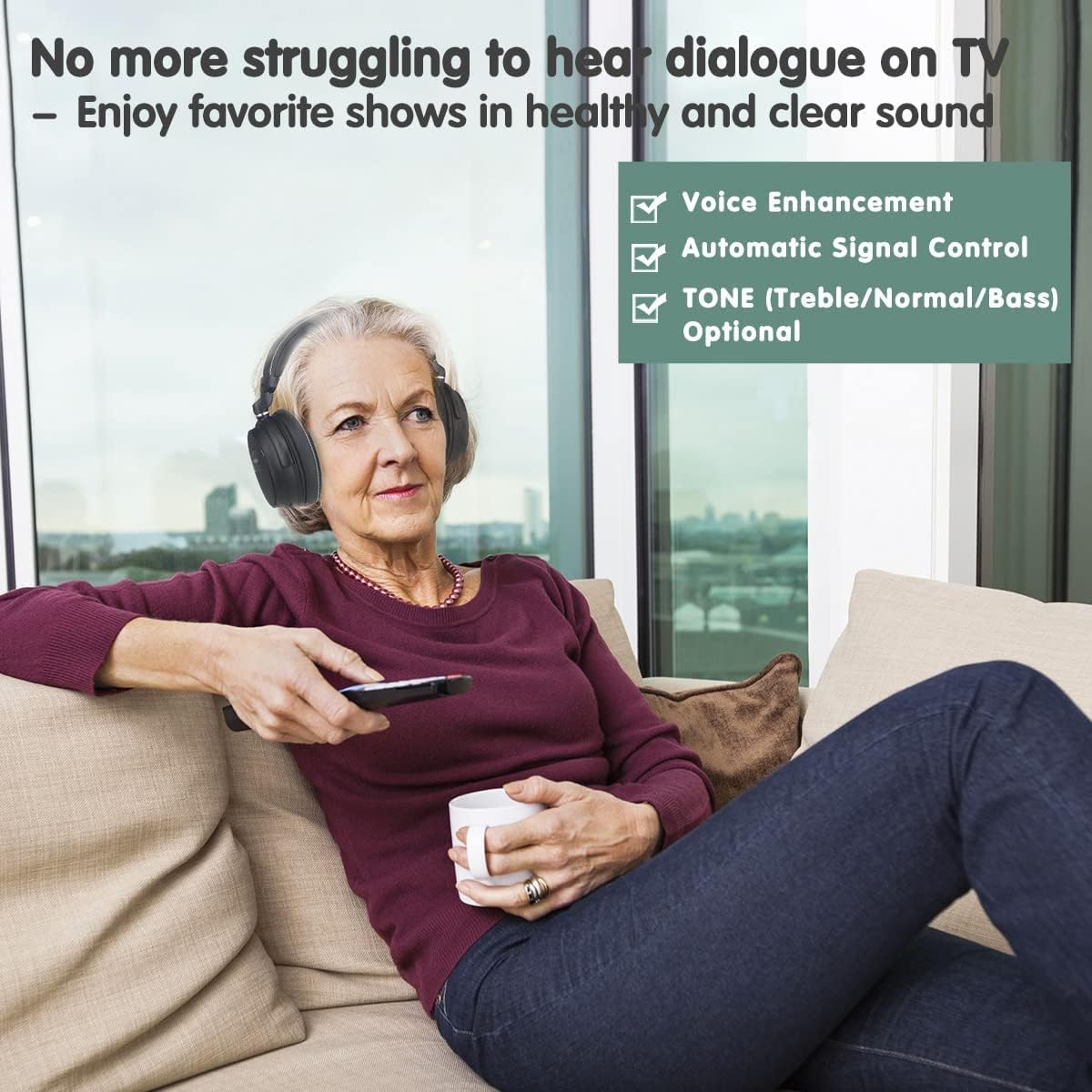
Image: A woman comfortably watching TV with SIMOLIO headphones, highlighting features like voice enhancement, automatic signal control, and optional tone adjustments for clear sound.
5.3 Audio Sharing Function
The SM-826D headphones include an audio sharing port, allowing another person to listen simultaneously using their own wired headphones.
- Locate the sharing port on the right side of the SIMOLIO headphones.
- Plug any standard wired headphone (with a 3.5mm jack) into this port.
- Both sets of headphones will now receive audio from the TV.
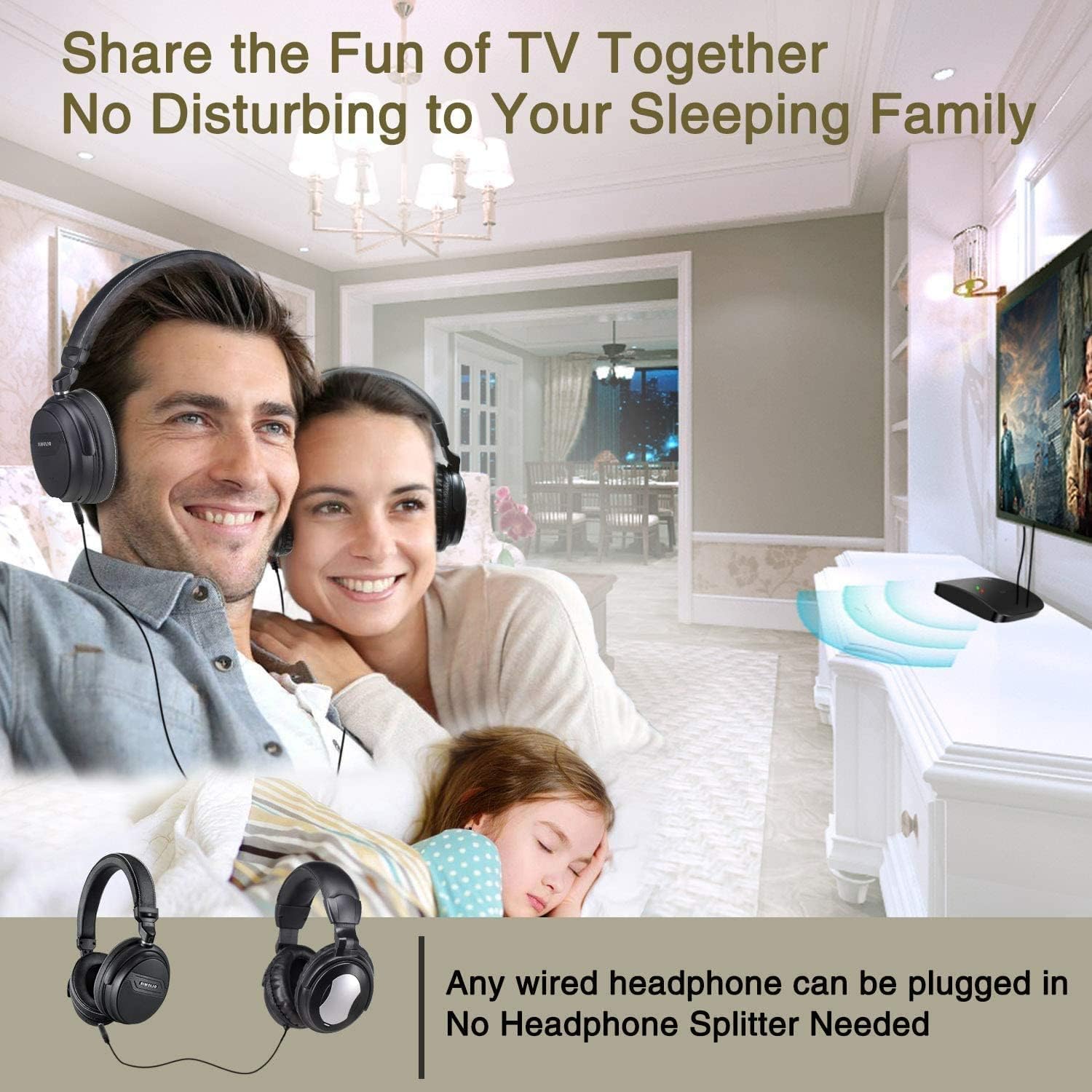
Image: A couple enjoying TV with SIMOLIO headphones while a child sleeps nearby, illustrating the audio sharing feature that allows multiple listeners without disturbing others.
5.4 Multiple Headphone Support
One SIMOLIO transmitter can support multiple SM-826D headphones simultaneously, allowing several users to listen to the same audio source.

Image: Three individuals watching television while wearing SIMOLIO headphones, demonstrating that a single transmitter can broadcast audio to multiple headphone units.
6. Pangropéa
6.1 beberesih
- Ngusap headphone sareng pamancar ku lawon anu lembut sareng garing.
- Ulah make cleaners cair atawa bahan abrasive.
6.2 Panyimpenan
- Store the headphones and transmitter in a cool, dry place away from direct sunlight and extreme temperatures.
- Ulah neundeun barang beurat dina headphone.
6.3 Perawatan Batré
- The headphones contain a rechargeable Lithium-polymer battery.
- Pikeun manjangkeun umur batre, ulah miceun batre pinuh.
- If storing for an extended period, charge the headphones to approximately 50% capacity every few months.

Gambar: A lengkep view of the SIMOLIO headphones, highlighting the adjustable headband, unbreakable metal ring, and noise-isolating memory foam earcups designed for comfort and durability.
7. Cara ngungkulan
If you encounter issues with your SIMOLIO SM-826D headphones, please refer to the following common solutions:
| Masalah | Mungkin Cukang lantaranana | Solusi |
|---|---|---|
| Teu aya sora tina headphone | Transmitter not powered on; Audio cable not connected properly; TV audio output settings incorrect; Headphones not powered on or out of range. | Ensure transmitter is powered and its indicator light is on. Check all audio cable connections. Verify TV audio output is active and set to PCM for optical connections. Turn on headphones and ensure they are within 100ft (30m) of the transmitter. |
| Sora téh robah warna atawa pegat-pegat | Interference from other 2.4 GHz devices; Headphones too far from transmitter; Low headphone battery. | Move the transmitter away from other wireless devices. Reduce the distance between headphones and transmitter. Recharge the headphone battery. |
| Headphone teu genah | Extended wear. | Remove headphones every 1-2 hours to rest your ears. Adjust the headband for a better fit. |
| TV speakers mute when headphones are connected | Ieu mangrupikeun fitur TV. | This is normal for some TV models. If you wish to have both TV speakers and headphones active, check your TV's audio settings for simultaneous output options. |
If the problem persists after trying these solutions, please contact SIMOLIO customer support for further assistance.
8. Spésifikasi
| Fitur | Rincian |
|---|---|
| Nomer modél | SM-826D |
| Téhnologi nirkabel | 2.4 GHz FHSS (Frékuénsi Hopping Spread Spéktrum) |
| Range nirkabel | Nepi ka 100 suku (30 méter) |
| Audio Inputs Supported | Digital Optical (Toslink/SPDIF), RCA, 3.5mm Auxiliary |
| Batré Headphone | 500mAh Lithium-polymer, Rechargeable |
| Kahirupan batré | Dugi ka 10 jam per muatan |
| Fitur husus | Voice Clarification, Noise Reduction, Automatic Signal Control, TONE Selection (Treble/Normal/Bass), Audio Sharing Port |
| Bahan | Kulit Imitasi (tutup ceuli) |
| Faktor Bentuk | Luhureun Ceuli (Sirkum-Aural) |
| Warna | Hideung |
9. Garansi jeung Rojongan
For warranty information or technical support, please contact SIMOLIO customer service. Details can typically be found on the product packaging or the official SIMOLIO website. When contacting support, please have your product model number (SM-826D) and purchase information ready.


