1. Bubuka
Thank you for choosing the ANCwear Portable Bluetooth Speaker. This manual provides essential information for setting up, operating, and maintaining your speaker. Please read it thoroughly before use to ensure proper functionality and longevity of your device.
The ANCwear TWS-BT208T is a versatile, compact, and waterproof Bluetooth speaker designed for various activities, offering clear sound and hands-free calling capabilities.
2. Naon dina Box
Saatos ngabongkar bungkusan, pastikeun sadaya barang di handap ieu aya:
- Speaker x1
- Detachable Wearable Wristband x1
- Detachable Clip x1
- Detachable Clip with Hanger x1
- Type-C Recharge Cord x1

Image: All components included in the ANCwear Portable Bluetooth Speaker package.
3. Fitur Produk
- Kompak & Portabel: Weighing only 50g, designed for easy portability and single-hand operation.
- Pilihan ngagem serbaguna: Can be worn on the wrist, clipped to clothing, or hung from a pocket.
- Audio ditingkatkeun: Built-in professional audio chip produces 3W HD sound with enhanced bass.
- Bluetooth 5.3: Ensures stable and ultra-fast connection with all Bluetooth-enabled devices.
- Mikropon internal: Allows for convenient hands-free calls with one-tap answering.
- Hirup batré anu panjang: Up to 9.5 hours of playtime (at 1/3 max volume) and 18 hours standby time. Fully recharges in 1.5 hours.
- IPX6 waterproof: Fully sealed design provides resistance to rain, sweat, and dust, making it suitable for outdoor and shower use.
- White Noise Player: Features a built-in white noise player with 17 natural sounds and a 30-minute auto playback function for relaxation.
4. Setup jeung Ngecas
4.1 Muatan Awal
Before first use, fully charge your speaker. Connect the provided Type-C USB cable to the charging port on the speaker and the other end to a USB power source (e.g., computer, wall adapter). The charging indicator light will show the charging status.
Ngeusi batre pinuh butuh kurang leuwih 1.5 jam.
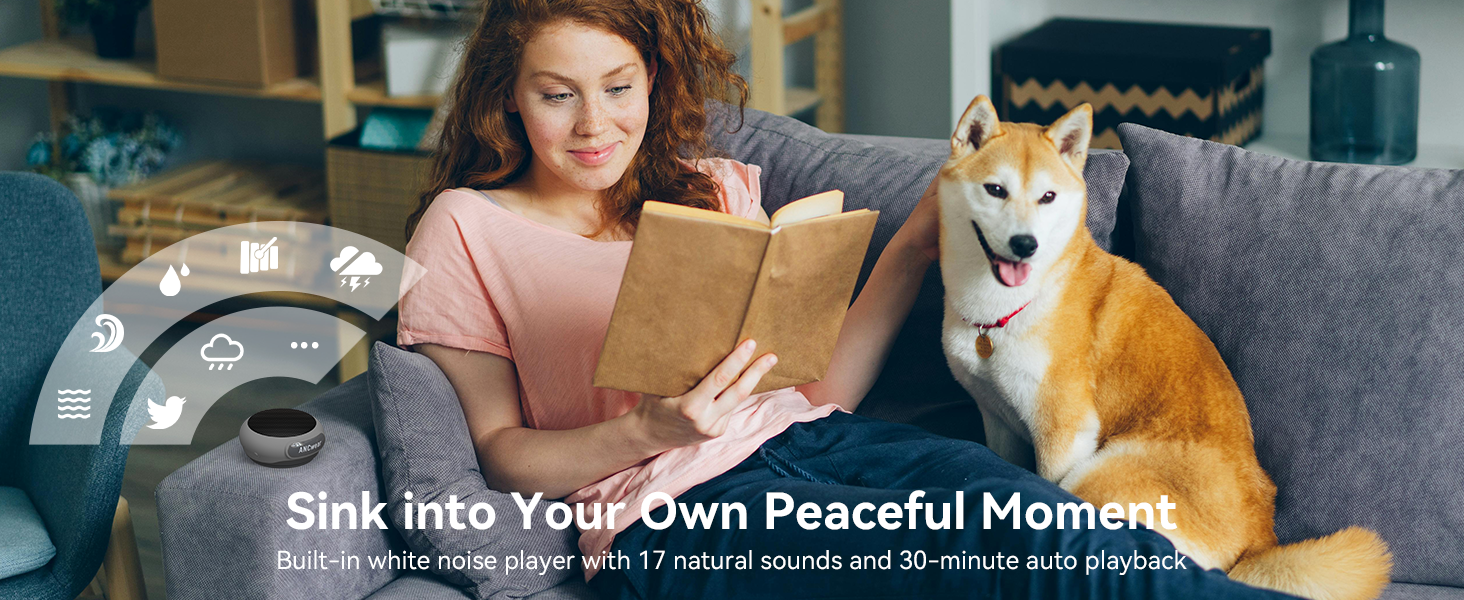
Image: Speaker charging port and dimensions.
4.2 Daya Hurung/Pareuman
- Pikeun Ngahurungkeun: Long press the 'O' button until the indicator light flashes.
- Pikeun mareuman: Long press the 'O' button again until the indicator light turns off.
Video: Demonstrates how to power on/off and use the ANCwear Portable Bluetooth Speaker.
5. Parentah Operasi
5.1 Nyapasangkeun Bluetooth
- Ensure the speaker is powered on and the indicator light is flashing, indicating it's in pairing mode.
- Dina alat anjeun (smartphone, tablet, jsb.), aktipkeun Bluetooth sareng milarian alat anu sayogi.
- Select "ANCwear" from the list of devices to connect.
- Once connected, the speaker will emit a confirmation tone, and the indicator light will remain solid.
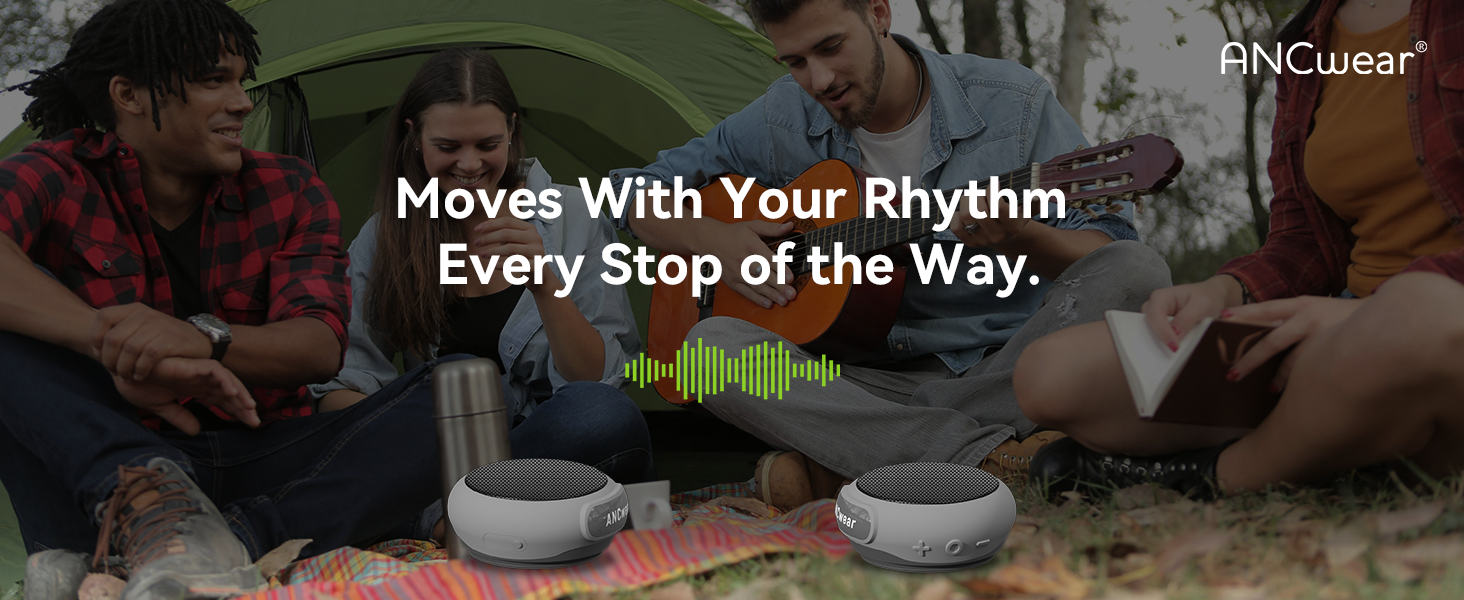
Image: Bluetooth 5.3 seamless pairing with various devices.
5.2 Leres Wireless Stereo (TWS) papasangan
To enjoy enhanced stereo sound, you can pair two ANCwear TWS-BT208T speakers together:
- Pastikeun duanana speaker dipareuman.
- Simultaneously long press the 'O' button on both speakers to power them on.
- The speakers will automatically enter TWS pairing mode and connect to each other. A confirmation tone will sound once paired.
- Once TWS paired, connect your device to one of the speakers via Bluetooth as described in Section 5.1. Both speakers will then play audio in stereo.
Video: Instructions on how to use the TWS function for stereo sound.
5.3 Nyusun sareng Ngajawab Telepon
With the built-in microphone, you can manage calls directly from your speaker:
- Ngajawab / mungkas Telepon: Press the 'O' button once.
- Nolak Telepon Masuk: Long press the 'O' button.
- Telepon deui Nomer Panungtungan: Double press the 'O' button.
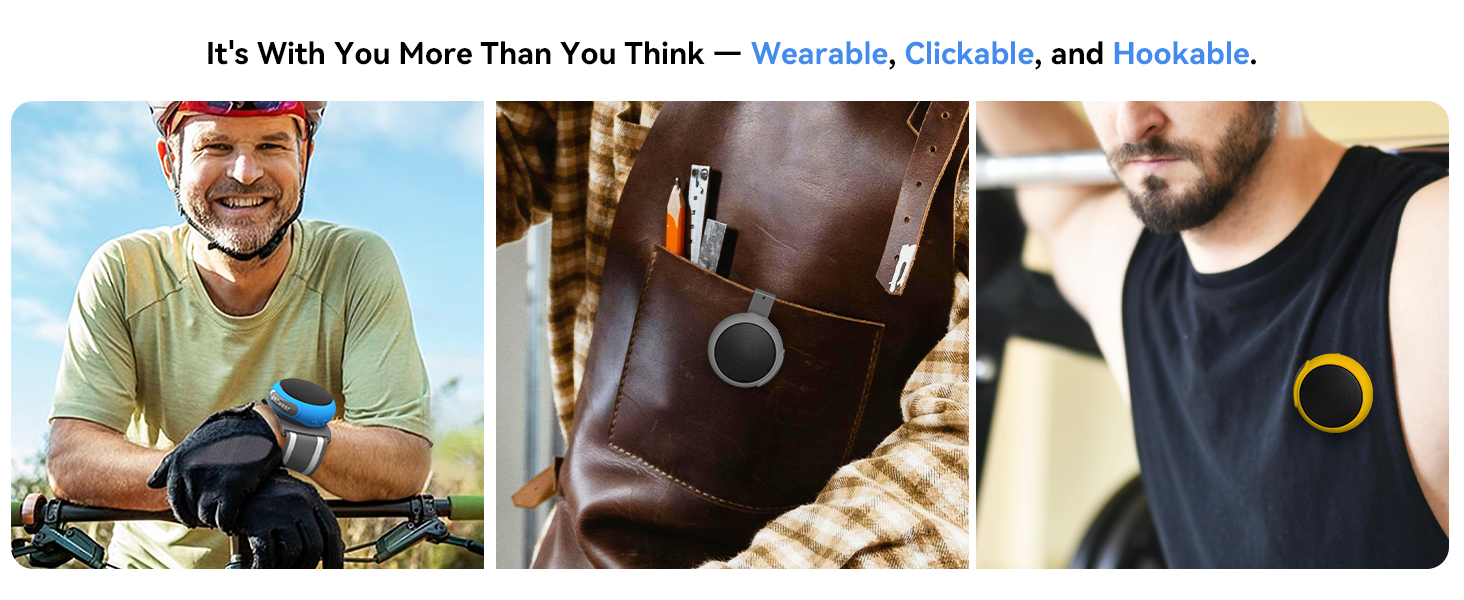
Image: Built-in microphone for hands-free calls.
5.4 Kadali Playback Musik
- Puter/Reureuh Musik: Press the 'O' button once.
- Volume Up: Pencét tombol '+'.
- Volume Turun: Pencét tombol '-'.
- Lagu salajengna: Pencét lila tombol '+'.
- Lagu Sateuacanna: Pencét lila tombol '-'.

Image: Speaker control buttons and their functions.
5.5 White Noise Mode
The speaker includes a white noise function for relaxation:
- Activate/Switch Noise Mode: Pencét dua kali tombol '+'.
- The white noise mode features 17 natural sounds and a 30-minute auto playback timer.
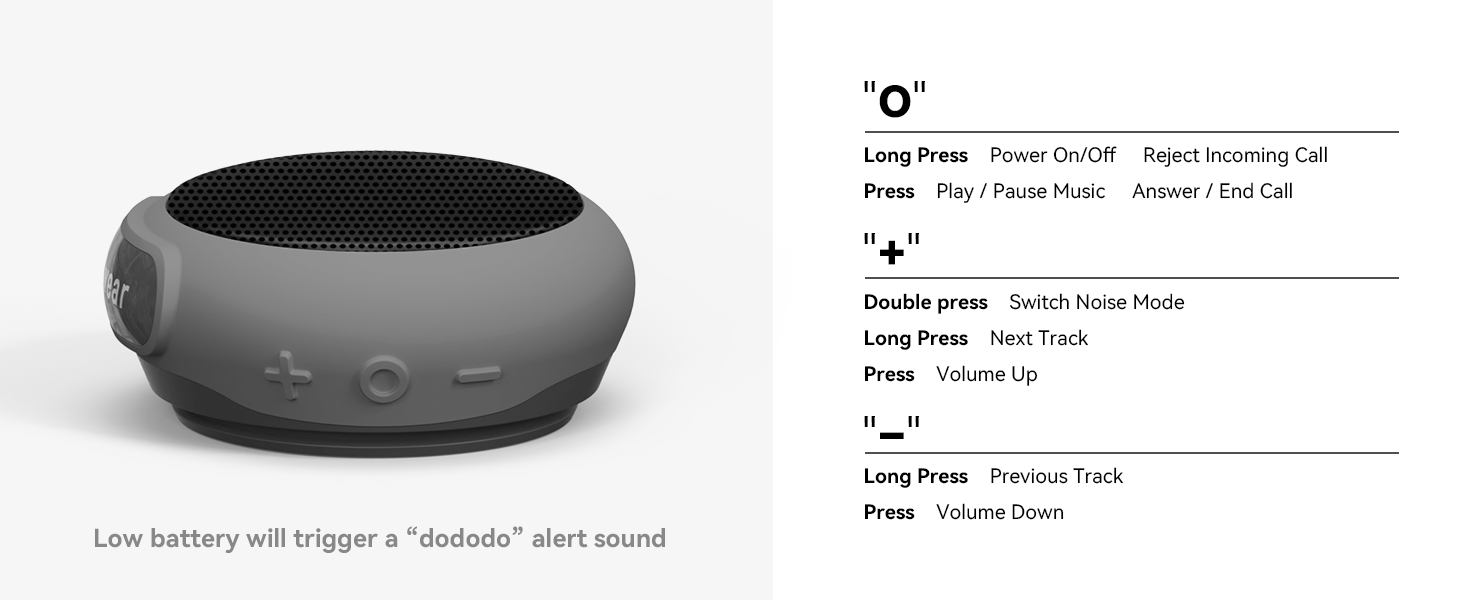
Image: White noise feature for relaxation.
6. Wearing Options
The ANCwear speaker offers multiple ways to wear it, adapting to your activity:
- Gelang: Attach the speaker to the provided wristband for a wearable audio experience, similar to a smartwatch.
- Hanger Clip: Use the hanger clip to attach the speaker to your pocket, backpack, or other straps.
- Clothing Clip: Secure the speaker directly to your clothing, such as a shirt collar or waistband, using the dedicated clip.

Image: Speaker worn on the wrist during cycling.

Image: Speaker clipped to a pocket.

Image: Speaker clipped to a shirt.
Video: Demonstrates various wearing options for the ANCwear Wearable Bluetooth Speaker for outdoor sports.
7. Tahan cai (IPX6)
The ANCwear speaker is rated IPX6 waterproof, meaning it is protected against high-pressure water jets from any direction. This makes it suitable for use in the shower, during rainy outdoor activities, or in dusty environments.
While it can withstand water splashes and jets, it is not designed for submersion in water. Ensure the charging port cover is securely closed before exposing the speaker to water.

Image: Speaker demonstrating IPX6 waterproofing in a shower.
8. Spésifikasi
| Fitur | Rincian |
|---|---|
| Ngaran modél | BT-208 |
| Nomer Modél Item | TWS-BT208T |
| Téhnologi konektipitas | Bluetooth 5.3 |
| Speaker Maksimum Kaluaran Power | 3 Watt |
| Item Beurat | 60 Gram (2.12 ons) |
| Dimensi produk | 4.3 "D x 3.5" W x 1.8" H |
| Tingkat Résistansi Cai | IPX6 Waterproof |
| Waktu Ngecas | 1.5 Jam |
| Waktu maén | Up to 9.5 hours (at 1/3 max volume) |
| Waktu sayaga | Nepi ka 18 jam |
| Fitur husus | Built-in Microphone, TWS Pairing, White Noise Player |
9. Pangropéa
- beberesih: Ngusap spéker ku hipu, damp lawon. Ulah make bahan kimia kasar atawa cleaners abrasive.
- Panyimpenan: Simpen spéker dina tempat anu tiis sareng garing jauh tina sinar panonpoé langsung sareng suhu anu ekstrim.
- Perawatan batré: Pikeun manjangkeun umur batre, ulah discharged pinuh spéker sering. Ngeusi batre rutin, sanajan teu dipaké pikeun période nambahan.
- Segel waterproof: Always ensure the charging port cover is properly sealed to maintain IPX6 water resistance.
10. Cara ngungkulan
| Masalah | Solusi |
|---|---|
| Speaker teu hurung. | Pastikeun spéker dicas pinuh. Sambungkeun ka sumber listrik teras cobian deui. |
| Teu tiasa dipasangkeun sareng alat Bluetooth. | Make sure the speaker is in pairing mode (flashing indicator light). Turn off and on your device's Bluetooth. Ensure the speaker is not connected to another device. |
| Taya sora atawa volume low. | Pariksa tingkat polumeu dina speaker sareng alat Anjeun nu disambungkeun. Pastikeun spiker dipasangkeun leres. |
| Papasangan TWS gagal. | Ensure both speakers are powered off before attempting simultaneous power-on for TWS pairing. Keep them close during pairing. |
| Kualitas panggero goréng. | Ensure you are within Bluetooth range of your device. Reduce background noise. |
11. Garansi jeung Rojongan
This ANCwear product comes with a Garansi kawates. For specific details regarding warranty coverage, duration, and terms, please refer to the warranty card included in your product packaging or visit the official ANCwear websitus.
If you encounter any issues or have questions not covered in this manual, please contact ANCwear customer support through the following channels:
- Dukungan Online: Nganjang ka ANCwear Store on Amazon.
- Surélék: Refer to your product packaging for customer service email address.
ANCwear promises a 30-day return and 2-year sales service. You can contact them about any issues at any time for a satisfactory solution.


