Bubuka
The Weiser Elements Square Single Cylinder Deadbolt is designed for use on exterior doors where key and security are required. This deadbolt can be locked or unlocked by a key on the outside or by the thumbturn on the inside. It features SmartKey re-key technology, allowing you to re-key the lock quickly and easily. This product is ANSI/BHMA Grade 3 certified, includes an adjustable latch for standard door preparations, and has a 1-inch deadbolt throw. Its universal door handling fits both right and left-handed doors, and it is ADA Compliant. It fits door thicknesses from 1 3/8" to 1 3/4" and comes in a Matte Black finish.
Eusi pakét
Punten parios yén sadaya komponén aya sateuacan ngamimitian pamasangan:
- Exterior Deadbolt Assembly (with key cylinder)
- Interior Deadbolt Assembly (with thumbturn)
- Kancing Deadbolt
- Piring neunggeul
- Pamasangan screws
- 2 x konci
- SmartKey Re-key Tool
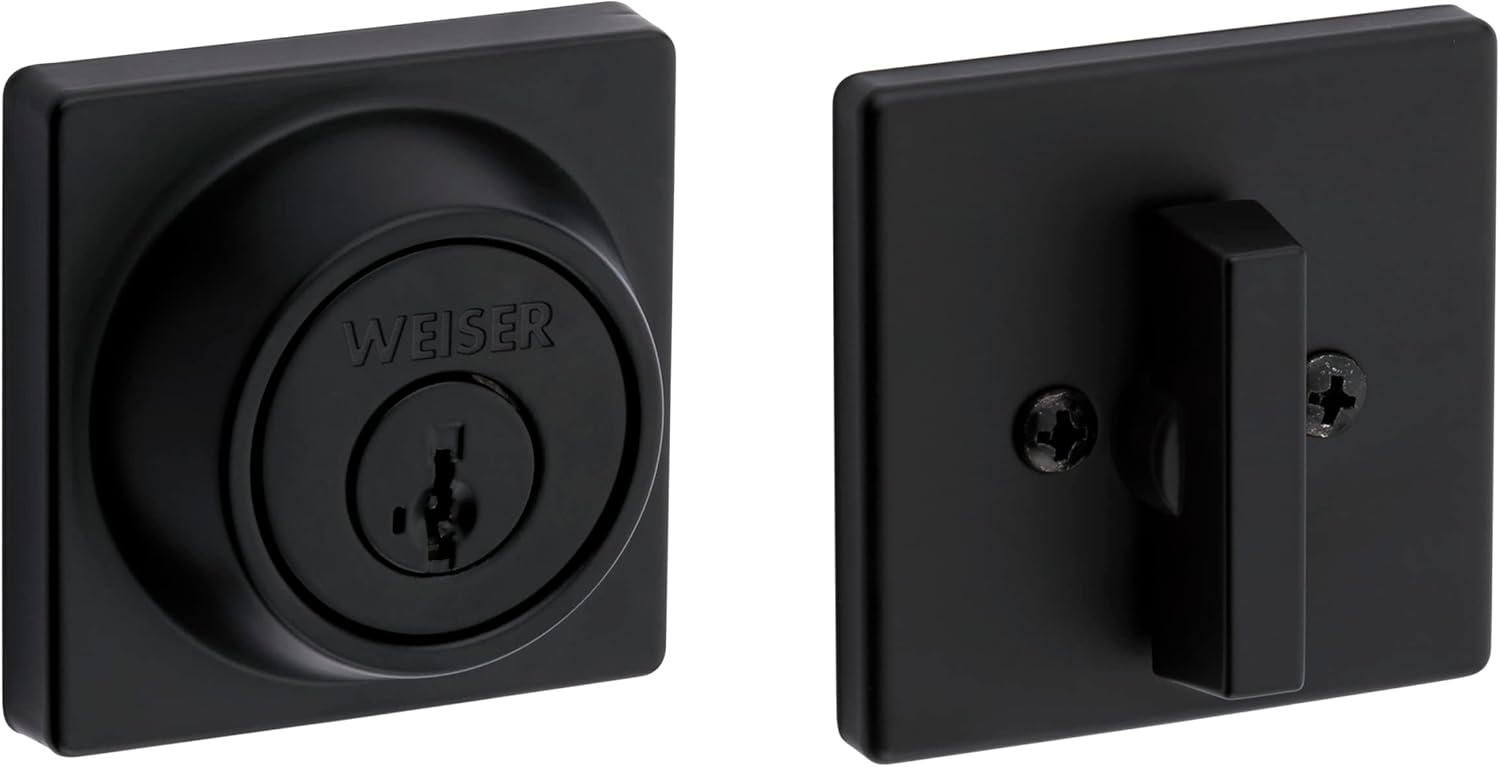
Image showing the exterior and interior components of the Weiser Elements Square Single Cylinder Deadbolt, including the key cylinder and thumbturn.
Setup sareng Instalasi
This section provides step-by-step instructions for installing your Weiser Elements Square Single Cylinder Deadbolt. Ensure you have the necessary tools before starting.
Pakakas Diperlukeun
- Obeng sirah Phillips
- Pita ukur
- Pensil
Persiapan Panto
- Ensure your door thickness is between 1 3/8" (35mm) and 1 3/4" (44mm).
- Verify the backset measurement (distance from door edge to center of bore hole) is either 2-3/8" (60mm) or 2-3/4" (70mm). Adjust the latch if necessary.
Pamasangan Latch
- Insert the latch into the door edge, ensuring the bolt faces the correct direction for your door swing. The word "TOP" on the latch should face upwards.
- Pasangkeun kaitna nganggo sekrup anu disayogikeun.
Masang Majelis Exterior
- Align the exterior deadbolt assembly with the bore hole, ensuring the tailpiece passes through the latch mechanism.
- Posisi assembly exterior siram ngalawan panto.

Image showing the exterior side of the deadbolt with the keyhole and Weiser branding, ready for installation.
Masang Majelis Interior
- Place the interior mounting plate over the tailpiece and secure it to the exterior assembly with the provided screws.
- Attach the interior thumbturn assembly to the mounting plate, ensuring the thumbturn engages with the tailpiece.
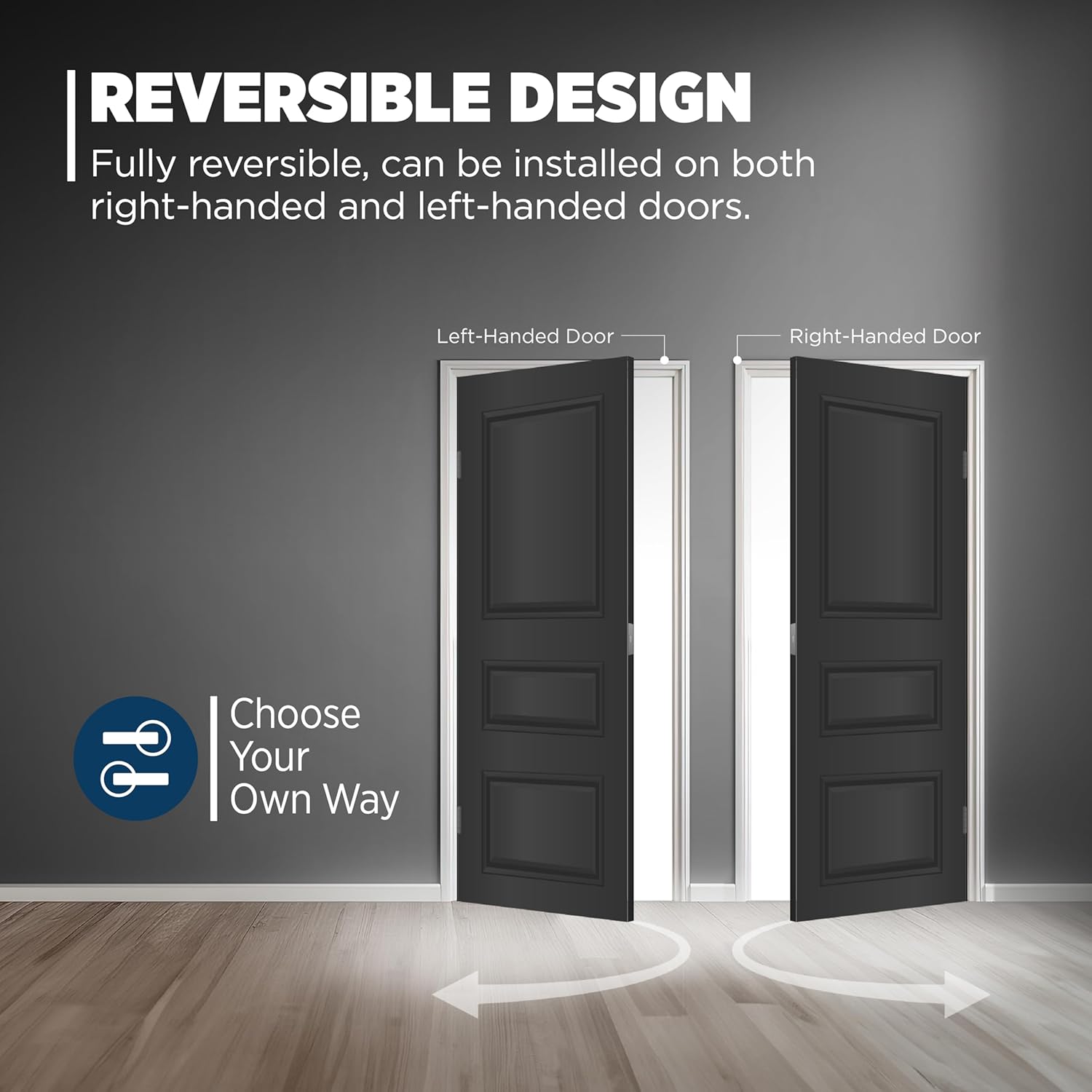
Image showing the interior side of the deadbolt with the thumbturn lever, which controls the lock from inside.
Masang Lempeng Strike
- Align the strike plate with the latch bolt on the door frame. Mark and chisel out the area for the strike plate if necessary to ensure a flush fit.
- Secure the strike plate with the provided screws. Test the deadbolt operation to ensure smooth locking and unlocking.
Parentah Operasi
Ngonci Deadbolt
- Ti luar: Insert the key into the keyway and turn it clockwise until the bolt extends fully into the strike plate. Remove the key.
- Ti jeroeun: Rotate the thumbturn lever clockwise until the bolt extends fully into the strike plate.
Muka konci Deadbolt
- Ti luar: Insert the key into the keyway and turn it counter-clockwise until the bolt retracts fully. Remove the key.
- Ti jeroeun: Rotate the thumbturn lever counter-clockwise until the bolt retracts fully.
Téhnologi SmartKey Re-key
The SmartKey re-key technology allows you to re-key the lock quickly and easily by yourself. This feature is useful if you have recently moved, lost keys, or wish to use one key for multiple Weiser SmartKey locks.
- Selapkeun konci anu tiasa dianggo teras puterkeun 90 derajat searah jarum jam.
- Selapkeun alat SmartKey sacara lengkep sareng pageuh kana liang SmartKey.
- Cabut alat SmartKey sareng konci anu fungsina.
- Insert your new key fully and firmly into the keyway.
- Turn the new key 180 degrees counter-clockwise. Your lock is now re-keyed.

Diagram showing the steps for using SmartKey technology to re-key the deadbolt, including where to insert the reset tool and the key.
Pangropéa
- Clean the lock periodically with a soft, damp lawon. Hindarkeun pembersih abrasive, pangleyur, atawa bahan kimia kasar, sabab ieu bisa ngaruksak finish.
- Do not lubricate the cylinder with oil-based lubricants. If lubrication is necessary, use a graphite-based lubricant sparingly.
- Periodically check and tighten all mounting screws to ensure the deadbolt remains securely installed and operates smoothly.
Pamérésan masalah
| Masalah | Mungkin Cukang lantaranana | Solusi |
|---|---|---|
| Key does not turn smoothly or gets stuck. | Dirt or debris in the keyway; worn or bent key. | Clean keyway with compressed air. Try a new, undamaged key if available. Apply graphite lubricant sparingly if needed. |
| Deadbolt teu manjang atawa mundur sapinuhna. | Misalignment of strike plate or latch; loose mounting screws; door frame obstruction. | Check alignment of strike plate and adjust if necessary. Ensure the latch is properly installed. Tighten all mounting screws. Clear any obstructions in the door frame. |
| SmartKey re-keying fails or new key does not work. | SmartKey tool not inserted fully or correctly; incorrect key rotation during re-keying process. | Ensure the SmartKey tool is inserted firmly and completely. Follow the re-keying steps precisely, paying attention to key rotation angles. Repeat the process carefully. |
spésifikasi
- merek: Weiser
- Ngaran modél: Elements Square Deadbolt with SmartKey, Matte Black
- Nomer Bagian: 9GDC94710-063
- rengse: Matte Hideung
- Bahan: logam
- Jenis konci: Konci (Silinder Tunggal)
- Kasaluyuan ketebalan panto: 1 3/8" (35mm) to 1 3/4" (44mm)
- Sertifikasi: ANSI/BHMA Grade 3 Certified
- Fitur husus: SmartKey Technology, Universal Fitment (reversible for right/left-handed doors), ADA Compliant, Limited Lifetime Warranty
- Ukuran barang (L x W x H): 4.52 x 4.52 x 9.05 inci (perkiraan ukuran bungkus)
- Beurat barang: 1.4 pon
Émbaran jaminan
The Weiser Elements Square Single Cylinder Deadbolt is backed by a Limited Lifetime Warranty. This warranty covers mechanical and finish defects under normal use. For complete details regarding warranty coverage, terms, and conditions, please refer to the official Weiser website or contact their customer support department directly.
Rojongan Palanggan
For further assistance, technical support, or to inquire about replacement parts for your Weiser Elements Square Single Cylinder Deadbolt, please utilize the following resources:
- Resmi Websitus: Nganjang www.weiserlock.com for product information, FAQs, and support documentation.
- Inpormasi kontak: Ngarujuk kana Weiser website for regional customer service phone numbers and email contact options.


