Bubuka
The Bietrun UMKF01 is a versatile USB condenser microphone designed for clear audio capture across various applications, including gaming, streaming, podcasting, and studio recording. Its plug-and-play functionality ensures easy setup, while features like noise cancellation, a cardioid pickup pattern, and integrated controls enhance the user experience. This manual provides detailed instructions for setting up, operating, and maintaining your microphone.
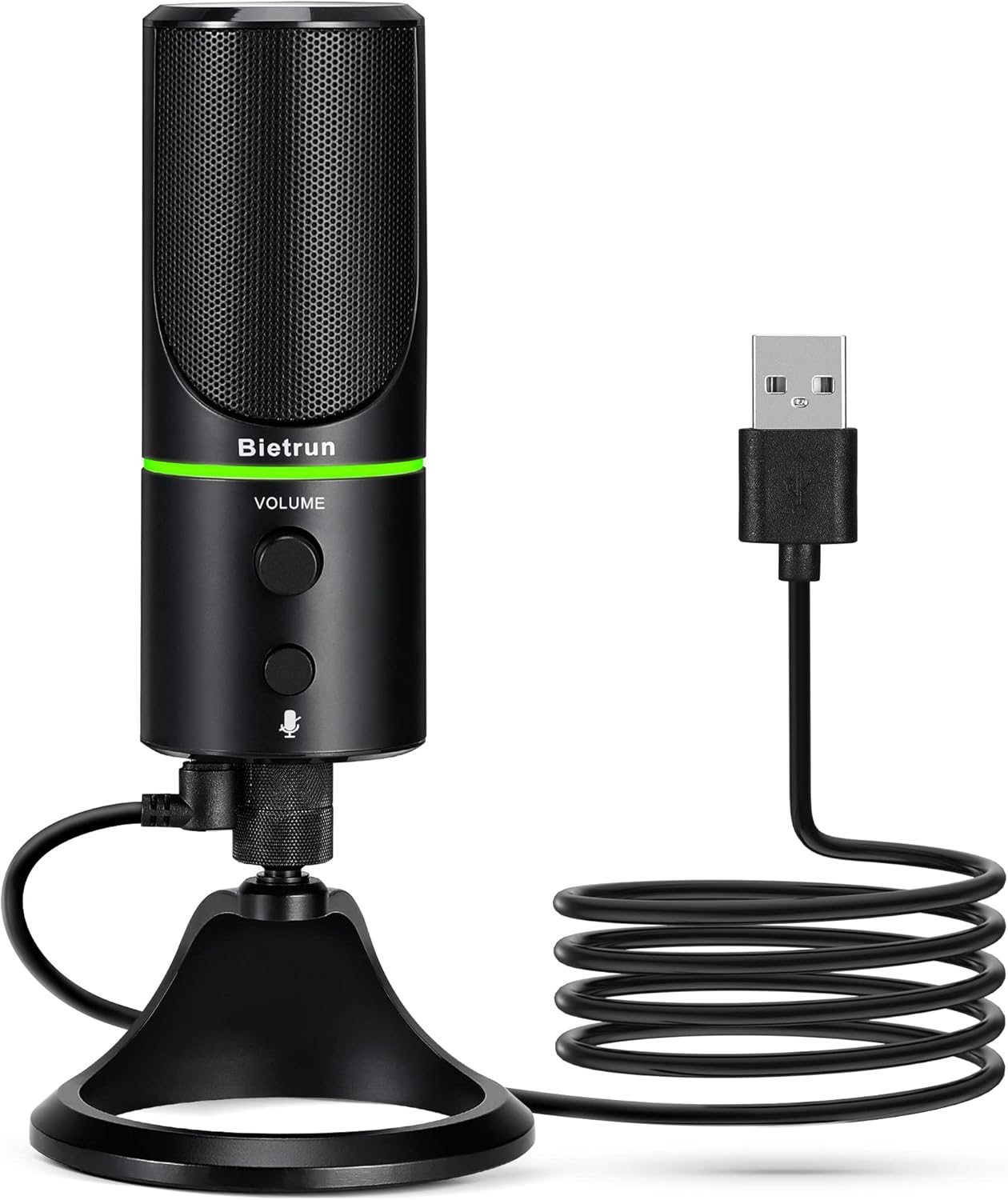
Figure 1: Bietrun UMKF01 USB Condenser Microphone
Eusi pakét
Pastikeun yén sadaya item aya dina pakét anjeun:
- Mikropon USB
- Kabel USB
- Kartu Garansi

Gambar 2: Eusi pakét
Fitur produk
- Plug and Play USB Microphone: Comes with a 59-inch (1.5m) USB cable, requiring no additional driver or software. Ideal for gaming, streaming, podcasting, recording, and online meetings.
- Ngurangan Noise: Effectively reduces background noises such as typing, clicking, and ambient sounds, ensuring clear and crisp audio.
- Pola Pickup Cardioid: Features a cardioid pickup pattern and a 16mm condenser capsule, providing focused vocal sound and minimizing off-axis noise.
- Headphone Jack & Mute Button: Allows for real-time voice monitoring via a headphone jack with adjustable volume. A dedicated button toggles between normal (green), noise-canceling (yellow), and mute (red) modes, indicated by an LED.
- Adjustable Heavy-Duty Stand: Ensures microphone stability and offers flexible angle adjustment. The microphone can also be detached and mounted on a boom arm with a 3/8" thread.
Disetél
- Attach the Microphone to the Stand: Screw the microphone onto the included desktop stand. Ensure it is securely fastened. The stand allows for 360° rotation for optimal positioning.
- Sambungkeun kabel USB: Plug the micro-USB end of the provided cable into the port at the bottom of the microphone.
- Nyambung ka Alat: Plug the USB-A end of the cable into an available USB port on your computer (Desktop/Laptop), PS4, or PS5. The microphone is plug-and-play and should be recognized automatically by your operating system.
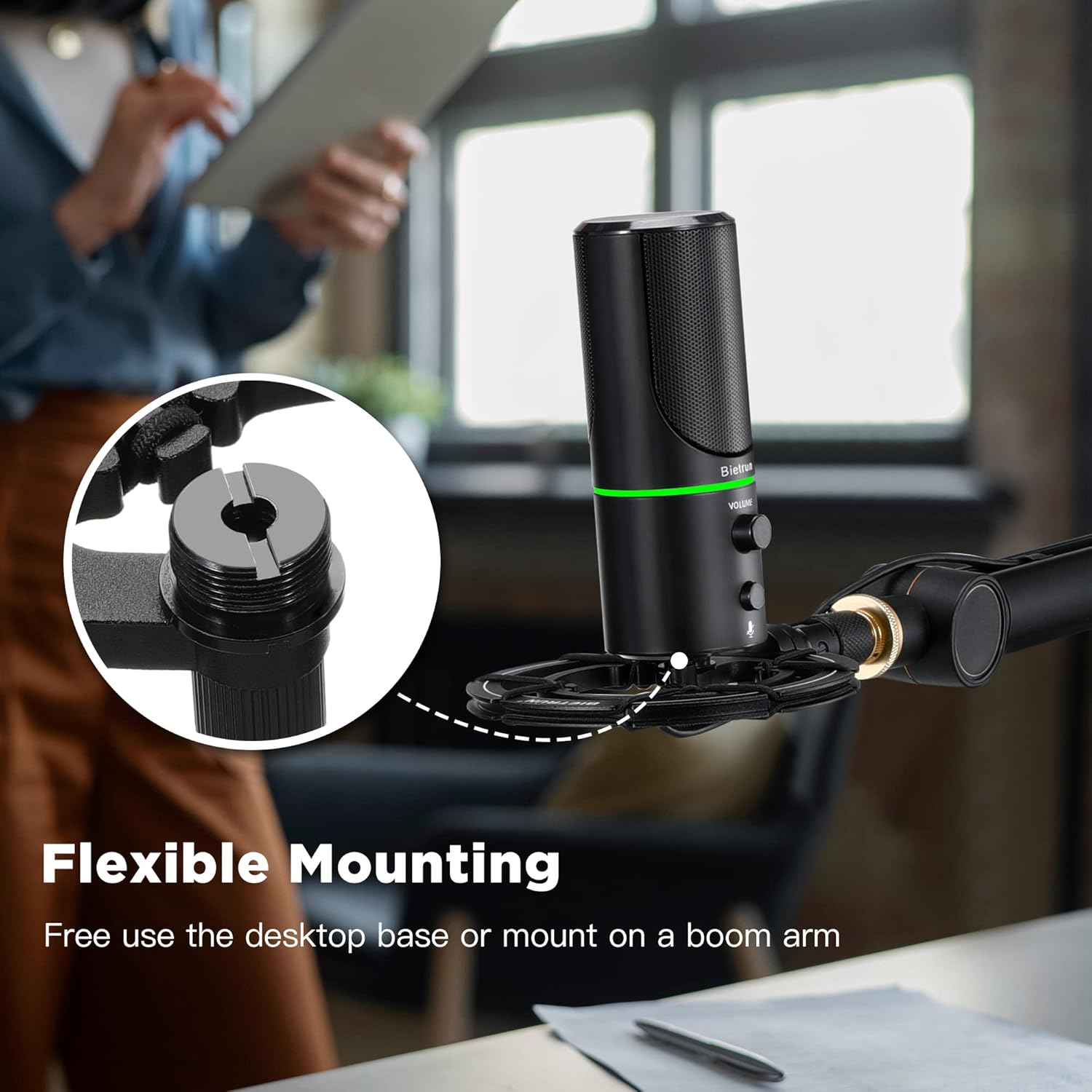
Gambar 3: Pilihan Pemasangan Fleksibel

Figure 4: Plug & Play Multi-system Compatibility
Parentah Operasi
- Daya Hurung/Pareuman & Pamilihan Mode: The microphone features an LED indicator that shows its status. Press the mute button (microphone icon) to cycle through modes:
- LED Héjo: Modeu operasi normal.
- LED konéng: Noise-canceling mode.
- LED Beureum: Muted mode.
- Kontrol volume: Rotate the 'VOLUME' knob on the microphone to adjust the output volume of your headphones connected to the microphone.
- Pangimeutan Headphone: Plug your headphones into the 3.5mm audio jack located at the bottom of the microphone to monitor your audio in real-time.

Figure 5: Microphone Controls and LED Indicators

Figure 6: Headphone Monitoring Jack
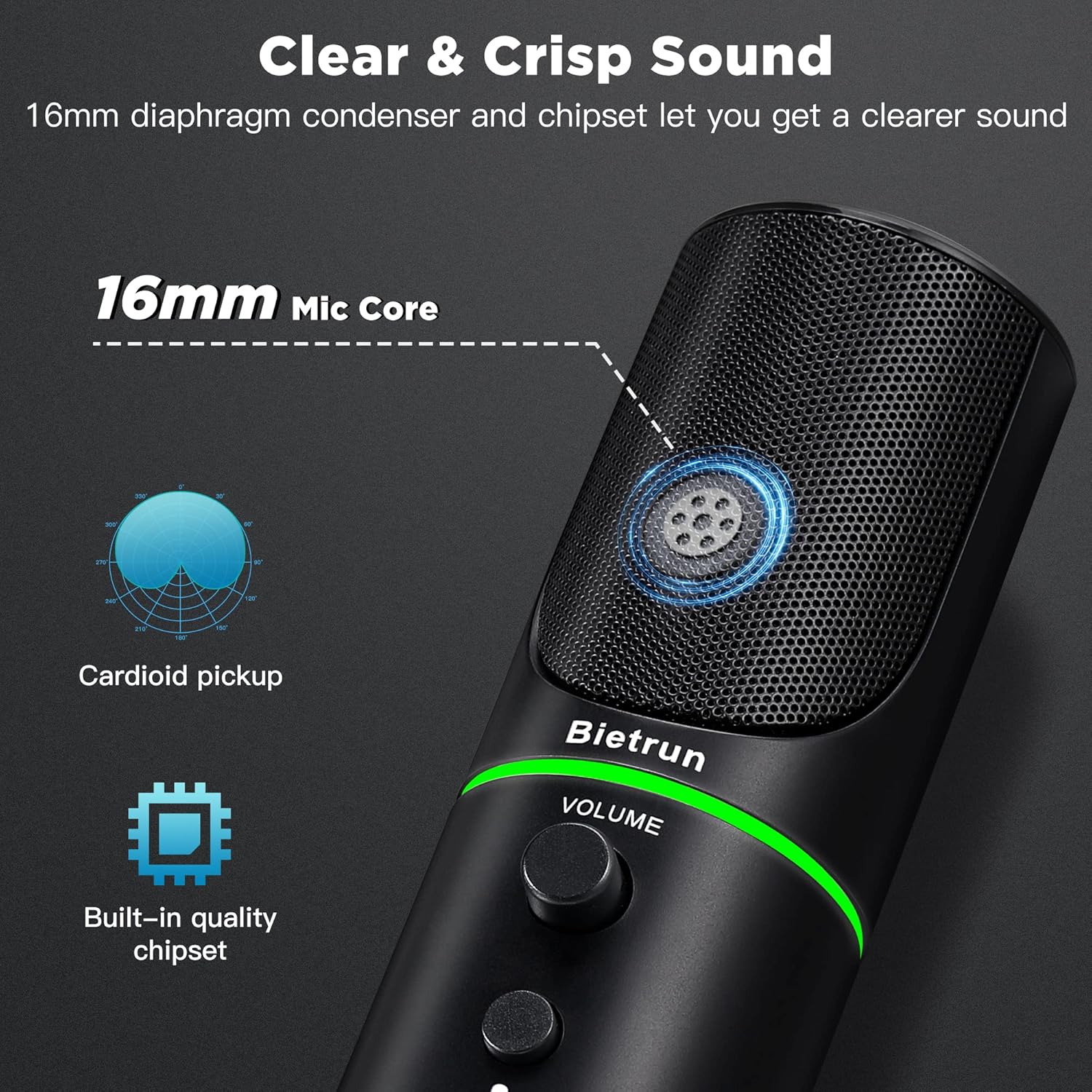
Figure 7: Cardioid Pickup Pattern for Clear Audio
Video 1: Demonstration of Noise Cancelling Feature
This video demonstrates the noise-canceling capabilities of the Bietrun UMKF01 USB Microphone, highlighting its effectiveness in reducing ambient sounds for clearer recordings and communication.
Pangropéa
- beberesih: Use a soft, dry cloth to wipe the microphone's surface. Avoid using liquid cleaners or abrasive materials.
- Panyimpenan: Simpen mikropon di tempat anu tiis, garing, sareng jauh tina sinar panonpoé langsung sareng suhu anu ekstrim nalika henteu dianggo.
- Perawatan kabel: Ulah aya belokan anu seukeut atanapi bengkok dina kabel USB pikeun nyegah karusakan.
Pamérésan masalah
| Masalah | Solusi anu mungkin |
|---|---|
| Mikropon teu dikenal ku alat | Ensure the USB cable is securely connected to both the microphone and your device. Try a different USB port. Check your device's sound settings to ensure 'Bietrun UMKF01' is selected as the input device. |
| Teu aya sora atanapi volume handap | Check if the microphone is muted (red LED). Adjust the volume knob on the microphone. Verify input levels in your device's sound settings. Ensure headphones are properly connected if monitoring. |
| Poor sound quality or background noise | Ensure the microphone is in noise-canceling mode (yellow LED). Position the microphone closer to your mouth. Minimize ambient noise in your environment. |
spésifikasi
| Fitur | Rincian |
|---|---|
| Ngaran modél | UMKF01 |
| Téhnologi konektipitas | USB |
| Tipe Panyambung | USB Tipe-A |
| Pola Polar | Saarah (Cardioid) |
| Faktor Bentuk Mikropon | Méja Array |
| Sensitipitas Audio | 110 desibel |
| Rasio Signal-to-Noise | 49 dB |
| Réspon Frékuénsi | 48 KHz |
| Alat nu cocog | Laptop, PS4/5, Personal Computer |
| Fitur husus | Mute Function, Volume Control, Noise Cancellation |
| Warna | Hideung |
| Bahan | Acrylonitrile Butadiene Styrene, Logam |
| Item Beurat | 10.9 ons (310 gram) |
| Ukuran produk (L x W x H) | 3.54 x 3.54 x 7.68 inci |

Figure 8: Microphone Dimensions
Garansi & Rojongan
Your Bietrun UMKF01 USB Condenser Microphone comes with a warranty. Please refer to the included Warranty Card for specific terms and conditions. For technical support, troubleshooting assistance, or any inquiries regarding your product, please contact Bietrun customer service through their official channels.


