Bubuka
The TYLT Medallion is a portable Qi-certified wireless charging pad designed to provide convenient and efficient power to your compatible devices. This manual provides essential information for the safe and optimal use of your charging pad.
Émbaran Kasalametan
- Ulah ngalaan alat ka suhu ekstrim, sinar panonpoé langsung, atawa Uap.
- Hindarkeun ragrag atanapi ngagentoskeun alat kana tabrakan anu kuat.
- Do not disassemble, modify, or attempt to repair the device. This will void the warranty.
- Jauhkeun tina jangkauan barudak.
- Pastikeun ventilasi anu leres nalika dianggo pikeun nyegah overheating.
- Use only the provided or certified compatible USB-C cable and power source.
Eusi pakét
Pastikeun yén sadaya item aya dina pakét anjeun:
- 1 x TYLT Medallion Qi-Certified Wireless Charging Pad
- 1 x 3.3ft USB Type-C Cable
- 1 x Manual Pamaké (dokumén ieu)

Gambar: handap view of the TYLT Medallion charging pad, showing the integrated USB-C cable and product information.
Disetél
- Sambungkeun Pad Ngecas: Plug the integrated USB Type-C cable from the TYLT Medallion into a compatible power source. This can be a laptop's USB-C port, a power bank with a USB-C output, or a wall adapter (not included) with a USB-C port.
- Syarat Sumber Kakuatan: For optimal fast charging, use a power source capable of delivering 5V/2A or 9V/1.8A.
- panempatan: Place the charging pad on a flat, stable surface, such as a countertop, desk, or bedside table.
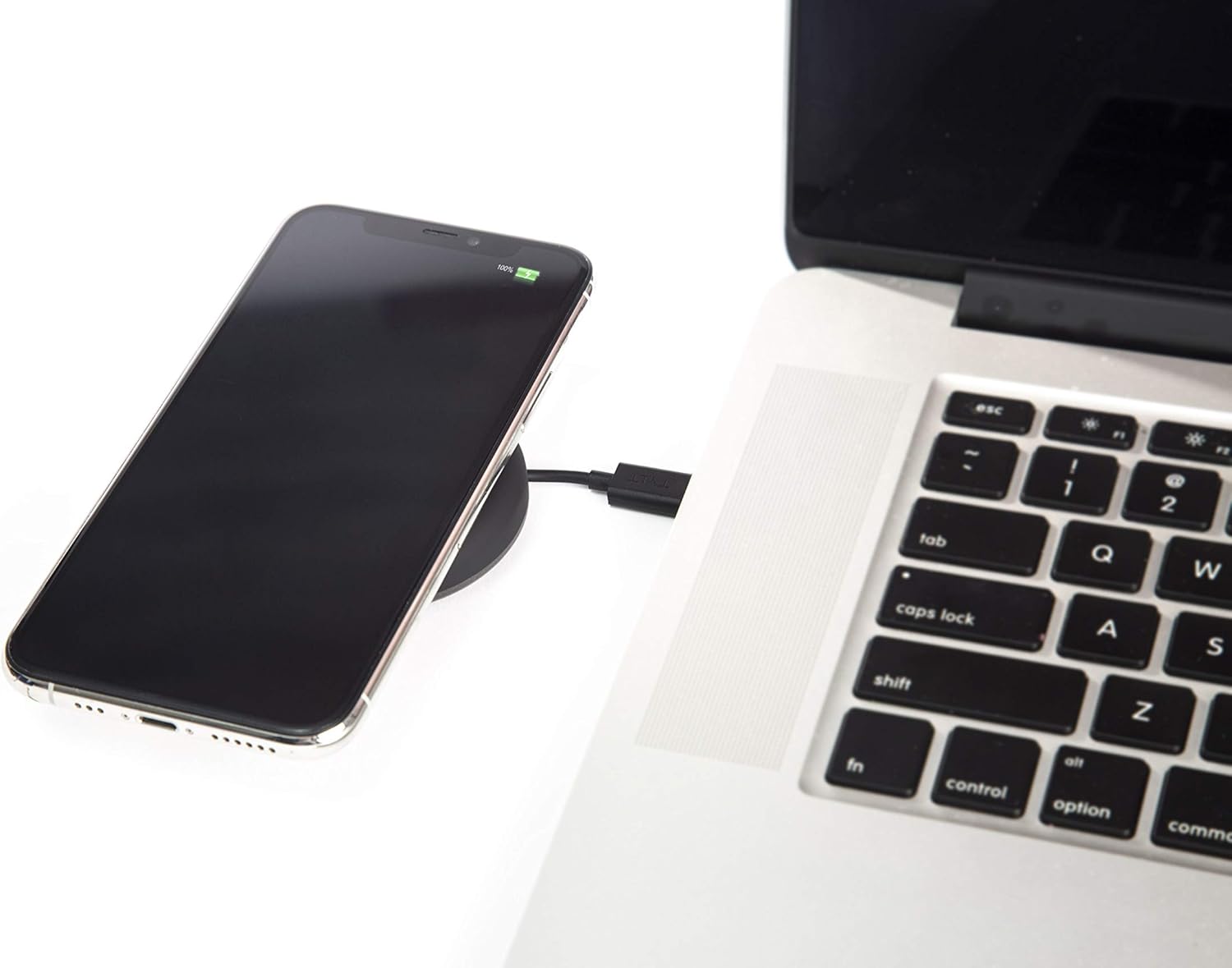
Image: A smartphone wirelessly charging on the TYLT Medallion, which is connected to a laptop via its USB-C cable.
Parentah Operasi
- Pasang Alat anjeun: Position your Qi-enabled smartphone or wireless earbuds directly onto the center of the TYLT Medallion charging pad. The device grip ring helps secure your device.
- Indikasi ngecas: Your device's screen or indicator light will show that it is charging. The TYLT Medallion does not have its own charging indicator light.
- Ngeusi batre optimal: Ensure your device is centered on the pad for efficient charging. Charging can occur through most phone cases.
- Output ngecas:
- 10W output for compatible Samsung devices.
- 7.5W output for compatible Apple iPhones.
- 5W output for other Qi-enabled devices, including wireless earbuds.
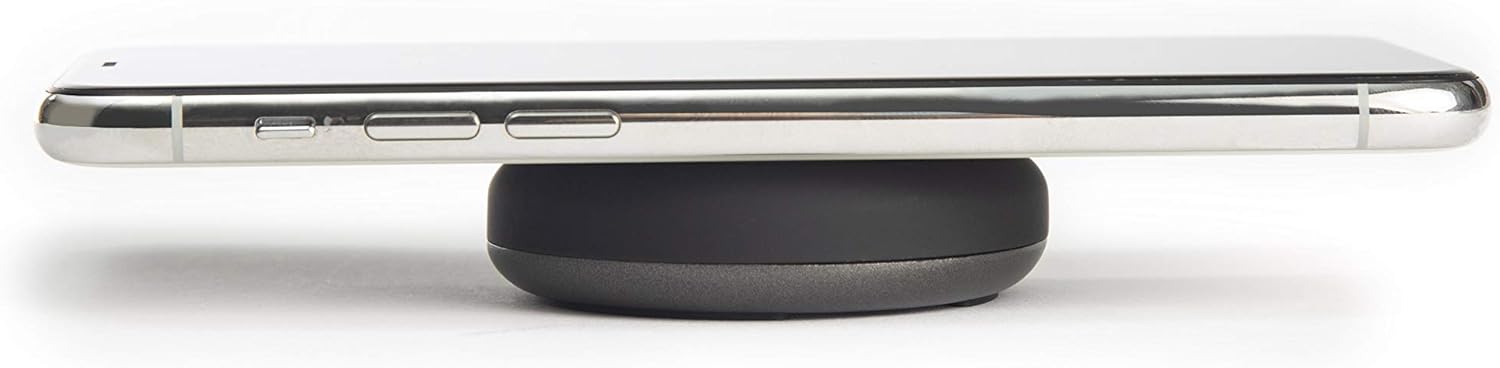
Image: A smartphone placed on the TYLT Medallion charging pad, demonstrating its low profile.
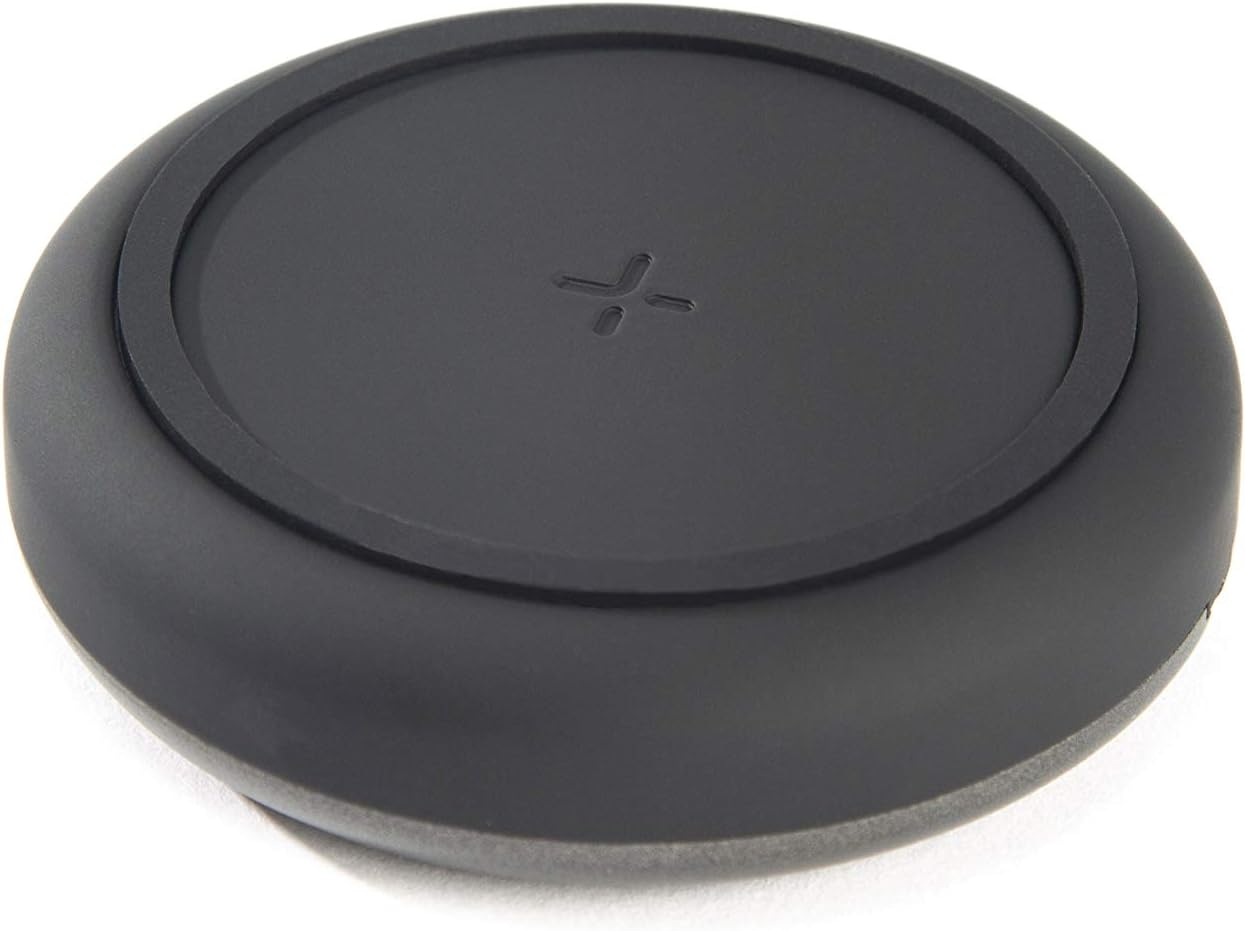
Gambar: Top view of the TYLT Medallion charging pad, highlighting its compact and minimalist design.
Pangropéa
- beberesih: Disconnect the charging pad from its power source before cleaning. Use a soft, dry cloth to wipe the surface. Do not use harsh chemicals or abrasive cleaners.
- Panyimpenan: When not in use, store the charging pad in a cool, dry place away from direct sunlight.
Pamérésan masalah
| Masalah | Mungkin Cukang lantaranana | Solusi |
|---|---|---|
| Alat teu ngecas. |
|
|
| Ngecas lalaunan. |
|
|
| Charging pad or device gets warm. |
|
|
spésifikasi
| Nomer modél | QIMEDBK-T |
| Masukan Voltage | 5V / 2A atanapi 9V / 1.8A |
| Kaluaran Wattage | 10W (Maks) |
| Kaluaran Ampumur | 1A (Maks) |
| Tipe Panyambung | USB Type-C (integrated) |
| Kasaluyuan | Qi-enabled devices (Apple iPhone, Samsung Galaxy, Microsoft Lumia, Google Nexus, Nokia Lumia, Pixel, LG, wireless earbuds, etc.) |
| Dimensi produk | 4 x 1.5 x 5 inci |
| Item Beurat | 2.39 ons |
| Fitur husus | Fast Charging, Qi Certified, Built-in Temperature Control, Voltage Protection, Non-slip Device Grip Ring |
Émbaran jaminan
TYLT products are eligible for a 1-year Global Warranty program ti tanggal pameseran. Garansi ieu ngawengku cacad manufaktur sareng padamelan dina panggunaan normal. Éta henteu ngawengku karusakan anu disababkeun ku salah guna, kacilakaan, modifikasi anu henteu sah, atanapi karusakan normal.
Punten tahan bukti pameseran anjeun pikeun klaim garansi.
Ngarojong
For any concerns, technical assistance, or warranty inquiries, please do not hesitate to contact TYLT customer support.
Refer to the official TYLT website for contact details or visit their Amazon store: TYLT Amazon Store


