1. Bubuka
This manual provides essential information for the safe and efficient operation of your RCA RPJ107 Home Theater Projector. Please read it thoroughly before using the device and retain it for future reference. The RCA RPJ107 projector is designed to deliver a versatile viewing experience, supporting various input sources and offering flexible projection sizes for both indoor and outdoor environments.
2. Émbaran Kasalametan
- Ulah meungpeuk bukaan ventilasi. Pastikeun aliran hawa nyukupan sabudeureun projector pikeun nyegah overheating.
- Ulah ngalaan projector ka hujan atawa Uap pikeun nyegah shock listrik atawa seuneu.
- Paké ngan adaptor kakuatan disadiakeun kalawan projector.
- Hindarkeun ningali langsung kana lensa proyektor nalika lamp hurung, sabab tiasa nyababkeun karusakan panon.
- Teundeun proyektor dina permukaan datar anu stabil.
- Jauhkeun proyektor tina sumber panas sareng sinar panonpoé langsung.
- Ulah nyobian ngabongkar atanapi ngarobih proyéktor. Serahkan sadaya perawatan ka tanaga anu mumpuni.
3. Eusi Paket
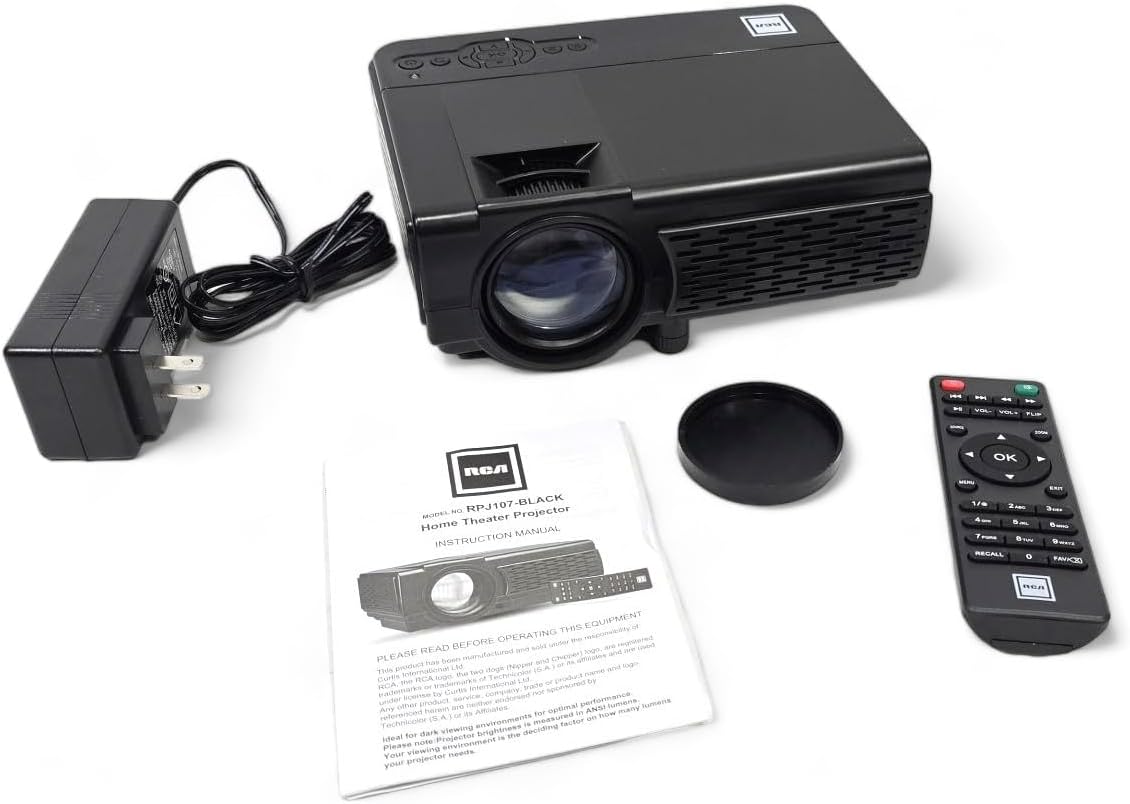
Pastikeun yén sadaya item anu didaptarkeun di handap kalebet kana pakét anjeun:
- RCA RPJ107 Imah Teater Projector
- Remote Control (2 AA batteries required, not included)
- Adaptor Daya AC
- Panutup lénsa
- Manual Pitunjuk (dokumén ieu)
4. Produk Langkungview
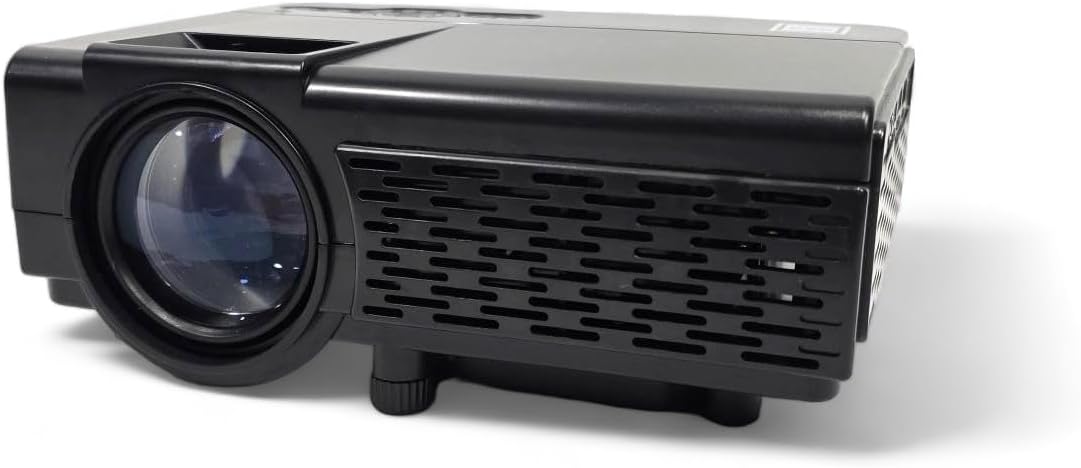
4.1 Komponén Projector
4.2 Input / palabuhan kaluaran
Proyéktor ieu ngagaduhan rupa-rupa port pikeun nyambungkeun alat éksternal:

- Jack audio: Pikeun nyambungkeun headphone éksternal atawa speaker.
- Input AV: For connecting devices using an AV cable (e.g., older DVD players).
- DC IN: Input daya pikeun adaptor AC.
- Slot MicroSD: For playing media directly from a MicroSD card.
- HDMI 1 / HDMI 2: High-Definition Multimedia Interface for connecting modern devices like Blu-ray players, gaming consoles, or streaming sticks.
- USB: For playing media directly from a USB drive.
- VGA: Pikeun nyambungkeun komputer atanapi laptop.
5. Setélan
5.1 Nempatkeun
Position the projector on a flat, stable surface. The ideal projection distance will vary based on the desired screen size. The projector can project an image from 30 inches to 150 inches, with a recommended range of 37 inches to 100 inches for optimal clarity.
5.2 Sambungan Daya
- Connect the AC power adapter to the DC IN port on the projector.
- Colokkeun tungtung adaptor daya anu sanésna kana stop kontak listrik standar.
5.3 Fokus jeung Keystone adjustment
- fokus: Rotate the focus ring around the projector lens until the image appears sharp and clear.
- Batu konci: Use the keystone adjustment knob (typically located near the lens) to correct trapezoidal distortion if the projector is not perfectly perpendicular to the screen.
- Penyesuaian Jangkungna: Utilize the footpad on the bottom of the projector to slightly adjust the projection angle.
6. Parentah Operasi
6.1 Daya Hurung/Pareuman
Pencét tombol daya dina proyektor atawa kadali jauh pikeun ngahurungkeun atawa mareuman unit.
6.2 Pilihan Sumber Input
After powering on, select your desired input source using the 'Source' button on the projector or remote control. Navigate through options like HDMI 1, HDMI 2, AV, USB, TF Card, or VGA.
6.3 Nyambungkeun Alat
The RCA RPJ107 projector offers broad compatibility with various multimedia devices:
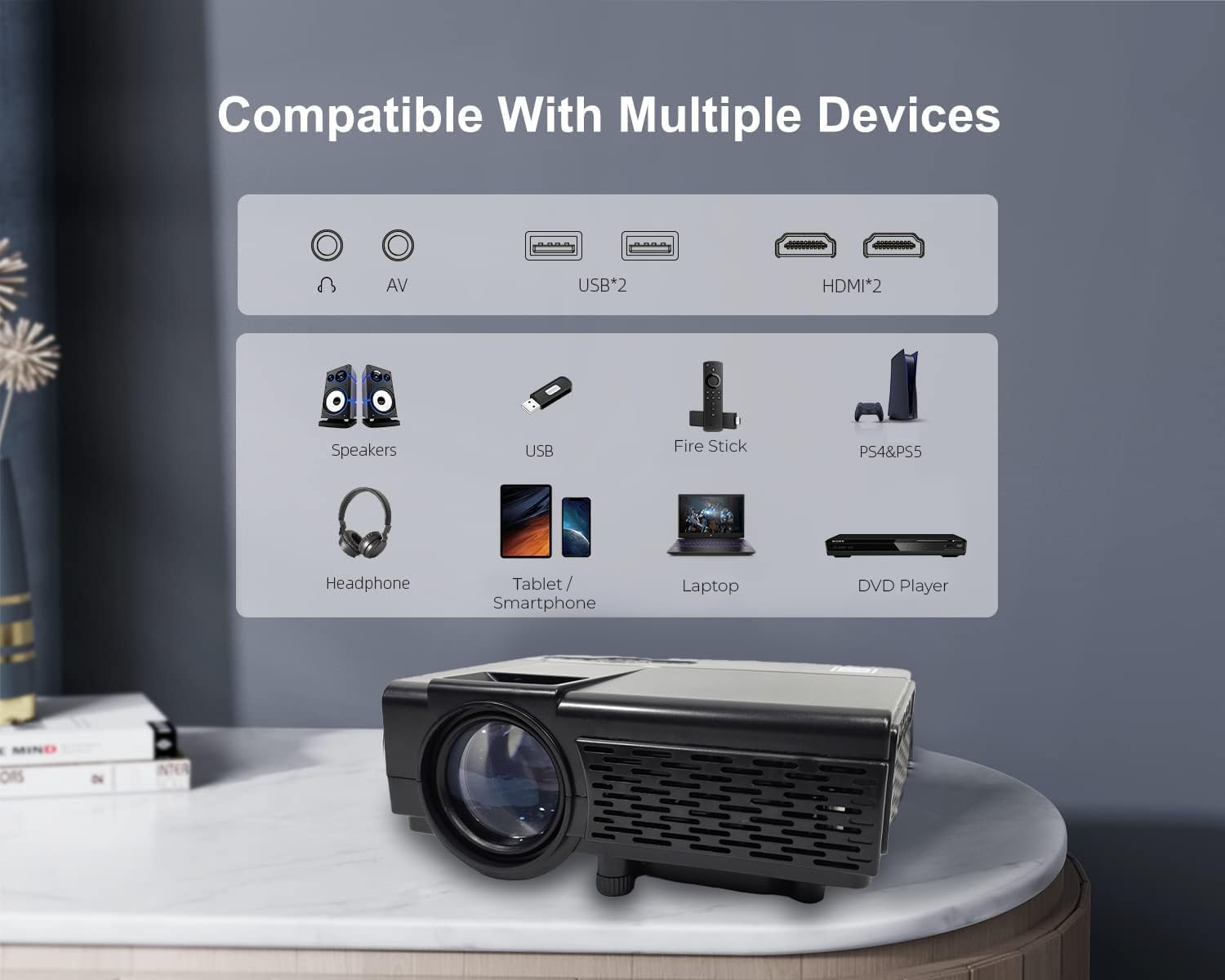
- HDMI: Connect your device (e.g., streaming stick, game console, Blu-ray player) to either HDMI 1 or HDMI 2 port. Select the corresponding HDMI input.
- OF: Use an AV cable to connect devices with AV output. Select 'AV' as the input source.
- Kartu USB / TF: Insert a USB drive or MicroSD card into the respective slot. The projector's media player interface will typically launch automatically, allowing you to browse and play supported video, audio, and image files.
- VGA: Connect a computer or laptop using a VGA cable. Select 'VGA' as the input source.
6.4 Sambungan Audio Bluetooth
The projector features Bluetooth 4.2 for connecting to external audio devices such as Bluetooth speakers or headphones. This function is for audio output only; it does not support video input via Bluetooth.
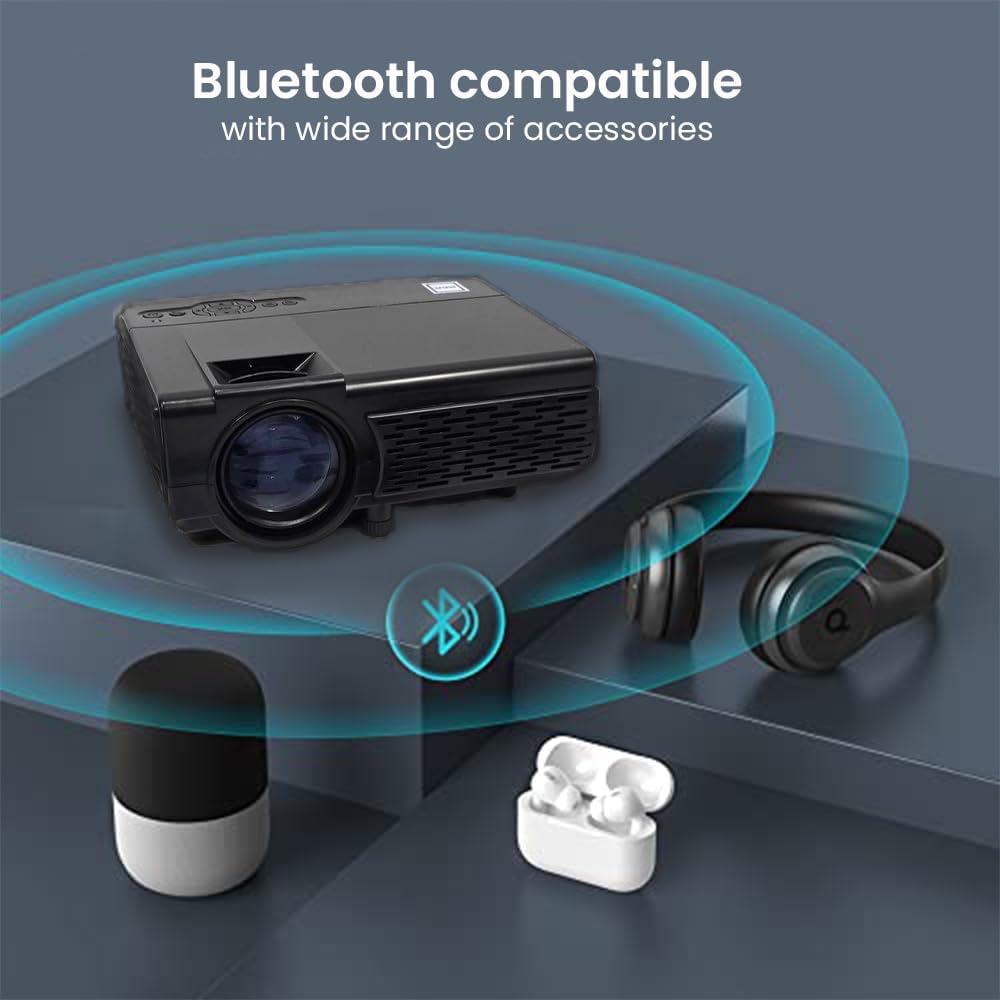
- Pastikeun alat audio Bluetooth anjeun aya dina modeu papasangan.
- Access the Bluetooth settings menu on the projector.
- Pilih alat audio anjeun tina daptar alat anu sayogi kanggo dipasangkeun.
6.5 Projection Environment
The RCA RPJ107 is suitable for various viewing environments, from indoor home theaters to outdoor movie nights.

7. Pangropéa
- Ngabersihan lensa: Use a soft, lint-free cloth specifically designed for optical lenses to gently wipe the projector lens. Do not use abrasive cleaners or cloths.
- Ngaleungitkeun lebu: Bersihkeun liang ventilasi proyéktor sacara rutin nganggo sikat lemes atanapi hawa anu dikomprés pikeun nyegah ngumpulna lebu, anu tiasa mangaruhan kinerja sareng umur pakai.
- Panyimpenan: When not in use, store the projector in a cool, dry place, away from direct sunlight and extreme temperatures. Use the lens cover to protect the lens from dust and scratches.
8. Cara ngungkulan
| Masalah | Mungkin Cukang lantaranana | Solusi |
|---|---|---|
| Henteu aya gambar dina layar | Projector not powered on; Incorrect input source selected; Input cable loose or faulty. | Ensure power is connected and unit is on; Select correct input source (HDMI, AV, etc.); Check cable connections. |
| Gambar kabur | Fokus teu disaluyukeun; Keystone teu disaluyukeun; Proyéktor deukeut teuing/jauh teuing ti layar. | Adjust the focus ring; Adjust the keystone knob; Reposition the projector for optimal distance. |
| Taya sora | Volume too low; Mute function active; External audio device not connected or paired correctly. | Increase volume; Disable mute; Ensure Bluetooth audio device is paired or external speakers are connected properly. |
| Kadali jauh teu jalan | Batteries low or incorrectly inserted; Obstruction between remote and projector. | Replace batteries (2 AA); Ensure clear line of sight to the projector's IR receiver. |
9. Spésifikasi
| Fitur | Rincian |
|---|---|
| merek | RCA |
| Nomer modél | RPJ107 |
| Résolusi Tampilan (Asli) | 800 x 480 |
| Resolusi Input Dirojong | Up to 1080p via HDMI |
| Caang Bodas | 33 Lumén |
| Ukuran proyéksi | 30 - 150 inches (Recommended: 37 - 100 inches) |
| Téhnologi konektipitas | Bluetooth 4.2 (Audio only), HDMI (x2), AV, USB, VGA, TF/MicroSD Card Slot |
| Tipe Speaker | Diwangun-Di |
| Diménsi Produk (P x L x T) | 7.9 x 6.1 x 3.3 inci |
| Item Beurat | 3 pon |
| Warna | Hideung |
10. Garansi jeung Rojongan
This RCA RPJ107 projector is offered as an Amazon Renewed product. For specific warranty details, return policies, or technical support, please refer to the terms and conditions provided by the Amazon Renewed program or contact the seller directly. Keep your purchase receipt for any warranty claims.


