Bubuka
This manual provides essential information for setting up, operating, and maintaining your LG NanoCell 80 Series 50" 4K Smart TV (Model 50NANO80UPA). Please read this manual thoroughly before using the product to ensure safe and optimal performance.

Hareupeun view of the LG NanoCell 80 Series 50" 4K Smart TV.
Disetél
1. Unboxing jeung Eusi Paket
Carefully remove the TV and all components from the packaging. Ensure all items listed below are present.

Image showing the TV dimensions and included accessories: 50" TV with Stand, User Manual, Power Cable, and LG Magic Remote.
- LG NanoCell 80 Series 50" 4K Smart TV
- Jauh Sihir
- Batré Kadali Jauh (AA)
- Kabel Daya
- Gancang Mimitian Guide
- E-Manual (digital)
2. Instalasi fisik
Install the TV on a stable surface using the provided stand or mount it on a wall using a compatible VESA wall mount (sold separately). Refer to the Quick Start Guide for detailed stand assembly instructions.
Ukuran (L x W x H):
- Without stand: 44.1 x 25.7 x 1.9 inches
- With stand: 44.1 x 28.3 x 10.1 inches
- Stand footprint: 37.2 x 2.6 x 8.2 inches
3. Konektipitas
Connect your external devices to the TV using the available ports. The TV supports various connectivity options including HDMI, USB, Ethernet, and Wi-Fi.

Tukangeun view of the TV highlighting the various input ports for external devices.
- Input HDMI (HDCP 2.2): 4 (sisi)
- Saluran Balik Audio HDMI (ARC): eARC (HDMI 2)
- Port USB (v 2.0): 1 (tukang) / 1 (sisi)
- Input Sambungan RF (Antenna/Kabel): 1 (Rear, RF)
- Input Ethernet: 1 (tukang)
- Kaluaran Audio Digital (Optik): 1 (tukang)
- Standar Wi-Fi: Wi-Fi Certified 802.11ac
- Rojongan Bluetooth: Vérsi 5.0
4. Daya Awal Hurung
Connect the power cable to the TV and a wall outlet. Press the power button on the remote control or the TV to turn it on. Follow the on-screen instructions for initial setup, including language selection, network connection, and channel scanning.
Ngoperasikeun TV Anjeun
1. Using the Magic Remote
The LG Magic Remote provides intuitive control over your TV. It features a motion-sensing pointer, scroll wheel, and dedicated buttons for popular streaming services. Point the remote at the screen to move the cursor, or use the directional pad for navigation.
The LG Magic Remote, designed for easy navigation and control.
2. Modeu Gambar
Optimalkeun anjeun viewing experience by selecting the appropriate picture mode. Access picture settings via the Magic Remote to choose from various presets:
- Vivid: Ningkatkeun kacaangan sareng kajelasan pikeun gambar anu dinamis.
- APS (Auto Power Save): Adjusts settings to reduce power consumption.
- Bioskop: Optimizes picture for movie viewing, providing a more cinematic feel.
- Kaulinan: Ngurangan lag input pikeun pangalaman kaulinan anu langkung lancar.
- Modeu Filmmaker: Preserves the original aspect ratios, colors, and frame rates of content, allowing you to experience movies as the director intended.
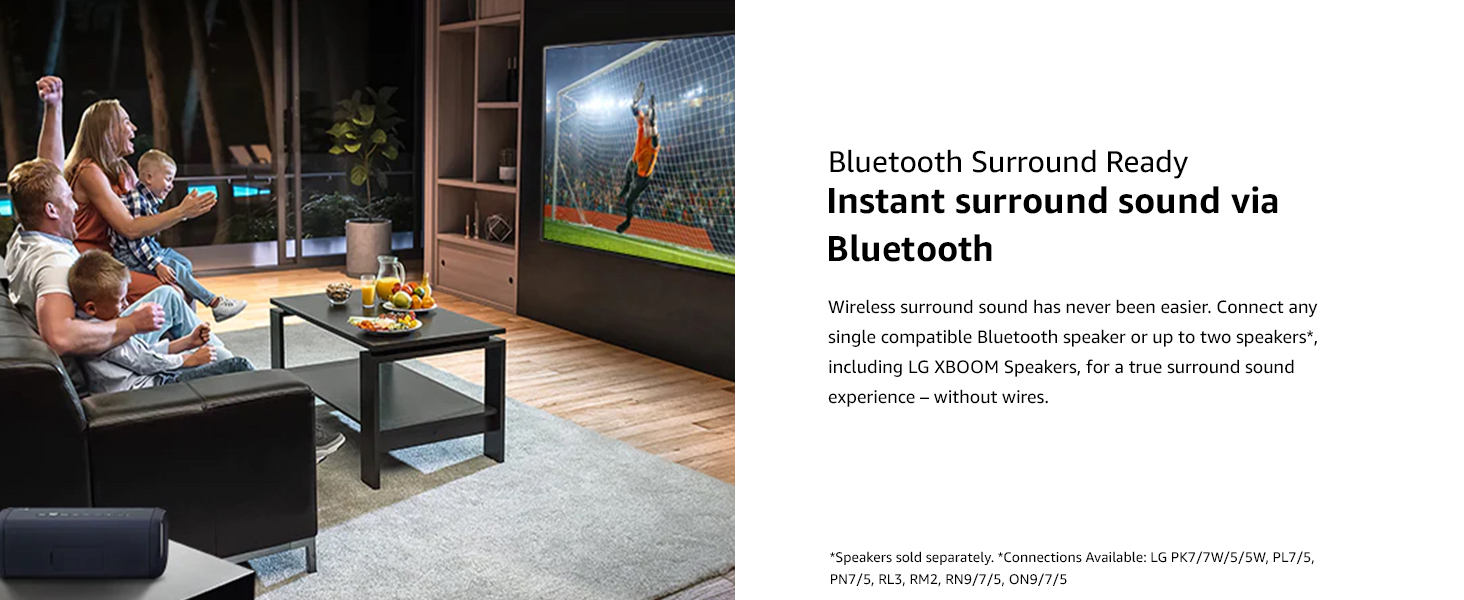
Filmmaker Mode ensures content is displayed as intended by the creators.
3. Smart TV Features (ThinQ AI)
Your LG NanoCell TV is equipped with ThinQ AI, allowing you to control your TV and other smart home devices using voice commands. It also integrates with Google Assistant and Alexa.
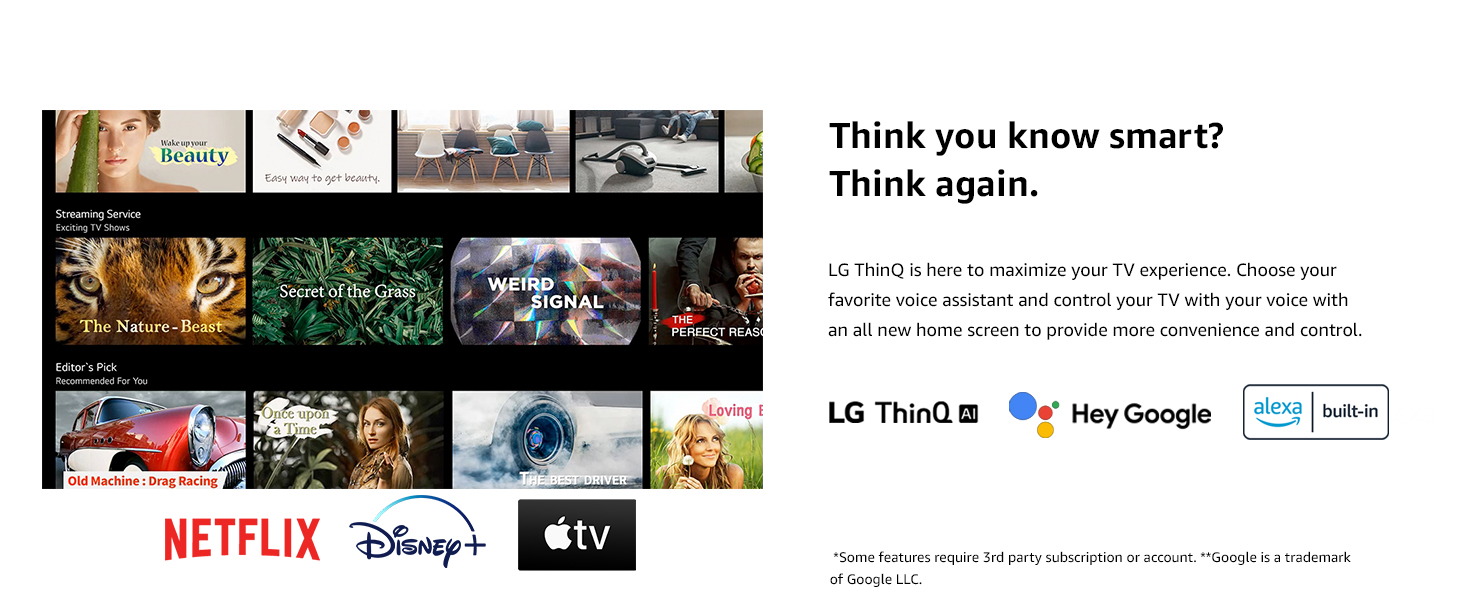
LG ThinQ AI provides smart control and integration with voice assistants.
Access popular streaming services like Netflix, Prime Video, Apple TV+, Disney+, Hulu, Vudu, and YouTube directly from your TV's home dashboard.
4. Enhanced Picture Quality with Quad Core Processor 4K
The Quad Core Processor 4K enhances contrast, color, and black levels, providing a smooth and crisp viewing experience. It also features noise reduction, dynamic color, and 4K upscaling for non-4K content.
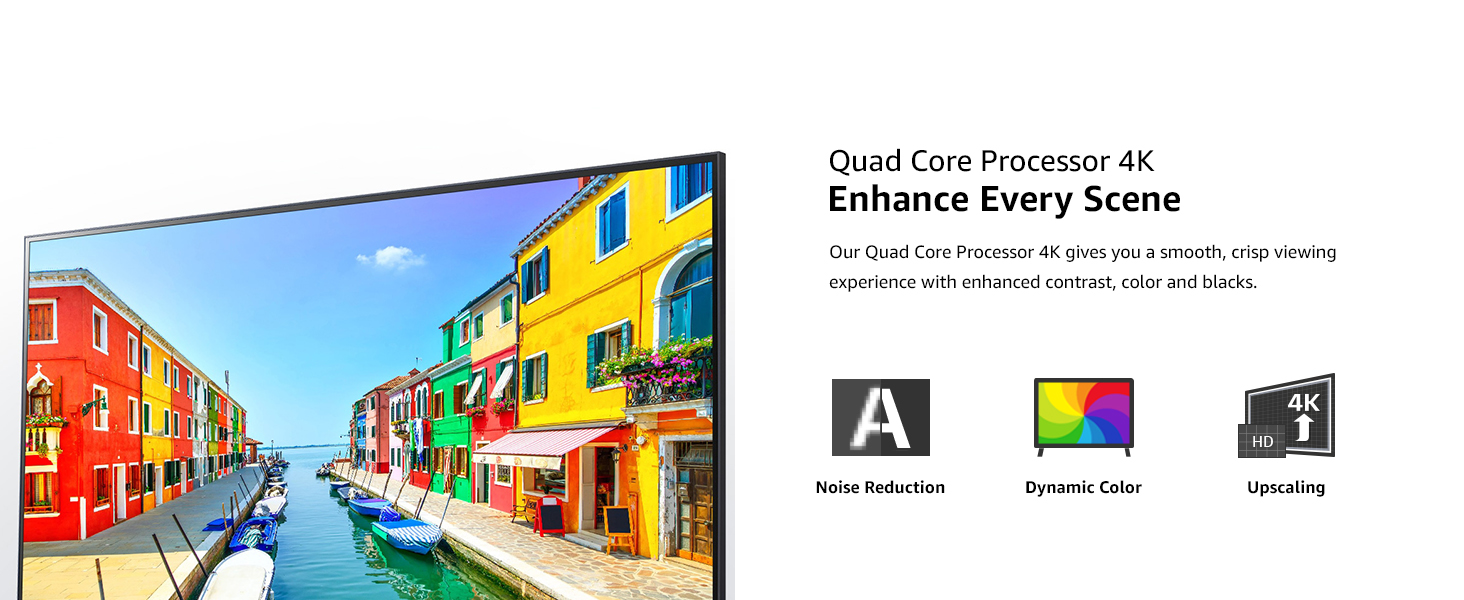
The Quad Core Processor 4K improves image quality with noise reduction, dynamic color, and upscaling.
5. Fitur kaulinan
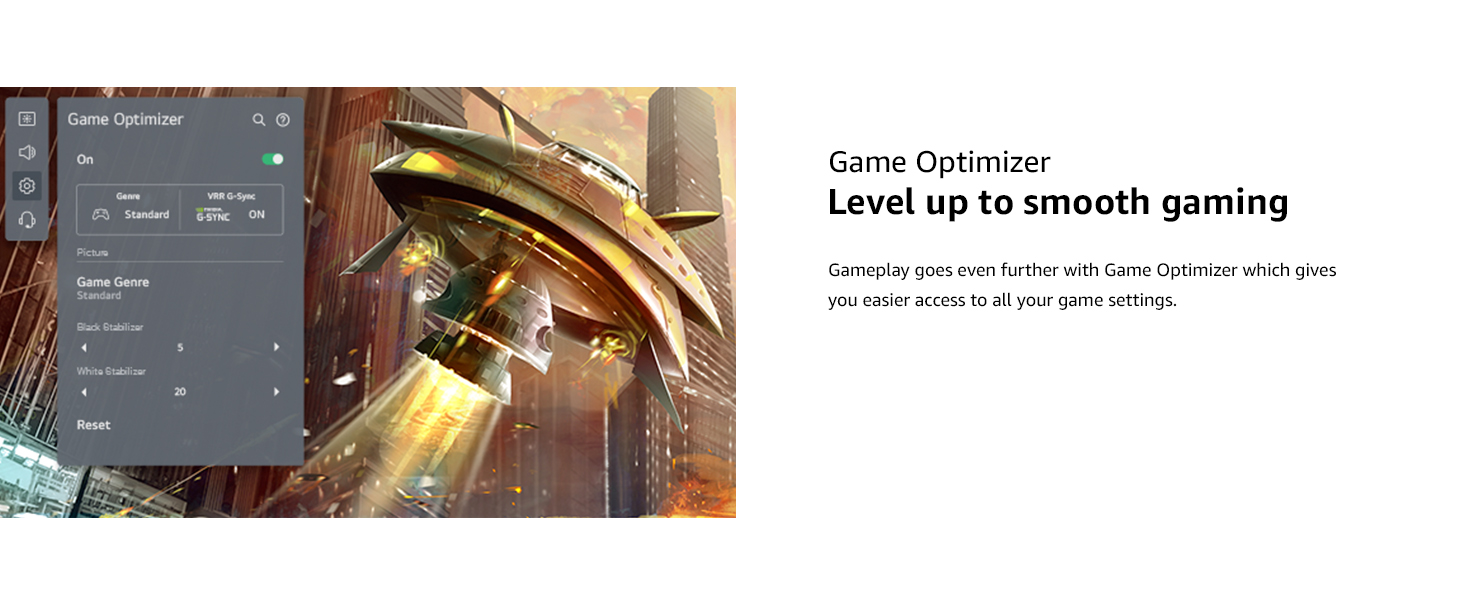
For gamers, the TV includes Game Optimizer, which provides easy access to game settings, Auto Low-Latency Mode (ALLM), and dynamic gaming with HGiG for an optimized gaming experience.
Game Optimizer provides quick access to settings for an improved gaming experience.
6. Audio Settings and Bluetooth Surround
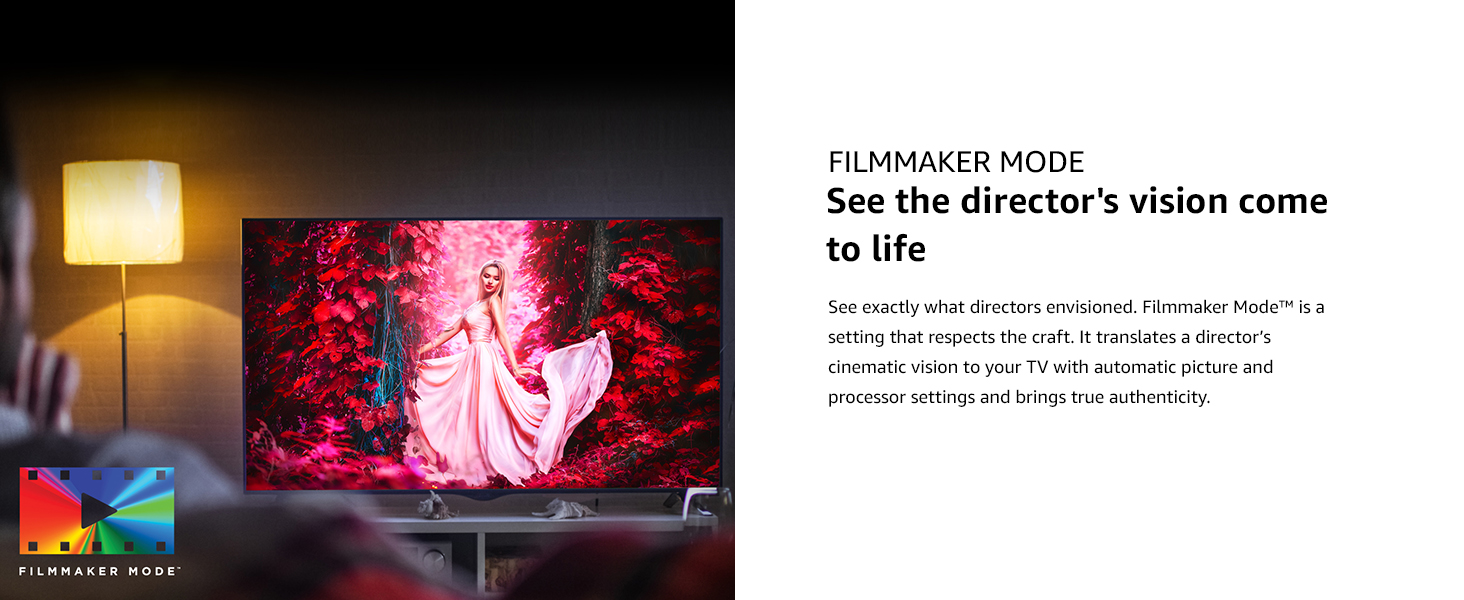
The TV features built-in speakers. You can also connect compatible Bluetooth speakers for a wireless surround sound experience. Refer to the TV's sound settings menu to configure audio output.
Connect compatible Bluetooth speakers for an immersive surround sound experience.
Pangropéa
1. Ngabersihan TV
- Sok cabut TV samemeh beberesih.
- Use a soft, dry cloth to wipe the screen and exterior surfaces.
- Pikeun tanda pengkuh, enteng dampen the cloth with water or a specialized screen cleaner (ensure it's safe for TV screens). Do not spray liquid directly onto the screen.
- Ulah make cleaners abrasive, lilin, atawa pangleyur.
2. Apdet parangkat lunak
Periodically check for software updates to ensure your TV has the latest features and performance improvements. You can usually find this option in the TV's settings menu under "Support" or "About This TV."
Pamérésan masalah
Upami anjeun ngalaman masalah sareng TV anjeun, tingali solusi umum di handap ieu sateuacan ngahubungi dukungan.
| Masalah | Solusi anu mungkin |
|---|---|
| Taya kakuatan | Ensure the power cable is securely connected to the TV and a working electrical outlet. Check if the outlet has power. |
| Henteu aya gambar, tapi aya sora | Pariksa sumber input. Pastikeun alat éksternal disambungkeun sareng dihurungkeun kalayan leres. Cobi kabel HDMI anu sanés. |
| Henteu aya sora, tapi aya gambar | Check the volume level and mute status. Verify audio output settings in the TV menu. Ensure external audio devices are connected correctly. |
| Kadali jauh teu jalan | Replace the batteries. Ensure there are no obstructions between the remote and the TV. Re-pair the Magic Remote if necessary (refer to the Quick Start Guide). |
| Masalah sambungan Wi-Fi | Restart your router and modem. Reconnect to the Wi-Fi network from the TV's settings. Ensure the TV is within range of your Wi-Fi signal. |
spésifikasi
| Fitur | Rincian |
|---|---|
| merek | LG |
| Nomer modél | 50NANO80UPA |
| Ukuran layar | 50 inci |
| Téknologi tampilan | LED (NanoCell) |
| Resolusi | 4K (3840 x 2160) |
| Refresh Laju | 60 Hz |
| Prosesor | Prosesor Quad Core 4K |
| Fitur husus | Active HDR, HDR10, HLG, Filmmaker Mode, Game Optimizer, HGiG, Auto Low Latency Mode, LG App Store, Gallery Mode, Home Dashboard, Sports Alert, ThinQ AI, Google Assistant Built-in, Alexa Built-in |
| Tipe Speaker | Diwangun-Di |
| Téhnologi konektipitas | Wi-Fi (802.11ac), Bluetooth (v5.0), HDMI (4 ports, eARC on HDMI 2), USB (2 ports), Ethernet, Optical Digital Audio Out |
| Dirojong jasa Internét | Hulu, Netflix, Prime Video, Vudu, YouTube, Apple TV+, Disney+ |
| Ukuran produk (kalayan stand) | 44.1 x 10.1 x 28.3 inci |
| Item Beurat | 31.7 pon |
| Voltage | 240 Volt (AC) |
Garansi sareng Rojongan
Kanggo inpormasi garansi sareng dukungan téknis, mangga tingali kartu garansi anu kalebet dina produk anjeun atanapi kunjungi kantor cabang resmi LG. website. You can also contact LG customer service for assistance with product registration, troubleshooting, and service requests.
Sumberdaya Online:
- LG Resmi Websitus: www.lg.com
- Customer Support: Refer to the contact information provided in your Quick Start Guide or on the LG websitus.