1. Bubuka
The Strymon Mini Switch is a versatile accessory designed to expand the functionality of your Strymon guitar effects pedals. It provides convenient control over various pedal features, including recalling presets, setting tap tempos, and activating specific modes like Boost or Freeze/Infinite, depending on the connected pedal.
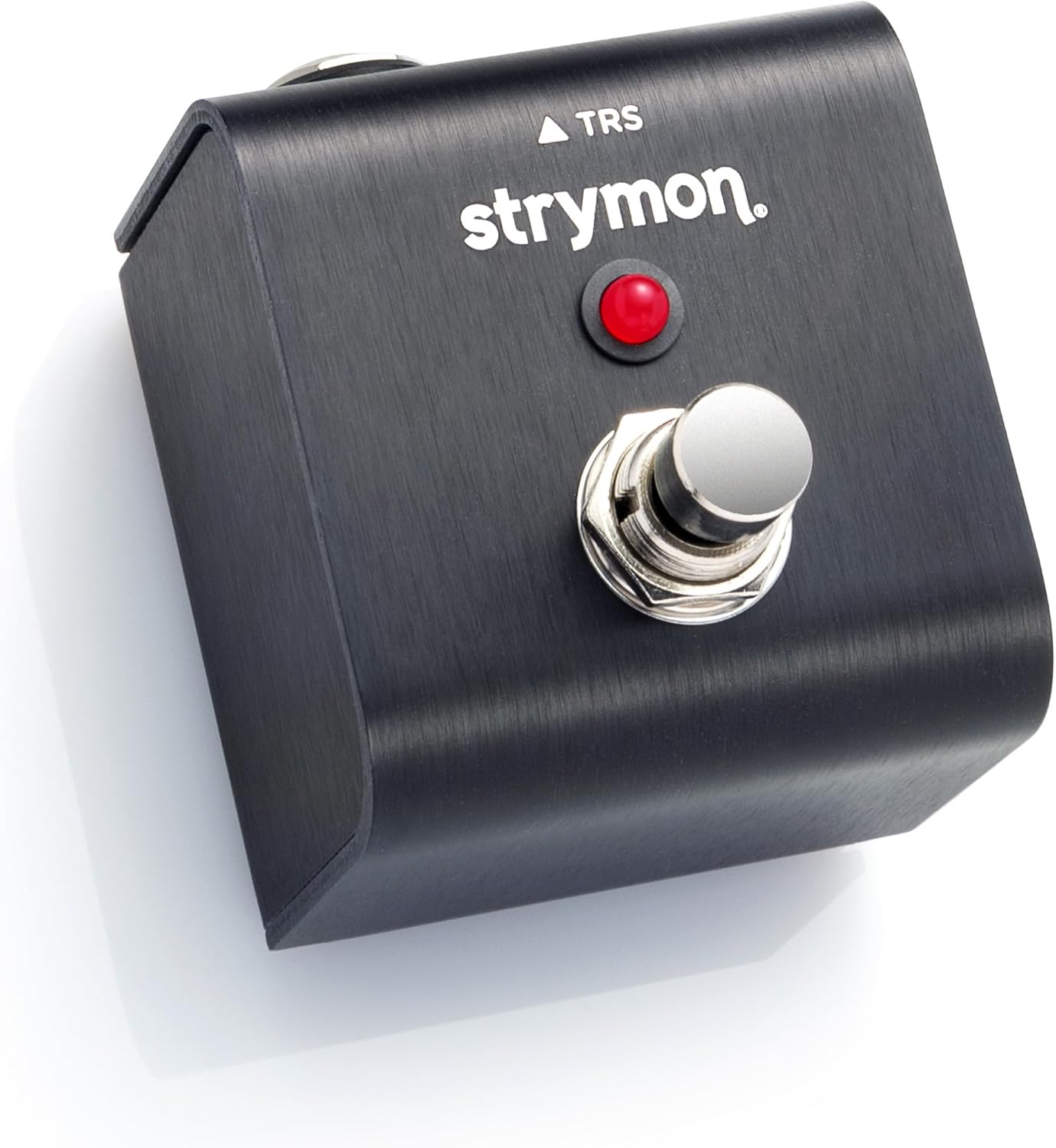
Figure 1.1: The Strymon Mini Switch, a compact and durable footswitch.
This manual provides detailed instructions for setting up, operating, and maintaining your Mini Switch to ensure optimal performance and compatibility with your Strymon pedals.
2. Setélan
Setting up your Strymon Mini Switch is a straightforward process. Follow these steps to integrate it with your compatible Strymon pedal:
- Set MiniSwitch to Tap or Fav Mode: The Mini Switch ships in Fav (Favorite) mode. To switch to Tap mode, open the back panel and adjust the internal jumper. Refer to the diagram below for jumper placement.
- Connect MiniSwitch: Use the included TRS (Tip-Ring-Sleeve) cable to connect the Mini Switch to the EXP (Expression) jack of your desired Strymon pedal. Ensure the connection is secure.
- Configure Your Pedal: Set your pedal's EXP jack to the specific functionality you wish the Mini Switch to control. This configuration is done on the pedal itself. Consult your specific Strymon pedal's user manual for detailed instructions on configuring its EXP jack for external footswitch control.


3. Modeu Operasi
The Strymon Mini Switch offers two primary operating modes: Favorite (Fav) Mode and Tap Mode. Additionally, it can activate specific pedal functions like Boost or Freeze/Infinite depending on the connected Strymon pedal.
3.1. Favorite (Fav) Mode
In Fav mode, the Mini Switch allows you to instantly recall a saved 'Favorite' setting on compatible pedals. This enables seamless switching between a preset and the current knob positions on your pedal, effectively giving you two distinct sounds at the press of a button.

Compatible Pedals for Fav Mode:
- blueSky V2
- Brigadier
- Cloudburst
- Compadre
- Deco
- Deco V2
- GEDE
- DIG V2
- El Capistan
- El Capistan V2
- Flint V2
- Iridium
- Lex
- Lex V2
- Sisi walungan
- Panonpoé surup
- Zelzah
3.2. Tap Mode
In Tap mode, the Mini Switch functions as a remote tap tempo control for compatible pedals. This allows you to set the tempo of time-based effects from a convenient location on your pedalboard, without needing to reach for the pedal itself.
Compatible Pedals for Tap Mode:
- BigSky
- Deco V2
- GEDE
- DIG V2
- El Capistan
- Flint
- Flint V2
- Lex V2
- Mobius
- TimeLine
- Volante
- Zelzah
3.3. Special Functions (Boost Mode, Freeze/Infinite Mode)
The Mini Switch can also activate specific functions on certain pedals:
- Boost Mode (Riverside): When connected to a Strymon Riverside pedal, the Mini Switch can be configured to activate a +6dB boost, providing an instant volume and gain increase for solos or emphasis.
- Freeze/Infinite Mode (Cloudburst): For the Strymon Cloudburst pedal, the Mini Switch can engage the Freeze/Infinite functionality, allowing you to sustain notes indefinitely for ambient textures.

Figure 3.1: The Mini Switch can activate Boost Mode for Riverside and Freeze/Infinite Mode for Cloudburst.
4. Spésifikasi
Below are the technical specifications for the Strymon Mini Switch:
| Fitur | Spésifikasi |
|---|---|
| merek | Strymon |
| Modél | Mini Pindah |
| Tipe Pamasangan | Permukaan Gunung |
| Bahan | Plastic (Housing), Aluminum (Top Material) |
| Terminal | Fisik |
| Operasi Voltage | 9 Volts (DC) - Note: No external power supply needed for Mini Switch itself; powered by connected pedal. |
| Modeu Operasi | ON-OFF-ON (via internal jumper for Fav/Tap) |
| Tipe Panyambung | 1/4" TRS Cable (included) |
| Format Sinyal | Analog |
| Ngaran Warna | Hideung |
| Item Beurat | 7.5 ons (kira-kira 212 gram) |
| Dimensi produk | 7.8 x 2.65 x 2.4 inci (kira-kira 19.8 x 6.7 x 6.1 cm) |
| UPC | 852636007607 |
| Tanggal Kahiji Sadia | 17 April 2023 |
5. Pangropéa
To ensure the longevity and proper functioning of your Strymon Mini Switch, follow these simple maintenance guidelines:
- beberesih: Use a soft, dry cloth to wipe down the exterior of the Mini Switch. Avoid using abrasive cleaners, solvents, or excessive moisture, as these can damage the finish or internal components.
- Panyimpenan: When not in use, store the Mini Switch in a dry environment, away from extreme temperatures, humidity, and direct sunlight.
- Sambungan: Periodically check the TRS cable and its connections for any signs of wear or damage. A faulty cable can lead to intermittent operation.
6. Cara ngungkulan
If you encounter any issues with your Strymon Mini Switch, consider the following troubleshooting steps:
- Teu aya réspon ti Pedal:
- Ensure the TRS cable is securely connected to both the Mini Switch and the EXP jack of your Strymon pedal.
- Verify that the Mini Switch is set to the correct mode (Fav or Tap) via its internal jumper for the desired functionality.
- Confirm that your Strymon pedal's EXP jack is correctly configured to respond to the Mini Switch. Refer to your pedal's specific user manual for EXP jack settings.
- Test with a different TRS cable to rule out a faulty cable.
- Fungsi anu salah:
- Double-check the internal jumper setting on the Mini Switch to ensure it matches the intended mode (Fav or Tap).
- Review your Strymon pedal's manual to confirm the correct EXP jack configuration for the desired Mini Switch function (e.g., Favorite recall, tap tempo, boost, freeze).
- Operasi intermittent:
- Check for loose connections at both ends of the TRS cable.
- Inspect the TRS cable for any visible damage or kinks. Replace if necessary.
If these steps do not resolve the issue, please contact Strymon customer support for further assistance.
7. Garansi jeung Rojongan
Strymon products are designed and built with high-quality components and craftsmanship. For information regarding the warranty policy for your Mini Switch, please refer to the warranty documentation included with your purchase or visit the official Strymon websitus.
For technical support, product inquiries, or service requests, please visit the Strymon support page on their official website or contact their customer service department directly. When contacting support, please have your product model (Mini Switch) and any relevant purchase information ready.


